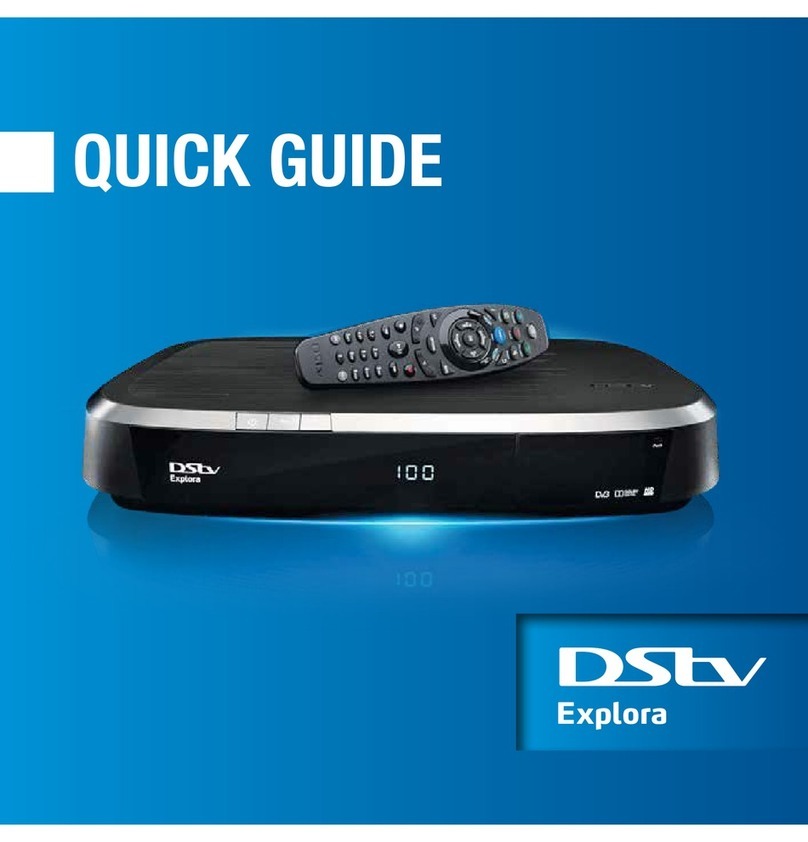
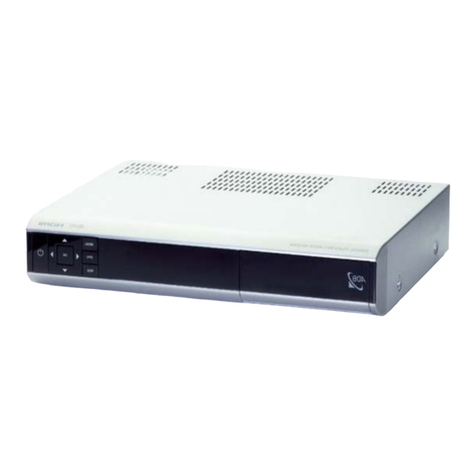
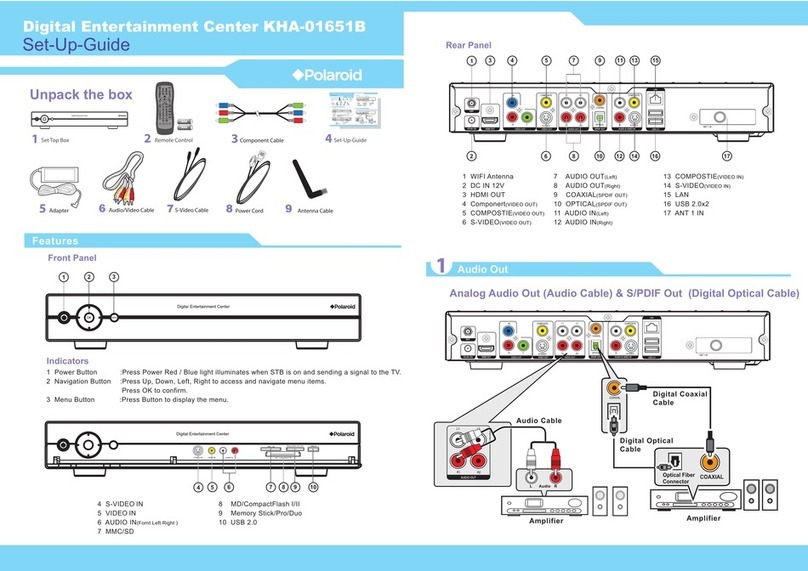
iPush Technology ITV38 User manual

1
Android TV Box Manual
《Fast usage instruction》

2
Content
Power on
1. Connect power
Outer connection equipment
2. Connect television
3. Connect mouse
Use
4. Connect internet
5. Fix resolution of the screen
6. Fix voice
7. Copy files
8. Install and delete the apps
Update software

3
Power on
Connect power
1. Put the power supply into the jack
2. Connect one head of the USB into power supply, and the
other into the Micro USB interface of the Android TV Box
Manual
3. The Android TV Box Manualcan begin to work normally
4. Wait until the Android TV Box Manualtotally powered on, the
TV screen will show the primary desktop(see below picture)

4
If it does not work, please check the connection of the power or
the connection of the HMDI cable between the HDMI jack of
the TV and the HDMI port of theAndroid TV Box Manual
Outer connection equipment
Connect television
1. Put the Android TV Box ManualHDMI plug into the TV's
HDMI jack. Or use the HDMI wire to connect the TV and
Android TV Box.
2. Turn on TV, find the TV program menu with the monitor and
select the corresponding HDMI of the "signal origin". (Refer to
the TV instruction for the detailed information)
Connect mouse
1. The mouse is used to control Mini Pc .It is the same usage as
it is used with a computer. An ordinary wired mouse is enough.
Or a standard 2.4G wireless mouse is OK. Connecting the
mouse with Android TV Box ManualUSB.
Note: After normally power on, click the mouse once on the
left (not twice) to run the program or select on the menu.
5
Use
Connect internet
Android TV Box Manualis equipped with Wi-Fi. It is can be
connected to the Internet through Wi-Fi. For the first use, set the
Wi-Fi wireless net.
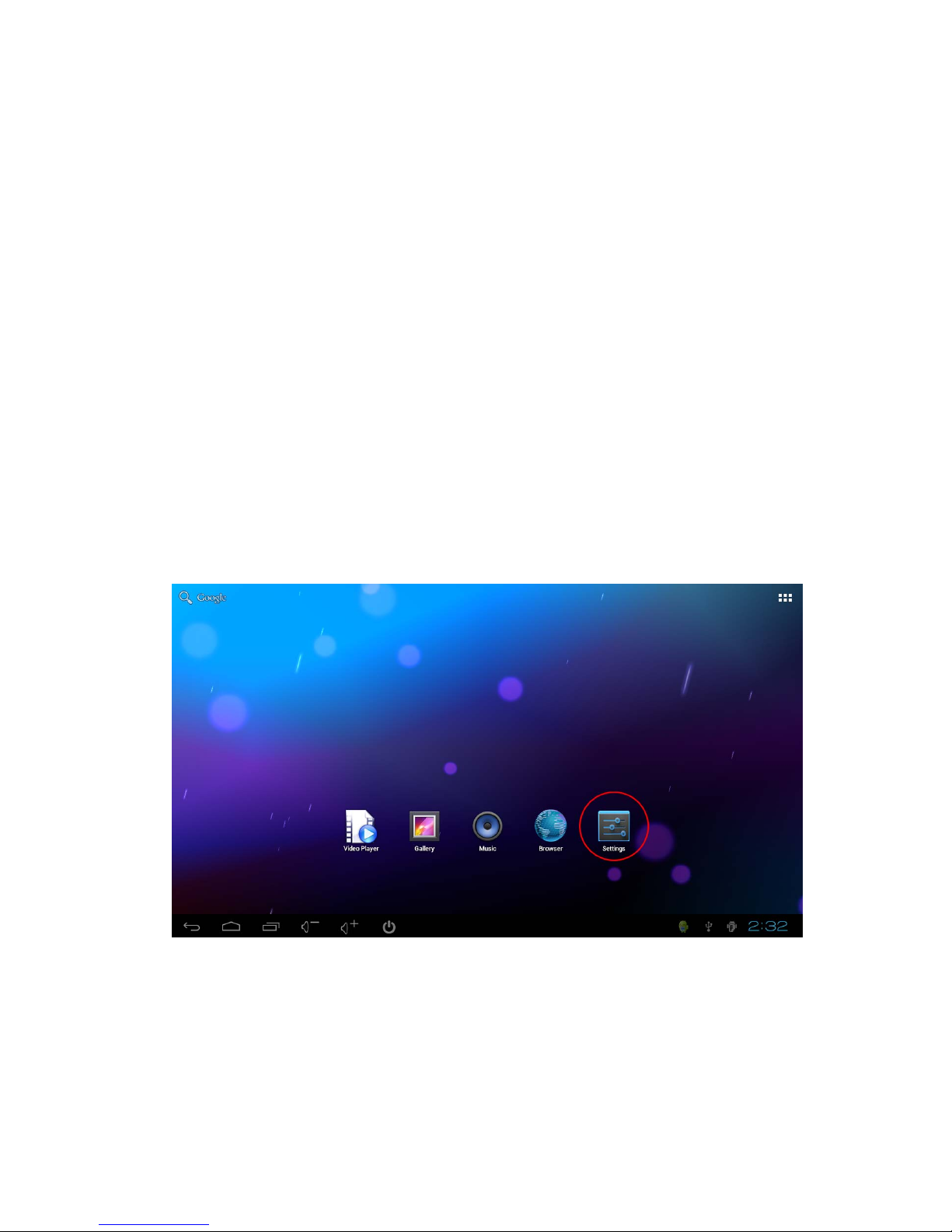
1. Click "Setting" once.

6
2. In the menu‘Setting->Wi-Fi’, select Wi-Fi, choose Wi-Fi
router name,
7
3. After keying in the code (if there is), select "Connection" to
finish connection. The Wi-Fi icon will appear after finishing all
the actions.
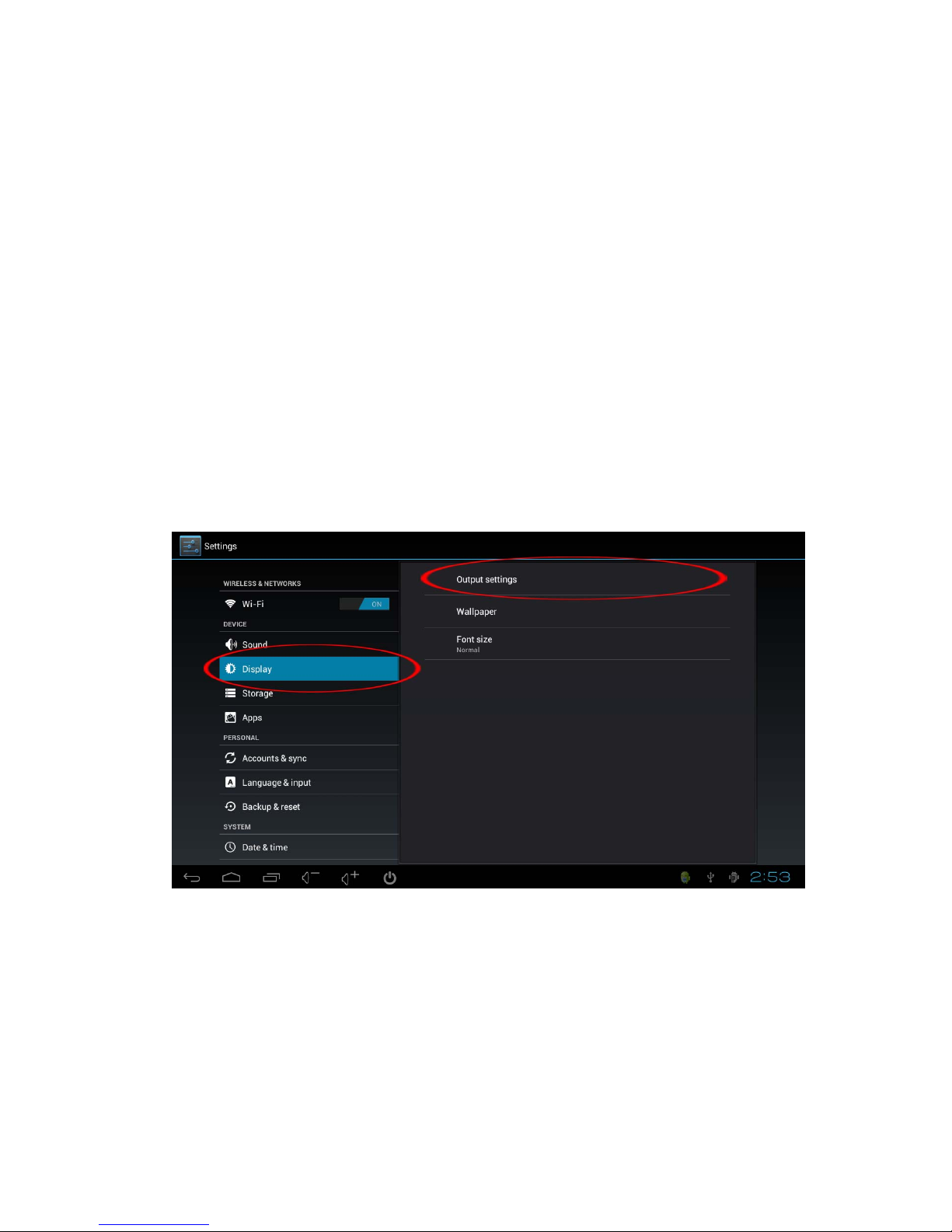
Fix resolution of the screen
If the HDMI output of TV screen is not complete, entering
"Display-output settings" and fix the resolution of the screen by
mouse. Entering "output settings-Resolution", and set it as
automatic selection.

8
Fix voice
Click the mouse once on the voice icon to up and down the
voice.

9
Copy files (connect with the computer)
1. Insert the Android TV Box ManualUSB wire into computer
USB, wait it to power on.
2. Click the mouse on the right below corner of the screen, then
the menu appears; click the items in the red circle.
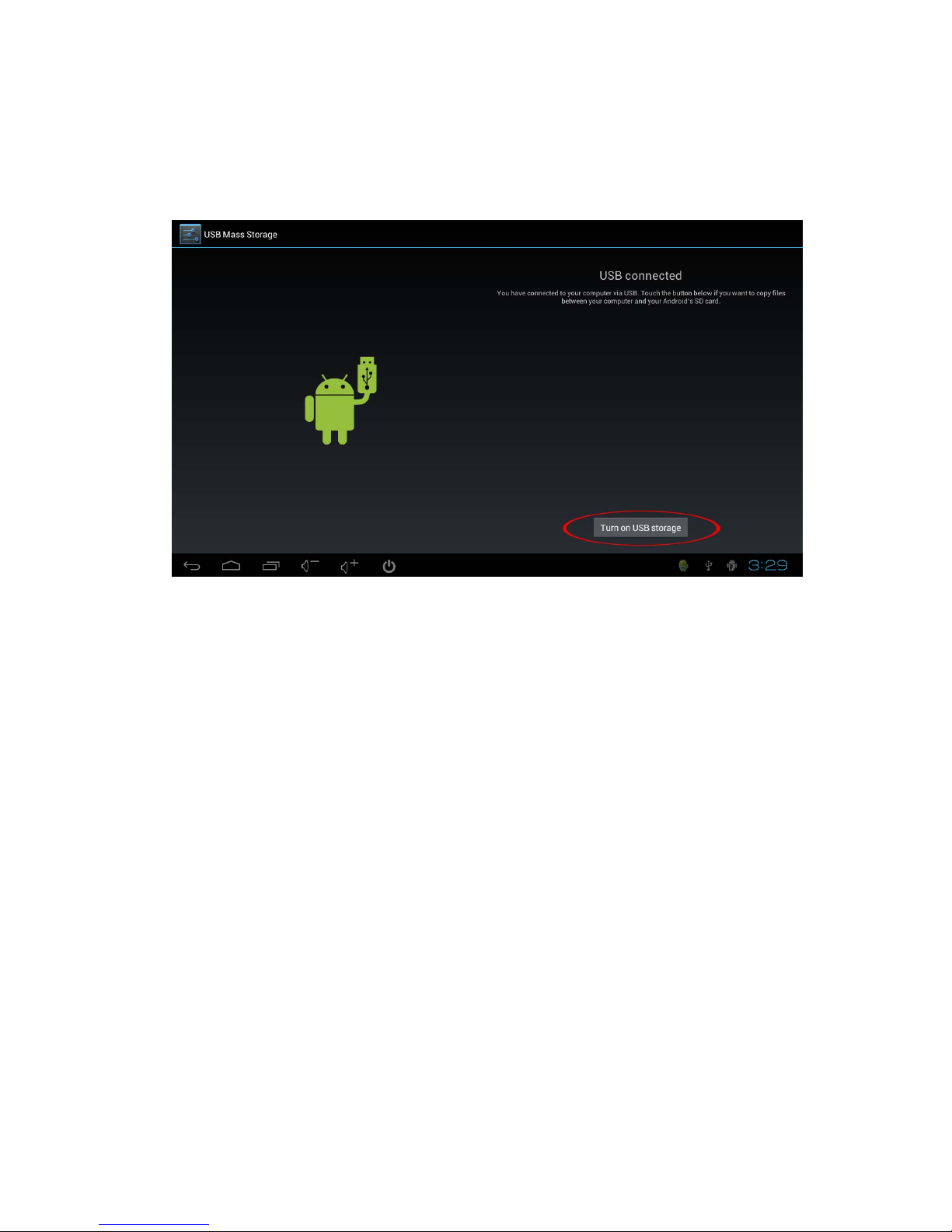
10
3. After the below desktop appears, click the button in the red
circle.
Table of contents