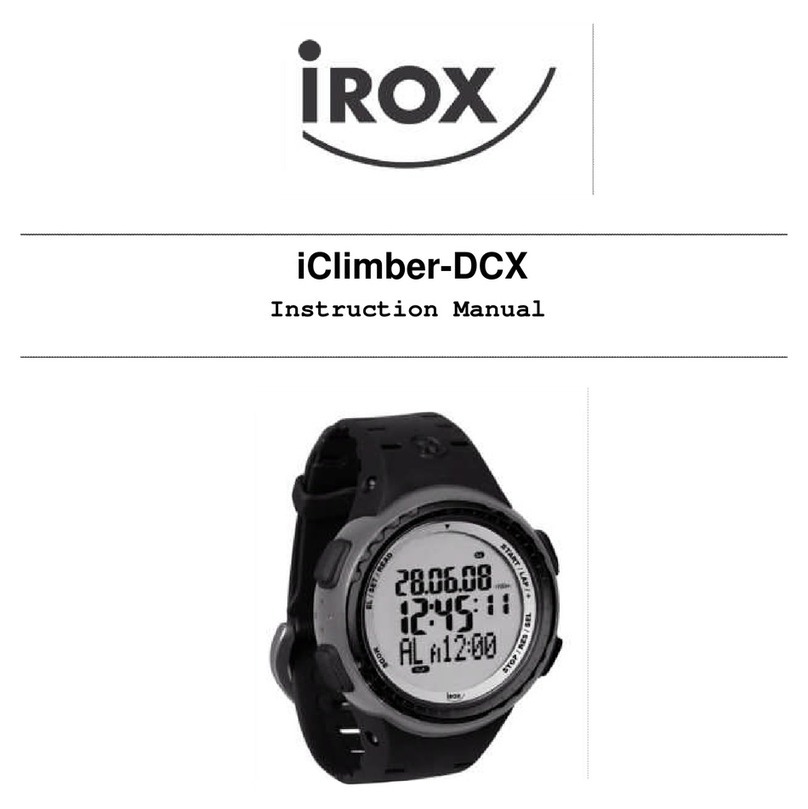
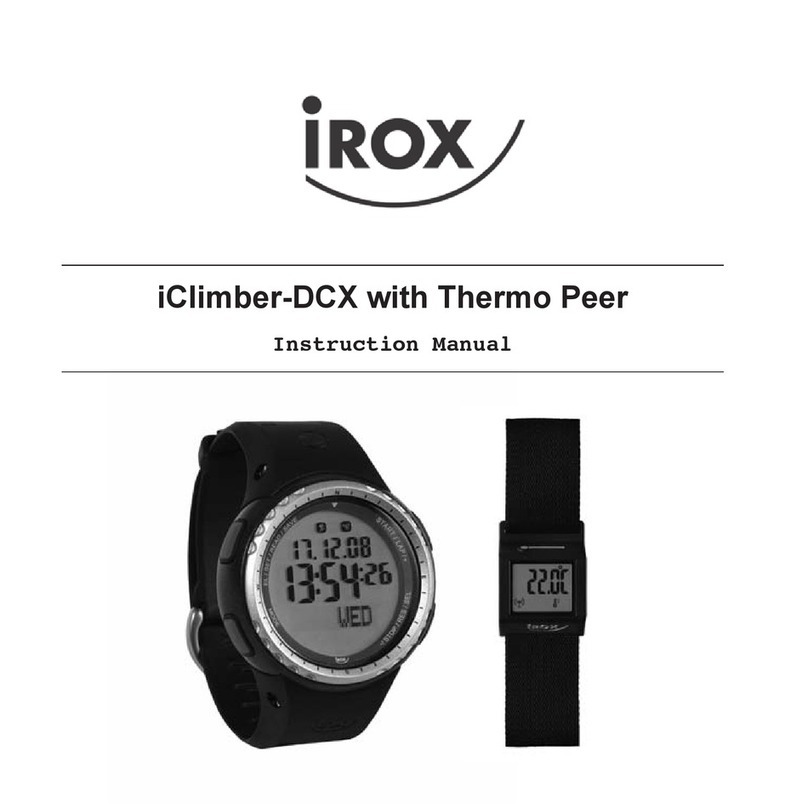
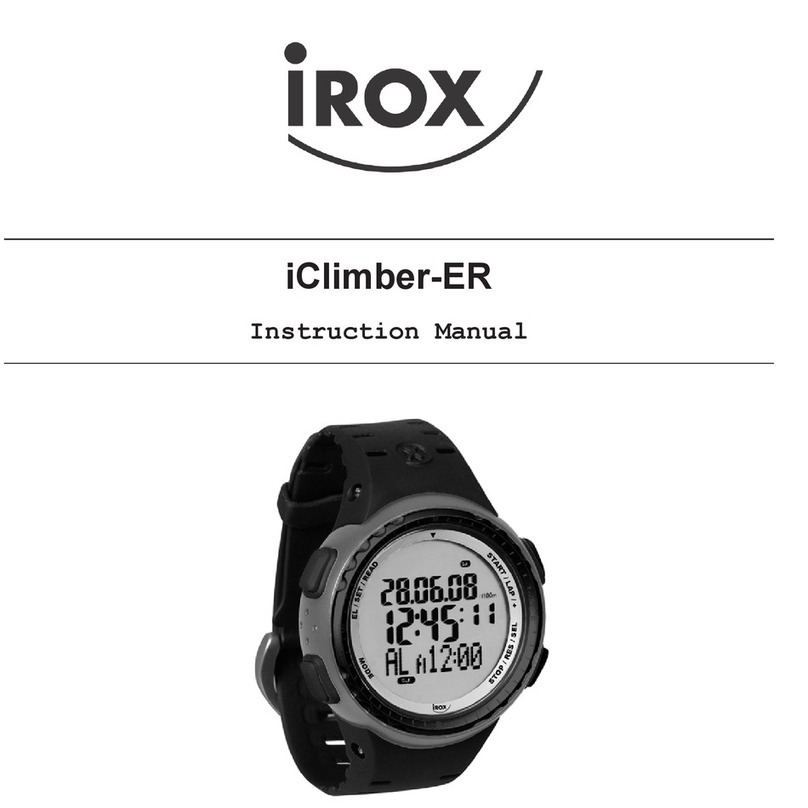
IROX ER User manual
IROX-ER + IROX-XL
Bedienungsanleitung
Mode d¶emploi
Modo di uso
User manual

93
TABLE OF CONTENTS
1. INTRODUCTION page 94
2. BASIC OPERATION OF BUTTONS page 96
3. MODE CHANGE OPERATION page 98
4. TIME MODE page 99
5. COMPASS MODE page 102
6. BAROMETER MODE page 106
7. ALTIMETER MODE page 110
8. ALTIMETER DATA MODE page 112
9. CHRONOGRAPH MODE page 113
10. CHRONOGRAPH DATA MODE page 117
11. ALARM MODE page 119
12. SERVICE page 122
94
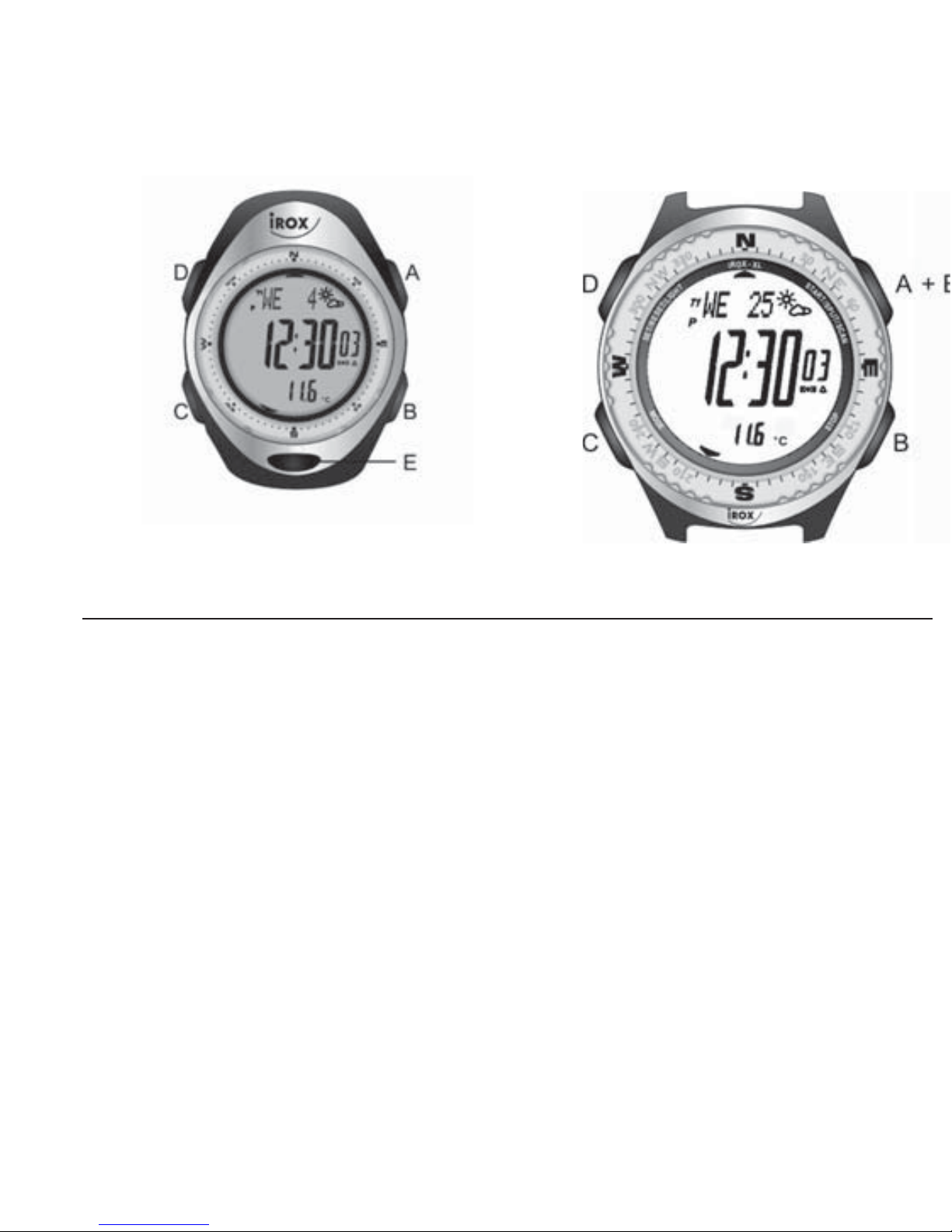
IROX-ER IROX-XL
1 INTRODUCTION
This device is a digital product that provides altimeter, barometer, com-
pass, altimeter data, dual time, chronograph, chronograph data and alarm
functions.
Features:
Altimeter
– 1 meter (or foot) resolution and with working range from –700 meters
(-296 feet) to 9000 meters (29520 feet).
– Graphical expression of changes provided.
– Unit in meters or feet selectable.
– 20 memories with date, time and altitude reading.

95
Barometer
– 1 hPa resolution and with working range from 300 hPa to 1100 hPa.
– Graphical expression of changes provided.
– Both sea level pressure and absolute pressure can be shown.
– Weather forecast.
– Temperature displayed in °F or °C selectable.
Compass
– Electronic compass providing 16 cardinal indications together with bear-
ing in degrees.
– Declination correction provided.
Time
– 2 time modes selectable.
– Presents day of the week, day, hours, minutes and seconds (year and
month can also be set).
– 12/24-hour formats selectable.
– Auto-calendar from 2000 to 2049.
Chronograph
– 1/100-second resolution with working range up to 24 hours.
– 100 memories for lap/split times stored in a maximum of 30 runs.
Alarm
– 2 daily alarms.
– Hourly chime.
Electro-luminescent backlight
– 3 seconds light up EL backlight.

2
BASIC OPERATION OF BUTTONS
A: – SWITCH AMONG DISPLAYS
– TAKE BEARING
– STORE ALTITUDE DATA (PRESS AND HOLD)
– FORWARD SELECTION OF ALTITUDE DATA
– START/LAP OF CHRONOGRAPH
– RETRIEVE DATA IN RUN
– TURN ALARM ON AND OFF
– FORWARD SETTING (SET OR CALIBRATION)
B: – SWITCH BETWEEN NORMAL TIME AND DUAL TIME (PRESS AND
HOLD)
– SWITCH BETWEEN UNITS OF TEMPERATURE (PRESS AND
HOLD)
– SWITCH BETWEEN UNITS OF ALTITUDE (PRESS AND HOLD)
96

97
– REVERSE SELECTION OF ALTITUDE DATA
– STOP CHRONOGRAPH
– STORE CHRONOGRAPH DATA (PRESS AND HOLD)
– SELECT RUN NUMBER
– SWITCH BETWEEN ALARM 1 AND ALARM 2
– REVERSE SETTING (SET OR CALIBRATION)
C: – MODE CHANGE
– DIRECT CHANGE TO TIME MODE (PRESS AND HOLD)
– ADVANCE TO NEXT SETTING (SET OR CALIBRATION)
D: – EL BACKLIGHT
– ENTER SET OR CALIBRATION (PRESS AND HOLD)
– CLEAR DATA (PRESS AND HOLD)
– EXIT (SET OR CALIBRATION)
E: – SWITCH AMONG DISPLAYS
– SWITCH BETWEEN DATE AND ALTITUDE READING DISPLAYS
– SHOW NUMBER OF UNUSED LAP
EL BACKLIGHT
Press D for EL backlight with 3 seconds auto light up.

98
3 MODE CHANGE OPERATION
There are 9 modes: Normal Time, Dual Time, Compass, Barometer, Altime-
ter, Altimeter Data, Chronograph, Chronograph Data and Alarm.
Press C to change from mode to mode, hold down B to switch between
Normal Time mode and Dual Time mode as in the following:
Hold B
NORMAL TIME DUAL TIME
C
COMPASS
C
BAROMETER
C
ALTIMETER
C
ALTIMETER DATA
C
CHRONOGRAPH
C
CHRONOGRAPH DATA
C
ALARM
* At any mode, holding
down C will change to
Time mode directly.

99
4 TIME MODE
Normal Time Dual Time indicator
indicator
AM
PM
Indicator
Indicator
Hold B
Use C to enter Time mode.
* Mode prompt “TIME” is displayed first.
– There are 2 time modes, Normal Time (indicated by T1) and Dual Time
(indicated by T2), and they count up individually with the same second.
– There are 3 displays for time. They are Time, Time with Barometer and
Time with Weather.
– There is an auto-calendar from 2000 to 2049.
To switch between Normal Time and Dual Time
Hold down B until the mode indicator (T1 or T2) stops flashing to switch
between Normal Time mode and Dual Time mode.

To switch among the 3 time displays
Use A or E to switch among the 3 displays for time.
* “TIME”, “BAROMETER” or “WEATHER” is displayed first.
* Graph of sea level pressure is described in BAROMETER MODE.
100
A or E
TIME/BAROMETER TIME/WEATHERTIME
A
or E
A or E
Temperature
Graph of sea
level pressure
Current sea level pressure
Weather indicators
Time
Day of the week Day
Unit indicator
of temperature

101
To set time
1. Hold down D until the hour digits start to flash on the display, which
indicates the setting screen.
2. Use A (+) and B (–) to change the setting. Holding down either button
scrolls the setting at high speed.
3. Press C to advance to the next setting as in the following:
HOUR CMINUTE CSECOND CYEAR
C12/24 H CDAY CMONTH C
* When second digits are flashing, press A or B to reset the digits to 00.
Resetting seconds when the digits are between 00 to 29 will leave the
minute digits unchanged, or between 30 to 59 will increase the minute
digits By one.
* When 12 or 24 is flashing, press A or B to switch between 12- or
24-hour formats. If 12-hour format is chosen, AM or PM indicator will
be shown.
4. Press D to exit the setting screen and day of the week will be adjusted
automatically.
* If there is no button operation for 2-3 minutes at setting screen, the
display will return to Time mode automatically.
This manual suits for next models
3
Table of contents
Other IROX Watch manuals