manuals.online logo
Brands
  1. Home
  2. •
  3. Brands
  4. •
  5. Jameson
  6. •
  7. Work Light
  8. •
  9. Jameson 31-RCSL1 Use and care manual

Jameson 31-RCSL1 Use and care manual

This manual suits for next models

1

Popular Work Light manuals by other brands

Conrad 77 70 78 operating instructions

Conrad

Conrad 77 70 78 operating instructions

EBS Seeberg 1 Operation manual

EBS

EBS Seeberg 1 Operation manual

Pelican 9460 user manual

Pelican

Pelican 9460 user manual

Anslut 425-080 User instructions

Anslut

Anslut 425-080 User instructions

Govee H6071 user manual

Govee

Govee H6071 user manual

LumX INSPEC LED instruction manual

LumX

LumX INSPEC LED instruction manual

LED2WORK TECLED User instructions

LED2WORK

LED2WORK TECLED User instructions

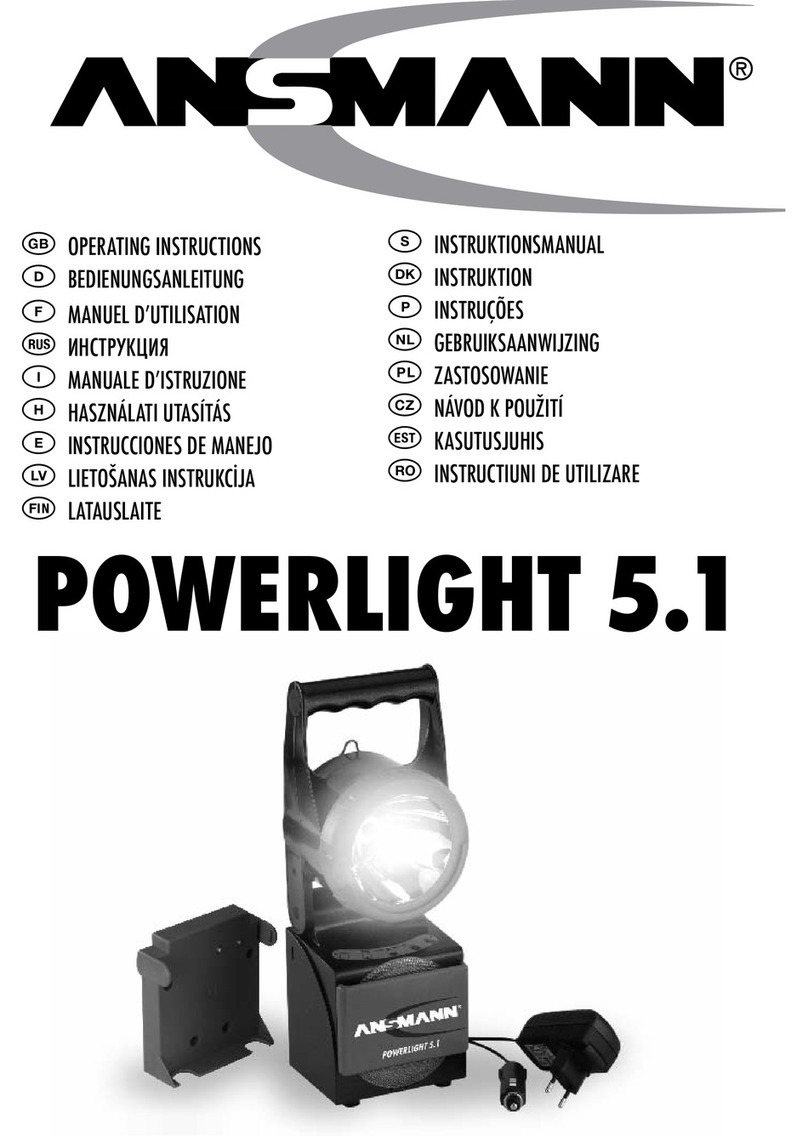
ANSMANN POWERLIGHT 5.1 operating instructions

ANSMANN

ANSMANN POWERLIGHT 5.1 operating instructions

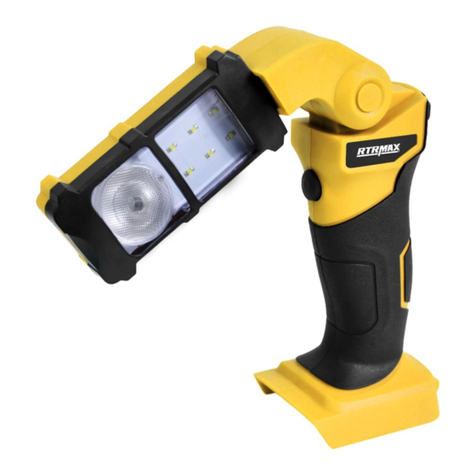
RTRMAX RTX1868 instruction manual

RTRMAX

RTRMAX RTX1868 instruction manual

FeinTech LAL00220 quick start guide

FeinTech

FeinTech LAL00220 quick start guide

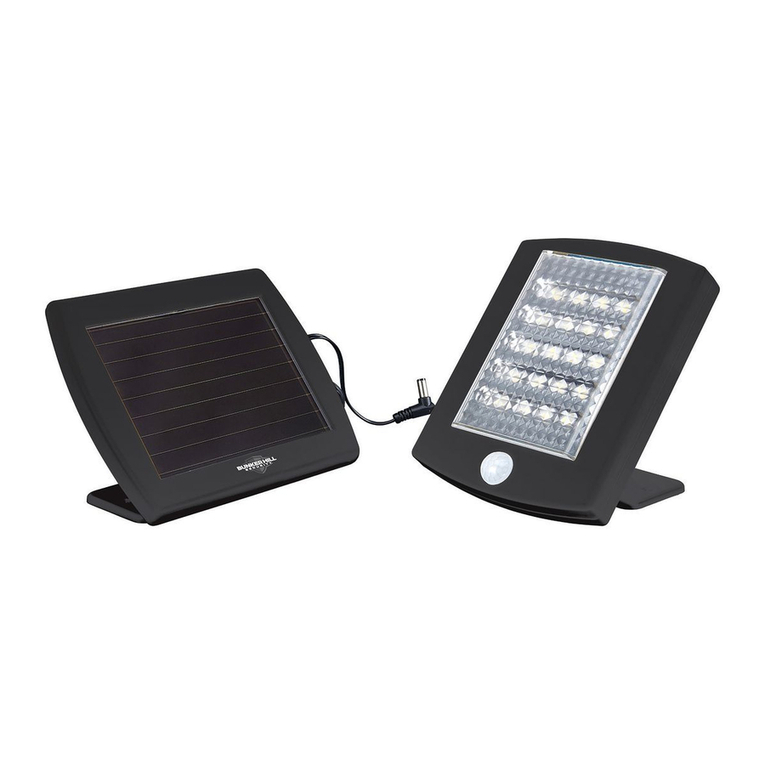
Bunker Hill Security 64735 user manual

Bunker Hill Security

Bunker Hill Security 64735 user manual

Goobay 30450 user manual

Goobay

Goobay 30450 user manual

REV Ritter SPOT Assembly and operating instructions

REV Ritter

REV Ritter SPOT Assembly and operating instructions

Ignition Stagepix Line 100 IP user manual

Ignition

Ignition Stagepix Line 100 IP user manual

SCANGRIP DUO CONNECT manual

SCANGRIP

SCANGRIP DUO CONNECT manual

Bosch GLI 18 V operating instructions

Bosch

Bosch GLI 18 V operating instructions

Bayco SL-1514 instruction manual

Bayco

Bayco SL-1514 instruction manual

EUFAB SMD LED 8+1 operating instructions

EUFAB

EUFAB SMD LED 8+1 operating instructions

manuals.online logo
manuals.online logoBrands
  • About & Mission
  • Contact us
  • Privacy Policy
  • Terms and Conditions

Copyright 2025 Manuals.Online. All Rights Reserved.

JAMESONTOOLS.COM | 800.346.1956
OPERATION AND
SAFETY MANUAL
REMOTE CONTROL TRUCK WORKLIGHT
Designed to provide precision lighting for every occasion
Part Number UPC Description
31-RCSL1 810075961546 Remote control worklight - w/battery
Magnetic Base
Permanent Base
Release Button
Permanent Base
Mounting
Holes
Battery
compartment
Wall Charger Port
Folding Handle
3-Position Switch
Vehicle
Charger Port
Scan QR Code
to learn more
Light Emergency
Flash Function
Light
on/o Button
Movement
Control Buttons
Vehicle Charger Wall Charger
Specifications
LED Light Output
4800 lumens
Color Temperature 6000K
Flash Function 0.5 Hz
Rotation Range 360°
Tilt Range -45° to +45°
Waterproof Rating IP65
Size 8" x 9" x 10"
Weight 7 lbs.
Built-in Battery 10000mAh, 11.1V Li-ion
Battery Life 3 hr (Light only)
RC Battery 23A (qty 2)
RC Range 170' (50m)
JAMESONTOOLS.COM | 800.346.1956 PD-M202308-A
MOUNTING / INSTALLATION
For permanent vehicle mounting, use the permanent base.
Separate the unit from the base by pressing the release button and sliding the unit out. Use the base as a pattern, and drill holes
corresponding to the indicated holes on the base. Drill holes into a flat, rigid surface that is at least as large as the mounting base.
NOTE: Do not use any of the other holes in the base for permanent mounting. The base might break.
The Worklight has a square base, so it can be slid into the mounting base in any orientation.
For temporary installation separate the unit from the permanent mounting base.
The bottom surface of the Worklight is magnetic and can be attached to any ferrous surface in any orientation.
NOTE: Make sure the surface is clean to reduce the likelihood of scratches. Do not slide the unit while magnetically mounted as it
will cause scratches.
1. Set the unit to the I – “Charging” or II – “Battery” position (see “Charging” section below).
2. Press the “ON/OFF” button on the remote control to turn the light on or o.
3. Press the movement control buttons to tilt and rotate the light head.
4. Press the “Flash” button to activate the emergency flash function.
1. For wall charging, plug the unit to a standard wall outlet using the wall charger. Leave switch in the 0 position. The unit is inoperable in this state.
2. For vehicle charging, plug the unit to a standard vehicle cigarette lighter port using the vehicle charger. Set the switch to the I – “Charging”
position. The unit is fully operable in this state. If the unit is operated in this state, the battery charging rate will be slower.
For battery use set the switch to the II – “Battery” position.
How to Use
Charging
8" x 9" x 10" -15°F to 115°F
7 lbs. 4800 lumen 3 H (light only) 11.1V/10,00mAh
Li-ion
IP65
Discarded electrical products must not be disposed of together with household waste. Please use
recycling facilities at your local authority for advice on recycling. The battery must be removed
from the device before it is broken up. The device must be disconnected from the mains when the
battery is removed. Please dispose of the battery safely.
MADE IN TAIWAN