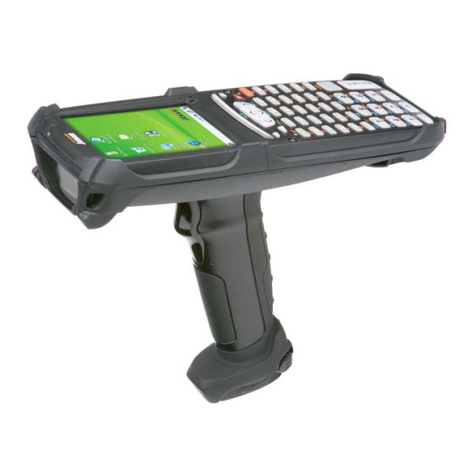
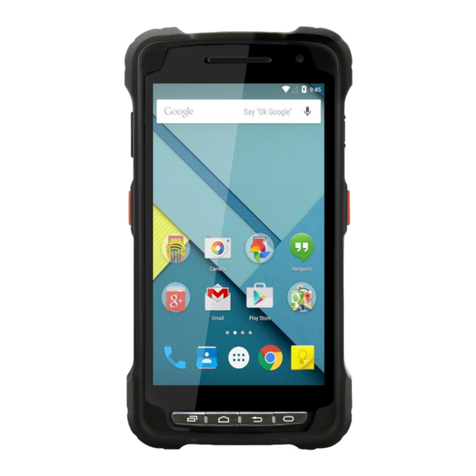
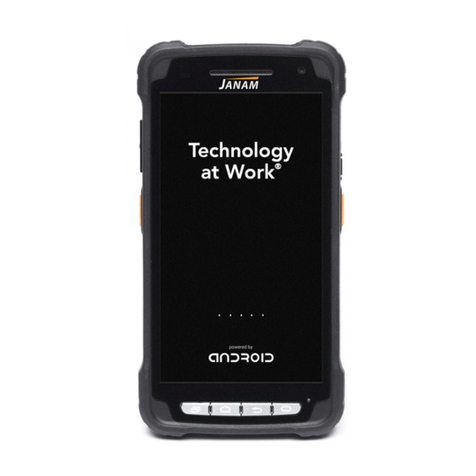
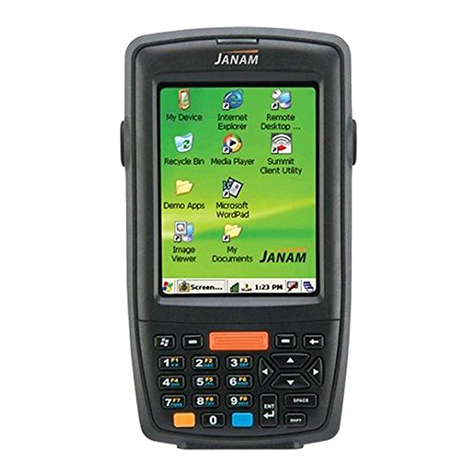
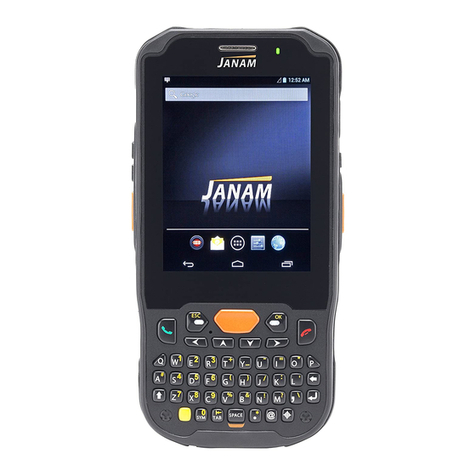
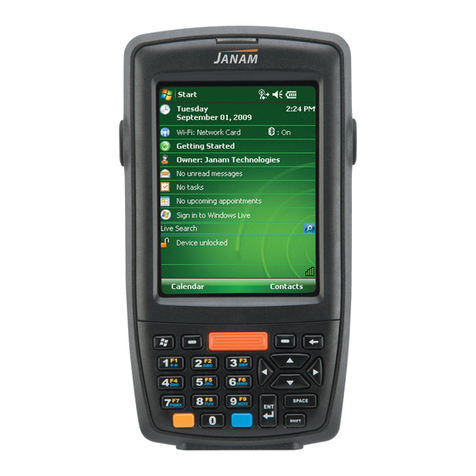
XG3 User Manual
Janam Technologies LLC
Contents
1Introduction CH–PG
Introduction 1–1
Key Features 1-1
Hardware Overview 1–2
2Getting Started CH–PG
Recommended Host Computer
Requirements 2–1
Janam XG3 SDK 2–1
Update Your Desktop PC Software 2–1
Install the Battery 2–2
Charge the Batteries 2–2
Battery Disposal 2–5
Turn the XG3 Device On 2–7
Screen Alignment 2–8
Fundamental Navigation 2–10
Status Icons and Controls 2–10
Indicator Icons 2–11
Battery Charging and Power Alert Info 2–12
3Setting Up the XG3 Device CH–PG
Locating Key Controls and Components
3–1
XG3 Connector 3–1
Keyboard-Controlled Screen Navigation
3–2
microSD Removable Memory 3–3
microSD Card Slots 3–3
LCD Screen Options and Calibration 3–4
Setting Basic User Preferences 3–5
Device Password 3–6
Screen/Keyboard Lock 3–7
Regional Settings 3–8
Owner Information 3–9
Screen Orientation 3–10
Changing the Device Name 3–11
Volume Adjustments 3-13
Sounds and Notifications
3-14
Battery Power 3-15
Conserving Battery Power 3-15
Keylight Enable and Duration Function 3-18
Disabling Connectivity 3-18
Opening Applications 3-19
Removing Programs 3-19
Communication Ports 3-19
Program Buttons 3-20
4Resetting the XG3 Device CH–PG
Reset (reboot) the XG3 Device 4–1
Soft Reset (Warm Boot) 4-1
Hard Reset (Cold Boot) 4-2
Master Reset (Clean Boot) 4-2
5Data Entry—Alpha, Numeric
and Importing CH–PG
Entering Information 5–1
Typing 5–1
Changing On-Screen Keyboards 5–2
Keyboard Shortcuts 5-2
Enabling ClearType Text 5-3
Text Size 5-3
Drawing and Writing 5-3
Voice Notes 5-4
6Data Capture—Barcode Scanning
CH–PG
Introduction 6–1
Barcode Scanning System 6–1
Laser-Based Configurations 6-2
Activating the Barcode Scanner 6–2
2D Imager-based Configurations 6-3
Decode a Bar Code 6-3
Activating the Imager Scanner 6-4
Using ScanWedge 6-4
7Synchronizing the XG3 Device CH–PG
Create a User Profile 7–1
Setting Up and Deleting Partnerships 7–1
Adding and Removing Files 7-1
Partnership (Connection) Settings 7–2
End a Partnership 7–2
8Wireless Local Area Network
(WLAN) CH–PG
Introduction 8–1
Configuring the WLAN Radio 8-1