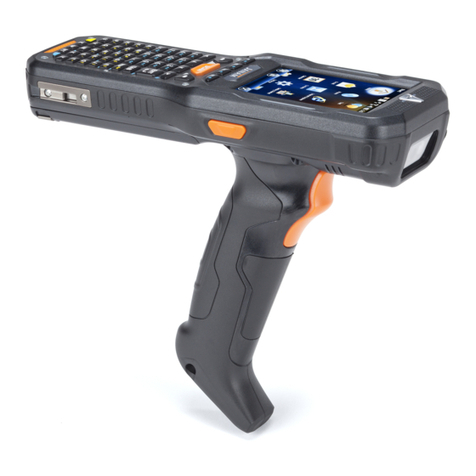
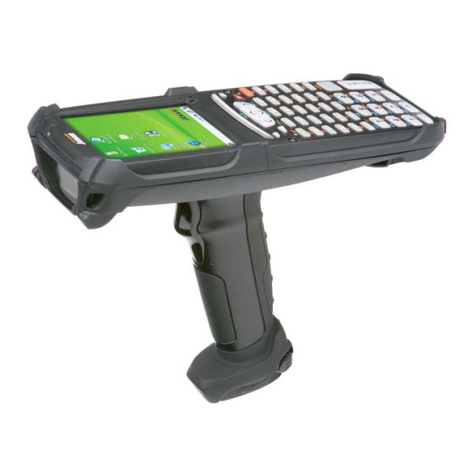
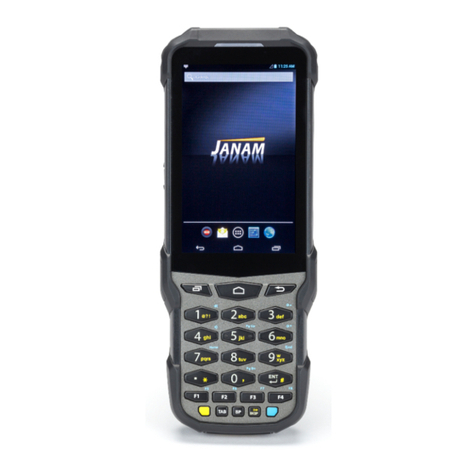
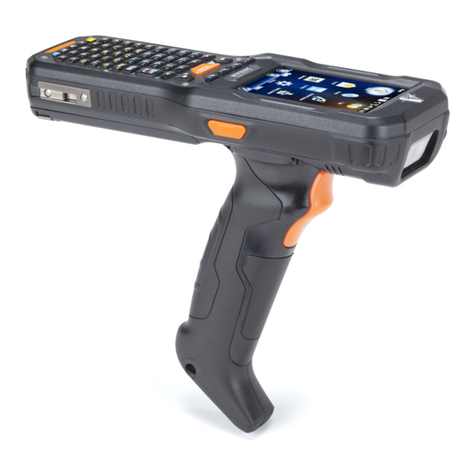
XM5 User Manual
1. INTRODUCTION ·············································································· 1-1
XM5 Overview
····························································································1-1
Hardware Overview
·····················································································1-2
2. GETTING STARTED ·········································································· 2-1
Unpack Your XM5 ······················································································2-1
Recommended Host Computer ·····································································2-1
Janam XM5 SDK························································································2-1
Install the Battery························································································2-2
Charging the Battery ···················································································2-4
Attach the Handstrap···················································································2-8
LED Indicators···························································································2-8
Turn the XM5 On························································································2-9
Screen Alignment·····················································································2-10
Startup Screen·························································································2-11
Fundamental Navigation ············································································2-12
Status Icons and Controls ··········································································2-13
Turning the XM5 Off··················································································2-14
Battery Charging & Power Alert Info ·····························································2-15
3. SETTING UP THE XM5 ······································································ 3-1
Location Key Controls & Components·····························································3-1
XM5 Connector··························································································3-1
USB Port ··································································································3-2
Installing a microSD Card·············································································3-3
Installing a SIM Card···················································································3-3
LCD Screen Options & Calibration ·································································3-4
Setting Basic User Preferences ····································································3-5
Getting Started···························································································3-5
Setting a Background··················································································3-6
Device Password························································································3-6
Changing Password····················································································3-7
Screen/Keyboard Locking & Unlocking····························································3-7
Regional Settings ·······················································································3-8
Owner Information······················································································3-9
Screen Orientation····················································································3-10
Device Name···························································································3-11
Volume & Alert Adjustments ·······································································3-13
Additional Sounds & Notifications·································································3-14