PAIRING YOUR HEADSET
In order to use your Jarv Wave Sport Wireless Neckband
Bluetooth Headset with a Bluetooth-enabled device, you
will first need to pair the two.
1. Place the headset and the mobile phone where they
are easily viewable and no more than 3 ft apart.
2. Ensure that the headset is fully charged
3. Ensure that the headset is powered off
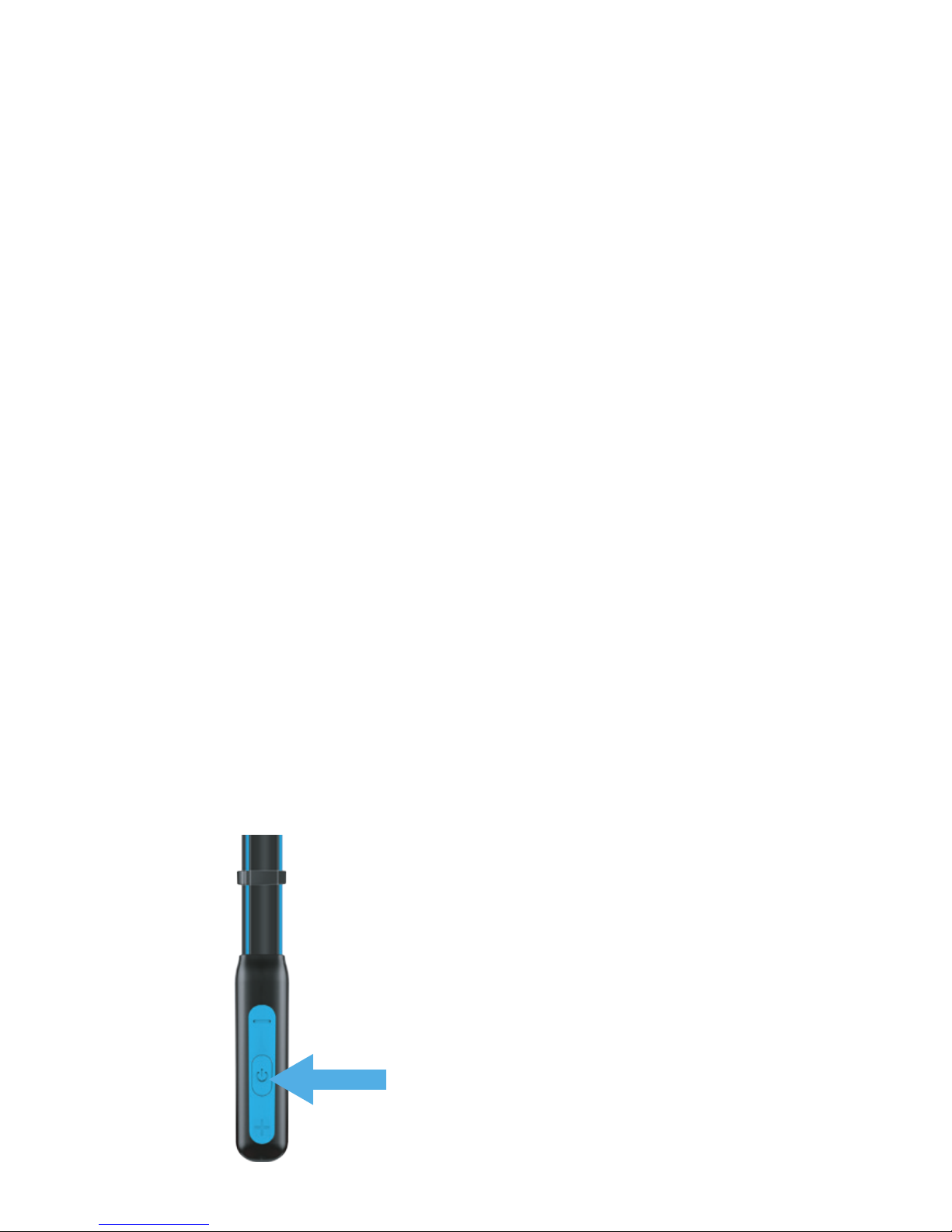
4. Press the Multi-Function button for approximately
5-6 seconds until the red and blue light flash
alternately which indicates that you are in Pairing Mode.
(Note: A blue light will turn on at first but keep pressing down the
pairing button until it changes to a flashing blue/red light which
indicates that you are in pairing mode).
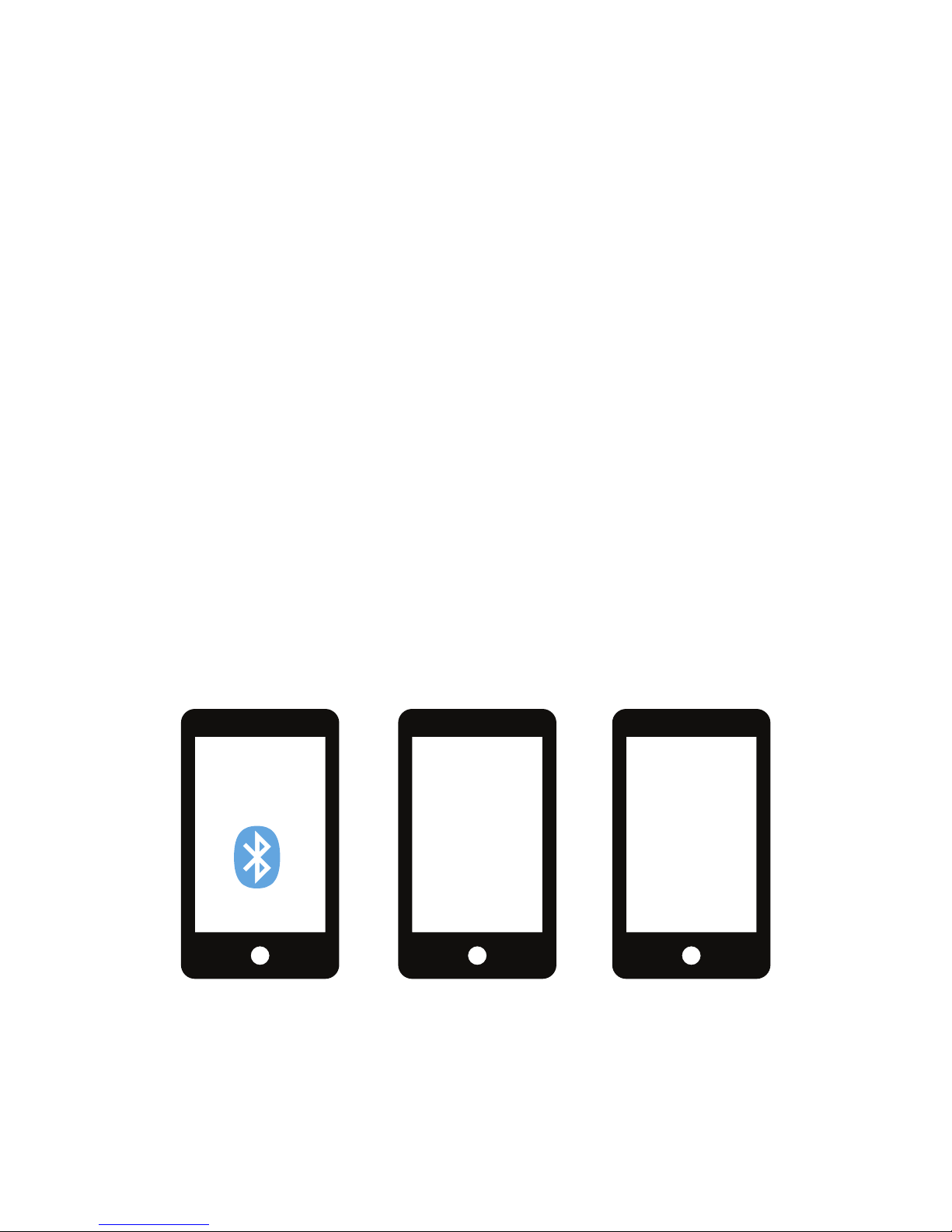
5. Activate your mobile phone's Bluetooth pairing
function.
6. Set the mobile phone to search for Bluetooth devices
within range and select “Wave Sport” from the list of
devices shown.
7. If you are prompted for a Passcode enter “0000” and
press “ok” to pair the headset with your mobile phone.
(Note: If the Bluetooth version of your phone is 2.1,
there is no need to enter the passcode when pairing.)
8. Now you can use your Bluetooth headset to listen to
music and make and receive phone calls.
Press the Multi-Function button
for approximately 5-6 seconds
until the red and blue light flash
alternately.
7