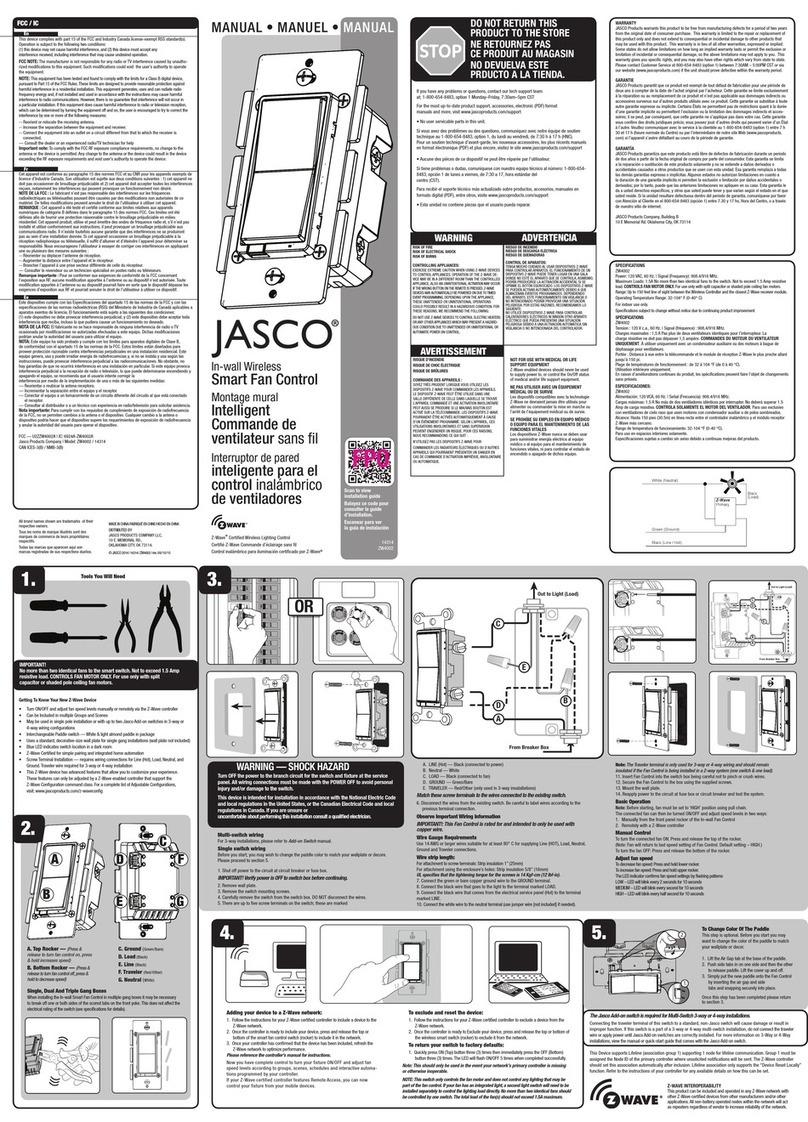
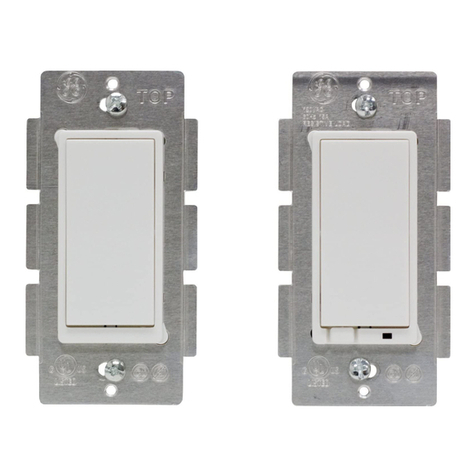
45603 Instructions, Revision a.4 4/4/2007 6:28:29 PM
Page 2 of 3
2. Include or exclude the module from the Z-Wave home control network.
•Refer to the instructions for your primary controller to access the network setup function and include or
exclude devices.
•When prompted by your primary controller, tap the button.
•The primary controller should indicate that the action was successful. If the controller indicates the
action was unsuccessful, please repeat the procedure.
•Once the module is part of the network, the same basic procedure is used to add the module to groups
or scenes. Refer to the primary controller’s instructions for details.
Please Note: After a power failure, the 45603 module defaults to OFF.
ADVANCED OPERATION
The following Advanced Operation parameters require that you have an advanced controller like the GE model
45601 LCD remote. Advanced remotes from other manufacturers may also be able to change these settings;
however, basic remotes do not have this capability.
All On/All Off
Depending upon your primary controller, the 45603 module can be set to respond to ALL ON and ALL OFF
commands in up to four different ways. Some controllers may not be able to change the response from its default
setting. Please refer to your controller’s instructions for information on whether or not it supports the configuration
function and if so, how to change this setting.
The four possible responses are:
•It will respond to ALL ON and the ALL OFF command (default).
•It will not respond to ALL ON or ALL OFF commands.
•It will respond to the ALL OFF command but will not respond to the ALL ON command.
•It will respond to the ALL ON command but will not respond to the ALL OFF command.
Restoring Factory Defaults
All Configuration Parameters can all be restored to their factory default settings by using your master controller to
reset the device. Please note: The GE Model #45601 controller is designed to do this. Use the controller’s
“Setup / Reset Unit” menu to restore defaults. Not all controllers are capable of this; your controller must be
designed to perform this function.
Over-Current Protection
Additional over-current protection is provided by an internal fuse which is not user serviceable. Check your home’s
circuit breakers before concluding that the product must be replaced.
Interoperability with Z-Wave™ Devices
A Z-Wave™ network can integrate devices of various classes, and these devices can be made by different
manufacturers. Although every Z-Wave certified product is designed to work with all other Z-Wave certified products,
your controller must include the appropriate device classifications in order to control non-lighting Z-wave devices. As
an example, the GE 45600 basic remote is designed only for controlling Z-Wave devices using the lighting control
classification. The GE 45601 deluxe remote with LCD readout can control other Z-Wave certified devices like
thermostats as well as lighting.
WARRANTY
JASCO Products warrants this product to be free from manufacturing defects for a period of two years from the
original date of consumer purchase. This warranty is limited to the repair or replacement of this product only and
does not extend to consequential or incidental damage to other products that may be used with this product. This
warranty is in lieu of all other warranties, expressed or implied. Some states do not allow limitations on how long an
implied warranty lasts or permit the exclusion or limitation of incidental or consequential damage, so the above