manuals.online logo
Brands
  1. Home
  2. •
  3. Brands
  4. •
  5. Jensen
  6. •
  7. Marine Audio
  8. •
  9. Jensen JWM45 User manual

Jensen JWM45 User manual

Other manuals for JWM45

1

Other Jensen Marine Audio manuals

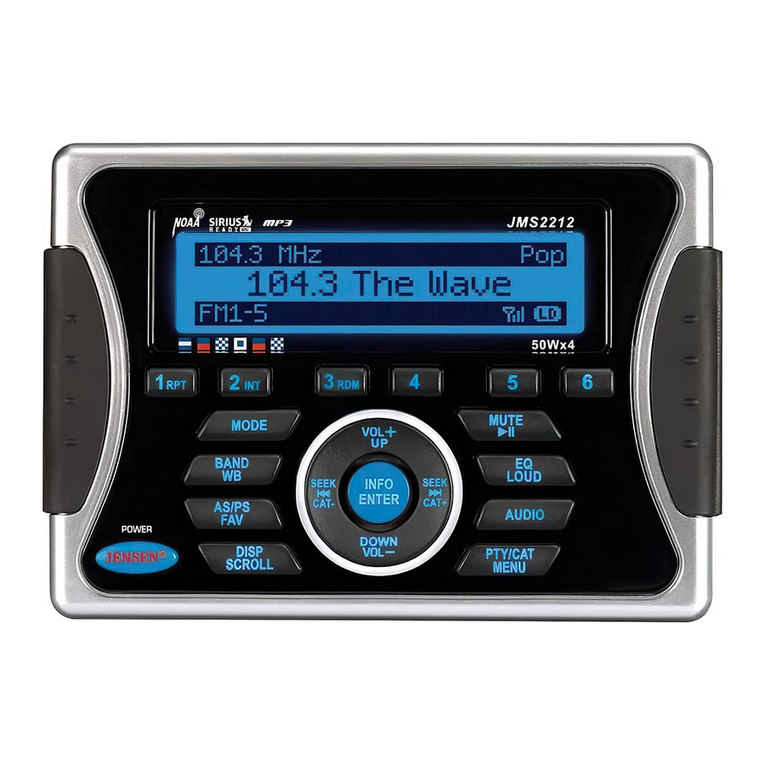
Jensen JMS2214BT User manual

Jensen

Jensen JMS2214BT User manual

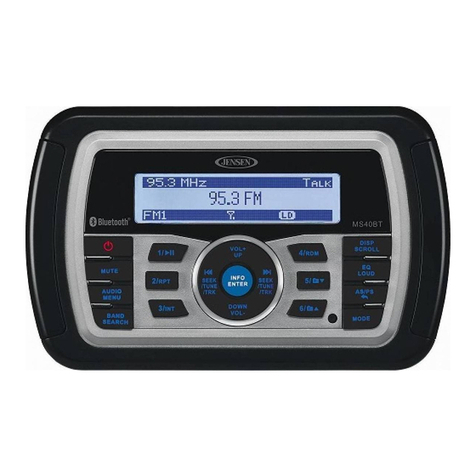
Jensen MS40BT User manual

Jensen

Jensen MS40BT User manual

Jensen WMS190 User manual

Jensen

Jensen WMS190 User manual

Jensen MSR4115 User manual

Jensen

Jensen MSR4115 User manual

Jensen MSR3007 User manual

Jensen

Jensen MSR3007 User manual

Jensen MSR3007 User manual

Jensen

Jensen MSR3007 User manual

Jensen MSR2107 User manual

Jensen

Jensen MSR2107 User manual

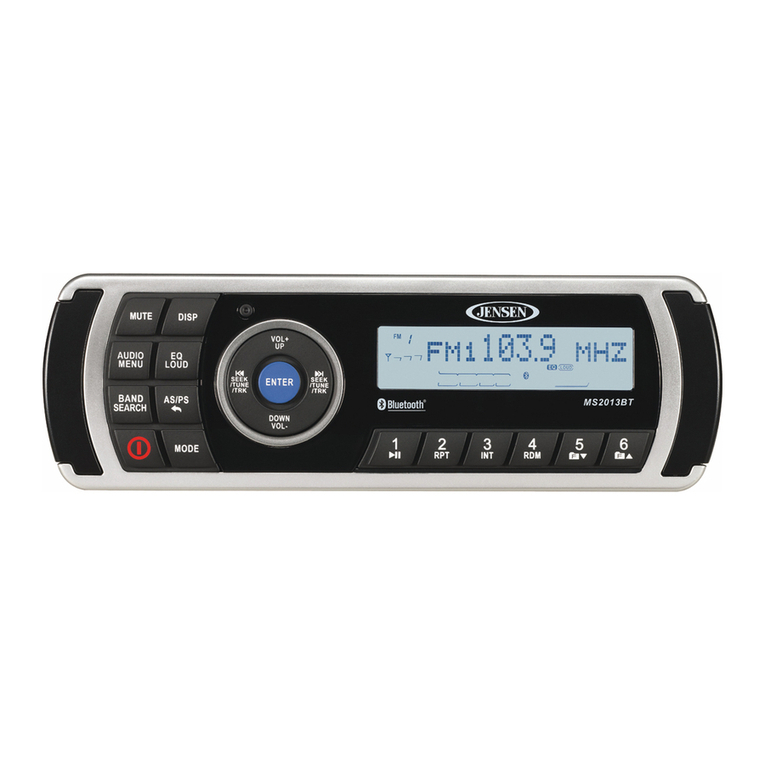
Jensen MS2013BT User manual

Jensen

Jensen MS2013BT User manual

Jensen MSR3007 User manual

Jensen

Jensen MSR3007 User manual

Jensen MS2013BT User manual

Jensen

Jensen MS2013BT User manual

Jensen MSR2010 User manual

Jensen

Jensen MSR2010 User manual

Jensen JMS2212 User manual

Jensen

Jensen JMS2212 User manual

Jensen JMS2012 User manual

Jensen

Jensen JMS2012 User manual

Jensen MS2013BT User manual

Jensen

Jensen MS2013BT User manual

Jensen Heavy Duty JHD910BT User manual

Jensen

Jensen Heavy Duty JHD910BT User manual

Jensen MS30 User manual

Jensen

Jensen MS30 User manual

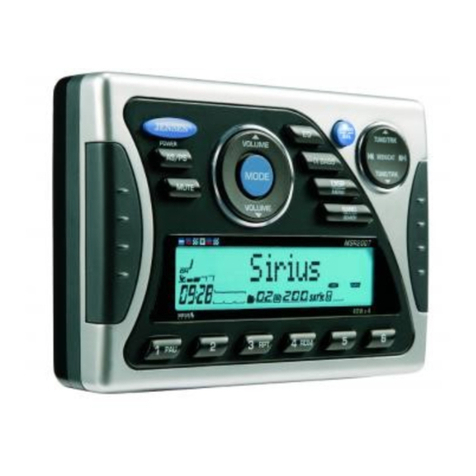
Jensen MSR2007 User manual

Jensen

Jensen MSR2007 User manual

Popular Marine Audio manuals by other brands

ASA Electronics MSR180 owner's manual

ASA Electronics

ASA Electronics MSR180 owner's manual

ETS STWI5-2 instructions

ETS

ETS STWI5-2 instructions

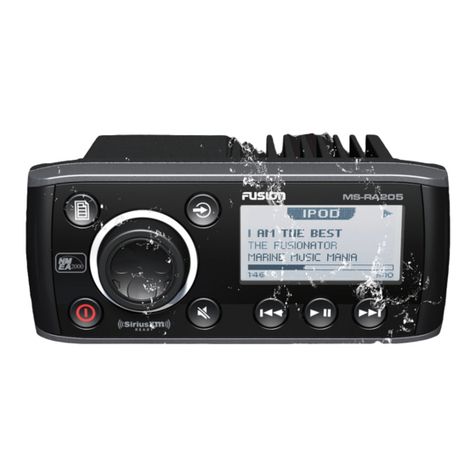
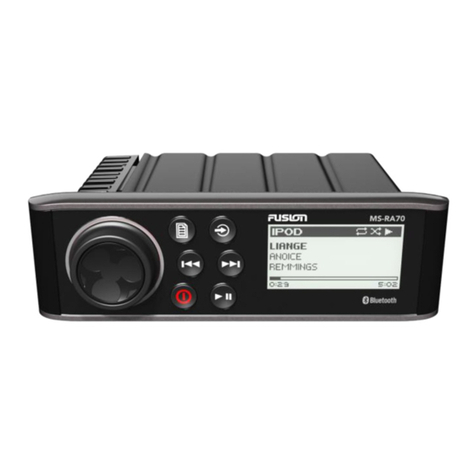
Fusion MS-RA205 User & installation manual

Fusion

Fusion MS-RA205 User & installation manual

Boss Audio Systems MR1560DI user manual

Boss Audio Systems

Boss Audio Systems MR1560DI user manual

Infinity Infinitesimal Series Technical manual

Infinity

Infinity Infinitesimal Series Technical manual

Teledyne SeaBat UI user manual

Teledyne

Teledyne SeaBat UI user manual

Logitech CU0019 Complete Setup Guide

Logitech

Logitech CU0019 Complete Setup Guide

JBL JBLMR18.3 troubleshooting guide

JBL

JBL JBLMR18.3 troubleshooting guide

Clarion APX490M Brochure & specs

Clarion

Clarion APX490M Brochure & specs

Dual AMB500W Installation & owner's manual

Dual

Dual AMB500W Installation & owner's manual

Sony XS-W6921 Product guide

Sony

Sony XS-W6921 Product guide

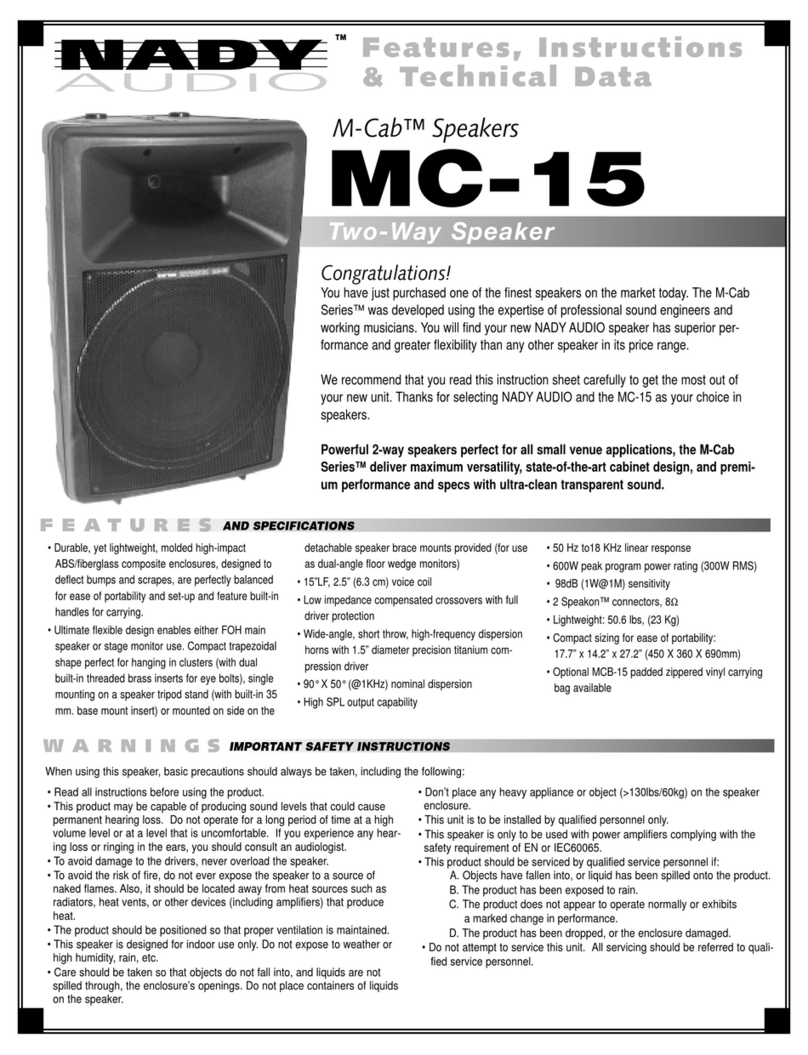
Nady Audio M-Cab MC-15 Features, instructions & technical data

Nady Audio

Nady Audio M-Cab MC-15 Features, instructions & technical data

jetvision.de R820T2 quick start guide

jetvision.de

jetvision.de R820T2 quick start guide

poly-planar ME-50 Specifications

poly-planar

poly-planar ME-50 Specifications

Roswell MC Aquatone 6.5 HLCD installation instructions

Roswell

Roswell MC Aquatone 6.5 HLCD installation instructions

Optimus 40-115 manual

Optimus

Optimus 40-115 manual

Marine Audio MA110 Quick reference guide

Marine Audio

Marine Audio MA110 Quick reference guide

Sony XS-HF137 Installation/connections

Sony

Sony XS-HF137 Installation/connections

manuals.online logo
manuals.online logoBrands
  • About & Mission
  • Contact us
  • Privacy Policy
  • Terms and Conditions

Copyright 2025 Manuals.Online. All Rights Reserved.

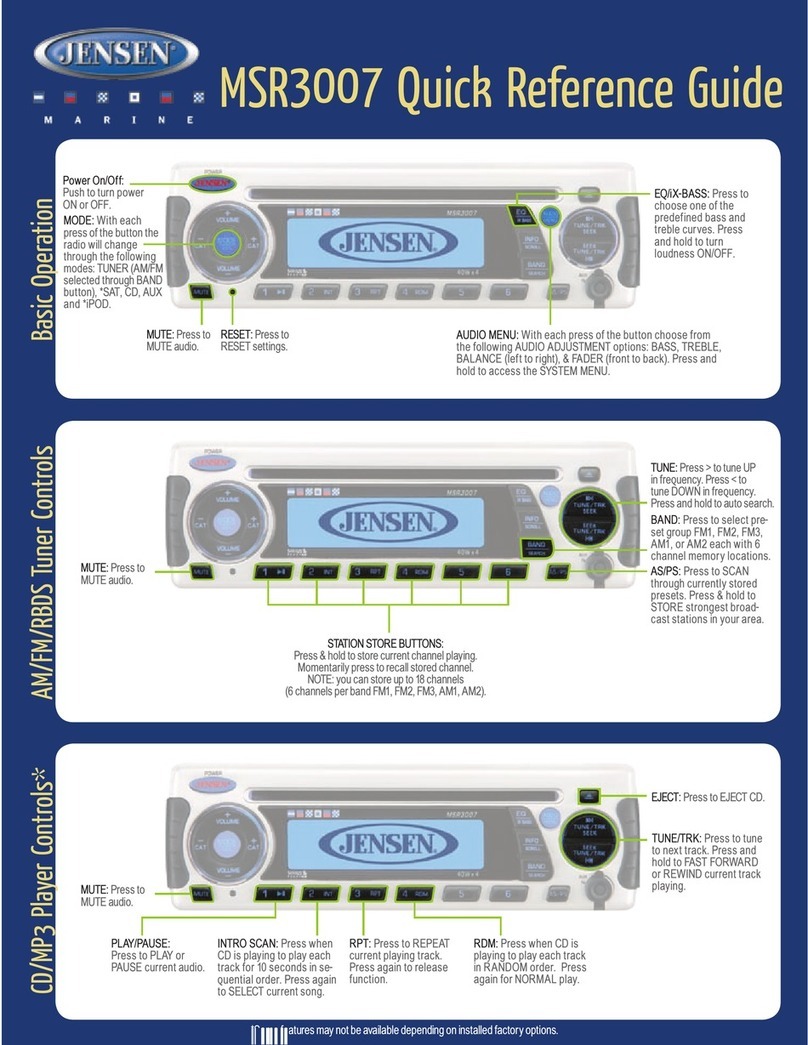
JWM45
QUICK REFERENCE GUIDE
Basic Operation
CD/DVD Play Controls
AM/FM Tuner Controls
VOLUME: Rotate clockwise to
increase volume or counter-
clockwise to decrease the
volume.
VOLUME: Rotate clockwise to
increase volume or counter-
clockwise to decrease the
volume.
MUTE: Press to MUTE volume.
Press again to resume volume.
TUNER/SEEK/TRACK:
Press >>I button to tune
frequency higher. Press I<<
button to tune frequency lower.
Press and hold to scan to next
strongest station.
TUNER/SEEK/TRACK: Press >>I
button to advance to NEXT
TRACK or CHAPTER/TITLE.
Press I<< button to go back to
PREVIOUS TRACK or
CHAPTER/TITLE. In CD mode,
press & hold to FAST FORWARD
or REVERSE current play. In DVD
mode, press & hold to enter FAST
FORWARD/REVERSE. Press &
Hold additional times to step
through x2, x4, x8, x20. Press
PLAY ( ) to resume.
VOLUME: Rotate clockwise to
increase volume or counter-
clockwise to decrease the
volume.
MENU: Press to go to the DVD
Menu screen.
SPEAKER OUTPUT ZONES:
Press any button (A, B) to select
that speaker zone for audio
output.
POWER/MODE: Push to turn ON
and OFF.
RESET: Use a ball point pen or
thin metal object to press the
reset buttons.
AUDIO: Press to bring up AUDIO
MENU options: BASS, TREBLE,
BALANCE (left to right) & FADE
(front to back). LOUDNESS
(on/off). Press and hold to toggle
LOUDNESS on/off.
SETTINGS: Press to bring up
SETTING MENU options:
BLUETOOTH (ON/OFF), BEEP
(ON/OFF), BRI (ON/OFF), ADJUST
LCD BRIGHTNESS TUNING REGION,
PRESET VOLUME and RESET.
VOLUME KNOB will adjust each
MENU option except for 'RESET'.
AUX: Press to cycle through FRONT
AUX, REAR AUX and HDMI ARC mode.
AUX IN: Insert 3.5mm cable from your
portable media device.
AS/PS: Press to SCAN through currently
stored presets. Press & Hold to STORE
strongest broadcast stations in your
area.
AM: Press to change the source to AM
radio mode.
FM: Press to change the source to FM
radio mode.
STATION STORE PRESETS: Press &
Hold to store current station. Press once
to recall stored channel.
NOTE: Up to 18 FM & 12 AM channels
can be stored.
INTRO SCAN: Press to play each track
for 10 seconds in sequential order, and
again to toggle off and play current track.
EJECT: Press to eject the disc.
DISC: Press to change to the disc mode.
FOLDER UP: Press to go to next folder.
(For MP3 disc only).
FOLDER DOWN: Press to go to previous
folder. (For MP3 disc only).
REPEAT: Press to REPEAT CD track(s)
once, continuously, all track or to
release function. Press to REPEAT a
DVD chapter, title, ALL, or to release
function.
RANDOM: Press to play all
tracks in random order. Press
again for normal playback. (Not
Applicable for DVD).
STOP: Press once to
SUSPEND disc play and twice
to RESET disc back to first
track.
USB: Press to change the source to USB
mode.
BACK: Press to EXIT any
setting menu.
AM: Press to change the source to AM
radio mode.
FM: Press to change the source to FM
radio mode.
DISC: Press to change the source to
Disc mode.
BT: Press to change the source to
BLUETOOTH mode. Press and Hold to
activate Bluetooth Pairing.
: Press to PLAY or PAUSE
current audio or video.

Bluetooth Operation
QRG-JWM45
©Copyright 2018 ASA,LLC
USB Playback
VOLUME: Rotate clockwise to
increase volume or counter-
clockwise to decrease the
volume.
TUNE/SEEK/TRACK:
Advance or reverse tracks on
your device.
SETTINGS: Press to bring up
SETTINGS MENU and press to
navigate through menu options,
until BT menu is reached Press
ENTER to select DEVICE LIST or
PAIR.
ANSWERING PHONE: BT audio will automatically pause
when a call is answered.
It will then resume once call has ended. In some cases, it may
be necessary to press the play button to resume the BT audio.
PAIR DEVICE VIA BLUETOOTH:
Make sure the device you intend to
pair with is on and ready to pair.
1. Press BT button to enter Bluetooth
mode.
2. Press & Hold BT button to start
Bluetooth pairing process. The
JWM45 will display “PAIR” and will be
available to pair for 120 seconds.
3. In your device Bluetooth settings,
select “JWM45” to connect. Enter the
pairing password (0000), if
requested.
INTRO SCAN: Press to play each
track for 10 seconds in sequential
order, and again to toggle off and
play current track.
USB: Press to change the source to
USB mode.
USB: Connect a USB flash/thumb
drive for audio playback and/or
charging.
FOLDER UP: Press to go to next folder.
FOLDER DOWN: Press to go to previous
folder.
REPEAT: Press consecutively to cycle
through (Track, Folder, all) playback of
tracks.
: Press to PLAY or PAUSE
current audio or video.
VOLUME: Rotate clockwise to
increase volume or counter-
clockwise to decrease the
volume.
TUNE/SEEK/TRACK:
Press >>I button to advance to
NEXT TRACK Press I<< button to
go back to PREVIOUS TRACK.
Press & Hold additional times to
step through x2, x4, x8, x20.
Press PLAY ( ) to resume.
: Press to PLAY or PAUSE
current audio or video.
RANDOM: Press to play all
tracks in random order. Press
again for normal playback.
BACK:
Press to EXIT any
setting menu.
STOP:
Press once to SUSPEND
playback and twice to RESET
playback first track.
Clock and Brightness Settings
For owner’s manual, please visit http://www.asaelectronics.com/manuals-guides.
BRIGHTNESS CONTROL: Press the
button to increase the LCD brightness or
press the button to decrease the LCD
brightness.
TIME SET: Press and hold the Hour or
Minute to enter time set, Press Hour
button to adjust hour and press Minute
button to adjust minute either CLOCK or
ALARM time.
VIEW: Press to toggle clock
display or ID3 Tag information
view.
ALARM: Press to turn ALARM ON
or OFF. Press & Hold to set time.
SLEEP MODE: Press to enter sleep
timer: 15, 30, 45, 60, 0 minutes.