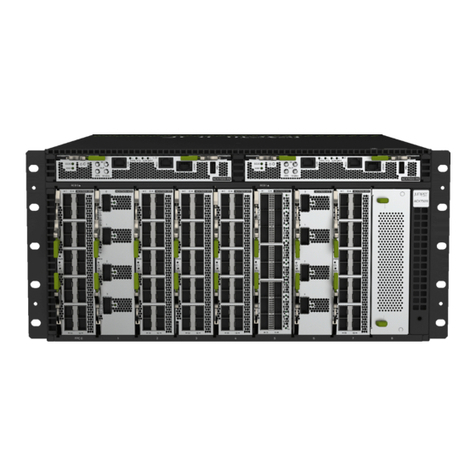
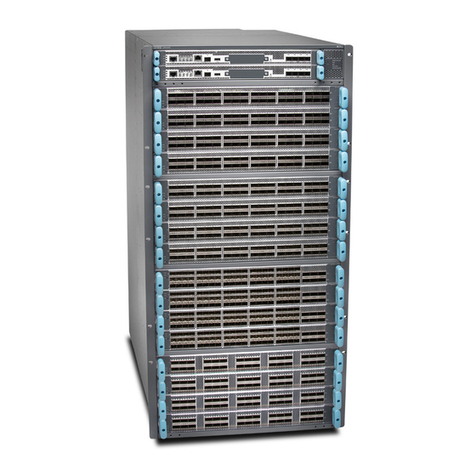
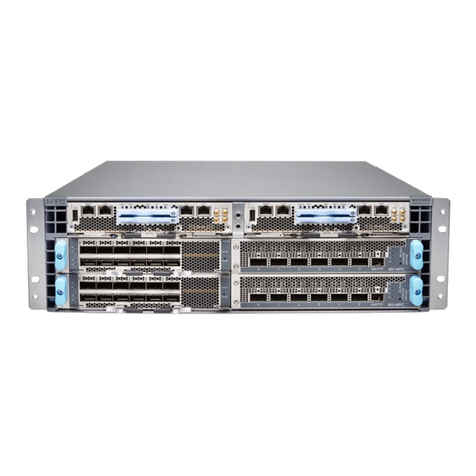
T4000 Core Router Quick Start
March 2012
Part Number: 530-046043
Revision 01
This document describes how to install the T4000 Core Router.
Contents QuickStartDescription...............................................3
Step1:PreparingtheSite..............................................4
Rack-MountingRequirements......................................4
Tools Required to Unpack and Prepare the T4000 Router for
Installation ..................................................5
Step 2: Installing the Mounting Hardware . . . . . . . . . . . . . . . . . . . . . . . . . . . . . . . . . 7
Installing the Mounting Hardware for a Four-Post Rack or Cabinet . . . . . . . . . 7
InstallingCageNuts,IfNeeded..................................8
Installing the Large Mounting Shelf and Spacer Bars . . . . . . . . . . . . . . . . 8
Installing the Small Mounting Shelf . . . . . . . . . . . . . . . . . . . . . . . . . . . . . . 9
Removing the Center-Mounting Brackets . . . . . . . . . . . . . . . . . . . . . . . . . . 9
Installing the Mounting Hardware in an Open-Frame Rack . . . . . . . . . . . . . . . 9
InstallingCageNuts,IfNeeded..................................11
Installing the Large Mounting Shelf . . . . . . . . . . . . . . . . . . . . . . . . . . . . . . 11
Removing the Spacer Bars and Center-Mounting Brackets . . . . . . . . . . . 11
Step3:InstallingtheT4000Router.....................................12
InstallingtheRouterUsingaLift....................................12
Installing the Router Without a Mechanical Lift . . . . . . . . . . . . . . . . . . . . . . . . 13
RemovingComponents.......................................14
LiftingtheRouterintotheRack.................................16
ReinstallingComponents......................................18
Step 4: Connecting the Grounding Cable . . . . . . . . . . . . . . . . . . . . . . . . . . . . . . . . . 19
Step 5: Connecting External Devices and PIC Cables . . . . . . . . . . . . . . . . . . . . . . . 20
Connecting to a Console or Auxiliary Device . . . . . . . . . . . . . . . . . . . . . . . . . . 20
ConnectingthePICCables........................................21
Connecting to a Network for Out-of-Band Management . . . . . . . . . . . . . . . . 22
Step6:ConnectingPower............................................24
Connecting DC Power to the T4000 Router (Six 60-A Inputs) . . . . . . . . . . . 24
Step7:PoweringOntheRouter........................................27
Powering On the DC-Powered Router . . . . . . . . . . . . . . . . . . . . . . . . . . . . . . . 28
1Copyright © 2012, Juniper Networks, Inc.