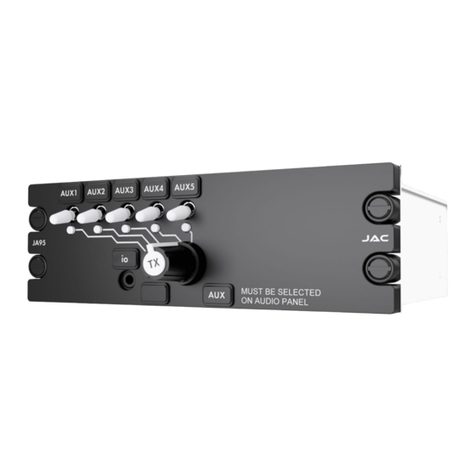
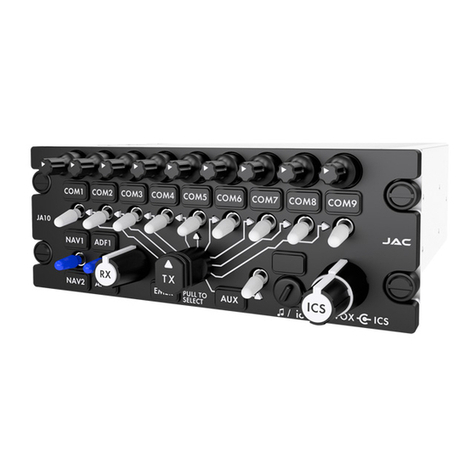
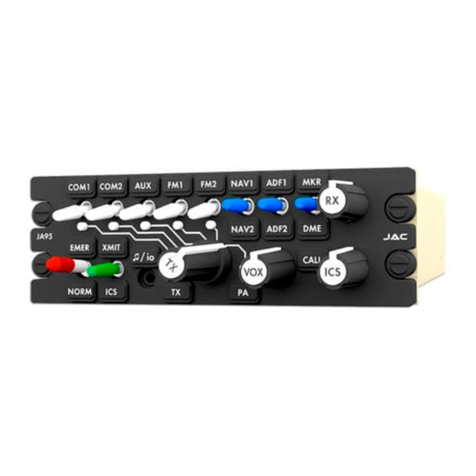
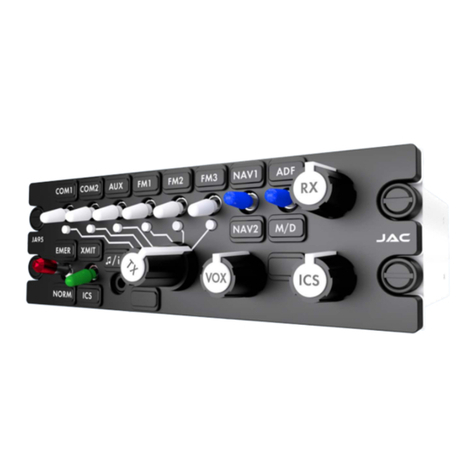
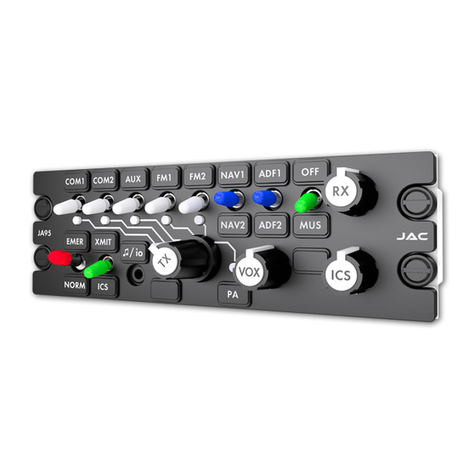
JA95-N11 Audio Controller - RX Mute - NVG
Installation and Operating Manual
Rev A Page iii
Table of Contents
SECTION 1 - DESCRIPTION...........................................................................................................................................1
1.1 System Overview..............................................................................................................................................1
1.2 Features Overview............................................................................................................................................1
1.3 Inputs and Outputs ...........................................................................................................................................2
1.3.1 Inputs........................................................................................................................................................2
1.3.2 Outputs .....................................................................................................................................................2
1.3.3 Bi-directional Ports....................................................................................................................................2
1.4 Specifications....................................................................................................................................................3
1.4.1 Electrical Specifications............................................................................................................................3
1.4.2 Mechanical Specifications ........................................................................................................................5
1.4.3 Environmental Specifications ...................................................................................................................5
1.4.4 Flammability of Materials..........................................................................................................................5
SECTION 2 – INSTALLATION........................................................................................................................................6
2.1 Introduction.......................................................................................................................................................6
2.2 Continued Airworthiness...................................................................................................................................6
2.3 Unpacking and Inspecting Equipment..............................................................................................................6
2.3.1 Warranty .......................................................................................................................................................6
2.4 Installation Procedures.....................................................................................................................................6
2.4.1 Installation Limitations ..................................................................................................................................6
2.4.2 Cabling and Wiring .......................................................................................................................................6
2.4.3 Mechanical Installation .................................................................................................................................7
2.4.4 In-Line PTT Cordsets....................................................................................................................................7
2.4.5 Legend Replacement....................................................................................................................................7
2.4.6 Post Installation Checks ...............................................................................................................................7
2.5 Adjustments and Configuration using ProCS™................................................................................................8
2.5.1 ProCS™ Setup.........................................................................................................................................8
2.5.2 Configurable Settings ...............................................................................................................................8
2.5.3 Other Configuration Features.................................................................................................................15
2.6 Installation Kit .................................................................................................................................................15
2.6.1 Recommended Crimp tools....................................................................................................................15
2.7 Installation Drawings.......................................................................................................................................15
2.7.1 Generation of Custom Drawings ............................................................................................................15
SECTION 3 – OPERATION...........................................................................................................................................16
3.1 Introduction.....................................................................................................................................................16
3.2 Front Panel Controls.......................................................................................................................................16
(1) Transceiver Switches..................................................................................................................................17
(2) Receiver Switches......................................................................................................................................17
(3) Receive Volume Control.............................................................................................................................17
(4) Mode Switch...............................................................................................................................................17
(5) Multi-function (Transmit/ICS) Switch..........................................................................................................18
(6) Music/Configuration Connector (♫/io) ........................................................................................................18