manuals.online logo
Brands
  1. Home
  2. •
  3. Brands
  4. •
  5. JVC
  6. •
  7. Car Receiver
  8. •
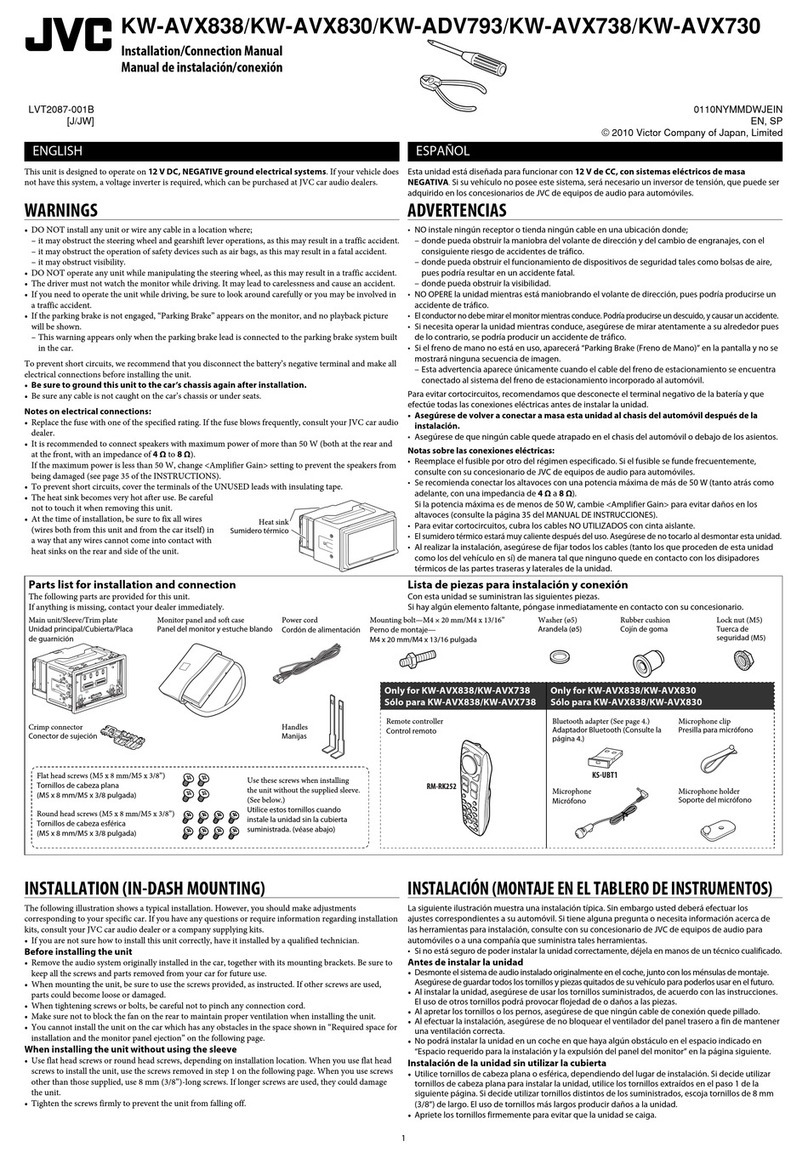
  9. JVC KW-XR416 Guide

JVC KW-XR416 Guide

Other manuals for KW-XR416

1

Other JVC Car Receiver manuals

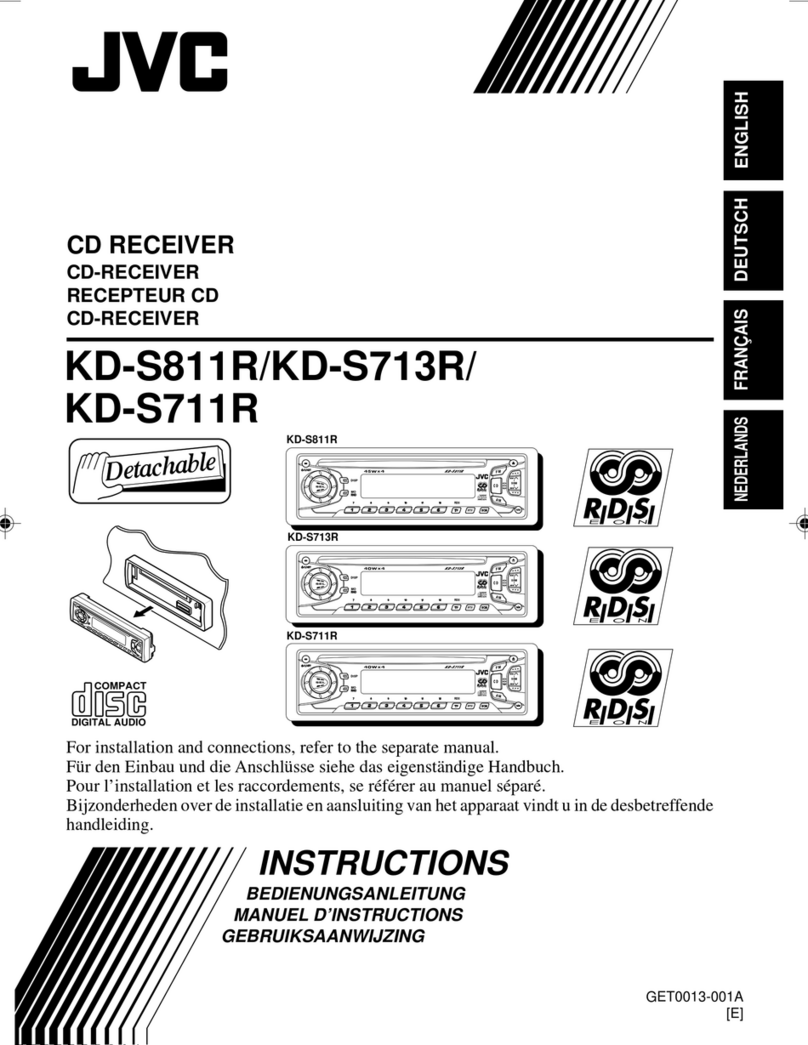
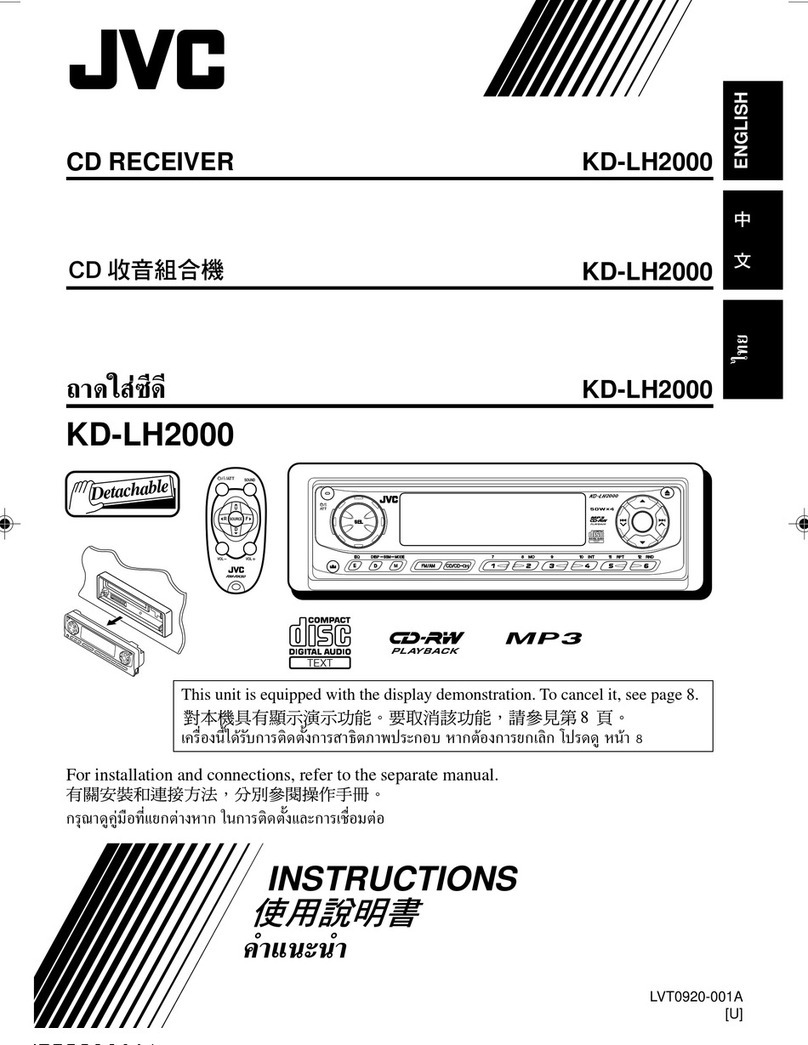
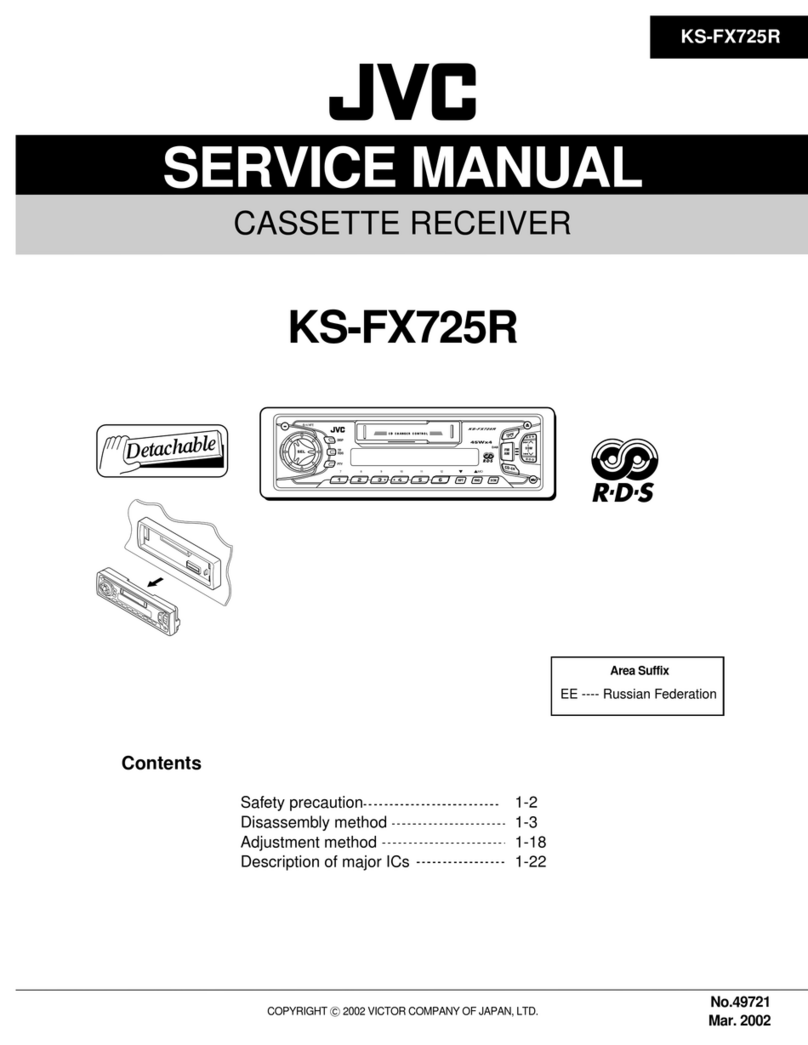
JVC KD-DV5100 User manual

JVC

JVC KD-DV5100 User manual

JVC KW-R800BT User manual

JVC

JVC KW-R800BT User manual

JVC KD-S5M User manual

JVC

JVC KD-S5M User manual

JVC KD-ADV5380 User manual

JVC

JVC KD-ADV5380 User manual

JVC KD-R841BT User manual

JVC

JVC KD-R841BT User manual

JVC KD-S685 User manual

JVC

JVC KD-S685 User manual

JVC KD-S811R User manual

JVC

JVC KD-S811R User manual

JVC KD-AVX2 - DVD Player With LCD Monitor Guide

JVC

JVC KD-AVX2 - DVD Player With LCD Monitor Guide

JVC GET0624-003A User manual

JVC

JVC GET0624-003A User manual

JVC KD-LX300 User manual

JVC

JVC KD-LX300 User manual

JVC KD-DB711 User manual

JVC

JVC KD-DB711 User manual

JVC KS-FX300 Guide

JVC

JVC KS-FX300 Guide

JVC KD-APD49 - CD/AM/FM/MP3/WMA Receiver User manual

JVC

JVC KD-APD49 - CD/AM/FM/MP3/WMA Receiver User manual

JVC KD-R618 User manual

JVC

JVC KD-R618 User manual

JVC KW-XG704 Guide

JVC

JVC KW-XG704 Guide

JVC KD-SH77 User manual

JVC

JVC KD-SH77 User manual

JVC KD-DB711 User manual

JVC

JVC KD-DB711 User manual

JVC KD-LX555R User manual

JVC

JVC KD-LX555R User manual

JVC KD-SX991R User manual

JVC

JVC KD-SX991R User manual

JVC KD-R881BT User manual

JVC

JVC KD-R881BT User manual

JVC KW-XG500J, KW-XG504UI User manual

JVC

JVC KW-XG500J, KW-XG504UI User manual

JVC KD-SX998R User manual

JVC

JVC KD-SX998R User manual

JVC KD-LH911 Setup guide

JVC

JVC KD-LH911 Setup guide

JVC KD-R426 Instruction manual

JVC

JVC KD-R426 Instruction manual

Popular Car Receiver manuals by other brands

Panasonic CQ-C3301N null

Panasonic

Panasonic CQ-C3301N null

Alpine CDE-133BT null

Alpine

Alpine CDE-133BT null

Panasonic CQ-C8803N null

Panasonic

Panasonic CQ-C8803N null

Panasonic CQ-C5302W null

Panasonic

Panasonic CQ-C5302W null

Panasonic CQ-C5355N null

Panasonic

Panasonic CQ-C5355N null

Panasonic CQ-C7703W null

Panasonic

Panasonic CQ-C7703W null

Panasonic CQ-C7703N null

Panasonic

Panasonic CQ-C7703N null

Clarion ADB365MP null

Clarion

Clarion ADB365MP null

Motorola VWA63 Service manual

Motorola

Motorola VWA63 Service manual

Nextar D3201 instruction manual

Nextar

Nextar D3201 instruction manual

Alpine CDE-163BT owner's manual

Alpine

Alpine CDE-163BT owner's manual

Pioneer DEH-P645R installation manual

Pioneer

Pioneer DEH-P645R installation manual

Axxera XDMA7600 Installation & owner's manual

Axxera

Axxera XDMA7600 Installation & owner's manual

XM OnyX quick start guide

XM

XM OnyX quick start guide

Sound Storm STM93R user manual

Sound Storm

Sound Storm STM93R user manual

Soundstream VIR-5000 owner's manual

Soundstream

Soundstream VIR-5000 owner's manual

Avson MKT Platform user manual

Avson

Avson MKT Platform user manual

Sony MEX-1HD - Audio Library System operating instructions

Sony

Sony MEX-1HD - Audio Library System operating instructions

manuals.online logo
manuals.online logoBrands
  • About & Mission
  • Contact us
  • Privacy Policy
  • Terms and Conditions

Copyright 2025 Manuals.Online. All Rights Reserved.

1
KW-XR416
Installation/Connection Manual
Manual Pemasangan/Penyambungan
ENGLISH / INDONESIA
0110DTSMDTJEIN
EN, IN
© 2010 Victor Company of Japan, Limited
GET0656-008A
[UN]
• To prevent short circuits:
–Disconnect the battery’s negative terminal and make all electrical connections before installing the unit.
–Cover the terminals of the UNUSED leads with insulating tape.
• Be sure to ground this unit to the car’s chassis again after installation.
• Replace the fuse with one of the specified rating.
• Connect speakers with a maximum power of more than 50 W (impedance of 4 Ω to 8 Ω). Otherwise,
change the <AMP GAIN> setting. (See page 16 of the INSTRUCTIONS.)
• The heat sink becomes very hot after use. Be careful not to touch it when removing this unit.
• Untuk mencegah hubungan pendek:
–Lepaskan terminal negatif baterai dan lakukan penyambungan semua koneksi kelistrikan sebelum memasang
unit.
–Tutupi terminal lead yang TIDAK DIGUNAKAN dengan selotip.
• Pastikan untuk mentanahkan unit ini ke casis mobil kembali setelah pemasangan.
• Ganti sekering dengan sekering yang memenuhi pentarafan yang ditetapkan.
• Sambungkan speaker dengan daya maksimal yang lebih dari 50 W (impedansi 4 Ω hingga 8 Ω). Atau jika tidak,
ubah pengaturan <AMP GAIN>. (Lihat halaman 16 dari BUKU PETUNJUK.)
• Pendingin menjadi sangat panas setelah digunakan. Hati-hati untuk tidak menyentuhnya ketika memindahkan
unit ini.
12 V DC, NEGATIVE ground / 12 V DC, tanahan NEGATIF
To the car system / Ke sistem mobilYou need the installation kits which corresponds to your car. / Anda memerlukan
perlengkapan pemasangan yang sesuai dengan mobil Anda.
Check the battery system in your car /
Periksa sistem aki mobil Anda
WARNINGS / PERINGATAN
Heat sink / Pendingin
INSTALLATION / PEMASANGAN
The following illustration shows a typical installation. If you have any questions or require information
regarding installation kits, consult your JVC car audio dealer or a company supplying kits.
Ilustrasi berikut menunjukkan sebuah tipe pemasangan. Jika anda mempunyai suatu pertanyaan atau informasi
yang diperlukan mengenai alat-alat pemasangan, konsultasikan pada penyalur audio mobil JVC atau sebuah
perusahaan yang mensuplai alat-alat.
In-dash mounting / Bingkai-dalam dash
Audio system originally installed
in the car / Sistem audio yang
sebelumnya terpasang di mobil
Car dashboard / Dasbor mobil
If there is an interfering tab on
the mounting bracket, bent
it flat. / Jika ada tonjolan yang
mengganggu braket pemasangan,
tekuk sehingga rata.
Screw removed from the car /
Sekrup dilepas dari mobil
Mounting bracket removed from the car /
Braket pemasangan dilepas dari mobil
Firmly attach the ground wire to the metallic body of the car using the screw
originally fixed to the metallic body of the car. / Pasang kabel tanah dengan
kuat ke bodi besi mobil dengan menggunakan sekrup yang memang sudah
terpasang di bodi besi mobil.
Installing with the mounting brackets from the car / Memasang dengan braket pemasangan dari mobil
Install the unit at an angle of less than 30˚.
Pasang penerima pada suatu sudut kurang dari 30˚.
Part list / Daftar bagian
AFlat countersunk screws—M5 × 8 mm / Sekerup
benaman datar—M5 × 8 mm (×8)
BRound head screws—M5 × 8 mm / Sekerup
kepala bulat—M5 × 8 mm (×8)
CPlate for use with a Nissan car / Pelat untuk
digunakan dengan mobil Nissan (×1)
DPower cord / Kabel power (×1)
When installating the unit in a Nissan car / Apabila
memasang unit dalam mobil Nissan
Fix the supplied plate as illustrated. / Pasang pelat yang tersedia seperti digambarkan.
Install_KW-XR416_008A_f.indd 1Install_KW-XR416_008A_f.indd 1 12/30/09 5:33:55 PM12/30/09 5:33:55 PM
2
• The fuse blows.
]
Are the red and black leads connected correctly?
• Power cannot be turned on.
]
Is the yellow lead connected?
• No sound from the speakers.
]
Is the speaker output lead short-circuited?
• “PROTECT” appears on the display and no operation can be done.
]
Is the speaker output lead
short-circuited or touches the chassis of the car/head unit? ; Have you reset your unit?
• Sound is distorted.
]
Is the speaker output lead grounded? ; Are the “–” terminals of L and R speakers
grounded in common?
• Noise interfere with sounds.
]
Is the rear ground terminal connected to the car’s chassis using shorter
and thicker cords?
• This unit becomes hot.
]
Is the speaker output lead grounded? ; Are the “–” terminals of L and R
speakers grounded in common?
• This unit does not work at all.
]
Have you reset your unit?
• Sekring meledak.
]
Apakah ujung-ujung merah dan hitam tersambung dengan benar?
• Power tidak dapat dihidupkan.
]
Apakah ujung kuning sudah tersambung?
• Tidak ada suara dari speaker.
]
Apakah ujung keluaran speaker terhubung pendek?
• “PROTECT” muncul di layar dan tidak dapat dilakukan pengoperasian apa pun.
]
Apakah kabel
output speaker mengalami hubungan pendek atau menyentuh casis mobil/unit kepala? ; Apakah anda sudah
reset (memasang kembali) unit anda?
• Suara terdistorsi.
]
Apakah ujung keluaran speaker sudah ditanahkan? ; Apakah terminal-terminal “–” dari
speaker-speaker L dan R sudah ditanahkan secara umum?
• Berisik yang mengganggu suara-suara.
]
Apakah terminal tanahan belakang tersambung ke casis mobil
menggunakan kabel-kabel terpendek dan tertebal?
• Alat penerima ini menjadi panas.
]
Apakah ujung keluaran speaker sudah ditanahkan? ; Apakah terminal-
terminal “–” dari speaker-speaker L dan R sudah ditanahkan secara umum?
• Alat penerima ini tidak bekerja secara keseluruhan.
]
Apakah anda sudah reset (memasang kembali)
unit anda?
TROUBLESHOOTING / PEMECAHAN MASALAH
Black / Hitam
Fuse block /
Blok sekring
Ignition switch / Saklar
kontak
Blue (white stripe) /
Biru (garis putih)
Red / Merah
Yellow / Kuning* 3
To the metallic body or chassis of the car / Ke
besi bodi atau casis dari mobil tersebut
To an accessory terminal / Ke terminal
aksesori
To a live terminal (constant 12 V) / Ke
terminal live (konstan 12 V)
To the automatic antenna if any (250 mA max.) / Ke antena otomatis jika
ada (maksimum 250 mA)
White / Putih
White (black stripe) / Putih (garis hitam)
Gray / Abu-abu
Gray (black stripe) / Abu-abu (garis hitam)
Green / Hijau
Green (black stripe) / Hijau (garis hitam)
Purple / Ungu
Purple (black stripe) / Ungu (garis hitam)
Signal cord / Kabel sinyal* 1
Y-connector / Konektor
Y* 1
Remote lead / Ujung jauh To the blue (white stripe) lead
of the unit / Ke lead biru (garis
putih) pada unit
Rear speakers or subwoofer (Make the <L/O MODE> setting
accordingly, see page 16 of the INSTRUCTIONS.) / Speaker atau
subwoofer belakang (Kemudian buatlah pengaturan <L/O MODE>,
lihat halaman 16 dari BUKU PETUNJUK.)
Rear ground terminal / Terminal tanah belakang
15 A fuse / Sekring 15 A
Antenna input / Input Antena
*1Not supplied for this unit.
*2Firmly attach the ground wire to the metallic body or to the chassis of the car—to the place uncoated
with paint.
*3Before checking the operation of this unit prior to installation, this lead must be connected; otherwise,
the power cannot be turned on.
*1Tidak disediakan untuk unit ini.
*2Pasangkan dengan kuat kabel tanah ke bodi besi atau ke casis dari mobil—pada tempat yang tidak dilapisi
cat.
*3Sebelum pengecekan pengoperasian dari unit ini sebelum pemasangan, ujung ini harus sudah dihubungkan,
selain itu power tidak dapat dihidupkan.
Front speaker (left) / Speaker
depan (kiri)
Front speaker (right) / Speaker
depan (kanan)
Rear speaker (left) / Speaker
belakang (kiri)
Rear speaker (right) / Speaker
belakang (kanan)
ELECTRICAL CONNECTIONS / SAMBUNGAN-SAMBUNGAN LISTRIK
Reset the unit. / Setel ulang unit.
JVC Amplifier /
Penguat JVC
Connecting the external amplifier or subwoofer / Penyambungan penguat eksternal atau subwoofer
To the remote lead of other equipment (200 mA max.) / Ke ujung jauh
dari peralatan lain (maksimum 200 mA)
Blue
/
Biru
PRECAUTIONS on power supply and speaker connections
• DO NOT connect the speaker leads of the power cord to the car battery; otherwise, the unit will be
seriously damaged.
• BEFORE connecting the speaker leads of the power cord to the speakers, check the speaker wiring in
your car.
TINDAKAN-TINDAKAN PENCEGAHAN pada suplai power dan
sambungan-sambungan speaker
• JANGAN sambungkan ujung-ujung speaker dari kabel power ke baterai mobil; sebaliknya, unit tersebut akan
secara serius rusak.
• SEBELUM menyambung ujung-ujung speaker dari kabel power ke speaker-speaker, cek perkabelan speaker
dalam mobil anda.
IMPORTANT: A custom wiring harness (separately purchased) which is suitable for your car is
recommended for connection between the unit and your car.
• Consult your JVC car audio dealer or a company supplying kits for details.
PENTING: Penahan pengkabelan khusus (dibeli terpisah) yang sesuai untuk mobil Anda direkomendasikan untuk
sambungan antara unit dan mobil Anda.
• Tanyakan kepada dealer audio mobil JVC atau perusahaan yang memasok perlengkapan untuk mengetahui
keterangan yang lebih terinci.
DPower cord (supplied) / Kabel power (disertakan)
Install_KW-XR416_008A_f.indd 2Install_KW-XR416_008A_f.indd 2 1/4/10 10:20:12 AM1/4/10 10:20:12 AM