8
Contents
Important Safety Instructions....................3
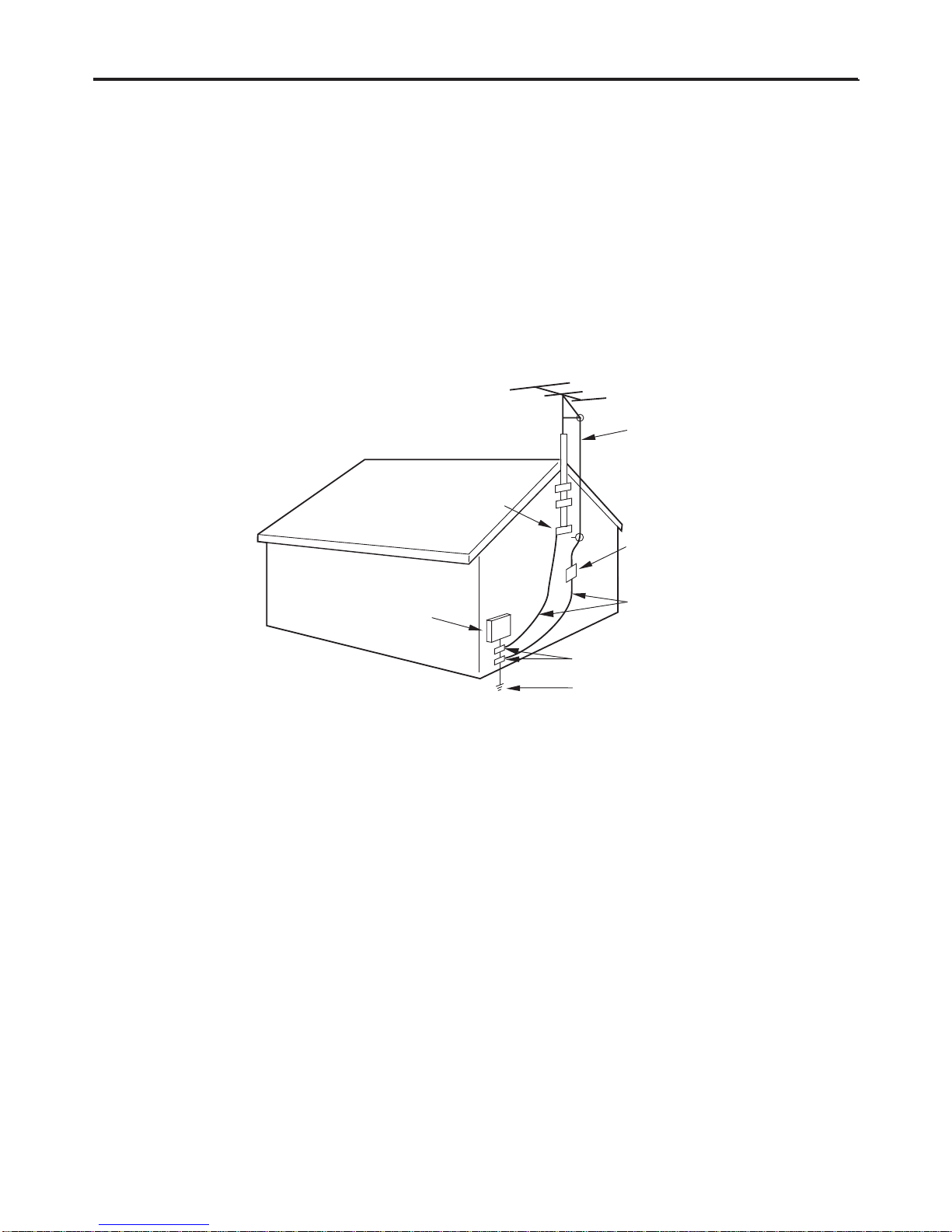
Television Antenna Connection Protection ...6
DTV Transition Advisory ........................................7
Attaching the Stand..................................10
Unpacking the TV ..................................................10
JLE32BC3001 & JLE37BC3001......................10
JLE42BC3001 & JLE47BC3001......................11
Removing the Stand.............................................11
Package Contents ....................................12
Remote Control Batteries ........................12
Parts and Functions.................................13
Front Views...............................................................13
Rear View ..................................................................13
Remote Control ......................................................14
Making Connections ................................15
Connecting Antenna / Cable.............................15
Connecting HD Devices ......................................15
HDMI.....................................................................15
Component........................................................16
Composite ..........................................................16
Connecting External Speakers /
Soundbar / AV Receivers.....................................17
Digital Connection ..........................................17
Analog Connection .........................................17
Connecting Computers and Laptops.............18
Connecting Music Port........................................18
Basic Operations......................................19
Setup Wizard ...........................................................19
Exit Retail Mode................................................20
Basic TV Operation ................................................20
Changing Channel...........................................20
Mute Volume .....................................................21
Set Sleep Timer .................................................21
Display Info.........................................................21
Set Aspect Ratio ...............................................21
Selecting Input Source ........................................22
Multimedia Mode..................................................22
Playing Multimedia Files ...............................22
Multimedia: Photo...........................................23
Multimedia: Music ...........................................23
Multimedia: Video............................................24
Audio Only Mode...................................................24
Kensington Lock ....................................................25
Wall Mount...............................................................26
Adjusting the Menu Settings...................27
Quick Menu Operation ........................................27
Input Menu ..............................................................28
Picture Menu...........................................................28
Picture Mode .....................................................28
Backlight .............................................................28
Contrast...............................................................28
Brightness...........................................................28
Color .....................................................................28
Tint ........................................................................29
Sharpness ...........................................................29
Size & Position...................................................29
Color Temperature...........................................29
Ambient Light Sensor.....................................29
Advanced Picture.............................................29
Reset Picture Mode .........................................29
Audio Menu.............................................................30
SRS StudioSound .............................................30
SRS TruVolume..................................................30
Bass .......................................................................30
Treble....................................................................30
Balance ................................................................30
Lip Sync ...............................................................30
TV Speakers........................................................30
Audio Only..........................................................30
Digital Audio Out.............................................30
Analog Audio Out............................................30
Equalizer Settings ............................................30
Reset Audio Mode ...........................................30
Setup Menu .............................................................31
Name Input ........................................................31
Game Mode .......................................................31
CEC Settings.......................................................31
Menu Languange.............................................31
Time & Local Settings .....................................32
Parental Control................................................32
Setup Wizard......................................................33
System Information.........................................33
Reset All Settings .............................................33
Picture-in-Picture (PIP).........................................33
PIP (Picture-In-Picture)...................................33
POP (Picture-Over-Picture)...........................34
Closed Caption .......................................................35
Channel Menu ........................................................35