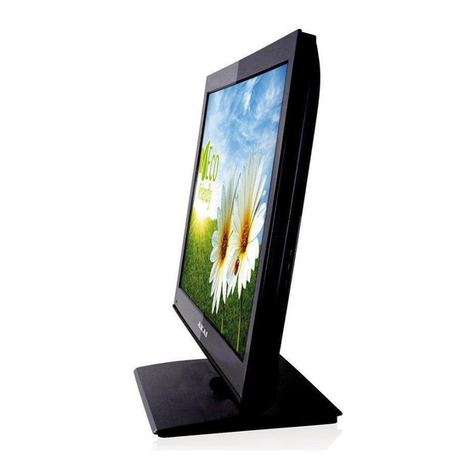
Front and back connections of LED TV
1.
2.
HDMI1/HDMI2 : Connect the HDMI output jack of DVD.
3.
VGA: Connect a computer to these jacks.4.
P C AUDIO: Connect the Audio output jack of PC.
5.
RF IN: Connect the antenna.6.
YPbPr:Connect the YPbPr output jack of DVD or VCR.
7.
AV:AV in jack.
9.
.
10.
11.
Headphone: Connect the earphone.
Fr o nt View
1.
Press “ STANDBY” button to turn
standby mode on or off.
2.
Press “ SOURCE” to select the input
source.
3. Press “ MENU” to bring up the main
menu on the screen.
4.
Press “ CH+” or “ CH-” to scan
through channels.
5.
Press “VOL+” or “VOL-” to increase
or decrease the volume.
6
. REMOTE SENSOR: Infrared sensor
for the remote control.
7.
POWER INDICATOR:Show red in
standby mode, show green
when your TV is switched on.
Bac k View a n d C o n tr ol Connec t i ons
USB2
USB1
AC 100-240V~
He a d
Phone SCART PC
Audio VGA COAX RF HDMI1
HDMI2 HDMI3 USB AV YPbPr
CI
SCART:Connect the SCART jack of VCR.
COAX:Coax output.
/HDMI3
CI:Connect to the CI card.
7
8. USB: Connect to portable USB device.