manuals.online logo
Brands
  1. Home
  2. •
  3. Brands
  4. •
  5. JVC
  6. •
  7. Security Camera
  8. •
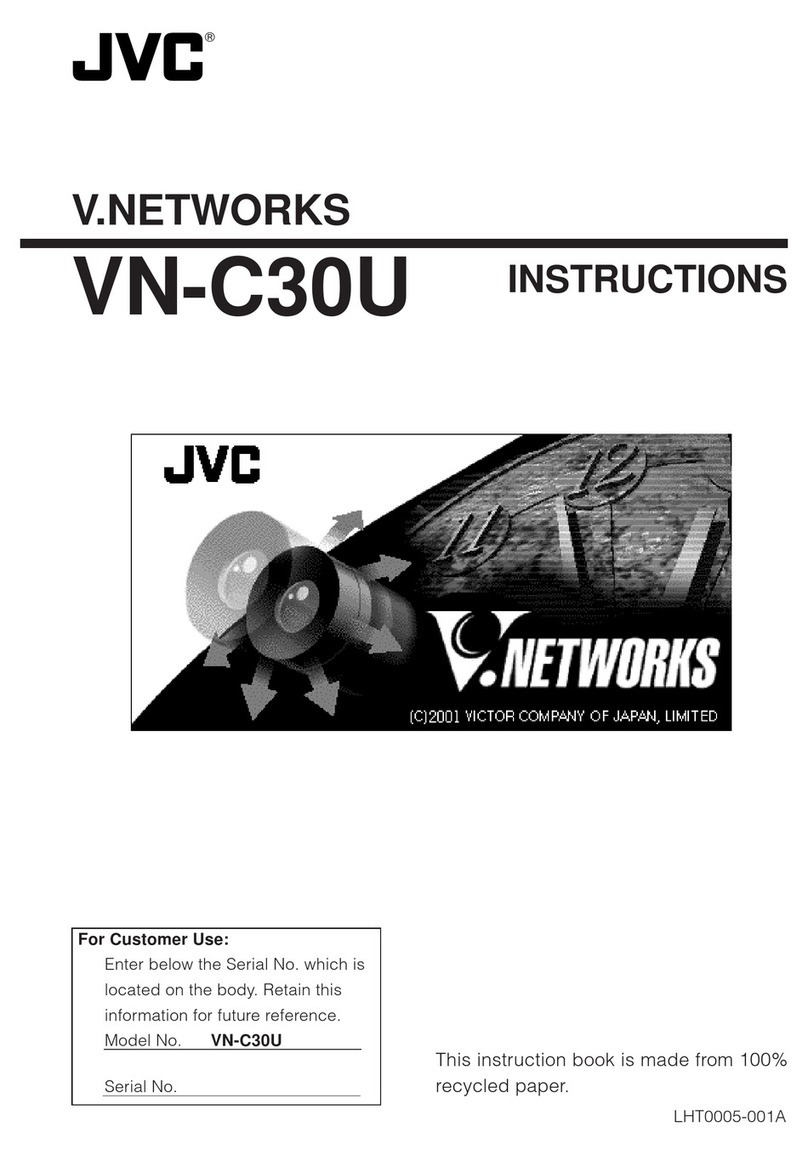
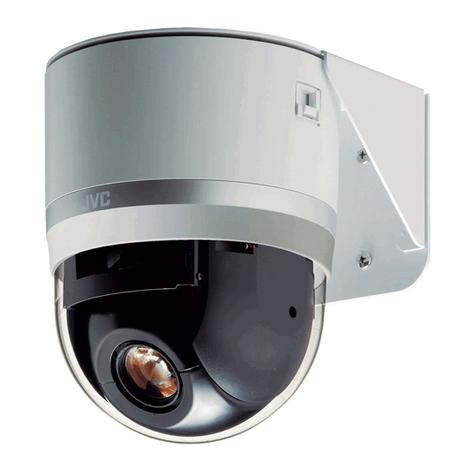
  9. JVC VN-C3U - V-networks Pan/tilt/zoom Camera User manual

JVC VN-C3U - V-networks Pan/tilt/zoom Camera User manual

Other manuals for VN-C3U - V-networks Pan/tilt/zoom Camera

1

This manual suits for next models

2

Other JVC Security Camera manuals

JVC VN-C3 Guide

JVC

JVC VN-C3 Guide

JVC TK-C1460BE User manual

JVC

JVC TK-C1460BE User manual

JVC TK-C9300E User manual

JVC

JVC TK-C9300E User manual

JVC DZ-VCA1U Installation guide

JVC

JVC DZ-VCA1U Installation guide

JVC TKC215V12U - CCTV Camera User manual

JVC

JVC TKC215V12U - CCTV Camera User manual

JVC TK-C1460BE User manual

JVC

JVC TK-C1460BE User manual

JVC LST0952-001A User manual

JVC

JVC LST0952-001A User manual

JVC KY-F70BU Installation guide

JVC

JVC KY-F70BU Installation guide

JVC TK-C1480E User manual

JVC

JVC TK-C1480E User manual

JVC TK-C675BU User manual

JVC

JVC TK-C675BU User manual

JVC VN-C655 User manual

JVC

JVC VN-C655 User manual

JVC KY-F55BU User manual

JVC

JVC KY-F55BU User manual

JVC CU-V803 User manual

JVC

JVC CU-V803 User manual

JVC KY-PZ1OOWE User manual

JVC

JVC KY-PZ1OOWE User manual

JVC TK-C553U - Fixed Color Dome Camera User manual

JVC

JVC TK-C553U - Fixed Color Dome Camera User manual

JVC VN-H57U Series User manual

JVC

JVC VN-H57U Series User manual

JVC TK-C675B User manual

JVC

JVC TK-C675B User manual

JVC VN-C215V4U - Fixed Ip Network Mini Dome User guide

JVC

JVC VN-C215V4U - Fixed Ip Network Mini Dome User guide

JVC VN-H37U series User manual

JVC

JVC VN-H37U series User manual

JVC VN-H657BU User manual

JVC

JVC VN-H657BU User manual

JVC VN-C215V4U - Fixed Ip Network Mini Dome User manual

JVC

JVC VN-C215V4U - Fixed Ip Network Mini Dome User manual

JVC KY-F55BU - 3-ccd All-purpose Color Camera Less... User manual

JVC

JVC KY-F55BU - 3-ccd All-purpose Color Camera Less... User manual

JVC SuperLoLux TK-C9200U User manual

JVC

JVC SuperLoLux TK-C9200U User manual

JVC TK-C920BU User manual

JVC

JVC TK-C920BU User manual

Popular Security Camera manuals by other brands

ADEMCO RapidDome Owners Operating & Installation Guide

ADEMCO

ADEMCO RapidDome Owners Operating & Installation Guide

EverFocus EBA2880 user manual

EverFocus

EverFocus EBA2880 user manual

Honeywell OptiCAM-IR Installation and setup guide

Honeywell

Honeywell OptiCAM-IR Installation and setup guide

Uniq UC-600 user manual

Uniq

Uniq UC-600 user manual

OPTICOM NVD-120-S datasheet

OPTICOM

OPTICOM NVD-120-S datasheet

Steren CCTV-221 instruction manual

Steren

Steren CCTV-221 instruction manual

Arm Electronics C420BCDNVFIR Features

Arm Electronics

Arm Electronics C420BCDNVFIR Features

Eneo PLD-2036PTZ installation guide

Eneo

Eneo PLD-2036PTZ installation guide

Axis AXIS M20 Series installation guide

Axis

Axis AXIS M20 Series installation guide

Panasonic KX-HCM230 operating instructions

Panasonic

Panasonic KX-HCM230 operating instructions

COP-USA CC15NV-SL Specifications

COP-USA

COP-USA CC15NV-SL Specifications

Active Silicon HARRIER H.264 quick start guide

Active Silicon

Active Silicon HARRIER H.264 quick start guide

Motorola Avigilon 1.3C-H5SL-BO1-IR installation guide

Motorola

Motorola Avigilon 1.3C-H5SL-BO1-IR installation guide

INSTEON 2864-232 user manual

INSTEON

INSTEON 2864-232 user manual

Wisenet XNB-6002 quick start guide

Wisenet

Wisenet XNB-6002 quick start guide

Axis M5525-E user manual

Axis

Axis M5525-E user manual

Vitek VTC-IR62NZ922 user guide

Vitek

Vitek VTC-IR62NZ922 user guide

Panasonic WV-SF342 Specifications

Panasonic

Panasonic WV-SF342 Specifications

manuals.online logo
manuals.online logoBrands
  • About & Mission
  • Contact us
  • Privacy Policy
  • Terms and Conditions

Copyright 2025 Manuals.Online. All Rights Reserved.

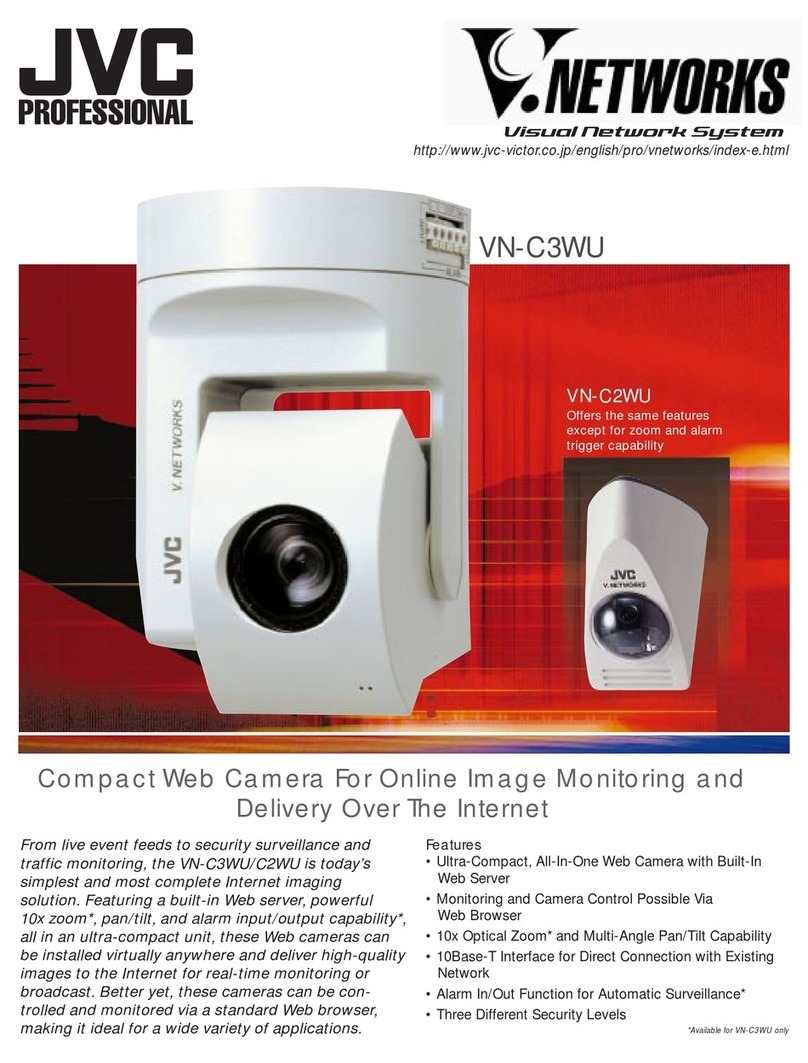
From remote monitoring to live image distribution,
V.NETWORKS is your eye on the world. Featuring
Ethernet connectivity, a powerful 10x optical zoom
and pan/tilt, this innovative system allows you to
track live images anytime and anywhere. No PC is
required — all you need is a network connection.
So whether you’re looking for a remote monitoring
tool or a simple way to serve images on the network,
V.NETWORKS is today’s most complete solution.
VN-C3U •Optical 10x Zoom • Pan/Tilt • Alarm In/Out
VN-C2U •Pan/Tilt • Alarm In/Out
Features
• Direct Ethernet Connection
• 10x Optical Zoom (VN-C3U)
• Built-in Multi-Angle Pan/Tilt Capability
(VN-C3U/C2U)
• Alarm In/Out Function
• Simple Record and Playback Function
• Viewer/Controller Software Included
http://www.jvc-victor.co.jp/english/pro/vnetworks/index-e.html
VN-C1U
• Fixed Lens
• Alarm In/Out
Network-Ready Remote Monitoring
Direct Ethernet Connection
Simply connect your V.NETWORKS camera to an
Ethernet network using 10Base-T cable and assign it
an IP address. That is all you need to do to get it up
and running over a LAN. Using a Dial-up Router,
V.NETWORKS cameras can be managed from many
different remote locations.
10x Optical Zoom (VN-C3U)
In spite of its compact size, the VN-C3U incorporates a powerful
built-in optical 10x zoom mechanism that can easily be controlled from
your PC.
Alarm In/Out Function
V.NETWORKS can be set to work in
conjunction with an infrared sensor or
door alarm, automatically moving to a
preset position when an alarm
signal is received.* Automatic
alarm recording is also possible.
*Pre-setting of desired camera angles or
zoom ratios is necessary.
Built-in Multi-Angle Pan/Tilt Capability (VN-C3U/C2U)
The high-speed pan/tilt function gives you control over horizontal, verti-
cal and diagonal camera movement. Quick access to the desired
monitoring point is possible with 10 (6 for C2U) preset positions.
Viewer/Controller Software Included
The Viewer/Controller Software
(included) can control a variety of
camera operations including
network and picture quality setting,
as well as pan/tilt and zoom control.
You can also operate recording and
playback of the camera images.
*Frame rate varies depending on the operating environment.
+50°— -50°
6 positions 10 positions
1.0m — ∞
+160°— -160°
0°— -90°
Camera Image Sensor 1/3" CMOS 300,000 pixels
Lens Zoom N/A Optical 10x
Focal Length (f) 7mm 5.8mm — 58mm
Aperture Ratio (F) F2 F1.8
Focus Manual Auto/Manual
Min. Object Distance
Model VN-C1U VN-C2U VN-C3U
Interface 10Base-T (Ethernet) IEEE802.3
Alarm I/O Input x 2, Output x 1
N/A
N/A
N/A
N/A
Protocol UDP/IP
Picture Resolution (Pixels) 160 x 120, 320 x 240,640 x 480
Compression JPEG
Frame Rate (fps)* 160 x 120 15
320 x 240 10
640 x 480 5
Pan/Tilt Angle
Position Memory Pan
Tilt +5 — -75°
Pan/Tilt Speed 160°/s 100°/s
View Through JVC Controller Software
Power Requirement DC5V 1.4A (Max.)DC5V 0.6A (Max.) DC12V 1.7A (Max.)
Dimensions (H x W x D) 122mm x 82mm x 97mm
(4-4/3" x 3-1/4" x 3-7/8") 166mm x 110mm x 110mm
(6-1/2" x 4-3/8" x 4-3/8")
Weight 230g (8.2 oz.) 260g (9.25 oz.) 730g (26 oz.)
DISTRIBUTED BY
Hub
Each floor
Hub
Each floor
Hub
Each floor
Server
Switching Hub
V.NETWORKS Website: http://www.jvc-victor.co.jp/english/pro/vnetworks/index-e.html
E.&O.E. Design, dimensions and specifications are subject to change without notice.
Branch
Offices Branch
Offices
Head
Office
Dial-up RouterDial-up RouterDial-up Router Dial-up Router
Branch
Offices Branch
Offices
Telephone Lines
Specifications
Printed in Japan
VEC-0103
A Powerful Array of Features Accessible Via Any Network Connection
System Example System Example
Trigger Signal
Recording start
• Example of system
installation with
alarm function
Viewer/Controller Software
Software Products (optional)
VN-S100U/S200U Multi-Camera Browser Software
• Simultaneous display of multiple
cameras on a single screen
(VN-S100U: Up to 4 windows,
VN-S200U: Up to 16 windows)
• Timer recording function
• Sequential switching function
VN-S10WU Web Server
• Internet connection capability for VN-C1U/C2U/C3U
• Simultaneous access to a single camera by up to 256 users