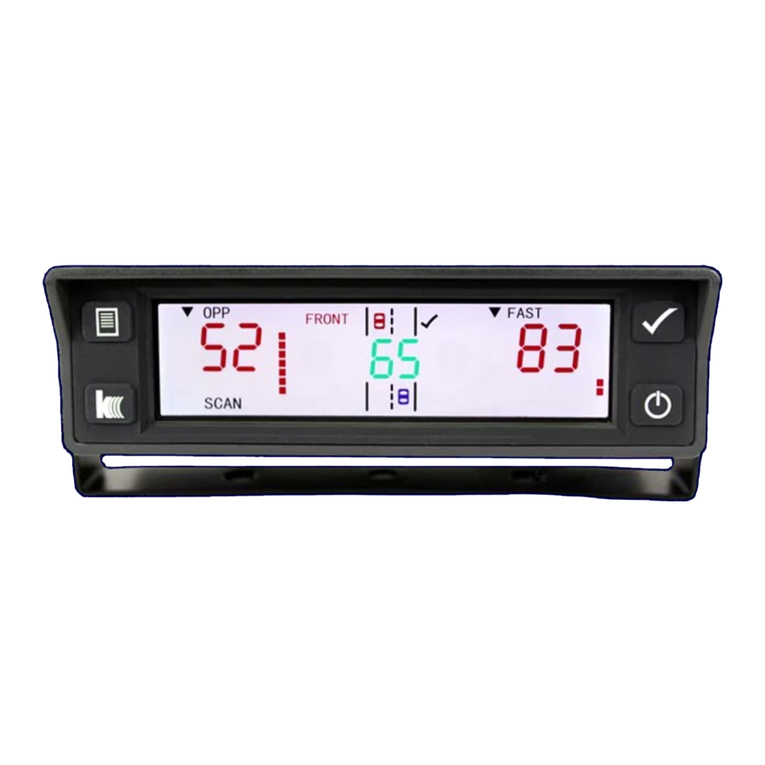
K40 rd950 User manual

Radar Al rt Signals
Radar source strength: weak medium strong
D splay read ng: 123 456 789
Aud o alert beeps: slowly rapidly
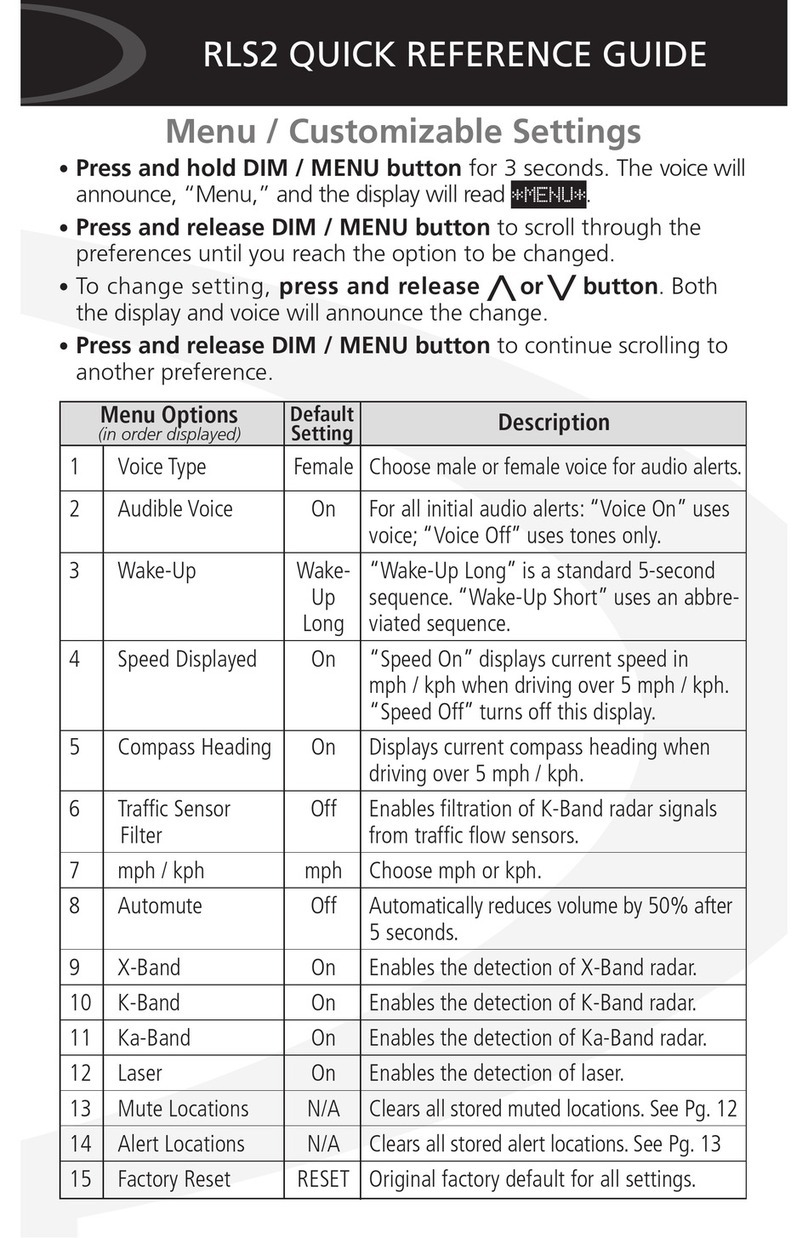
RD950 QUICK REFERENCE GUIDE
M nu / Customizabl S ttings
•Pr ss and r l as MENU button to scroll through the
preferences unt l you reach the opt on to be changed.
•To change sett ng, pr ss and r l as MUTE button. Both
the d splay and vo ce w ll announce the change.
•Pr ss and r l as MENU button to cont nue scroll ng to
another preference.
1 Voice Type Female Choose male or female voice for audio alerts.
2 Audi le Voice On For all initial audio alerts: “Voice On” uses
voice; “Voice Off” uses tones only.
3 Wake-Up Wake- “Wake-Up Long” is a standard 5-second
Up sequence. “Wake-Up Short” uses an
Long a reviated sequence.
4 Traffic Sensor Off Ena les filtration of K-Band radar signals
Filter from traffic flow sensors.
5 Automute Off Automatically reduces volume y 50% after
5 seconds.
6 X-Band On Ena les the detection of X-Band radar.
7 K-Band On Ena les the detection of K-Band radar.
8 Ka-Band On Ena les the detection of Ka-Band radar.
9 Laser On Ena les the detection of laser.
10 Factory Reset RESET Original factory default for all settings.
Default
Setting
Menu Options
(in order displayed) Description

Questions? Call 800.323.5608
Lea n mo e at K40.com
© K40 Elect onics 44818-1 4/16
Fr qu ntly Us d F atur s & Functions
Mute Audi Bef re r During Alert (Owner’s Manual pg.11)
30-s cond Mut Pr ss and r l as MUTE button.
5-minut Mut Pr ss and hold MUTE button for 3 s conds.
RD950 QUICK REFERENCE GUIDE
DIM (Owner’s Manual pg.10)
•Pr ss and r l as DIM button to adjust d splay br ghtness
to accommodate var ous dr v ng env ronments. Your sett ng
w ll automat cally be saved w th the except on of “Off.” The
“Off” sett ng w ll revert to “Auto” upon RD950 wake-up.
The 5 pti ns include:
1. “Day” (Brigh )
2. “Dusk” (Medium / fac ory defaul )
3. “Night” (Dim)
4. “Aut ” (Display adjus s au oma ically from 5 seconds in
“Day,” 5 seconds in “Dusk,” and he dura ion of
he aler in “Nigh ”)
5. “Off” (No display, s ill receive full audio aler s)
FILTER (Owner’s Manual pg.10)
(i.e. signal sensi ivi y)
The FILTER button offers three levels of sens t v ty: H ghway
(full sens t v ty), C ty (X-Band 50%), and F lter (X-Band Off,
K and Ka-Band 50%). To change the level at any t me, pr ss
and r l as FILTER button.
Other manuals for rd950
1
Table of contents
Other K40 Radar manuals
Popular Radar manuals by other brands

SAW D2L
SAW D2L Valentine One Gen2 owner's manual

Raymarine
Raymarine Raytheon R20X instruction manual

Simrad
Simrad CA34 manual
Endress+Hauser
Endress+Hauser Micropilot FMR67B Brief operating instructions
Endress+Hauser
Endress+Hauser Levelflex M FMP45 operating instructions
ECHOMAX
ECHOMAX Active-X-Band manual