10
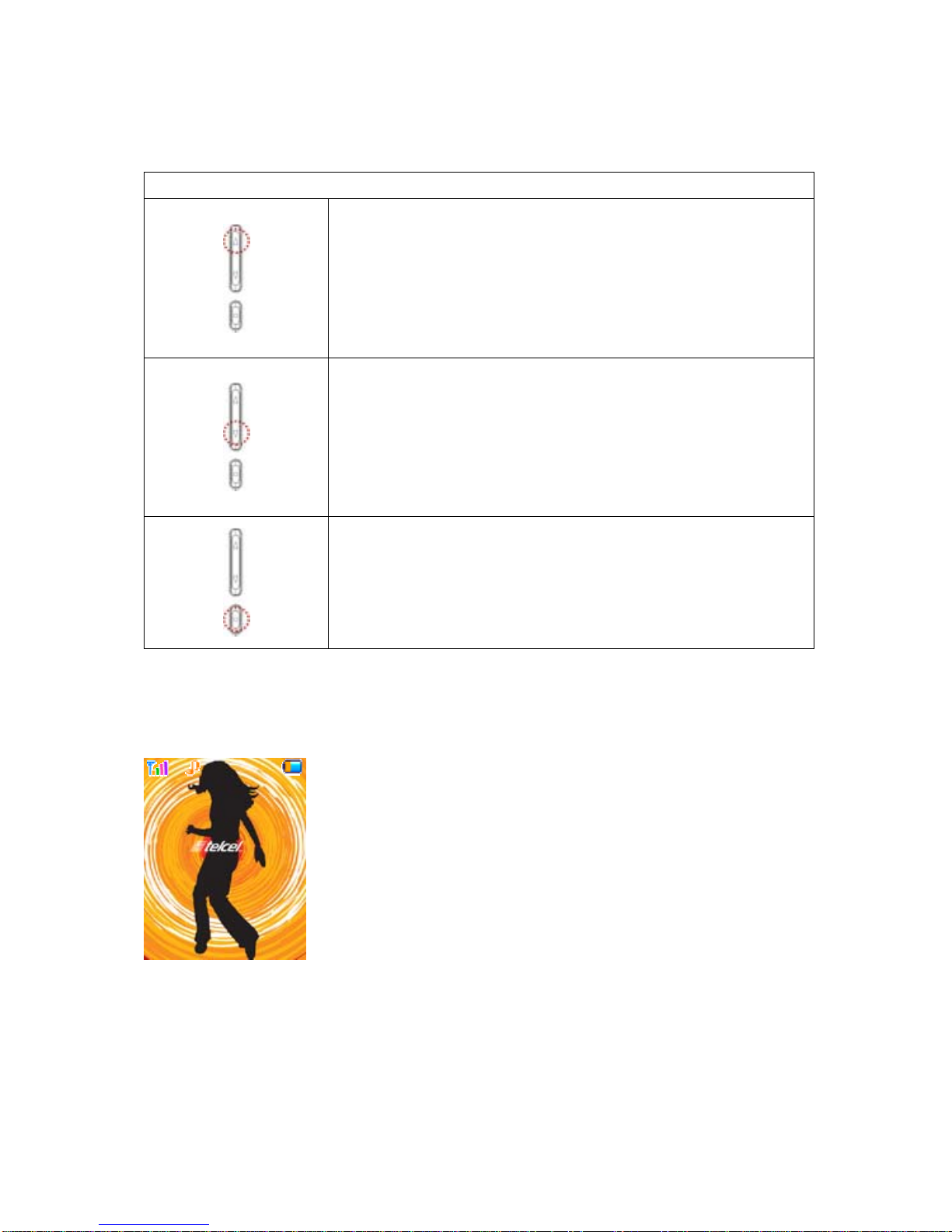
Network name registered is displayed.
If there is no GSM network coverage, No Service is displayed.
If you are in the coverage area of a GSM network but you are not allowed to register to the
network, Emergency is displayed.
3.1.3 User Setting ScreenArea:
Digital Clock , Analog Clock , Images or User Text is displayed according to the setting of screen
setting menu.
If you set to get the broadcast message from the network, you can see it on the idle screen. For
details of how to activate and deactivate it, please see Cell Broadcast menu in A3. In this case, the
User setting screen Area updates the received broadcast messages. If you want to go back to
default screen, press [END].
! Note:The broadcast message service may not be available on all networks.
3.1.4 Time & Date Area
Current time and date is displayed in the Time & DateArea.
3.1.5 Soft Key Area:
The functions assigned to the right and left soft keys.
3.1.6 Icons Descriptions
Icon Description
Shows the received signal strength. The greater the number of bars, the
better the signal strength.
Shows the current battery charge level. The green area shows charge
level of battery.
Appears when the alarm clock is set.
Appears GPRS Mode is on
Indicate the phone number line you select
Show Phone Lock mode
Roaming
Appears when you miss call
Appear when e-mail has been received
Appear when FAX has been received