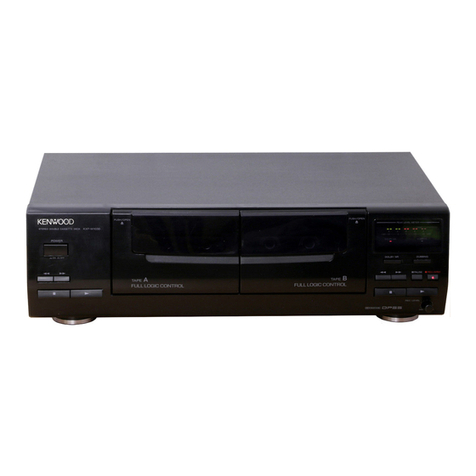
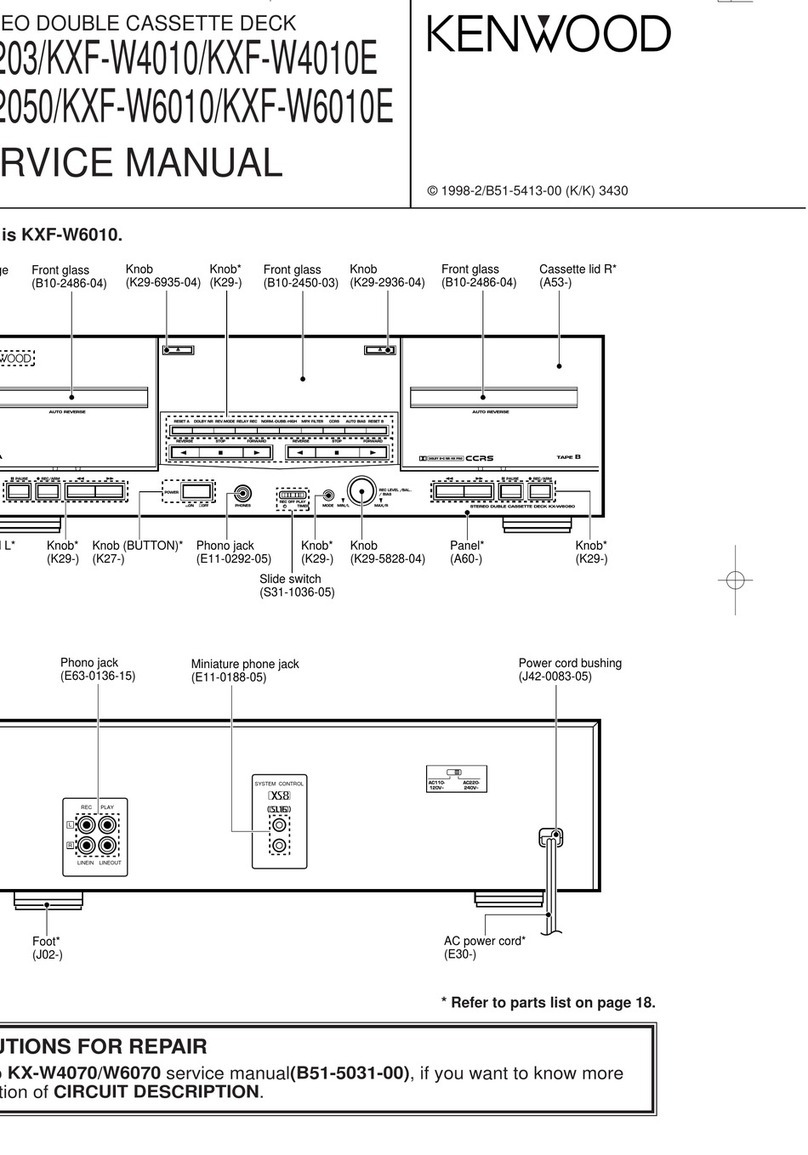
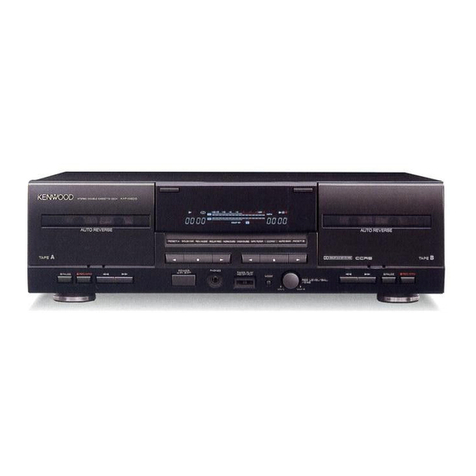
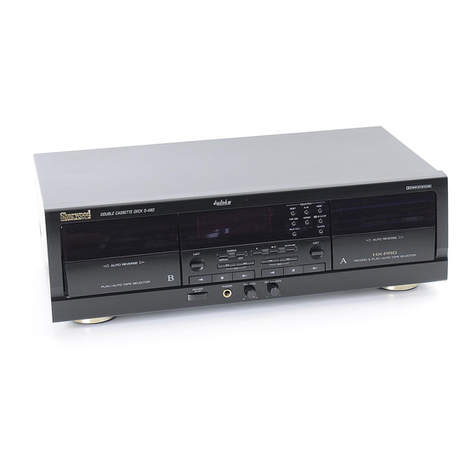
1Tape tray
Load a cassette tape here.
2“on/standby” key/indicator
Press to turn the power on/off (standby). This key is not
used when the unit is connected using the system
connection.
3Dolby NR key/indicators
Press to switch the Dolby Noise Reduction on/off.
4Play (23) keys/operation indicators
During stop and pause: the tape direction lights red.
During playback and recording: the tape direction lights
green.
During fast forward and rewind: the tape direction
flashes green.
5Open/close (0) key
Press to open the tape tray when loading or
unloading tape.
6Stop key (7)
7Pause (8) key/indicator
8Record (¶) key/indicator
Pressto startrecording.When pressed duringrecording,
the tape stops after leaving a non-recorded section
(blank) of about 4 seconds.
9Fast forward and rewind (1¡) keys
0“rev. mode” key/indicator
Press to switch the tape reverse mode (two-way or one-
way) of the deck.
!CRLS key/indicator
Press to set the recording level automatically according
to the recorded music source.
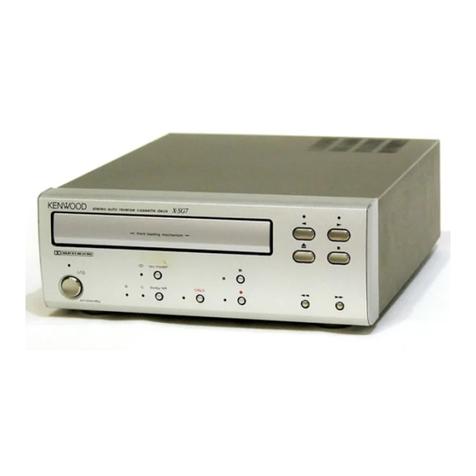
stereo auto reverse cassette deck
X-SE9
on/standby
rev. mode
Dolby NR CRLSB C
”
¶ 1
0
2
7
3
¡
8
1
2
4
5
6
8
9
0
!
3
7
- front loading mechanism -
(X-SE9)
X-SE7/SE7(G)/SE9
3
CONTROLS
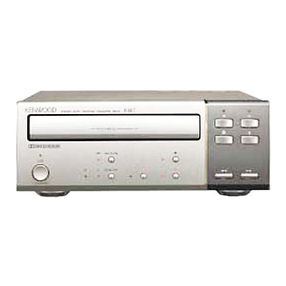
1Tape tray
Load a cassette tape here.
2“on/standby” key/indicator
Press to turn the power on/off (standby). This key is not
used when the unit is connected using the system
connection.
3Dolby NR key/indicators
Press to switch the Dolby Noise Reduction on/off.
4Play (23) keys/operation indicators
During stop and pause: the tape direction lights red.
During playback and recording: the tape direction lights
green.
During fast forward and rewind: the tape direction
flashes green.
5Open/close (0) key
Press to open the tape tray when loading or
unloading tape.
6Stop key (7)
7Pause (8) key/indicator
8Record (¶) key/indicator
Pressto startrecording.When pressed duringrecording,
the tape stops after leaving a non-recorded section
(blank) of about 4 seconds.
9Fast forward and rewind (1¡) keys
0“rev. mode” key/indicator
Press to switch the tape reverse mode (two-way or one-
way) of the deck.
!CRLS key/indicator
Press to set the recording level automatically according
to the recorded music source.
on/standby
rev. mode
Dolby NR CRLSB C ¶ 1
0
2
7
3
¡
8
”
stereo auto reverse cassette deck
X-SE7
1
2
4
5
6
8
9
0
!
3
7
- front loading mechanism -
(X-SE7)
X-SE7(K)1P 97.11.294:14AM y[W 7
www.freeservicemanuals.info