manuals.online logo
Brands
  1. Home
  2. •
  3. Brands
  4. •
  5. KIFFE
  6. •
  7. Golf Trolley
  8. •
  9. KIFFE K3 User manual

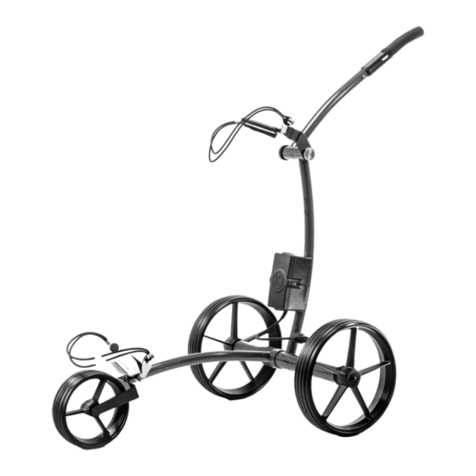
KIFFE K3 User manual

Other KIFFE Golf Trolley manuals

KIFFE K1 User manual

KIFFE

KIFFE K1 User manual

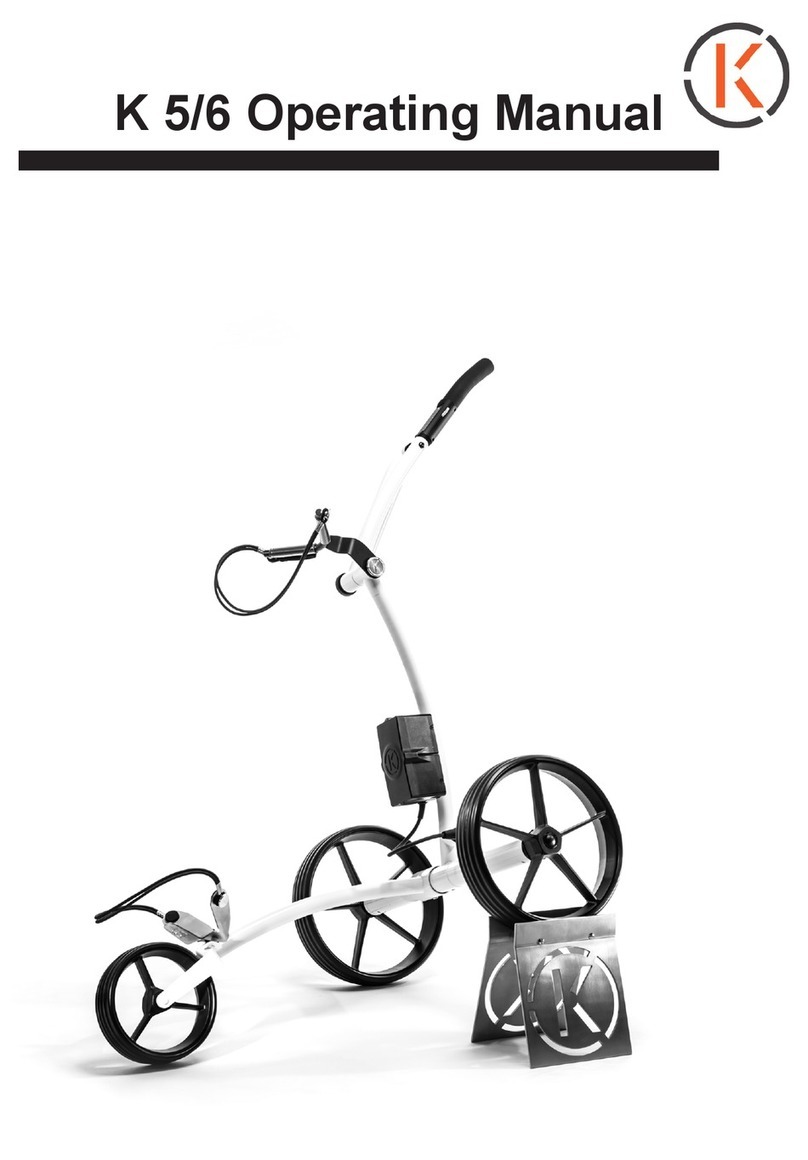
KIFFE K5 User manual

KIFFE

KIFFE K5 User manual

Popular Golf Trolley manuals by other brands

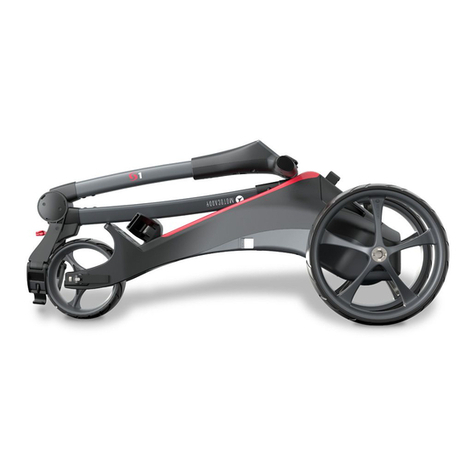
Motocaddy S1 DHC instruction manual

Motocaddy

Motocaddy S1 DHC instruction manual

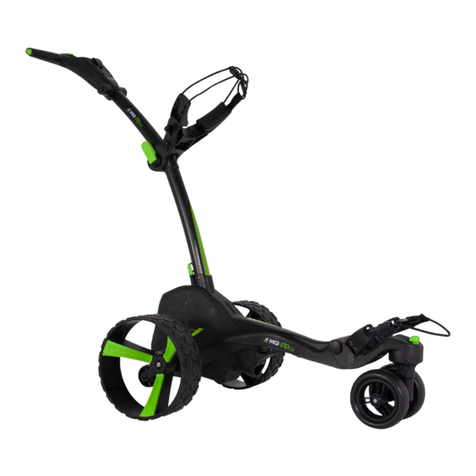
MGI ZIP series user manual

MGI

MGI ZIP series user manual

Powakaddy FW3 instruction manual

Powakaddy

Powakaddy FW3 instruction manual

Caddytek CaddyCruiser ONE V4 user manual

Caddytek

Caddytek CaddyCruiser ONE V4 user manual

EZiCaddy EZi-5 Digital user manual

EZiCaddy

EZiCaddy EZi-5 Digital user manual

TiCad Goldfinger Read me first

TiCad

TiCad Goldfinger Read me first

Concourse SMART WHEELS User instruction manual

Concourse

Concourse SMART WHEELS User instruction manual

TiCad Voyage user manual

TiCad

TiCad Voyage user manual

caddytrek CT-7031-UD user manual

caddytrek

caddytrek CT-7031-UD user manual

Fantom Professional PROCART 420 / PROCART 421 / PROCART 422 / PROCART 423 / PROCART 424 / PROCART 425 / PROCART... Assembly manual

Fantom Professional

Fantom Professional PROCART 420 / PROCART 421 / PROCART 422 / PROCART 423 / PROCART 424 / PROCART 425 / PROCART... Assembly manual

MGI zip X5 user manual

MGI

MGI zip X5 user manual

Concourse VOGUE PUSH BUGGY User instruction manual

Concourse

Concourse VOGUE PUSH BUGGY User instruction manual

Clicgear 1.0 Replacement manual

Clicgear

Clicgear 1.0 Replacement manual

Cart-Tek GRX-860 user manual

Cart-Tek

Cart-Tek GRX-860 user manual

Bat-caddy X3 Series user manual

Bat-caddy

Bat-caddy X3 Series user manual

Motocaddy S5 connect dhc instruction manual

Motocaddy

Motocaddy S5 connect dhc instruction manual

Powakaddy FW3 user manual

Powakaddy

Powakaddy FW3 user manual

THOMSON E5000 user manual

THOMSON

THOMSON E5000 user manual

manuals.online logo
manuals.online logoBrands
  • About & Mission
  • Contact us
  • Privacy Policy
  • Terms and Conditions

Copyright 2025 Manuals.Online. All Rights Reserved.

K 3 Operating Manual
BA3.indd 1 20.04.2017 11:41:04
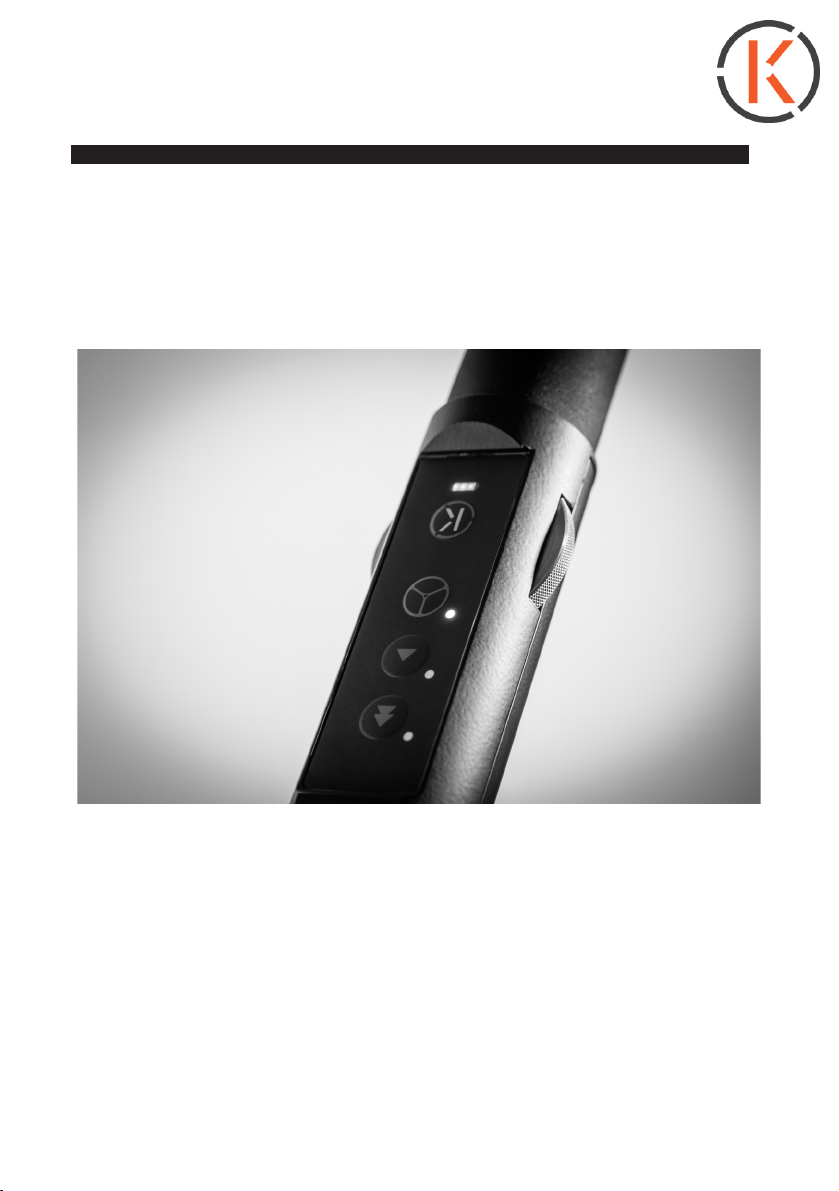
K3 control unit in detail
battery capacity display (3 LED‘s
show the battery status) ..................................
..............................start and stop
........ speed regulator
(stageless and continuous)
electronic freewheel mode..........................
(manoeuvring against the
running direction)
K 3 Operating Manual
Forward motion approx.10 m .......
............................Forward motion approx.. 20 m
BA3.indd 2 20.04.2017 11:41:09
K 3 Operating Manual
Congratulations on your KIFFE K3!
We are of the opinion that no golfer deserves mediocre equipment.
And that‘s exactly why we at KIFFE Golf Manufaktur produce
technically superior trolleys with perfect craftsmanship, and we
attach the utmost importance to well-thought-out functionality and
ease of use with each of our models, so that you concentrate on one
thing only: Your Game.
For it to remain that way in the long term, please follow the
instructions in this manual. Should you have any further questions,
please contact our service department at: [email protected].
We wish you many special golf moments with your trolley and a
good game always!
yours KIFFE Golf Manufaktur
___________________________________________
After receiving your trolley, please check:
● thepackagingforpossibleshippingdamage
● hecompletenessofthescopeofdeliveryasperthedelivery
note
● thetrolleyforvisibledefects/damage
Please report any visible defects, transport damage or incomplete
deliveries in writing without delay, but at the latest within two working
days after delivery:
● bye-mailat:[email protected]oder
● byfaxat:0049-7420-91395-20
Please take into account that complaints received later can unfor-
tunately no longer be acknowledged.
KIFFE Golf Manufaktur GmbH - www.kiffe-golf.de - service@kiffe-golf.de
BA3.indd 3 20.04.2017 11:41:09
KIFFE Golf Manufaktur GmbH - www.kiffe-golf.de - service@kiffe-golf.de
K 3 Operating Manual
....... upper steering rod
individually adjustable
control unit ................
knob for fastening the height-
adjustable steering rod.............................
..........xedupperbagrestwith
secure mounting points
.......battery in hard cover with
magnetic connector
.............. solid GRP
wheels, removable
by pressing a button
lower bag rest .....
lower steering rod..............
BA3.indd 4 20.04.2017 11:41:13
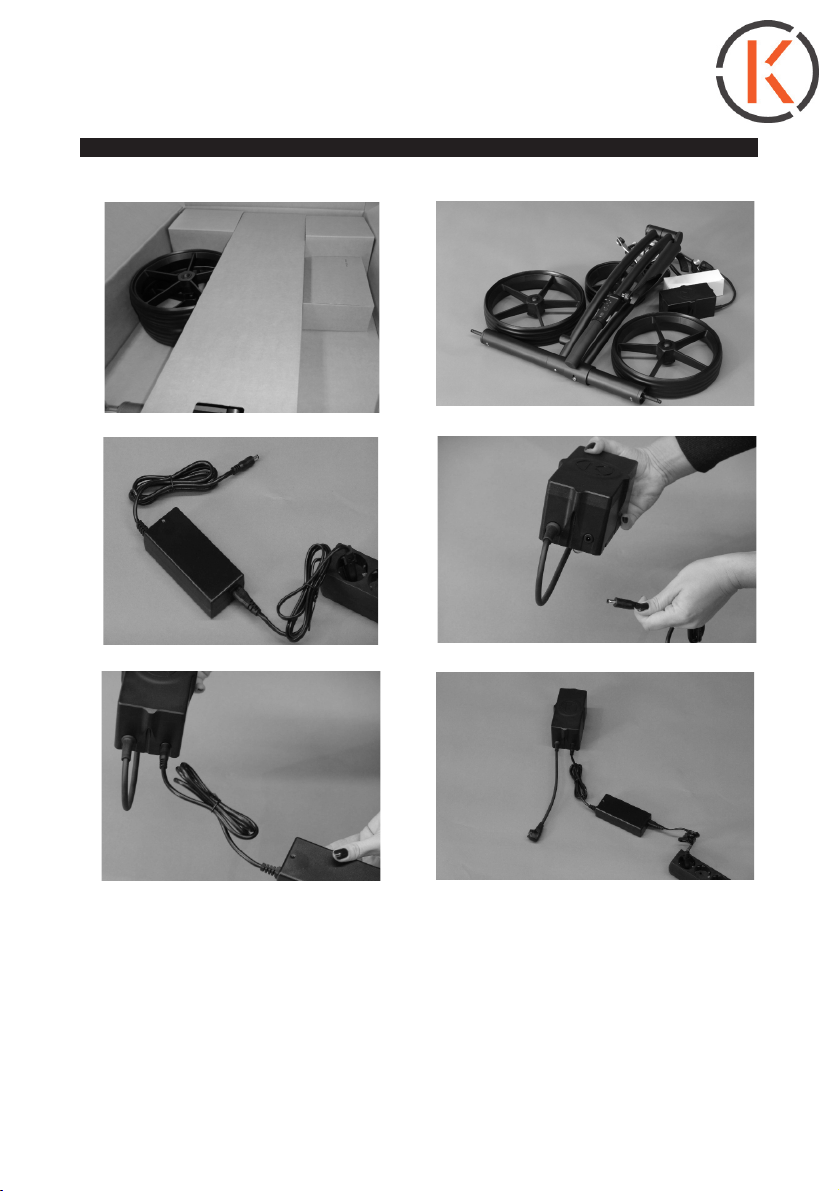
Trolley packed All the trolley components
All the trolley components Connection charger - battery
KIFFE Golf Manufaktur GmbH - www.kiffe-golf.de - service@kiffe-golf.de
K 3 Operating Manual
Only when a noticeable re-
sistance has been overcome
when connecting to the battery
and charger are correctly con-
nected. Charging can begin.
Charge the battery for 24 hours
uninterrupted before using the
trolley for the rst time!
BA3.indd 5 20.04.2017 11:41:14
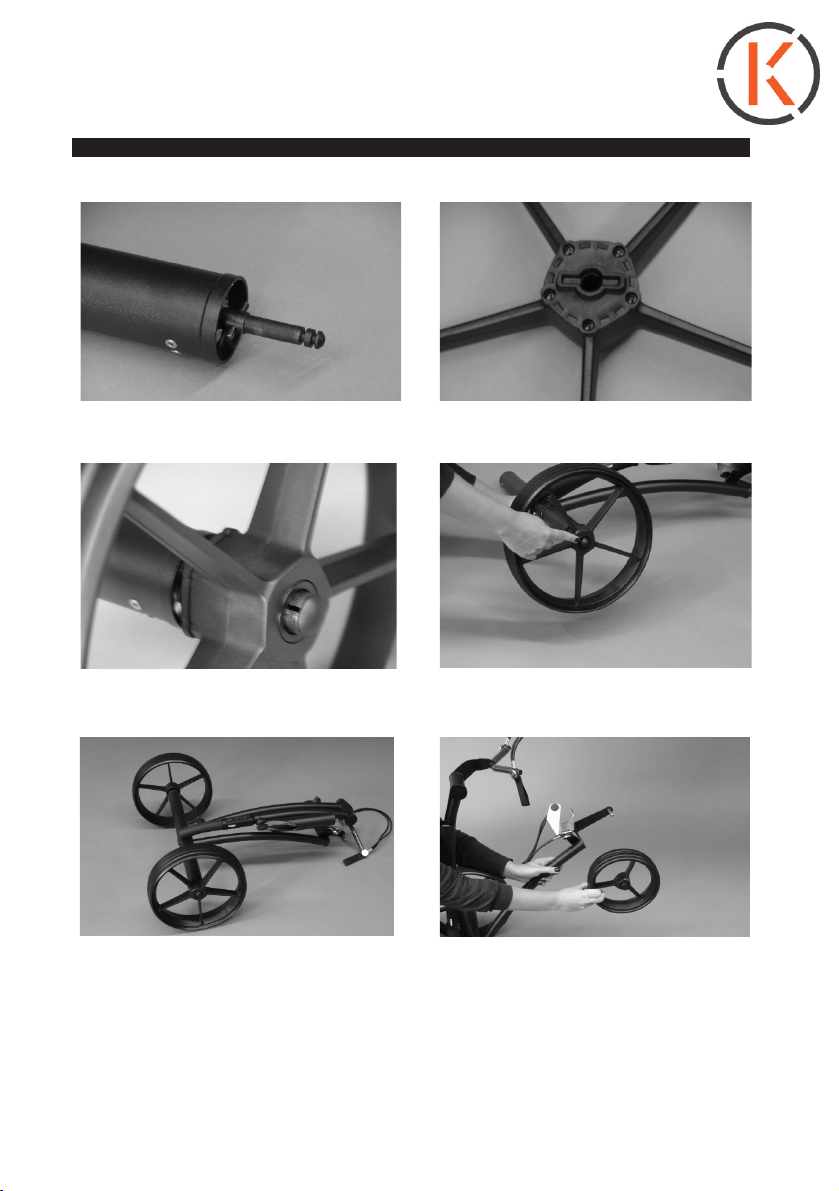
Drive axle Back side of driving wheel
Open the push button, place the
wheel on the drive axle
Open the push button, place the
wheel on the drive axle
Trolley with attached, locked drive
wheels (push button closed)
K 3 Operating Manual
KIFFE Golf Manufaktur GmbH - www.kiffe-golf.de - service@kiffe-golf.de
Put the front wheel (open) on
the front axle. Maintain distance
from axle shank lock with the
push button. Set the trolley
upright.
BA3.indd 6 20.04.2017 11:41:14
Attaching the upper steering rod
Mount the battery with the cable
down on both the stems of the
steering rod
To avoid impurities, do not place
theplugontheoor.
Battery connection by magnetic
connector. Flashing signal at the
control indicates battery connec-
ted.
KIFFE Golf Manufaktur GmbH - www.kiffe-golf.de - service@kiffe-golf.de
K 3 Operating Manual
BA3.indd 7 20.04.2017 11:41:23
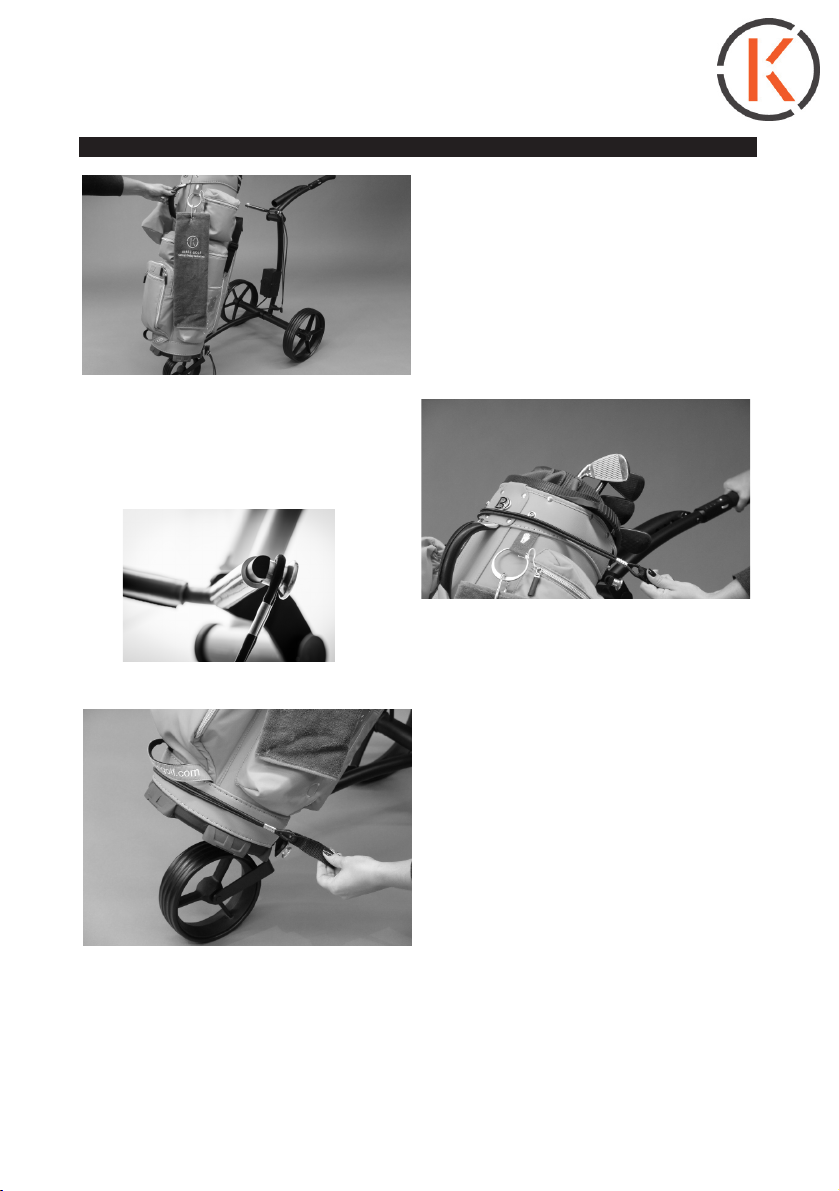
Place the golf bag on the trolley.
Attach the bag to the upper bag
rest by hooking the bag elastic over
the mounting point.
ATTENTION: The bag rest is rigid,
so it cannot be customized
Attach the bag onto the lower bag
rest by hooking the bag elastic over
the mounting point
K 3 Operating Manual
KIFFE Golf Manufaktur GmbH - www.kiffe-golf.de - service@kiffe-golf.de
BA3.indd 8 20.04.2017 11:41:27
Operation/maintenance
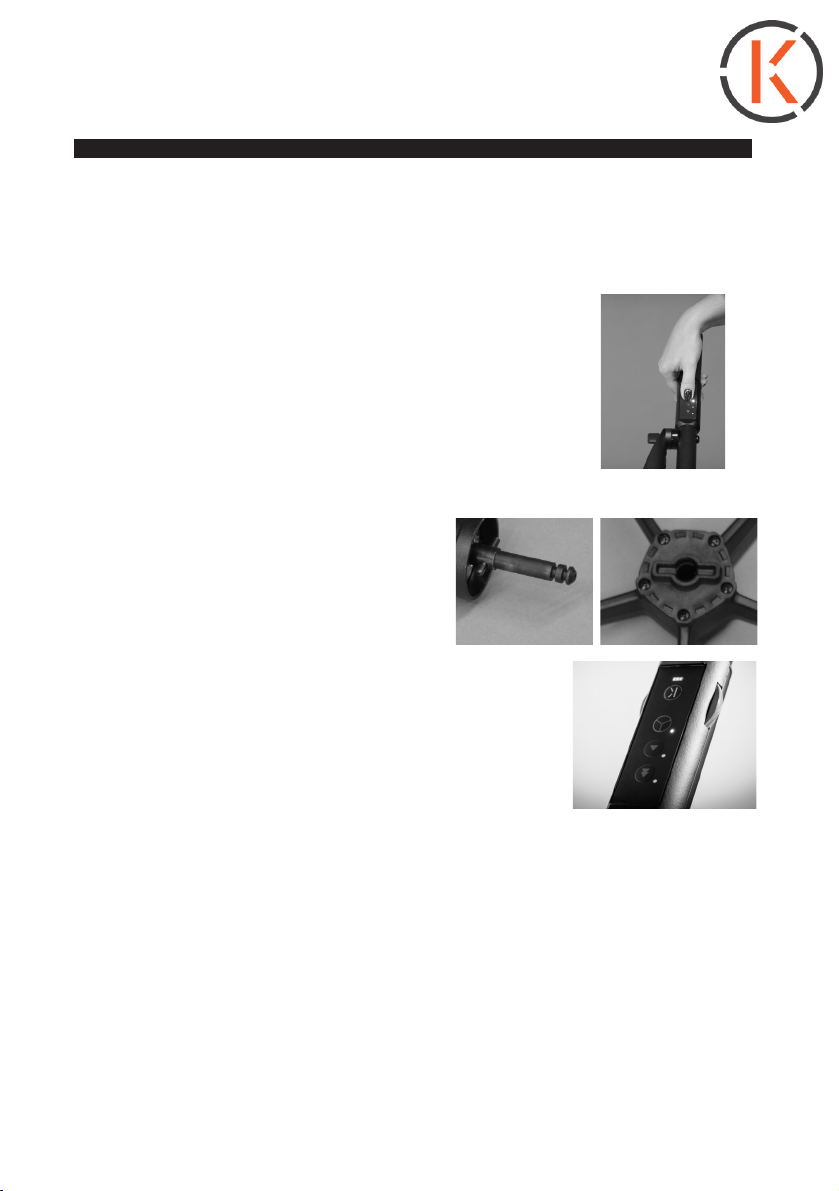
1. Switching the trolley on
Switch on by briefly pressing the
start / stop button "K". The charge
status indicator lights up.
3 x green = full charge, reduced to
2 x green when consumed,
1 x green, orange, red = empty
The trolley is ready to start when
the LED‘s above the „K“ light con-
stantly. (= Battery charge indicator:
comprises a total of 3 LED‘s)
2. The trolley is started by turning
the speed control wheel. This will in-
crease or slow down the speed. The
speed controller (continuous wheel)
can be operated from the left as well
as from the right.
KIFFE Golf Manufaktur GmbH - www.kiffe-golf.de - service@kiffe-golf.de
K 3 Operating Manual
BA3.indd 9 20.04.2017 11:41:32
3. The trolley has a speed memory: It saves the last speed you drove it
at(bybrieypressingthestart/stoppbutton.
4. The trolley has both a manual and an electronic
freewheel. The electronic freewheel is set by
pressing a key on the conrol unit. Press the button
above the „K“ button to do this. The LED next to the
key lights up white. The drive is thereby switched off.
This driving mode is required to maneuver the trolley
against the running direction. The manual freewheel
is recommended for using the trolley without battery.
This mode is activated as follows:
1. Unlock the drive wheels and pull
them outwards about 1 cm
2.Re-lockintheoutergrooveprole
of the axle by means of the push
button.
5. The K3 has two forward motion keys, with
which you can make it drive approx. 10m............................
or approx. 20 m.................................................................
further by itself. When the selected distance is
reached, the trolley switches off automatically. In
forwardmotionmodethespeedisxedandcanthereforenotbeadju-
sted with the regulator.
6. The trolley has cruise control, which keeps the set speed also during
downhill driving. For safe parking in sloping terrain, the optional brake
booster is recommended, which causes braking of a drive wheel.
KIFFE Golf Manufaktur GmbH - www.kiffe-golf.de - service@kiffe-golf.de
K 3 Operating Manual
BA3.indd 10 20.04.2017 11:41:36