manuals.online logo
Brands
  1. Home
  2. •
  3. Brands
  4. •
  5. Kindara
  6. •
  7. Personal Care Product
  8. •
  9. Kindara Wink User manual

Kindara Wink User manual

Popular Personal Care Product manuals by other brands

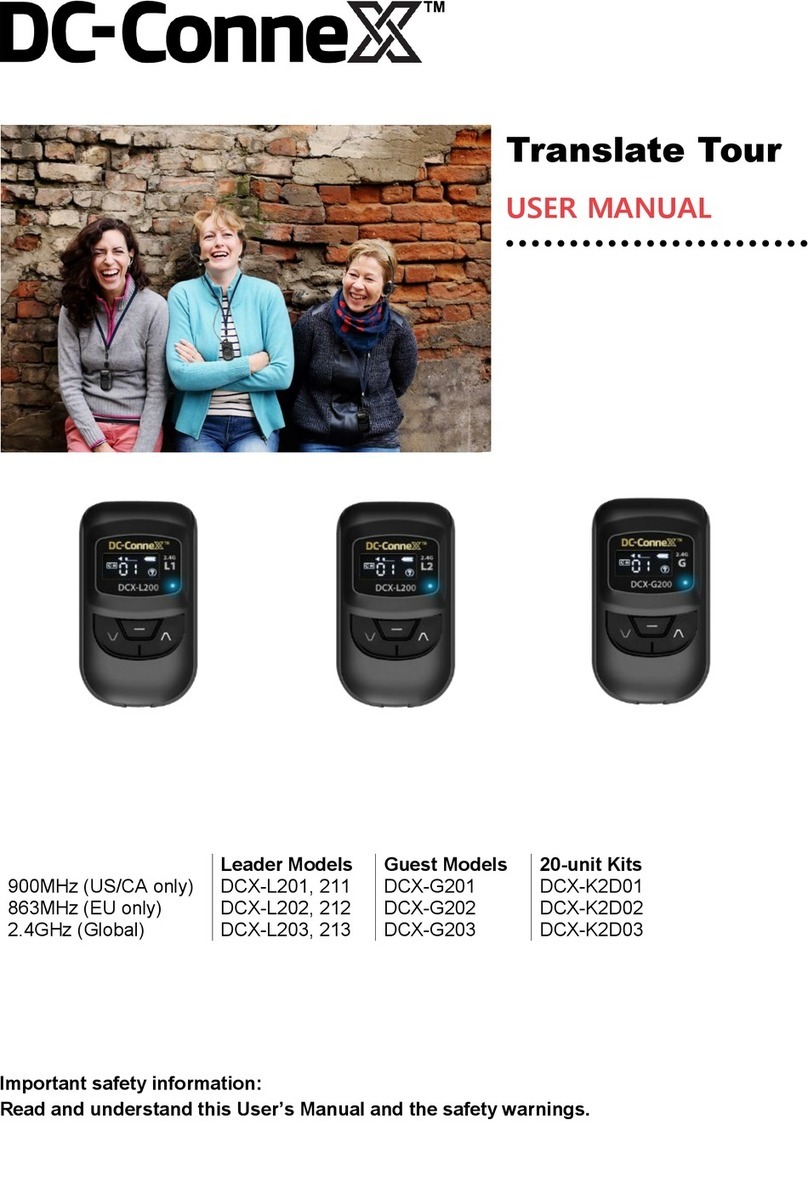
DC-Connex DCX-L201 user manual

DC-Connex

DC-Connex DCX-L201 user manual

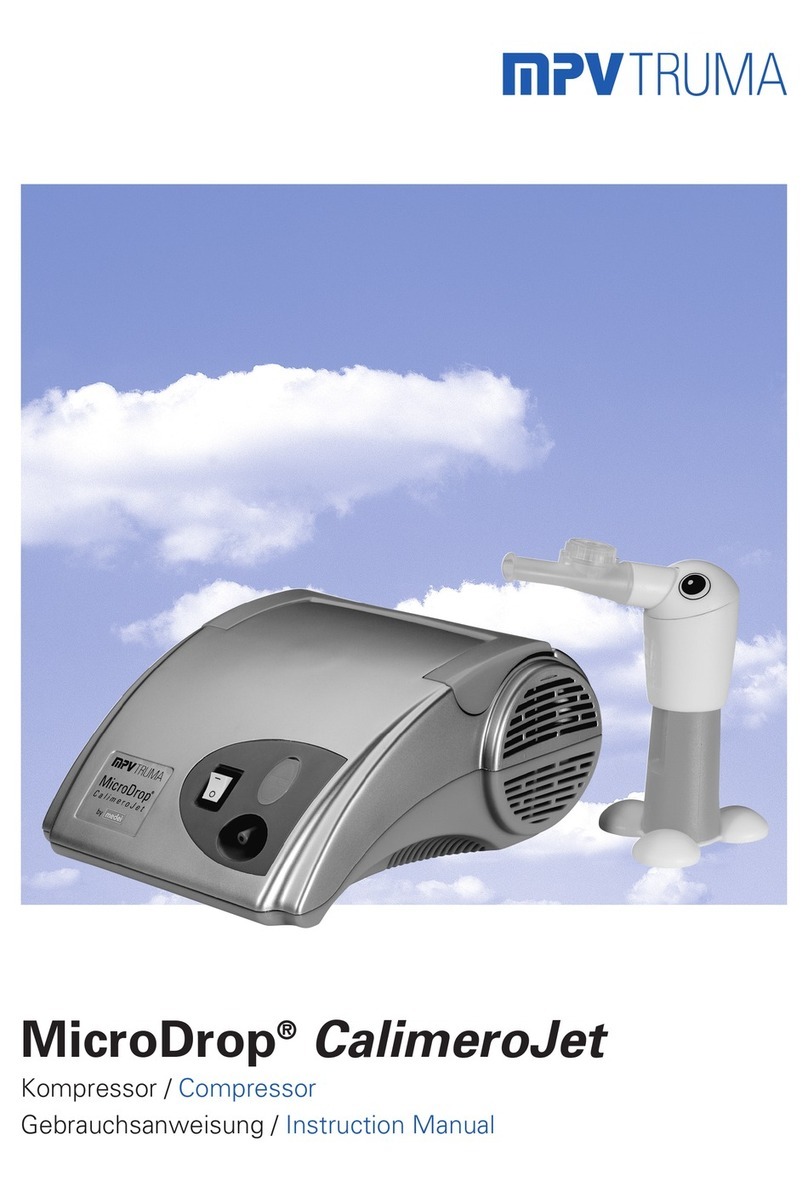
MPVTruma MicroDrop CalimeroJet instruction manual

MPVTruma

MPVTruma MicroDrop CalimeroJet instruction manual

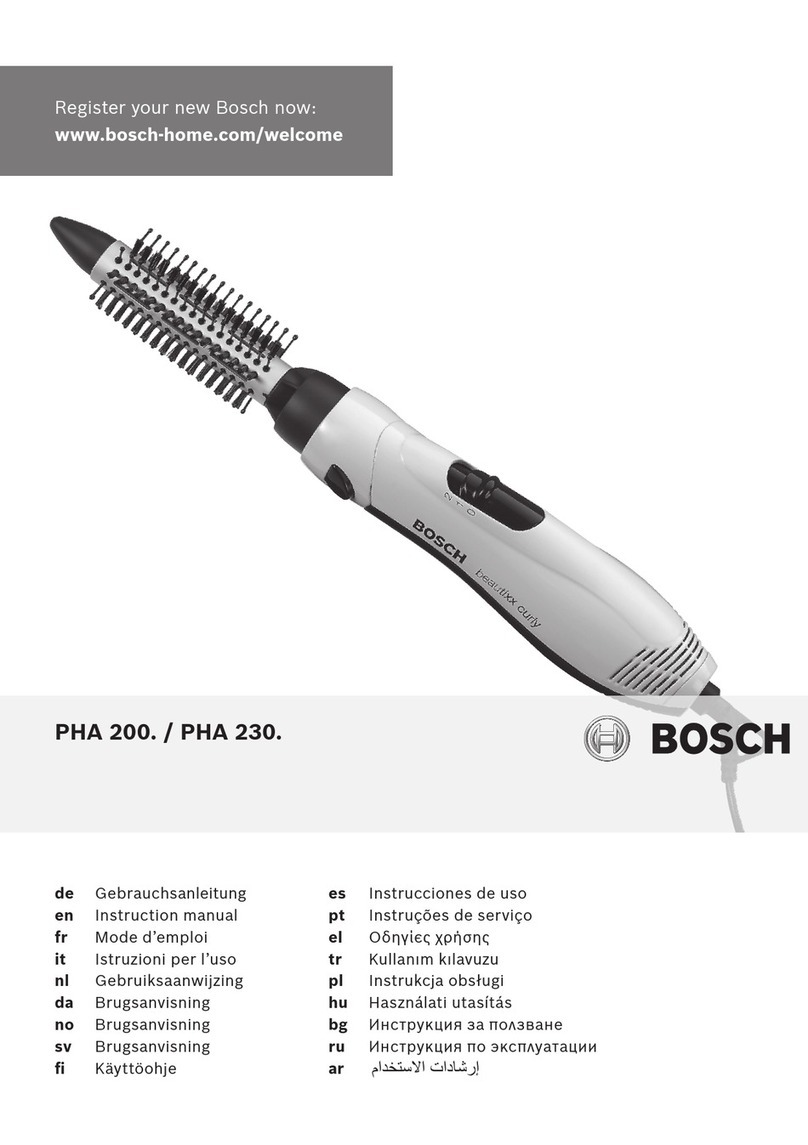
Bosch PHA230 instruction manual

Bosch

Bosch PHA230 instruction manual

Beautify 4000001 care guide

Beautify

Beautify 4000001 care guide

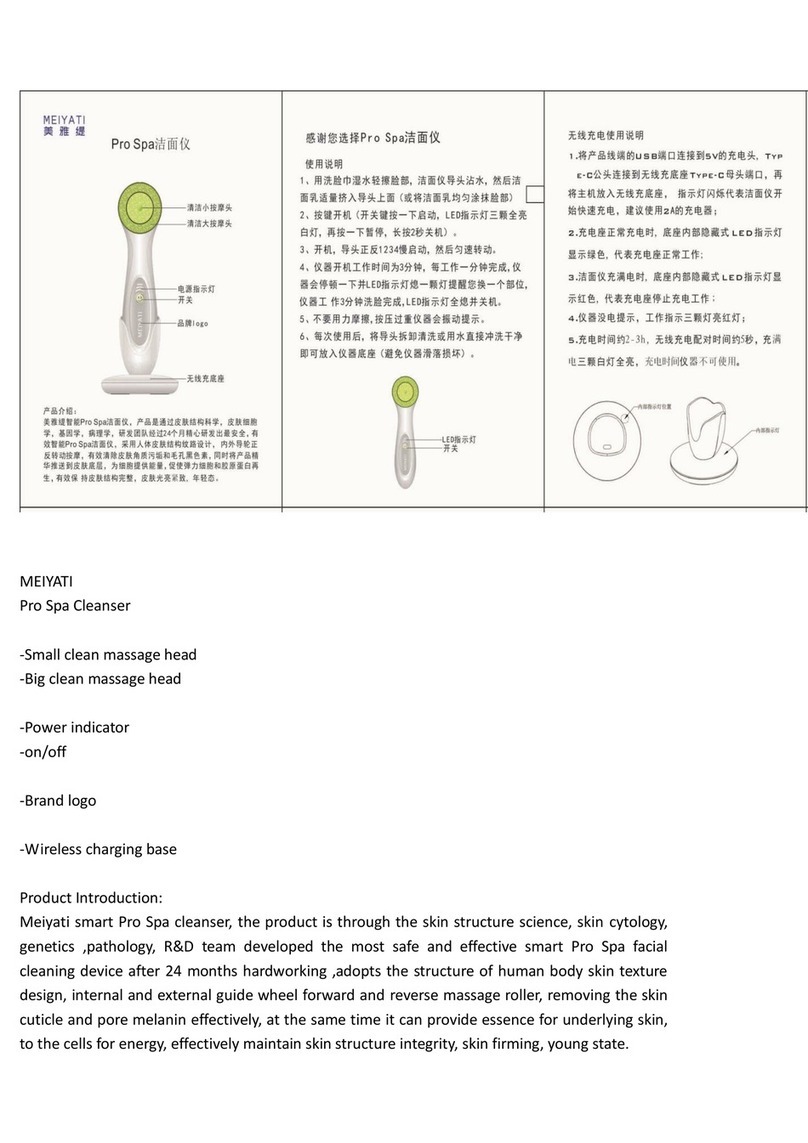
MEIYATI Pro Spa quick start guide

MEIYATI

MEIYATI Pro Spa quick start guide

Blossom LED M3 R24 installation guide

Blossom

Blossom LED M3 R24 installation guide

Philips HB875/01 user manual

Philips

Philips HB875/01 user manual

Orliman SITLIVE OSL3120 INSTRUCTIONS FOR USE AND PRESERVATION

Orliman

Orliman SITLIVE OSL3120 INSTRUCTIONS FOR USE AND PRESERVATION

GE T8 Basic service manual

GE

GE T8 Basic service manual

Pretika ST102 Instructions for use & warranty information

Pretika

Pretika ST102 Instructions for use & warranty information

Beurer FC 76 Instructions for use

Beurer

Beurer FC 76 Instructions for use

Pebble Grey 500.40.70-75 manual

Pebble Grey

Pebble Grey 500.40.70-75 manual

PUSH ortho quick start guide

PUSH

PUSH ortho quick start guide

Dermlite DL3N instructions

Dermlite

Dermlite DL3N instructions

DERMAPEN SEMI user manual

DERMAPEN

DERMAPEN SEMI user manual

Carex SunLite user guide

Carex

Carex SunLite user guide

Roper Rhodes Intense Installation & Aftercare Instructions

Roper Rhodes

Roper Rhodes Intense Installation & Aftercare Instructions

Interacoustics Titan IMP440 Setup & installation

Interacoustics

Interacoustics Titan IMP440 Setup & installation

manuals.online logo
manuals.online logoBrands
  • About & Mission
  • Contact us
  • Privacy Policy
  • Terms and Conditions

Copyright 2025 Manuals.Online. All Rights Reserved.

QUICK START GUIDE
GETTING STARTED
Hello, I’m Wink.
Create an account, if you don’t
already have one. Kindara is
available on iOS and Android.
DOWNLOAD KINDARA
1
Follow the steps in the Kindara
app inside More > Wink > Pair.
Make sure to turn on Wink and
have it close to your device.
PAIR WINK TO APP
2
Wink will stay charged for up
to a month and will tell you
when it’s Low. A full charge will
take at about 4 hours.
CHARGING WINK
3
Plug into any USB
power source
Wash and dry Wink regularly
with a clean, damp cloth and
gentle soap. Do not wash or
hold under running water.
CLEANING WINK
4
TEMPING TIPS
I know my degrees.
Set an alarm through Data or
Wink sengs menu. Wink will
wake you up and the alarm will
turn off once top is removed.
WAKING UP WITH WINK
1
Wink will gently buzz when
temperature has been taken
2
Take your temperature around
the same me every morning,
first thing upon waking.
TO ENSURE ACCURATE
TEMPERATURE READINGS
Wink syncs the me it was
taken to the app. View and edit
your temperatures in More >
Wink > Wink Temperatures.
TAKING TEMPERATURE
3
Place thermometer p in
Heat Pockets