manuals.online logo
Brands
  1. Home
  2. •
  3. Brands
  4. •
  5. Kindermann
  6. •
  7. TV Mount
  8. •
  9. Kindermann DS 100 User manual

Kindermann DS 100 User manual

This manual suits for next models

2

Other Kindermann TV Mount manuals

Kindermann DisplayShift2 Classic User manual

Kindermann

Kindermann DisplayShift2 Classic User manual

Kindermann 7449000015 User manual

Kindermann

Kindermann 7449000015 User manual

Kindermann DisplayShift2 Wings 55-78 User manual

Kindermann

Kindermann DisplayShift2 Wings 55-78 User manual

Popular TV Mount manuals by other brands

Krüger & Matz KM1300 owner's manual

Krüger & Matz

Krüger & Matz KM1300 owner's manual

Barkan E220 manual

Barkan

Barkan E220 manual

Bauhn ACTVB-1120 installation guide

Bauhn

Bauhn ACTVB-1120 installation guide

Vantage Point Products CB01 instructions

Vantage Point Products

Vantage Point Products CB01 instructions

Ergotron Neo Flex Cantilever UHD user guide

Ergotron

Ergotron Neo Flex Cantilever UHD user guide

ECG LD 174203 instruction manual

ECG

ECG LD 174203 instruction manual

StarTech.com FPCEILBTB user manual

StarTech.com

StarTech.com FPCEILBTB user manual

VonHaus 05/038 instruction manual

VonHaus

VonHaus 05/038 instruction manual

Techlink ECHO TV manual

Techlink

Techlink ECHO TV manual

Sandstrom SSTVMC12X instruction manual

Sandstrom

Sandstrom SSTVMC12X instruction manual

Kanto RCAD590 user manual

Kanto

Kanto RCAD590 user manual

Forging Mount HY9440 instruction manual

Forging Mount

Forging Mount HY9440 instruction manual

ICW SCACC18 installation instructions

ICW

ICW SCACC18 installation instructions

LG WM-L640V owner's manual

LG

LG WM-L640V owner's manual

Gembird WM-65ST-01 user manual

Gembird

Gembird WM-65ST-01 user manual

ERARD FiTUP XXL 035320 quick start guide

ERARD

ERARD FiTUP XXL 035320 quick start guide

PEERLESS PLCK-1 Installation and assembly

PEERLESS

PEERLESS PLCK-1 Installation and assembly

GEM GEM GP001 instructions

GEM

GEM GEM GP001 instructions

manuals.online logo
manuals.online logoBrands
  • About & Mission
  • Contact us
  • Privacy Policy
  • Terms and Conditions

Copyright 2025 Manuals.Online. All Rights Reserved.

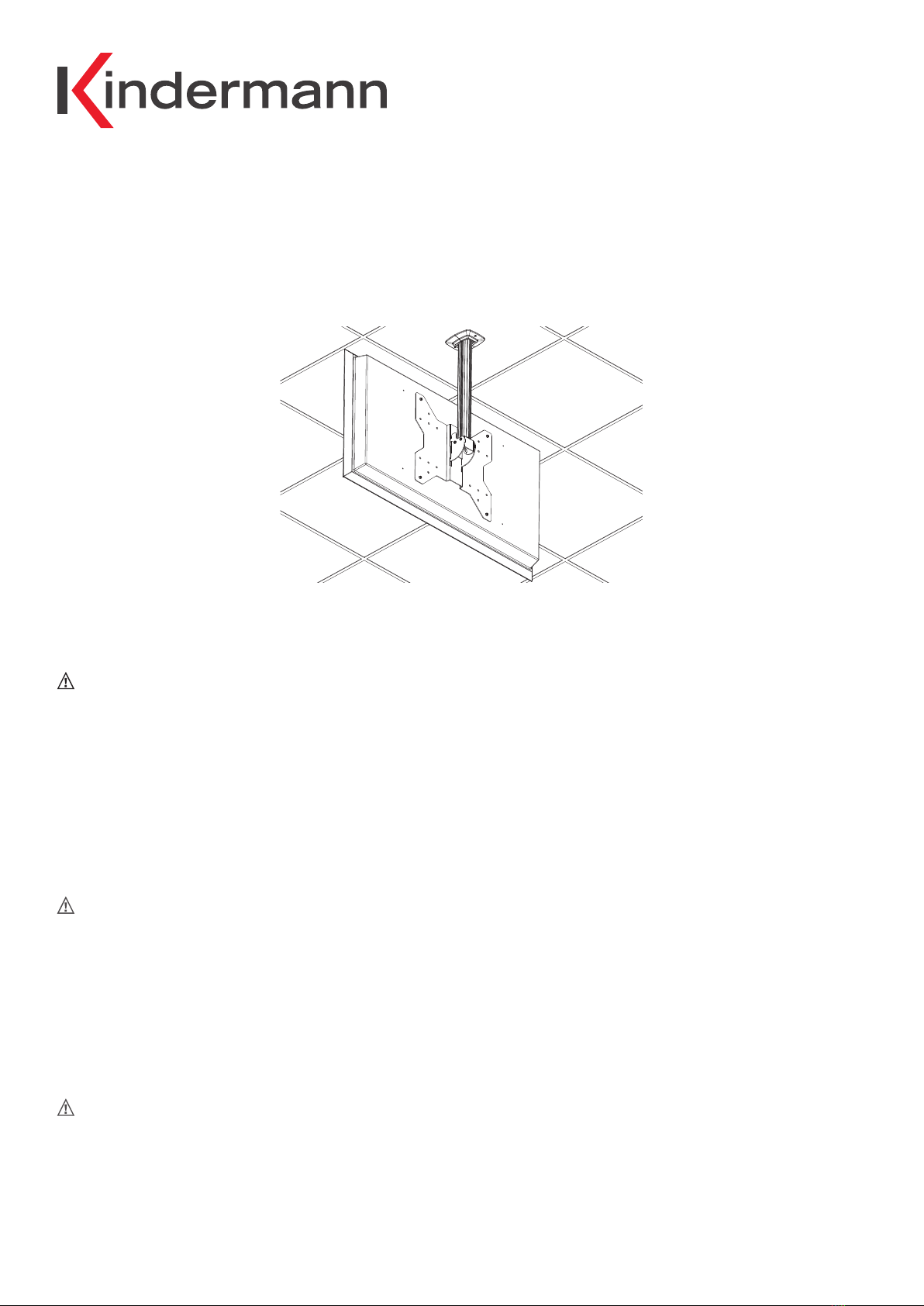
Montageanleitung / Mounting instructions / Instructions de fixation
Displayhalterung Premium DS 100/150
Display mounts Premium DS 100/150
Support d‘écran Premium DS 100/150
Art-NrRefNoN
Art-NrRefNoN
Sicherheitshinweise
• Bitte diese Anleitung sorgfältig durchlesen und aufbewahren.
• Die Montage darf nur durch einen Fachmann erfolgen.
• Die Displayhalterung darf nur mit den dafür vorgesehenen Flachbild-Monitoren, in geschlossenen und trockenen Räumen
verwendet werden. Das Displaygewicht darf 30 kg nicht überschreiten. Bitte auch die Anleitung des anzubringenden Displays
beachten. Die Schraubensätze müssen jeweils 3-5 Umdrehungen ins Gewinde (Monitor) eingedreht sein.
• Das bauseitige Deckenbefestigungsmaterial muss mindestens das 4-fache der Gesamtlast, d.h. mindestens 200 kg tragen können.
Das verwendete Befestigungsmaterial muss bautechnisch zugelassen und die Befestigungsfläche muss glatt und eben sein.
Überzeugen Sie sich von der ausreichenden Tragfähigkeit der Decke.
Safety instructions
• Please read these instructions carefully and keep them for future reference.
• The mounting must be carried out only by an electrician. The display holder is only for indoor use in dry rooms and in combination
with suitable flat screen monitors. The weight of the display must not exceed 30 kg. Please pay also attention to the manual
instructions of the display to be mounted. The screws must be inserted into the threading of the monitor with 3-5 turns.
• The ceiling mounting kit chosen by the user must carry at least 4 times the weight of the whole unit, i. e. at least 200 kg.
The mounting kit must be ocially certified. The surface on which the unit is mounted must be flat and even, the wall strong
enough to carry the weight.
Indications de sécurité
• Veuillez les lire attentivement et les conserver à titre de référence.
• L‘installation doit être faite par un spécialiste. Le support d‘écran doit uniquement être installé avec un écran plat compatible, dans
un endroit sec et couvert. Le poids de l‘écran ne doit pas dépasser 30 kg. Veuillez également prendre en considération la notice de
l‘écran à installer. Les vis doivent être vissées au moins 3-5 fois dans les pas de vis de l‘écran.
• Le matériel de fixation au plafond n‘est pas fourni et doit supporter au moins 4 fois le poids total, c‘est à dire au moins 200 kg.
Le matériel de fixation utilisé doit être compatible avec la structure du mur. La surface de fixation doit être lisse et plane. Le
matériel du mur doit être approprié au support du poids.


 

 4001 000 100/4001000150 D/GB/F 2017-07  / 842 099 Änderungen vorbehalten / Subject to alterations / Modifications réservées Printed in Germany
Kindermann GmbH · Mainparkring 3 · D-97246  Eibelstadt · E-Mail: inf[email protected] · www.kindermann.com
Lieferumfang / scope of delivery / livré avec
+ / - 45 ° drehbar / turnable / tournant
Deckenbefestigung
Ceiling mounting
Fixation au plafond
Einhängen
Hooking on
Accrocher
Monitor montieren
Mounting of display
Installation de l‘écran
200kg
VESA
È
Kabelkanal
Cable channel
Conduite de câbles
Sicherungsschraube montieren
Mount safety screw
Monter vis de sécurité
Neigungseinstellung
Tilt adjustment
Réglage de l’inclinaison
1x M6 x 16
Sicherungsschraube
Safety screw
Vis de sécurité
Deckenplatte
Mounting plate
Plaque de plafond
Rosette zur Abdeckung Ausschnitt Zwischendecke
Cover plate for covering the cut-out of the false ceiling
Rosette pour la découpe du plafond
Säule mit Kabelkanal und Abdeckung
Pillar with cable channel and cover
Colonne avec conduit de câble et couvercle
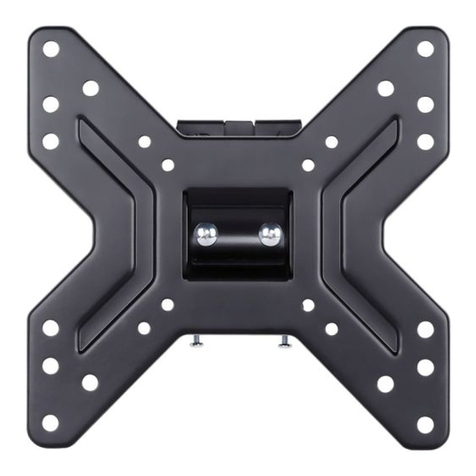
Aufnahmegelenk für VESA-Platte
Mounting bracktes for VESA plate
Fixation pour écran VESA
Zubehör / accessory / accessoires
VESA 100/150/200 (4000000010)
4x M6 x 16 +
4x Scheibe/disc/rondelle 6,4
4x M8 x 16 +
4x Scheibe/disc/rondelle 8,4
{
max.
30 kg