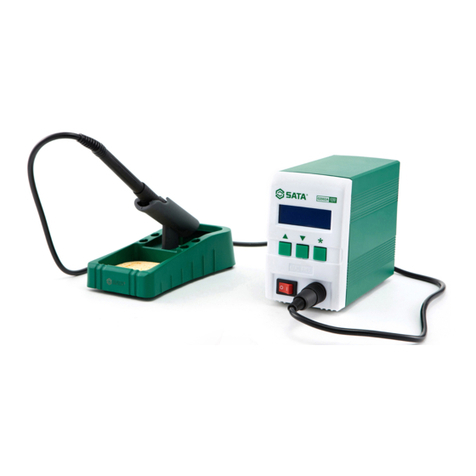
time, press the ▲button again, the setting temperature will raise one degree centigrade again.
If press the ▲button and not loose at least 1 second, the setting temperature will rise rapidly.
Till the needed temperature reaches, then loose the ▲button.
Temperature dropping:
Don’t press *button, and press ▼button directly. If so, the setting temperature will drop one
degree centigrade and the display window will display the set temperature. When loose the ▼
button, the display window will delay the set temperature about 2 seconds. If 2 seconds later,
press the ▼button again, the setting temperature will drop one degree centigrade again. If
press the ▼button and not loose at least 1 second, the setting temperature will drop rapidly.
Till the needed temperature reaches, then loose the ▼button.
Parameters
The station has the following parameters. Parameters settings can be adjusted.
Setting the password
The initial password in station’s memory is 000. The setting temperature is admitted in this state.
If need to restrict the setting temperature, the password must be changed.
Enter into Setting The Password
Input Previously Password
The Password of input is error
1. Turn off the power switch. Press and hold the
▲and▼buttons simultaneously, then turn on
the power switch.
2. Continue holding down the ▲and ▼
buttons until the display shows .
3. When the display shows , the
station is in parameter-input mode.
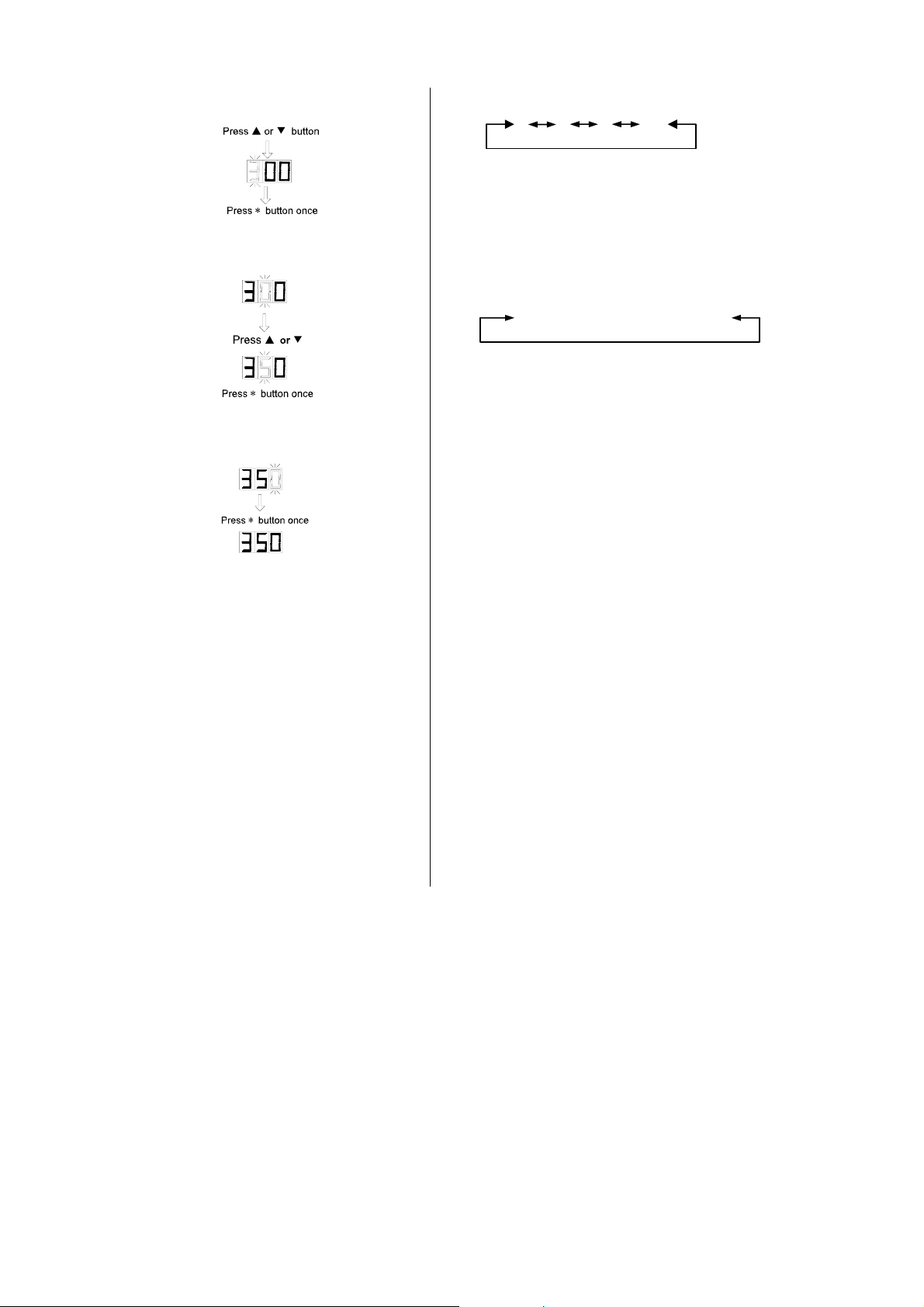
4. Press the *button, the display shows
, and the left-most digit (100’s digit)
in the display will flash. This indicates the
station is in password setting mode and the
100’s digit can be adjusted. Using the ▲or
▼button will change displayed value. Set
the password value in the same way described
in “Set Temperature Normally”. After
selecting the password of three digit, press *
button.
5. If the display window shows the present
setting temperature, two seconds later, the
station is in normal work state. This indicates