9
Mounting the Knoctify button
1.Open the casing and unscrew the circuit board.
Follow the screw markings on the bottom casing
and use an electric drill to drill two holes. Use the
wall-anchors and screws to fix the push-button
sensor to the wall.
-OR-
2.Clean the flat surface where you intend to install
the push-button sensor. Tear off one side of the
double-sided adhesive tape and stick it to the
underside of the push-button sensor. Tear off the
other side and put the push-button sensor onto the
surface. Press firmly.
Pairing and Reset
The Knoctify light and button support multiple pairing.
You can pair one Knoctify light to multiple Knoctify
buttons, pair multiple Knoctify lights to one Knoctify
button, or pair multiple Knoctify lights to multiple
Knoctify buttons.
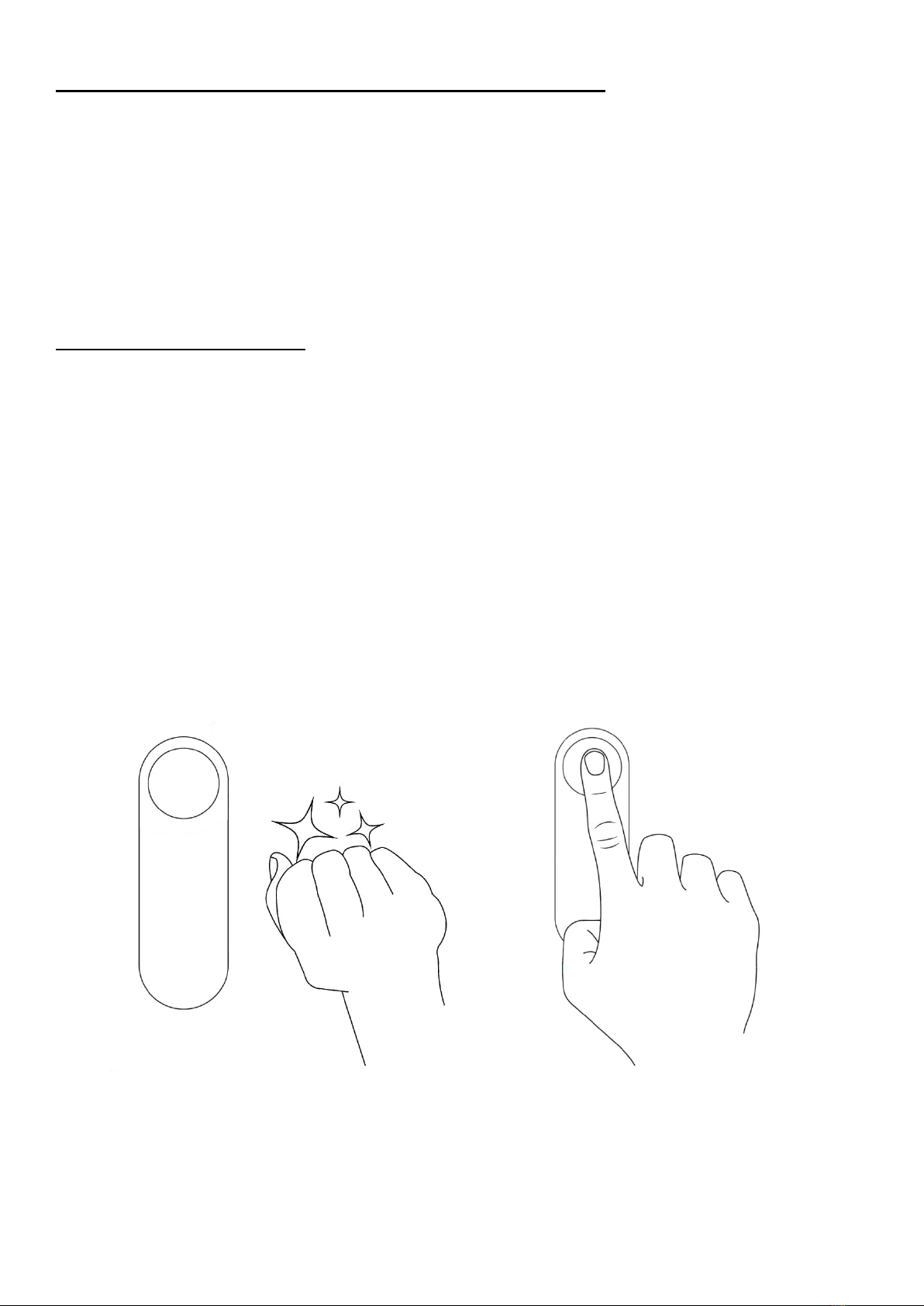
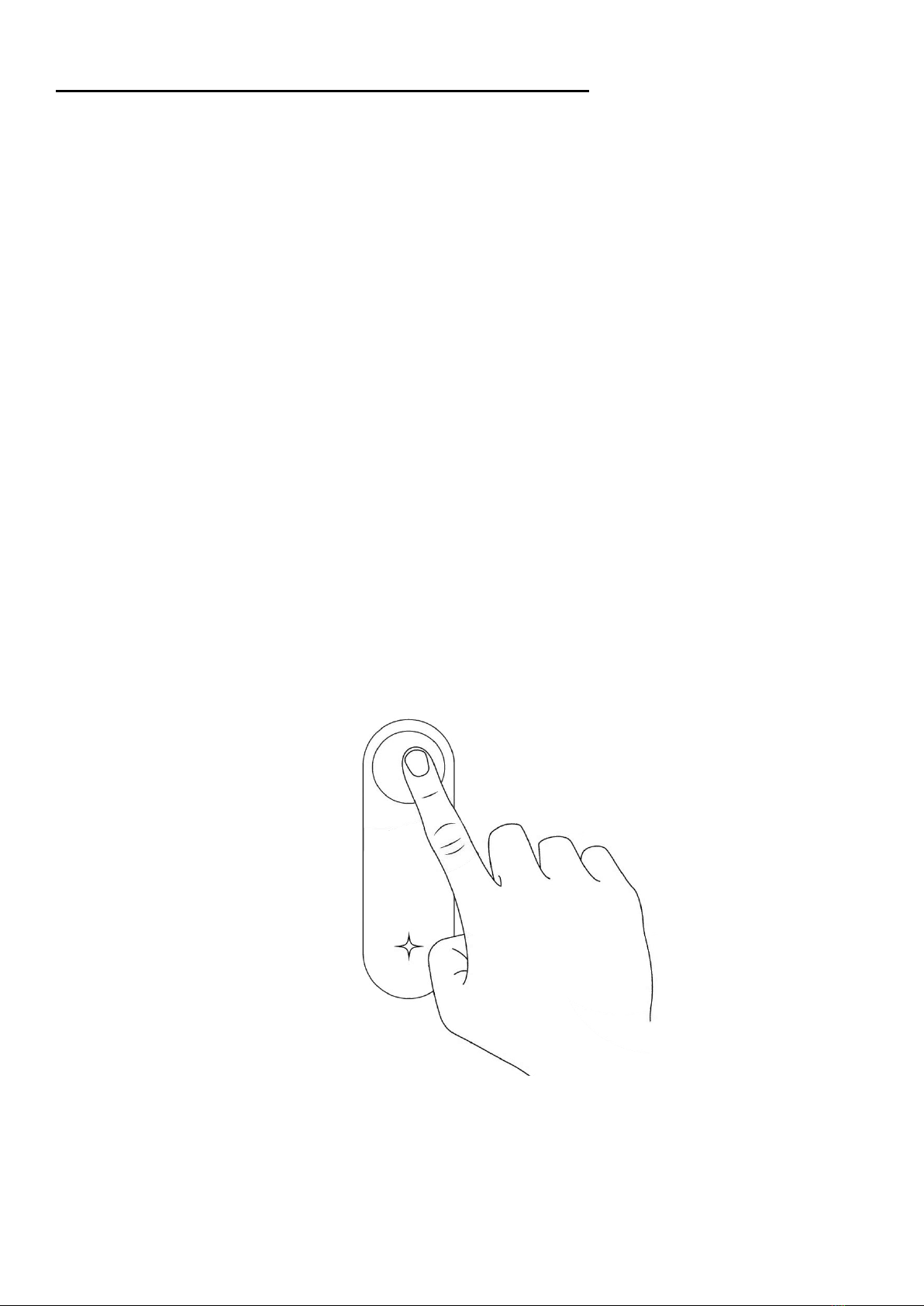
Pairing Knoctify light with Knoctify button
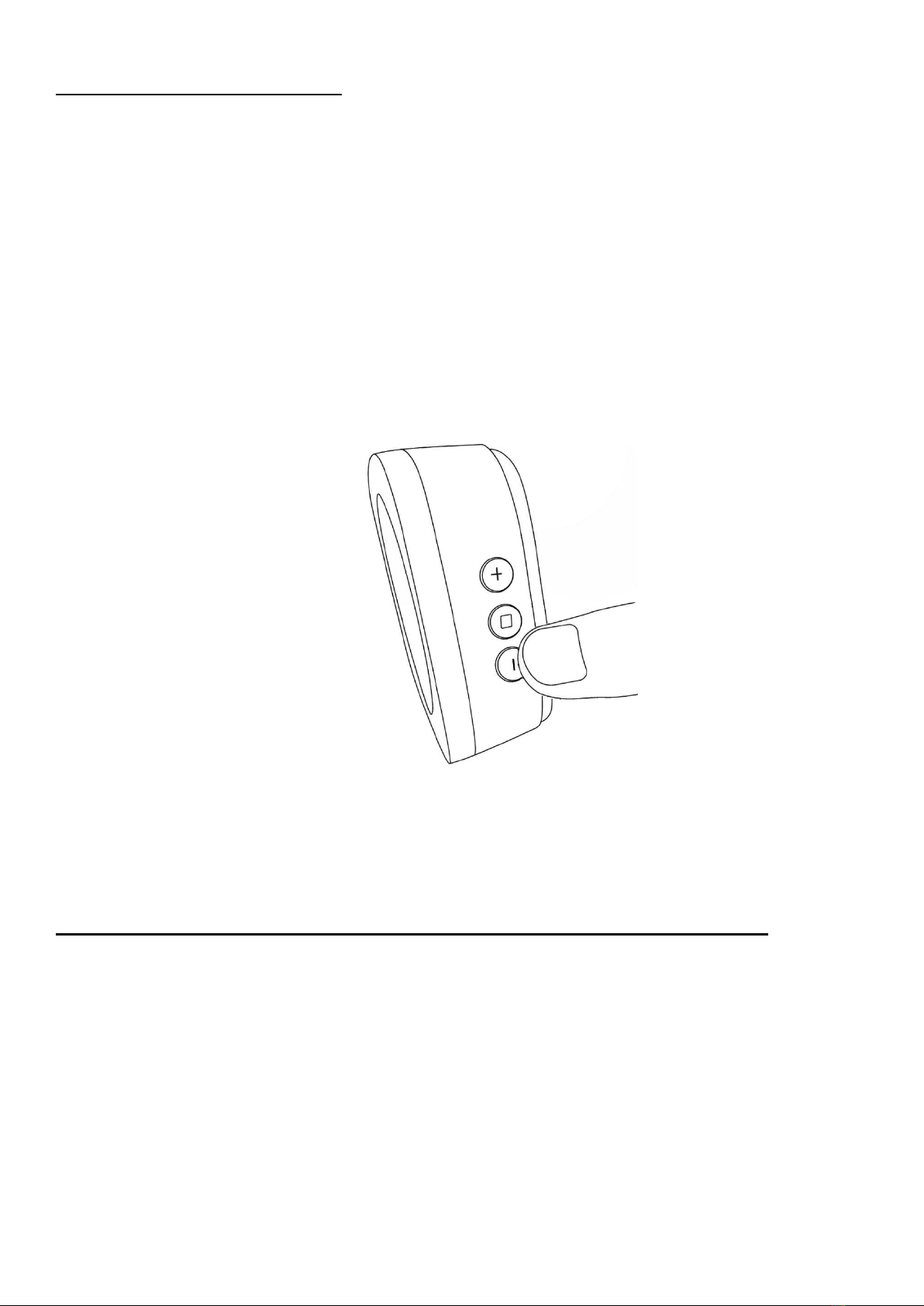
1.Press and hold the □button located on the side of
Knoctify light for 5 seconds. The LED will start flashing
in white. The Knoctify light is now ready to accept
pairing requests from any Knoctify buttons.