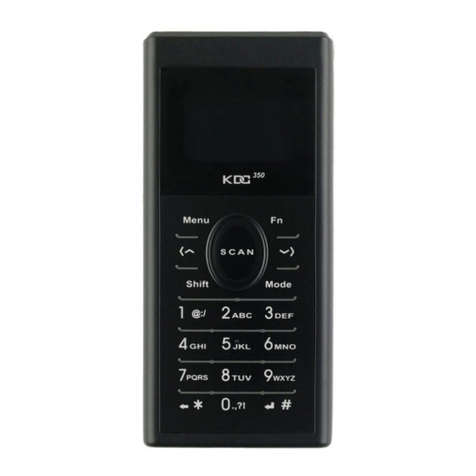
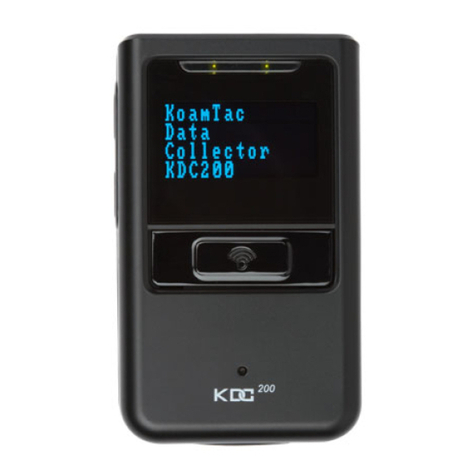
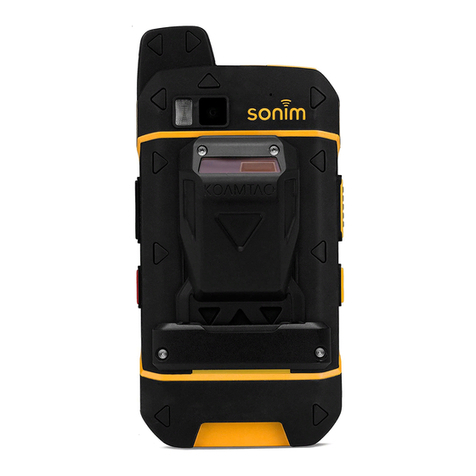
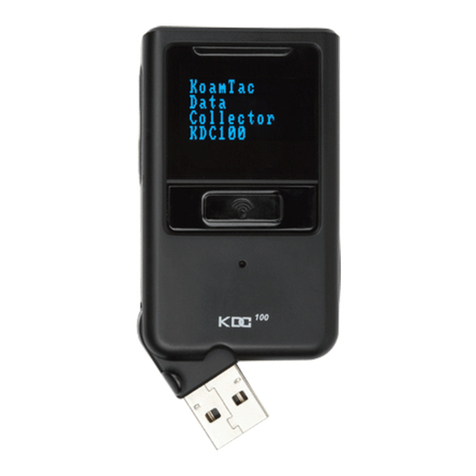
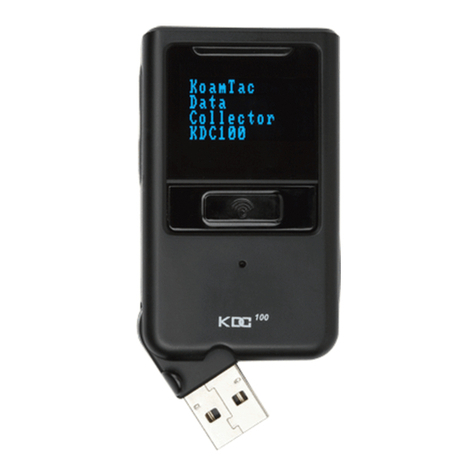
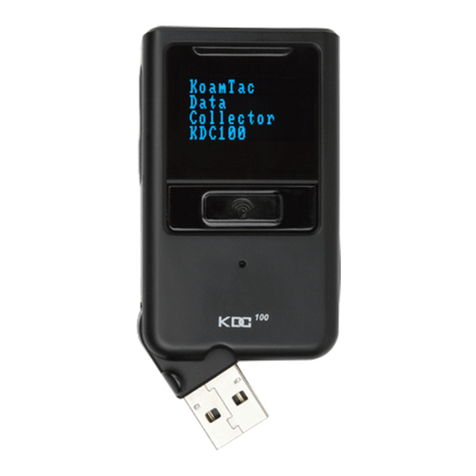
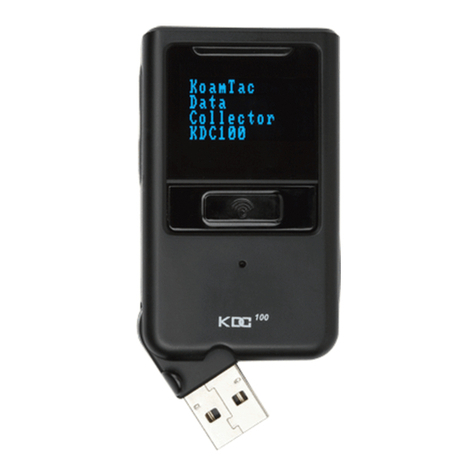
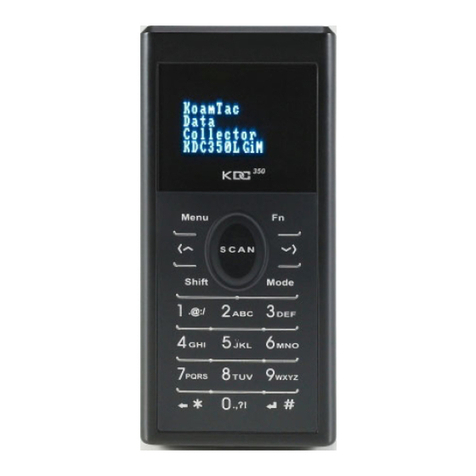
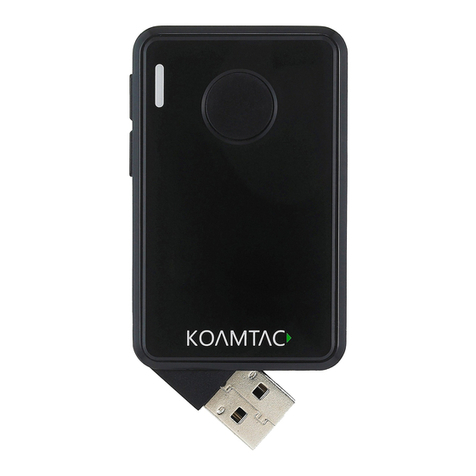
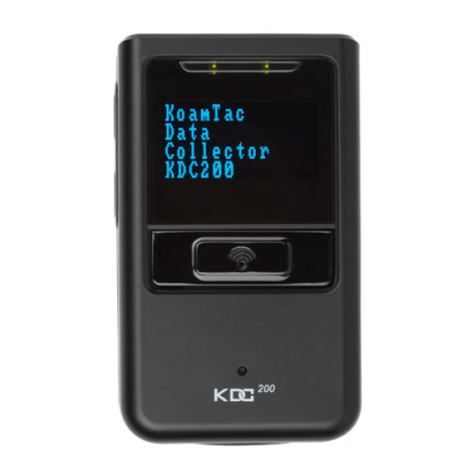
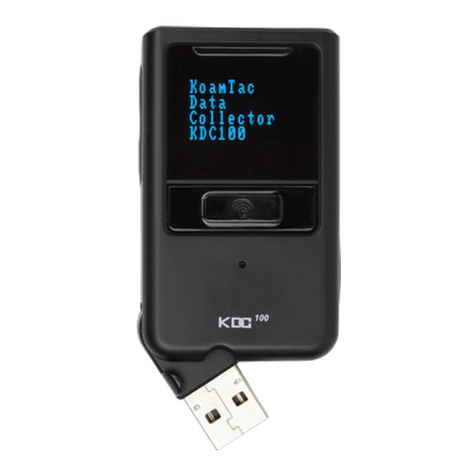
KDC270/280
Quick Guide
See Reference Manual for more detailed information
Visit store.koamtac.com to purchase additional KDCs and accessories.
QG_KDC270_KDC280_20190522 p1
Contents
Product Introduction ............................................................................................................................................. 2
1.1 KDC270/280 Diagram .................................................................................................................................... 2
1.2 How to turn on and off .................................................................................................................................. 2
Bluetooth Pairing................................................................................................................................................... 3
2.1 Pairing a KDC270 to your smart device........................................................................................................ 3
Usage...................................................................................................................................................................... 4
3.1 Using Keyboard Wedge (HID Keyboard) ..................................................................................................... 4
3.2 Using KTSync –Android/iOS ........................................................................................................................ 4
3.3 Using KTSync Keyboard –Android............................................................................................................... 5
3.4 Using KTSync Keyboard –iOS ...................................................................................................................... 6
3.5 Using other Developed Applications with SDK –Android/iOS ................................................................. 7
Product Specifications........................................................................................................................................... 8
How to Use Tizen WebApp Demo Application (Only for KDC280) ................................................................. 10
5.1 Connect the phone to Gear S3 and Install the demo application ........................................................... 10
5.2 Pair/Connect KDC with Gear S3 ................................................................................................................. 11