manuals.online logo
Brands
  1. Home
  2. •
  3. Brands
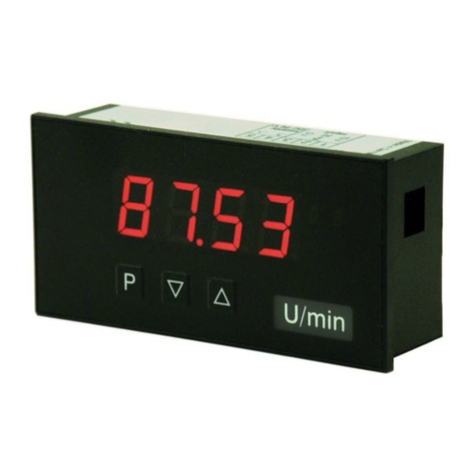
  4. •
  5. Kobold
  6. •
  7. Measuring Instrument
  8. •
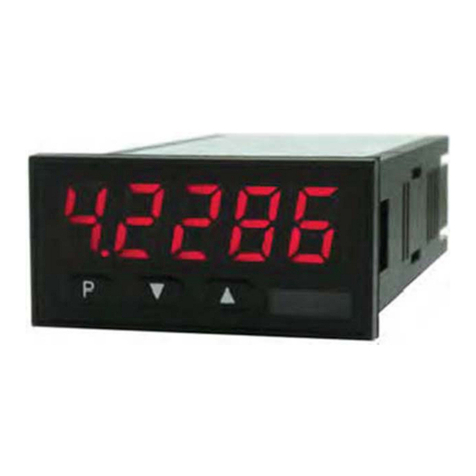
  9. Kobold DAG-M4V Series User manual

Kobold DAG-M4V Series User manual

Other Kobold Measuring Instrument manuals

Kobold KMT-1 User manual

Kobold

Kobold KMT-1 User manual

Kobold NBK-19 User manual

Kobold

Kobold NBK-19 User manual

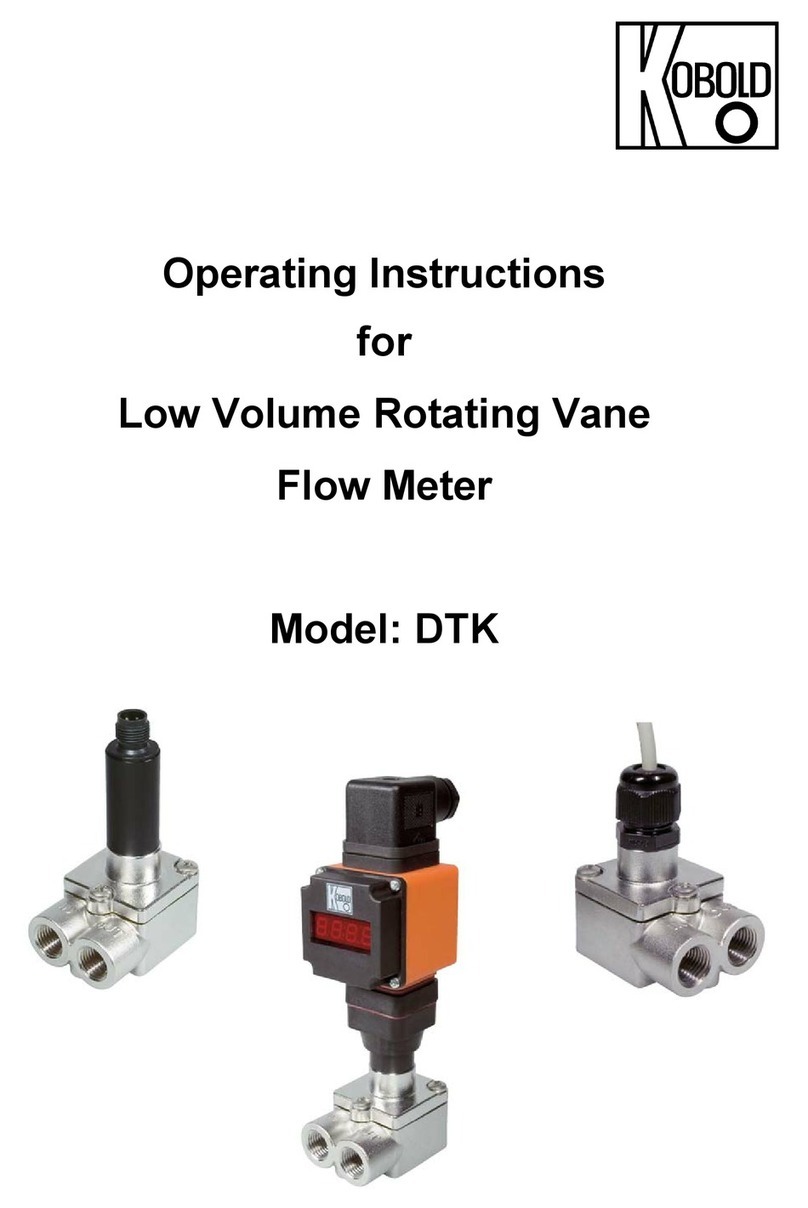
Kobold DTK User manual

Kobold

Kobold DTK User manual

Kobold DSV Series User manual

Kobold

Kobold DSV Series User manual

Kobold DRS-9180 Series User manual

Kobold

Kobold DRS-9180 Series User manual

Kobold MIK Series User manual

Kobold

Kobold MIK Series User manual

Kobold DIG Series User manual

Kobold

Kobold DIG Series User manual

Kobold DAG-M1V Series User manual

Kobold

Kobold DAG-M1V Series User manual

Kobold DRF34 Series Installation instructions

Kobold

Kobold DRF34 Series Installation instructions

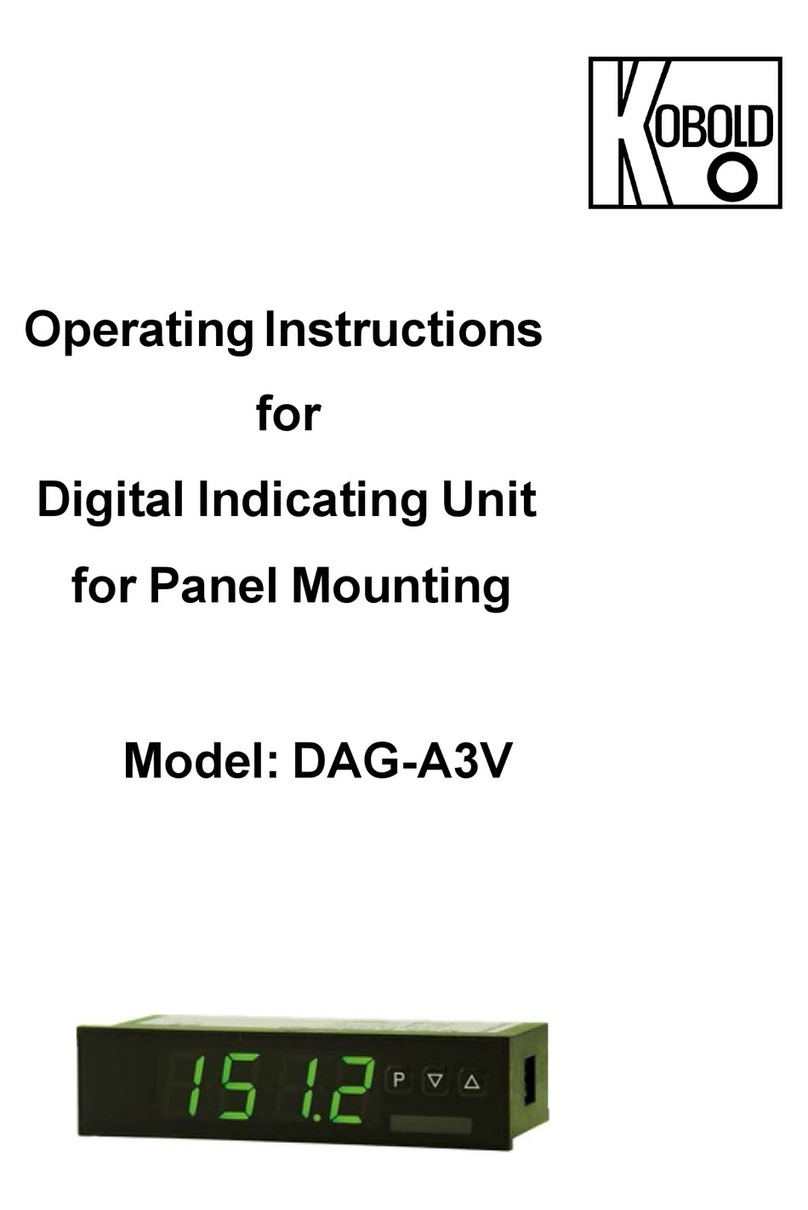
Kobold DAG-A3V User manual

Kobold

Kobold DAG-A3V User manual

Kobold ZOE User manual

Kobold

Kobold ZOE User manual

Kobold SMN-1150 H Series User manual

Kobold

Kobold SMN-1150 H Series User manual

Kobold OMH-15 User manual

Kobold

Kobold OMH-15 User manual

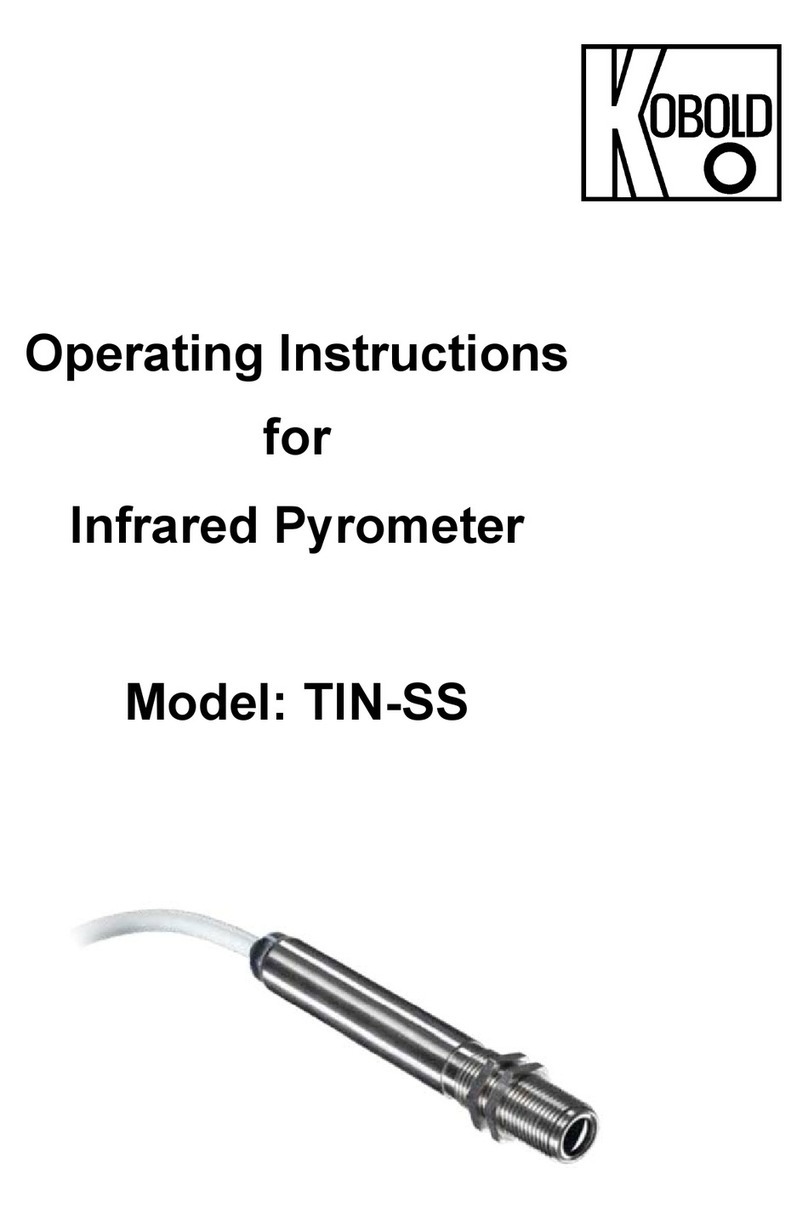
Kobold TIN-SS User manual

Kobold

Kobold TIN-SS User manual

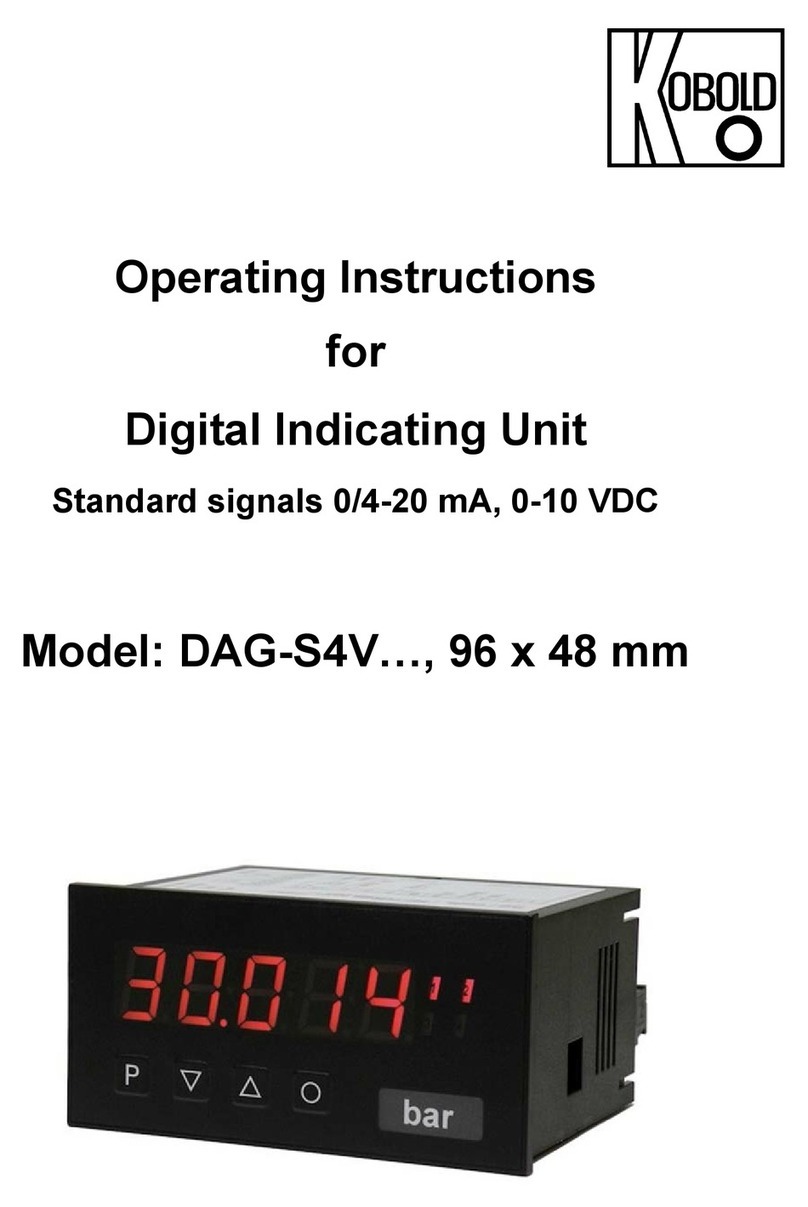
Kobold DAG-S4V Series User manual

Kobold

Kobold DAG-S4V Series User manual

Kobold DAG-A44 Series User manual

Kobold

Kobold DAG-A44 Series User manual

Kobold DRH Series User manual

Kobold

Kobold DRH Series User manual

Kobold UTS User manual

Kobold

Kobold UTS User manual

Kobold HND-C110 User manual

Kobold

Kobold HND-C110 User manual

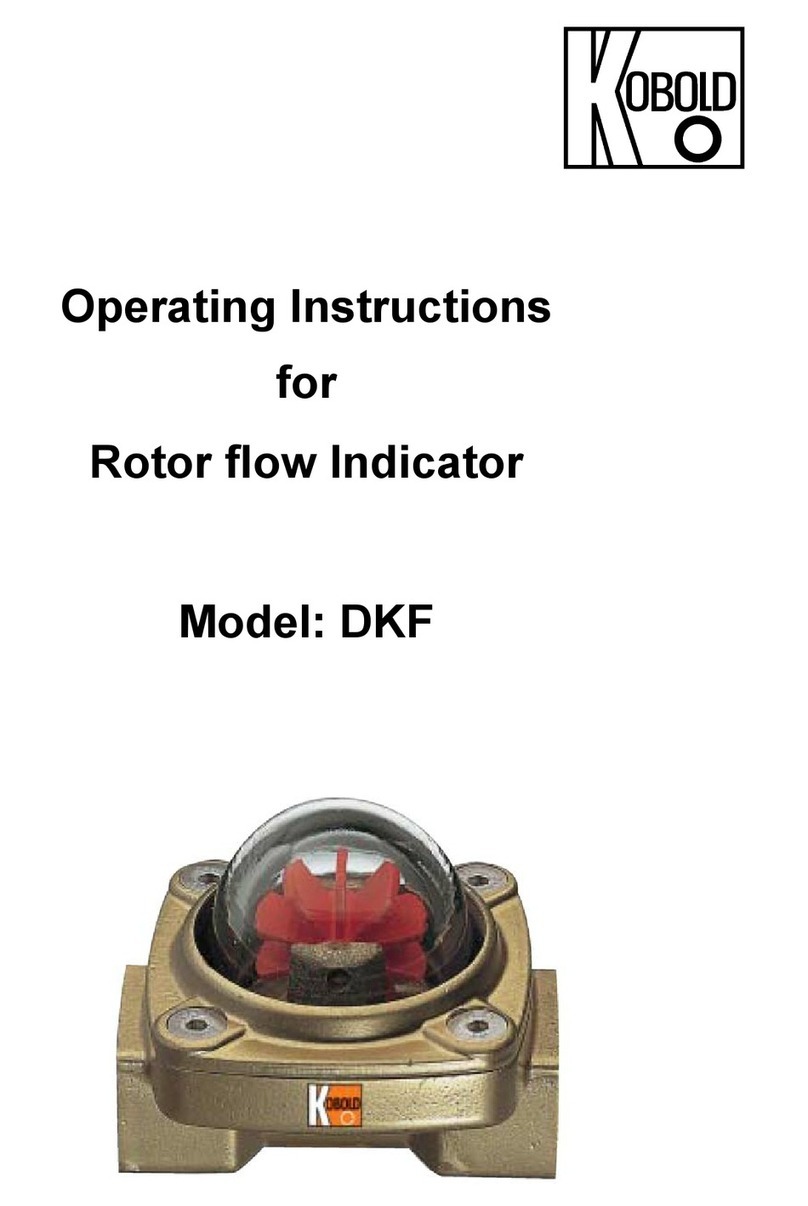
Kobold DKF User manual

Kobold

Kobold DKF User manual

Kobold BVO Series User manual

Kobold

Kobold BVO Series User manual

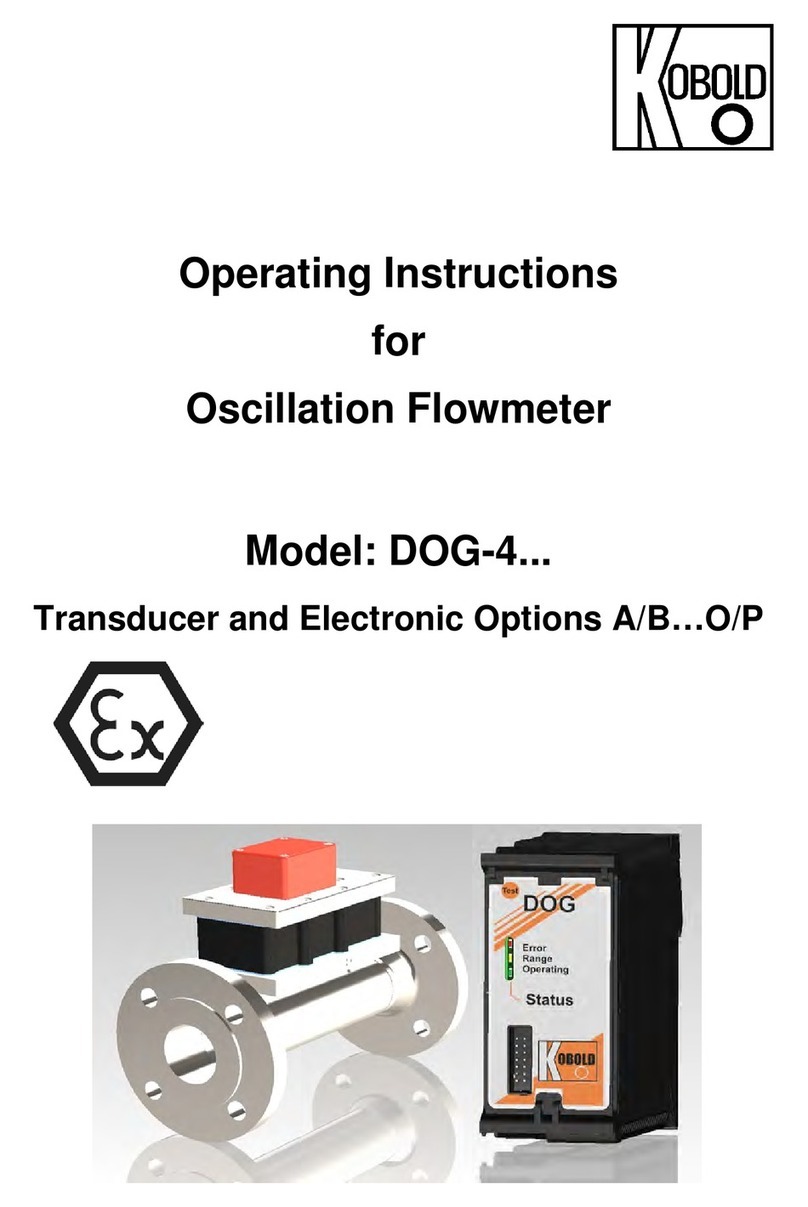
Kobold DOG-4 User manual

Kobold

Kobold DOG-4 User manual

Kobold VKP-1020 Series User manual

Kobold

Kobold VKP-1020 Series User manual

Kobold NBK-04 User manual

Kobold

Kobold NBK-04 User manual

Popular Measuring Instrument manuals by other brands

Powerfix Profi 278296 Operation and safety notes

Powerfix Profi

Powerfix Profi 278296 Operation and safety notes

Test Equipment Depot GVT-427B user manual

Test Equipment Depot

Test Equipment Depot GVT-427B user manual

Fieldpiece ACH Operator's manual

Fieldpiece

Fieldpiece ACH Operator's manual

FLYSURFER VIRON3 user manual

FLYSURFER

FLYSURFER VIRON3 user manual

GMW TG uni 1 operating manual

GMW

GMW TG uni 1 operating manual

Downeaster Wind & Weather Medallion Series instruction manual

Downeaster

Downeaster Wind & Weather Medallion Series instruction manual

Hanna Instruments HI96725C instruction manual

Hanna Instruments

Hanna Instruments HI96725C instruction manual

Nokeval KMR260 quick guide

Nokeval

Nokeval KMR260 quick guide

HOKUYO AUTOMATIC UBG-05LN instruction manual

HOKUYO AUTOMATIC

HOKUYO AUTOMATIC UBG-05LN instruction manual

Fluke 96000 Series Operator's manual

Fluke

Fluke 96000 Series Operator's manual

Test Products International SP565 user manual

Test Products International

Test Products International SP565 user manual

General Sleep Zmachine Insight+ DT-200 Service manual

General Sleep

General Sleep Zmachine Insight+ DT-200 Service manual

Sensa Core Lacto Spark user manual

Sensa Core

Sensa Core Lacto Spark user manual

VOLTCRAFT UTS-1980 operating instructions

VOLTCRAFT

VOLTCRAFT UTS-1980 operating instructions

EBCHQ 94915 Operation manual

EBCHQ

EBCHQ 94915 Operation manual

Balluff BIP LD2-T017-01-EP-S4 Series user guide

Balluff

Balluff BIP LD2-T017-01-EP-S4 Series user guide

Pulsar IMP Lite Series instruction manual

Pulsar

Pulsar IMP Lite Series instruction manual

ETCR 6800 user manual

ETCR

ETCR 6800 user manual

manuals.online logo
manuals.online logoBrands
  • About & Mission
  • Contact us
  • Privacy Policy
  • Terms and Conditions

Copyright 2025 Manuals.Online. All Rights Reserved.

Operating Instructions
for
Digital Indicating Unit
Standard signals 0/4-20 mA, 0-10 VDC
Model: DAG-M4V…, 96 x 48 mm
DAG-M4V
page 2 DAG-M4V K08/0623
We don’t accept warranty and liability claims neither upon this publication nor in
case of improper treatment of the described products.
The document may contain technical inaccuracies and typographical errors. The
content will be revised on a regular basis. These changes will be implemented in
later versions. The described products can be improved and changed at any time
without prior notice.
© Copyright
All rights reserved.
1. Contents
1.Contents ........................................................................................................ 2
2.Note .............................................................................................................. 4
3.Instrument Inspection .................................................................................... 4
4.Regulation Use ............................................................................................. 4
5.Brief description ............................................................................................ 5
6.Assembly ...................................................................................................... 6
7.Electrical Connection .................................................................................... 7
8.Description of function and operation ............................................................ 9
9.Setting up the device ................................................................................... 10
9.1Switching on ...................................................................................... 10
9.2Standard parameterization (Flat operation level) ............................... 11
9.3Programming interlock RUN .............................................................. 14
9.4Extended parameterization (Professional operation level) ................. 14
10.Reset to factory setting ............................................................................... 32
11.Alarms / Relays ........................................................................................... 33
12.Interfaces RS232 and RS485 ..................................................................... 35
13.Sensor alignment offset / final value ........................................................... 36
14.Technical Information .................................................................................. 37
15.Order Codes ............................................................................................... 37
16.Dimensions ................................................................................................. 37
17.Safety advices ............................................................................................. 37
18. Error elimination ......................................................................................... 39
19.Disposal ...................................................................................................... 40
20.EU Declaration of Conformance ................................................................. 41
21.UK Declaration of Conformity ...................................................................... 42
22.Appendix MODBUS Device Interface .......................................................... 43
DAG-M4V
DAG-M4V K08/0623 page 3
Manufactured and sold by:
Kobold Messring GmbH
Nordring 22-24
D-65719 Hofheim
Tel.: +49(0)6192-2990
Fax: +49(0)6192-23398
E-Mail: [email protected]
Internet: www.kobold.com
DAG-M4V
page 4 DAG-M4V K08/0623
2. Note
Please read these operating instructions before unpacking and putting the unit into
operation. Follow the instructions precisely as described herein.
The instruction manuals on our website www.kobold.com are always for currently
manufactured version of our products. Due to technical changes, the instruction
manuals available online may not always correspond to the product version you
have purchased. If you need an instruction manual that corresponds to the
purchased product version, you can request it from us free of charge by email
([email protected]) in PDF format, specifying the relevant invoice number and
serial number. If you wish, the operating instructions can also be sent to you by
post in paper form against an applicable postage fee.
Operating instructions, data sheet, approvals and further information via the QR
code on the device or via www.kobold.com
The devices are only to be used, maintained and serviced by persons familiar with
these operating instructions and in accordance with local regulations applying to
Health & Safety and prevention of accidents.
When used in machines, the measuring unit should be used only when the
machines fulfil the EC machinery directive.
3. Instrument Inspection
Instruments are inspected before shipping and sent out in perfect condition.
Should damage to a device be visible, we recommend a thorough inspection of the
delivery packaging. In case of damage, please inform your parcel service /
forwarding agent immediately, since they are responsible for damages during
transit.
Scope of delivery:
The standard delivery includes:
 Digital Indicating Unit model: DAG-M4V
4. Regulation Use
Any use of the device, which exceeds the manufacturer’s specification, may
invalidate its warranty. Therefore, any resulting damage is not the responsibility of
the manufacturer. The user assumes all risk for such usage.
DAG-M4V
DAG-M4V K08/0623 page 5
5. Brief description
The panel meter instrument DAG-M4V is a 5-digit device for direct current / direct
voltage signals and a visual threshold value monitoring via the display. The
configuration happens via four keys at the front. The integrated programming
interlock prevents unrequested changes of parameters and can be unlocked
again with an individual code. Optional the following functions are available: a
supply for the sensor, a digital input for triggering of Hold (Tara), two analog
outputs and interfaces for further evaluating in the unit. With help of the galvanic
insulated setpoints (optional), free adjustable limit values can be controlled and
reported to a superior master display. The electrical connection is done via plug-in
terminals on the back side. Selectable functions like e.g. the recall of the min/max-
value, an averaging of the measuring signals, a nominal presetting or setpoint
presetting, a direct threshold value regulation during operation mode and further
measuring setpoints for linearization, complete the modern device concept.
DAG-M4V
page 6 DAG-M4V K08/0623
6. Assembly
Please read the Safety advice on page 35 before installation and keep this user
manual for future reference.
1. After removing the fixing elements, insert the device.
2. Check the seal to make sure it fits securely.
3. Click the fixing elements back into place and tighten the clamping screws by
hand. Then use a screwdriver to tighten them another half a turn.
CAUTION! The torque should not exceed 0.1 Nm!
The dimension symbols can be exchanged before installation via a channel
on the side!
DAG-M4V
DAG-M4V K08/0623 page 7
7. Electrical Connection
Type DAG-M4V7 supply 10-40 VDC galv. Isolated, 18-30 VAC
Type DAG-M4V8 supply 100-240 VAC, DC ±10%
DAG-M4V
page 8 DAG-M4V K08/0623
Connection examples
Below please find some connection examples that show practical applications.
For devices with current inputs / voltage inputs without sensor supply.
DAG-M4V devices
With current respectively voltage input in combination with a 24 VDC sensor supply.
DAG-M4V
DAG-M4V K08/0623 page 9
8. Description of function and operation
Operation
The operation is divided into three different levels.
Menu level (delivery status)
This level is for the standard settings of the device. Only menu items which are
sufficient to set the device into operation are displayed. To get into the professional
level, run through the menu level and parameterize “prof” under menu item RUN.
Menu group level (complete function volume)
Suited for complex applications as e.g. linkage of alarms, setpoint treatment,
totalizer function etc. In this level function groups which allow an extended
parameterization of the standard settings are available. To leave the menu group
level, run through this level and parameterize “uloc” under menu item RUN.
Parameterization level
Parameter deposited in the menu item can here be parameterized. Functions, that
can be changed or adjusted, are always signalized by a flashing of the display.
Settings that are made in the parameterization level are confirmed with [P] and
thus saved. By pressing the [0]-key it leads to a break-off of the value input and to
change into the menu level. All adjustments are saved automatically by the device
and changes into operating mode, if no further key operation is done within the
next 10 seconds.
DAG-M4V
page 10 DAG-M4V K08/0623
Function chart:
9. Setting up the device
9.1 Switching on
Once the installation is complete, you can start the device by applying the voltage
supply. Before, check once again that all electrical connections are correct.
Starting sequence
For 1 second during the switching-on process, the segment test (8 8 8 8 8) is
displayed followed by an indication of the software type and, after that also for 1
second the software version. After the starting sequence, the device switches to
operation / display mode.