4
3
BK-043LA
AK-035LA / EK-035LA
AK-043LA / EK-043LA
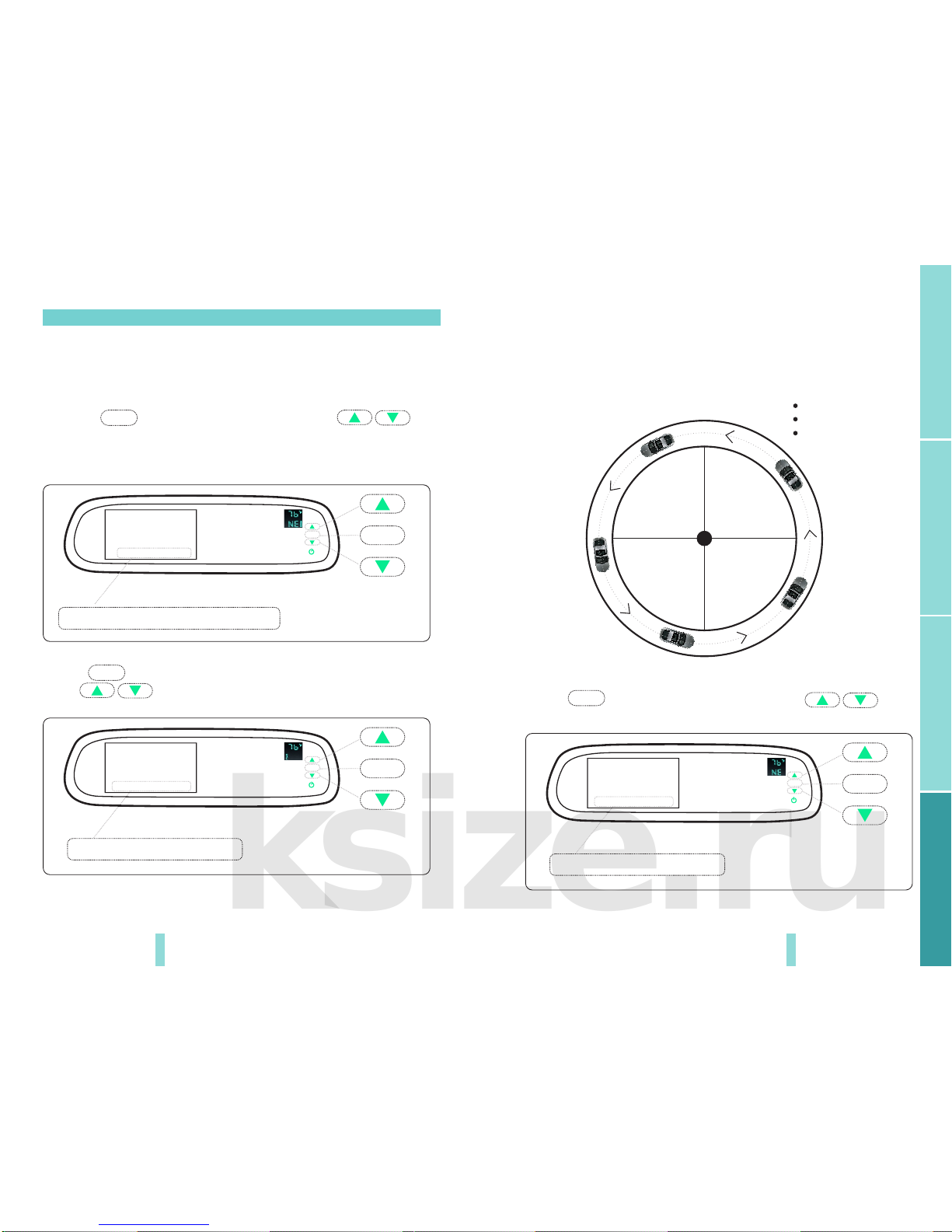
The V1/V2 button can switch the 2 video signal input, Press
it can switch back and forth between the two video signals.
Up
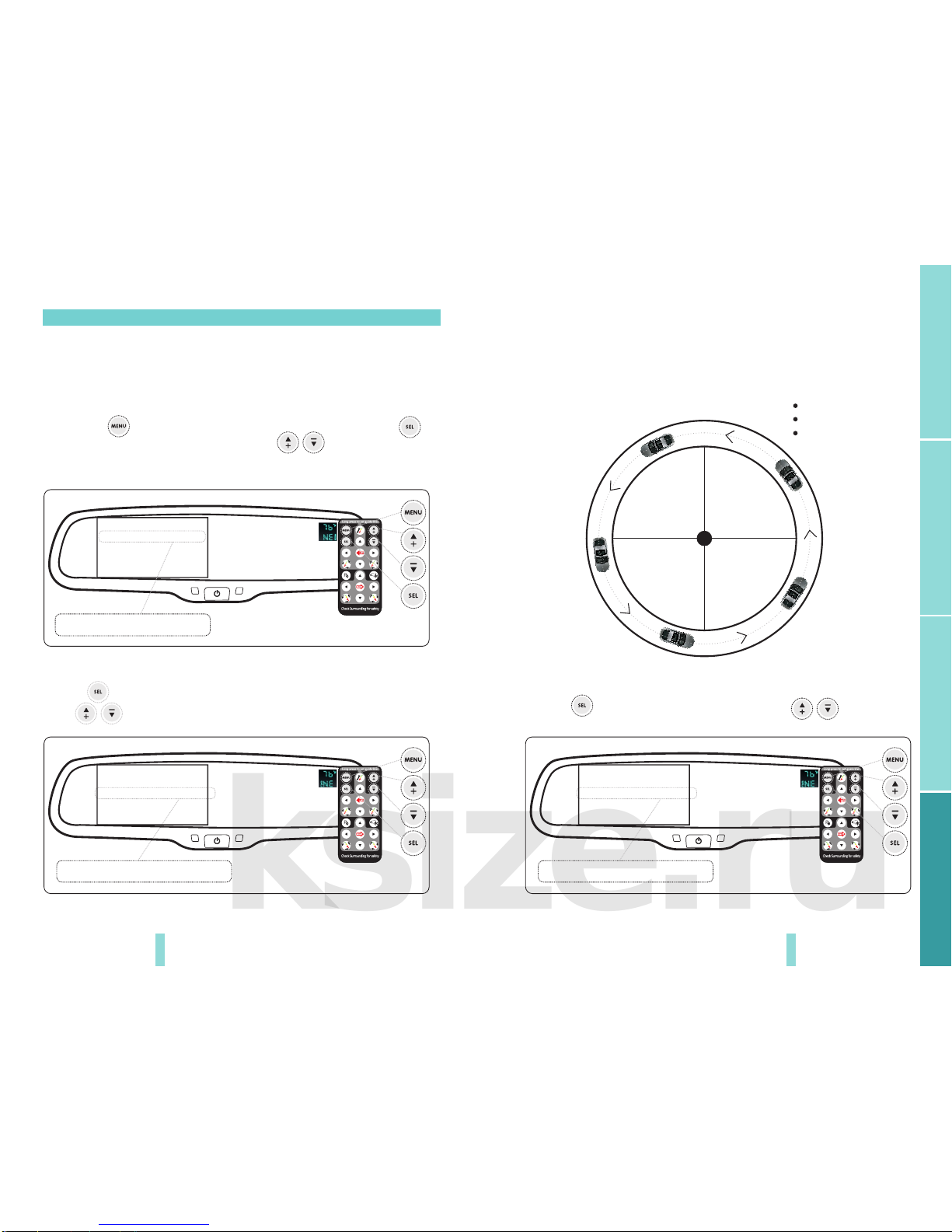
1.Press the menu, which can adjust the brightness,
contrast, color saturation of the screen. All the default
parameters is 50, you can adjust the parameters through
the up and down buttons according to your preference.
2.Continue to press the MENU button, it can set the
ANGLE(Every country has a specific number),
o
o
CALIBRATION(AUTO/OFF), TEMP UNIT ( C/ F),
SCALE(ON/OFF: it can use remote control to adjust),
LANGUAGE(You can choose the language what you need:
English, Spanish, Portuguese, Italian, French, German,
Dutch, etc.)
3.Select the “RESET” and press UP/DOWN can back to
factory default settings.
Down
Turn on/off the screen
The menu tabs will automatically be hidden in 10seconds and lighted up again as
soon as you press the touch buttons
5
7
12 3 4
V1/V2
MENU
1
5
6
7
8
9
V1/V2
MENU
1
5
6
7
8
9
6
8
9
No. Descrion
1
2
3.5/4.3 ultra high brightness display screen
Light sensor
4
Mirror without auto-dimming funcon: When the screen
turns off or doesn't have video signal, the indicator light will
light up, conversely, it turns off .
Mirror with auto-dimming funcon: when the auto-dimming
acvates, the indicator light will become light; conversely,
it will turn off.
3
Mirror without auto-dimming funcon:
video input: turn on/off the screen
camera input: adjust the brightness of the screen image
Mirror with auto-dimming funcon:
Video input: short press to turn on/off auto-dimming
long press to turn on/off the screen.
camera input: adjust brightness of the screen image
Product intruction
Installation and wire
Basic functionsoptional functions
Keyboard
Chapter two: Installation and wire
2.1 Keyboard
1378 6 HK-043LA
DK-043LA