Version 20.10.2020 HW: CAM(V31)/(V34) ……RL2-UCON8-SM
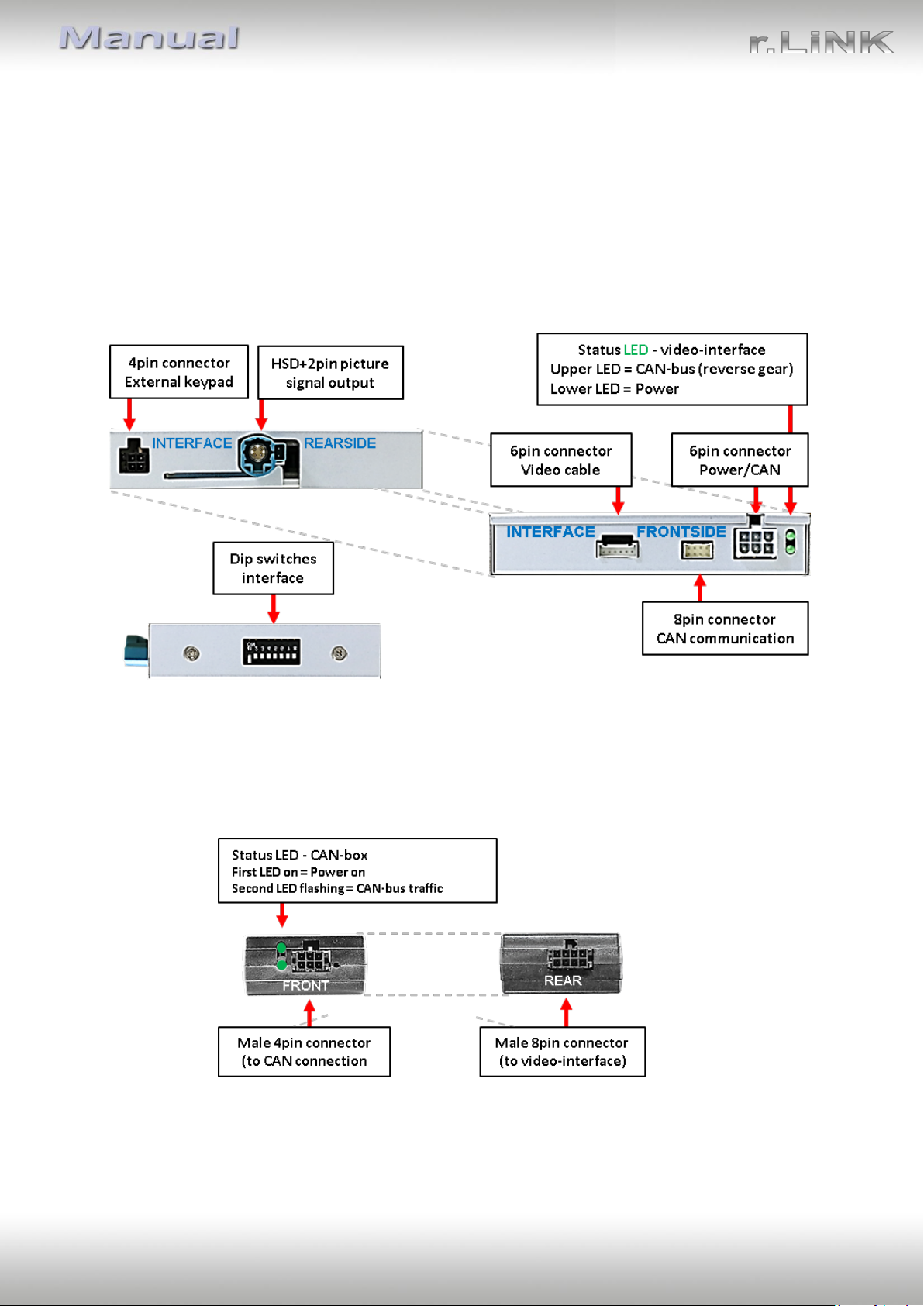
1.3.3. Dip-switch settings –interface
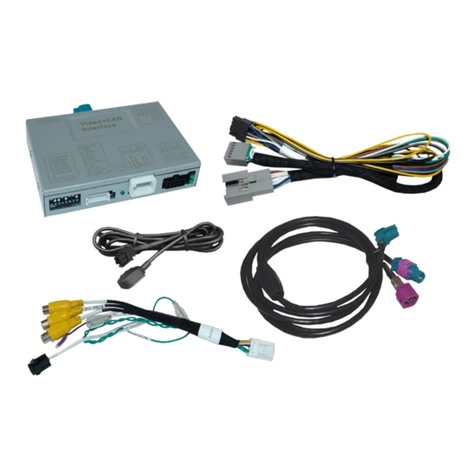
Some settings have to be selected by the dip-switches on the
video interface. Dip position down is ON and position up is OFF.
In case of a non-optimal displayed picture with the mentioned dip setting of dip8, we
recommend to try the other dip switch position.
After each Dip-switch-change a power-reset of the Can-box has to be performed!
See the following chapters for detailed information.
See the following chapters for detailed information.
1.3.3.1. Enabling the interface’s video inputs (dip 2-3)
Only the enabled video inputs can be accessed by switching through the interface’s video
sources. It is recommended to enable only the required inputs, because the disabled inputs
will be skipped while switching through the video interfaces inputs.
1.3.3.2. Rear-view camera setting (dip 5)
If set to OFF, the interface switches to factory LVDS picture while the reverse gear is engaged
to display factory rear-view camera or factory optical park system picture.
If set to ON, the interface switches to its rear-view camera input while the reverse gear is
engaged.
1.3.3.3. Monitor specific settings (dip8)
Dips 8 customizes the monitor-specific video settings.
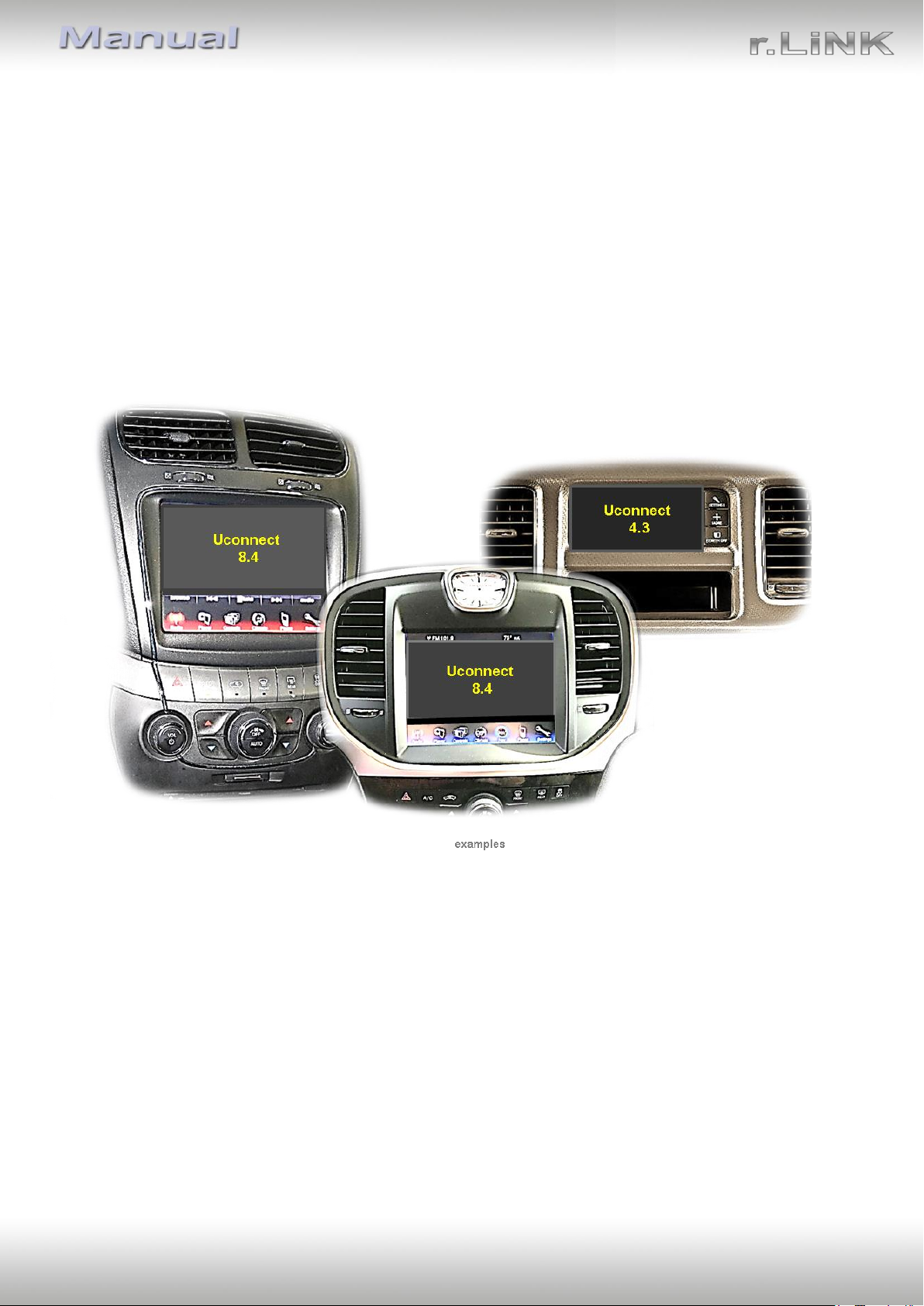
Dip switch setting ON will support the 4.3inch monitor.
Dip switch setting OFF will support the 8inch monitor.
Note: Dip 1, 4, 6 and 7 are out of function and have to be set to OFF.
Monitor specific
adjustment