2
ENGLISH
CONTENTS
PREPARATION
INSTALLATION
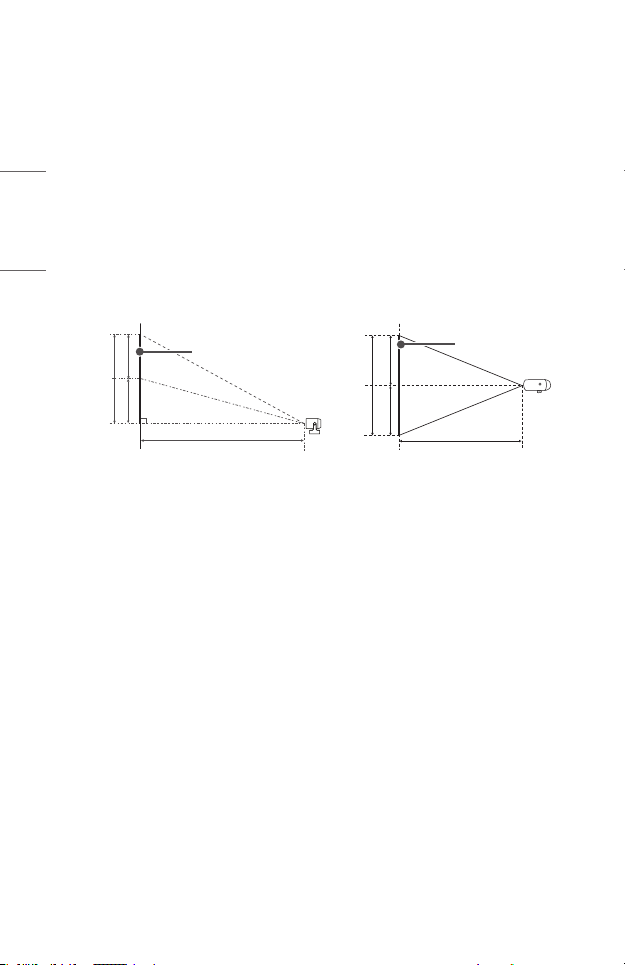
10 Projection Distance per Screen Size
12 Adjusting the Position of the Projection Screen
13 Adjusting the Angle and Focus of the Projection Screen
14 Kensington Security System
USING MAGIC LIGHTING REMOTE
15 Inserting Batteries in the Remote Control
16 Viewing the Remote Control Features
19 Pairing the Magic Lighting Remote
19 Re-registering the Magic Lighting Remote
19 Unregistering Magic Lighting Remote
20 Using the Magic Lighting Remote
CONNECTING DEVICES
21 Connecting with a HDMI Cable
22 Connecting with a USB-C Cable
23 Connecting a smart device (smartphone, tablet, etc.)
SAFETY PRECAUTIONS
CHECKING BEFORE REPORTING MALFUNCTION
35 Projector Safety Check
36 Troubleshooting
CHECKING INFORMATION
38 Specifications
39 HDMI/USB-C Supported mode
43 Licenses
44 Open Source Software Notice Information
45 Other specifications
46 Symbols
This manual is produced for public use and may contain images or contents
different from the product you purchased.
This manual is subject to change depending on the company’s circumstances.