ENGLISH
Installing and Using the Product
Please read this manual carefully before operating your set and retain it for future reference.
To view the instructions of advanced features, visit http://www.lg.com or scan QR code and then download
Owner’s Manual. Some of the content in this manual may differ from your product.
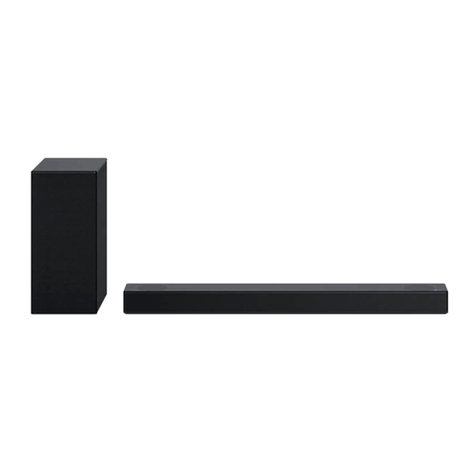
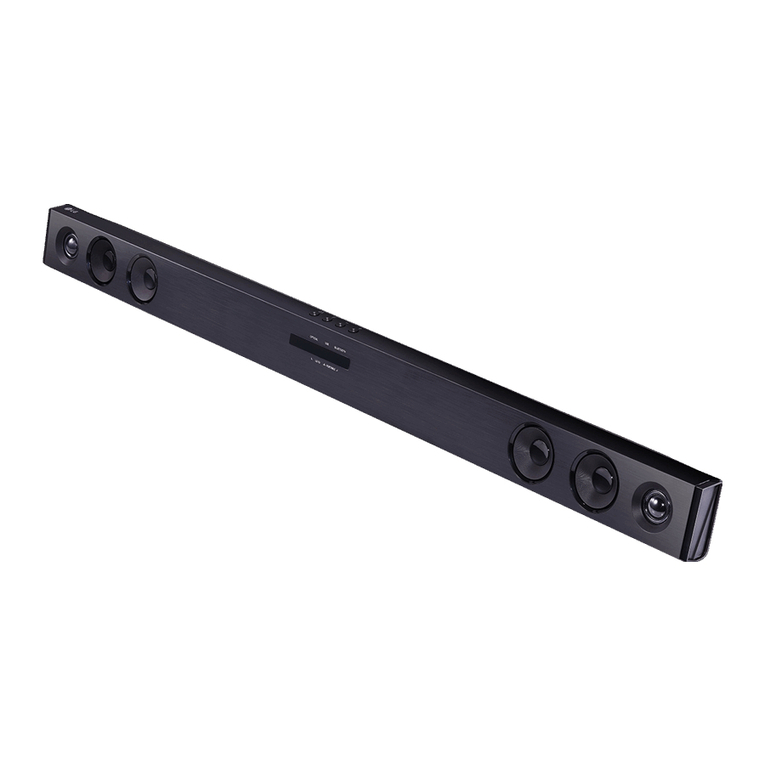
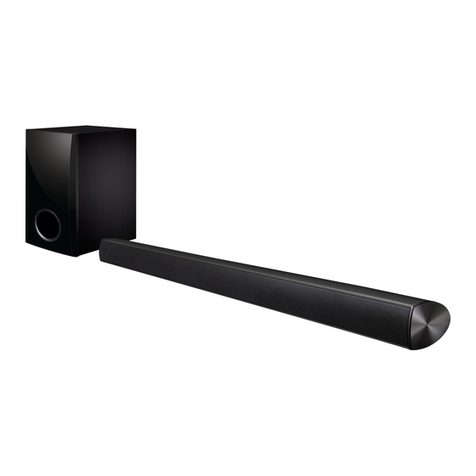
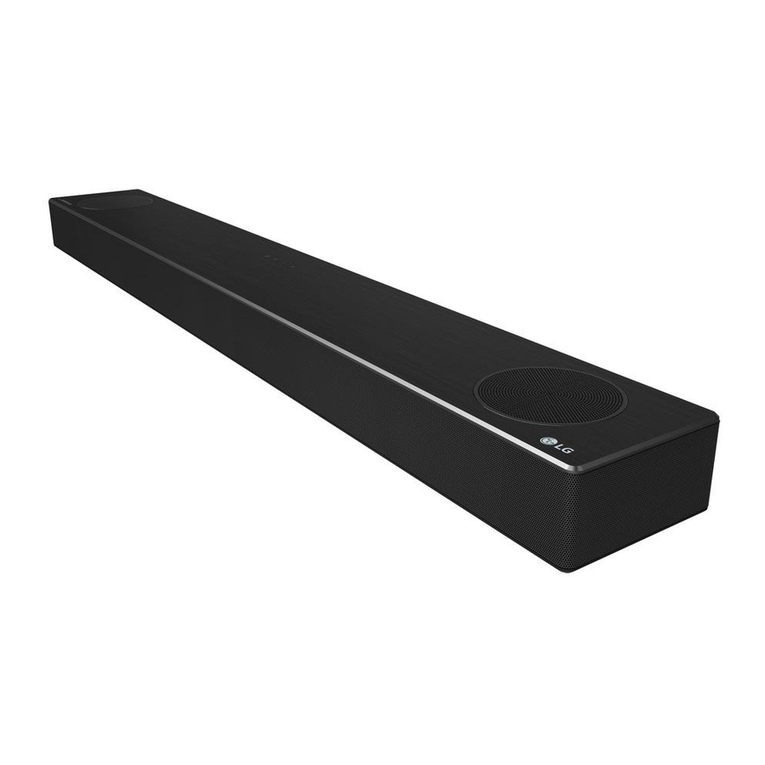
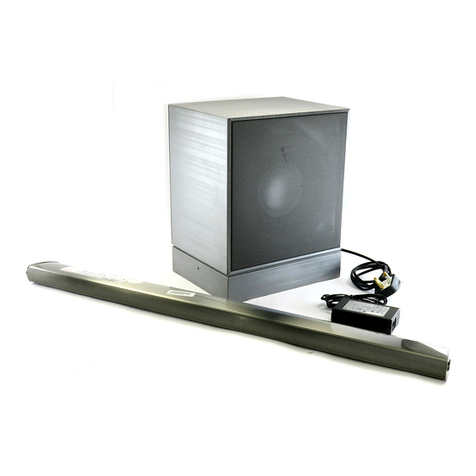
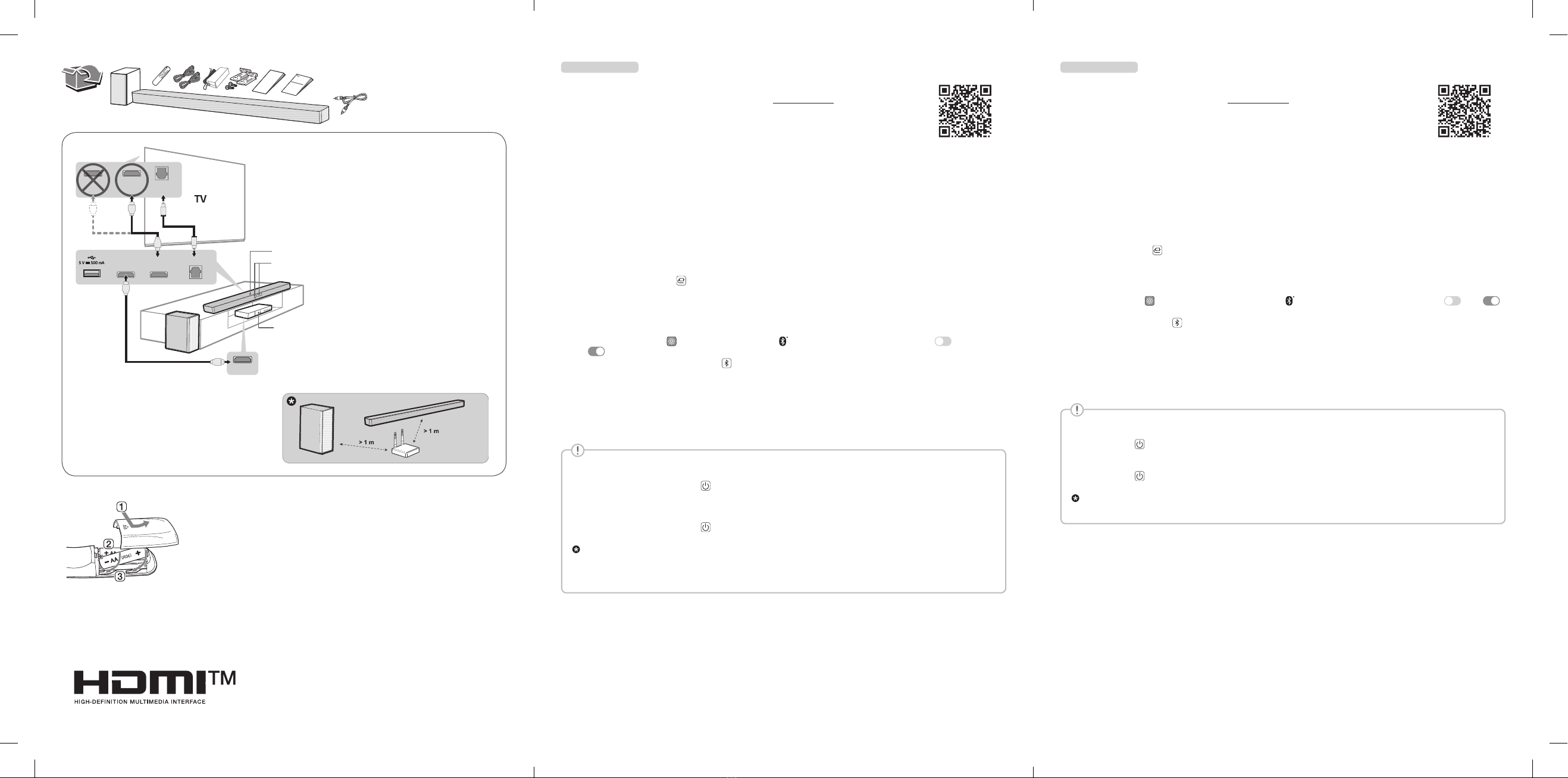
ASound bar
BRemote Control Receiver / Status Display
CWireless Subwoofer - Install it close to the sound bar.
DExternal Device - (Blu-ray player, game console, etc.)
a Connect the sound bar to your TV via an optical cable or an HDMI cable.
b If you are using an external device (ex. Blu-ray player, game console, etc.), connect it to the sound bar via an HDMI cable.
c Connect to power in the following order: wireless subwoofer [sound bar. Then, turn on the sound bar. When the connection is
automatically established with the sound bar, the LED on the wireless subwoofer will light up in green.
d Using the product with your TV
A Press the Function button repeatedly until “OPT/HDMI ARC” appears on the status display.
BOn your TV’s settings, set the output speaker to [HDMI ARC], [Optical], or [External Speaker].
CWhen the TV is properly connected to the product, “OPT” or “ARC” appears on the status display with a sound.
e Connecting the product to your smartphone via Bluetooth
ATap the Settings button on your smartphone and select Bluetooth. Turn on the Bluetooth function. ( Off >
On)
BPress the Bluetooth pair button. After a moment, you will see “BT READY” on the status display.
CFind and tap the product on your smartphone. The product appears as “LG SP7 (XX)”.
DWhen the product is connected to your smartphone via Bluetooth, you can see the status display change from “PAIRED” [
“Connected Bluetooth device name” [“BT”.
f Connecting to the LG Sound Bar app
A Find and install the LG Sound Bar app on Google Play or App Store from your smartphone.
BYou can get more information regarding its use by selecting [Help] in [Setting].
If you see a red LED on the back of the wireless subwoofer, it means that the sound bar is not connected to the subwoofer. If this is the
case, connect them in the following order.
APress the Power button on the sound bar to turn it off.
BPress the PAIRING button on the back of the disconnected wireless subwoofer. Check if LED blinks green.
-If you still see a red LED on the back of the wireless subwoofer, press and hold the button on the back of the subwoofer again.
CPress the Power button on the sound bar to turn it on.
DWhen the connection is established, you will see a green LED light on the back of the wireless subwoofer.
Keep the sound bar, the subwoofer away from the device (ex. wireless router, microwave oven, etc.) over 1 m to prevent wireless interference.
ySome speakers may not make sound depend on the input source. Select CINEMA sound mode to listen through all speakers.
yDesign and specications are subject to change without notice.
yGoogle Play is a trademark of Google LLC.
ESPAÑOL
Instalar y usar el producto
Lea detenidamente este manual antes de utilizar su equipo y consérvelo para referencias futuras.
Para ver las instrucciones de las características avanzadas, visite http://www.lg.com o escanee el código QR y,
luego, descargue el manual del propietario. Ciertos contenidos de este manual pueden no coincidir con los de
su producto.
ABarra de sonido
BReceptor del control remoto/Visualizador de estado
C Subwoofer inalámbrico - instálelo cerca de la barra de sonido.
DDispositivo externo - (reproductor de Blu-ray, videoconsola,
etc.)
a Conecte la barra de sonido al TV con un cable óptico o HDMI.
b Si está usando un dispositivo externo (p. ej., reproductor de Blu-ray, videoconsola, etc.), conéctelo a la barra de sonido con un cable
HDMI.
c Conecte los dispositivos a la energía en el orden siguiente: subwoofer inalámbrico [barra de sonido. Luego, encienda la barra
de sonido. Cuando la conexión sea establecida automáticamente con la barra de sonido, el LED del subwoofer inalámbrico se
encenderá en verde.
d Usar el producto con el TV
A Presione el botón Función repetidamente hasta que aparezca “OPT/HDMI ARC” en el visualizador de estado.
BEn los ajustes del TV, establezca el altavoz de salida en [HDMI ARC], [Óptico] o [Bocina externa].
C Cuando la televisión está correctamente conectada al producto, aparece “OPT” o “ARC” en el visualizador de estado junto con
un sonido.
e Conectar la unidad al smartphone por Bluetooth
AToque el botón Ajustes en el smartphone y seleccione Bluetooth. Encienda la función Bluetooth. ( Apagado >
Encendido)
BPresione el botón Emparejar Bluetooth . Luego de un momento, verá “BT READY” en el visualizador de estado.
CBusque y presione el producto en su smartphone. El producto aparece como “LG SP7 (XX)”.
D Cuando el producto esté conectado al smartphone por Bluetooth, podrá ver cómo el visualizador de estado cambia de
“PAIRED” [“Nombre del dispositivo Bluetooth conectado” [“BT”.
f Conexión a la aplicación LG Sound Bar
A Busque e instale la aplicación LG Sound Bar en Google Play o App Store desde su smartphone.
BPara mayor información sobre su uso, seleccione [Ayuda] en [Ajustes].
Si ve un LED rojo en la parte trasera del subwoofer inalámbrico, esto signica que la barra de sonido no está conectada al subwoofer. En
este caso, conéctelos en el orden siguiente.
APresione el botón Encendido/Apagado en la barra de sonido para apagarla.
BPresione el botón PAIRING de la parte posterior del subwoofer inalámbrico desconectado. Verique si el LED parpadea en verde.
-Si aún ve un LED rojo en la parte trasera del subwoofer inalámbrico, mantenga presionado el botón de la parte trasera del subwoofer
nuevamente.
CPresione el botón Encendido/Apagado en la barra de sonido para encenderla.
D Cuando la conexión esté establecida, verá una luz LED verde en la parte posterior del subwoofer inalámbrico.
Mantenga la barra de sonido y el subwoofer alejados de otros dispositivos (por ejemplo, router inalámbrico, horno microondas, etc.) a una
distancia no inferior a 1 m para evitar interferencias inalámbricas.
yAlgunos altavoces pueden no emitir sonido con algunas fuentes de entrada. Seleccione el modo de sonido CINEMA (Cine) para escuchar el
sonido a través de todos los altavoces.
yEl diseño y las especicaciones están sujetos a cambios sin previo aviso.
yGoogle Play es una marca comercial de Google LLC.
HDMI OUT
b
D
B
A
C
OPTICAL IN
HDMI OUT
HDMI IN (TV ARC)
aa
HDMI IN
(ARC)
HDMI IN OPTICAL
OUT
Reemplazo de baterías
yPor regulaciones de
tipo ambiental respecto
a la importación y
destrucción de baterías
en Colombia, este
modelo no incluye las
pilas del control remoto.
Replacement of Battery
yDue to the environment
government regulations
about import and
batteries destruction in
Colombia, this model will
not bring the batteries of
remote control included.
SP7.DCOLLLK_SIMPLE_MFL71797045.indd 4-6 2021-06-03 9:42:04