manuals.online logo
Brands
  1. Home
  2. •
  3. Brands
  4. •
  5. Lindy
  6. •
  7. PCI Card
  8. •
  9. Lindy PCI 1S (16C950 128 FIFO) User manual

Lindy PCI 1S (16C950 128 FIFO) User manual

This manual suits for next models

1

Other Lindy PCI Card manuals

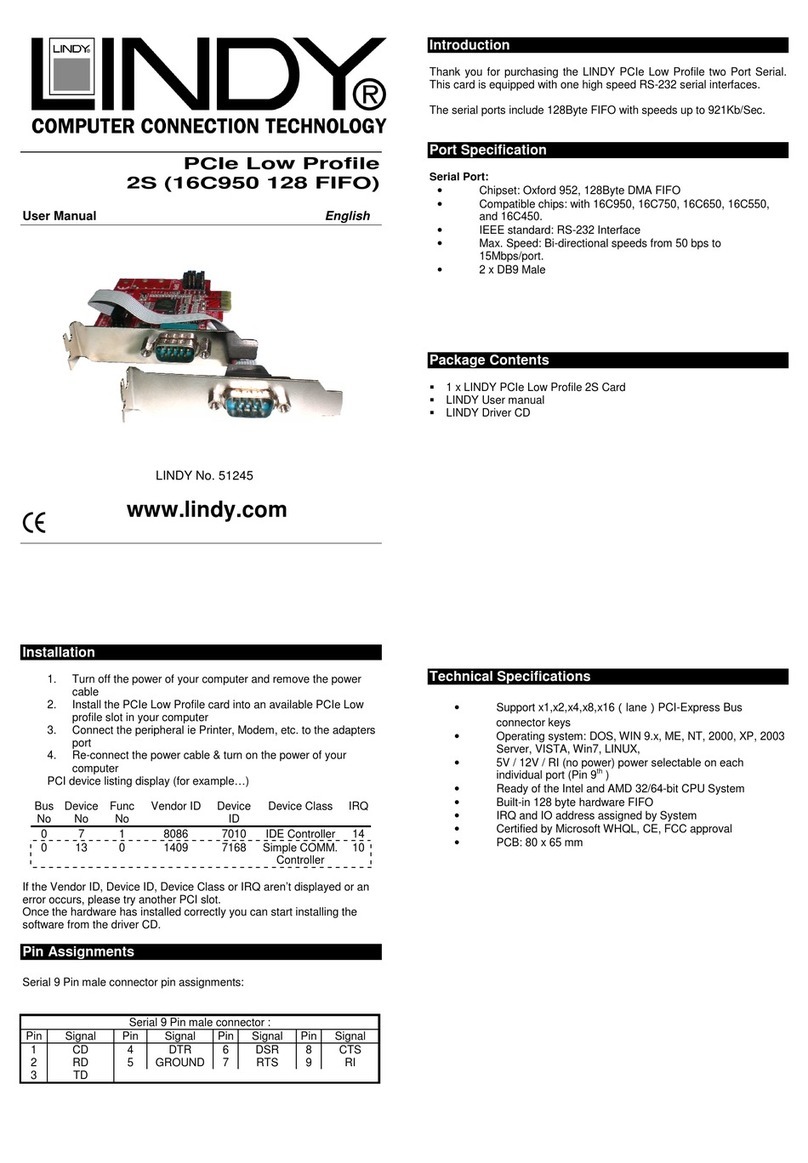
Lindy 51082 User manual

Lindy

Lindy 51082 User manual

Lindy 51051 User manual

Lindy

Lindy 51051 User manual

Lindy 51095 User manual

Lindy

Lindy 51095 User manual

Lindy 51080 User manual

Lindy

Lindy 51080 User manual

Lindy 70538 User manual

Lindy

Lindy 70538 User manual

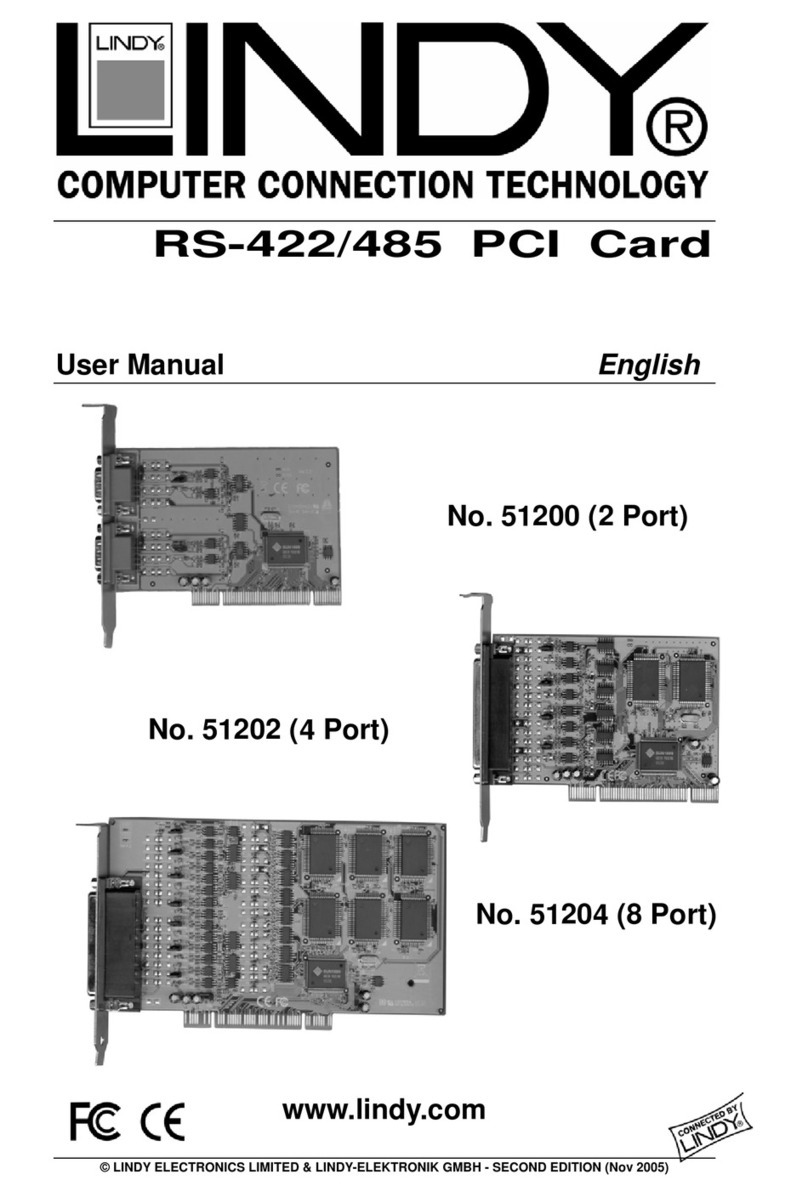
Lindy RS-422/485 User manual

Lindy

Lindy RS-422/485 User manual

Lindy 70582 User manual

Lindy

Lindy 70582 User manual

Lindy 70674 User manual

Lindy

Lindy 70674 User manual

Lindy 51170 User manual

Lindy

Lindy 51170 User manual

Lindy 51316 User manual

Lindy

Lindy 51316 User manual

Lindy 51068 User manual

Lindy

Lindy 51068 User manual

Lindy 70584 User manual

Lindy

Lindy 70584 User manual

Lindy 51097 User manual

Lindy

Lindy 51097 User manual

Lindy 70536 User manual

Lindy

Lindy 70536 User manual

Lindy SD-FW323-3I User manual

Lindy

Lindy SD-FW323-3I User manual

Lindy SD-CBALINEC-4E6I User manual

Lindy

Lindy SD-CBALINEC-4E6I User manual

Lindy 70555 User manual

Lindy

Lindy 70555 User manual

Lindy 51073 User manual

Lindy

Lindy 51073 User manual

Lindy 70578 User manual

Lindy

Lindy 70578 User manual

Lindy 51127 User manual

Lindy

Lindy 51127 User manual

Lindy ATA/100 User manual

Lindy

Lindy ATA/100 User manual

Lindy 51115 User manual

Lindy

Lindy 51115 User manual

Lindy FireWire 800 User manual

Lindy

Lindy FireWire 800 User manual

Lindy 51275 User manual

Lindy

Lindy 51275 User manual

Popular PCI Card manuals by other brands

Avermedia ER330 Quick installation guide

Avermedia

Avermedia ER330 Quick installation guide

ERMA SSI 1417 instruction manual

ERMA

ERMA SSI 1417 instruction manual

SIIG CyberSerial Dual PCI Software installation

SIIG

SIIG CyberSerial Dual PCI Software installation

Airlink101 AWLH3028 user manual

Airlink101

Airlink101 AWLH3028 user manual

Dolphin MXH932 user guide

Dolphin

Dolphin MXH932 user guide

I-Bus IBC2602 user guide

I-Bus

I-Bus IBC2602 user guide

ICP DAS USA PCI-1002H user manual

ICP DAS USA

ICP DAS USA PCI-1002H user manual

Exsys EX-60102 manual

Exsys

Exsys EX-60102 manual

Chelsio Communications T5 Series Installation and user guide

Chelsio Communications

Chelsio Communications T5 Series Installation and user guide

Conrad Electronic 97 46 71 operating instructions

Conrad Electronic

Conrad Electronic 97 46 71 operating instructions

Micro Innovations USB650A Quick installation guide

Micro Innovations

Micro Innovations USB650A Quick installation guide

KTI Networks KF-310 user guide

KTI Networks

KTI Networks KF-310 user guide

Intellinet 500517 user manual

Intellinet

Intellinet 500517 user manual

Asus SpaceLink WL230 user manual

Asus

Asus SpaceLink WL230 user manual

SIIG SC2475 Quick installation guide

SIIG

SIIG SC2475 Quick installation guide

TRENDnet TEW-703PI Quick installation guide

TRENDnet

TRENDnet TEW-703PI Quick installation guide

Pericom PI7C7100 manual

Pericom

Pericom PI7C7100 manual

ADLINK Technology cPCI-3548 user manual

ADLINK Technology

ADLINK Technology cPCI-3548 user manual

manuals.online logo
manuals.online logoBrands
  • About & Mission
  • Contact us
  • Privacy Policy
  • Terms and Conditions

Copyright 2025 Manuals.Online. All Rights Reserved.

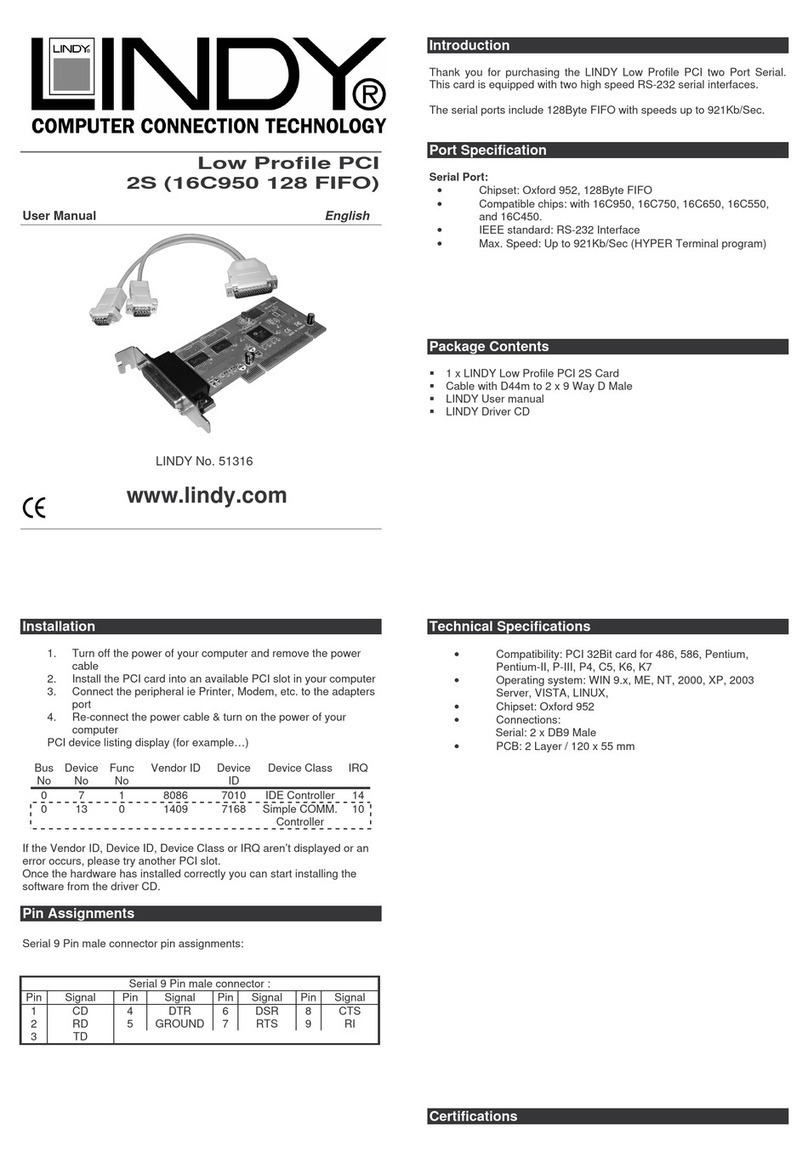
PCI 1S (16C950 128 FIFO)
User Manual English
LINDY No. 51235
www.lindy.com
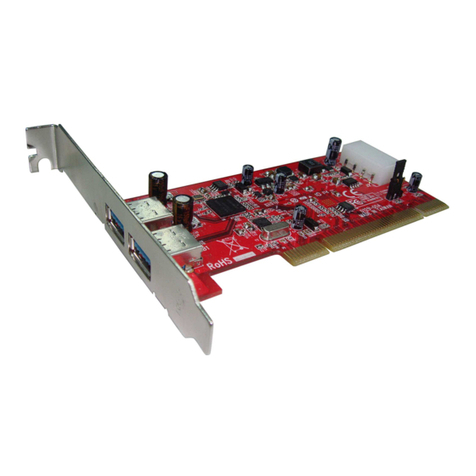
Introduction
Thank you for purchasing the LINDY PCI one Port Serial. This card is
equipped with one high speed RS-232 serial interfaces.
The serial ports include 128Byte FIFO with speeds up to 921Kb/Sec.
Port Specification
Serial Port:
•Chipset: Oxford uPCI952, 128Byte FIFO
•Compatible chips: with 16C950, 16C750, 16C650, 16C550,
and 16C450.
•IEEE standard: RS-232 Interface
•Max. Speed: Up to 921Kb/Sec (HYPER Terminal program)
Package Contents
1 x LINDY PCI 1S Card
LINDY User manual
LINDY Driver CD
Installation
1. Turn off the power of your computer and remove the power
cable
2. Install the PCI card into an available PCI slot in your computer
3. Connect the peripheral ie Printer, Modem, etc. to the adapters
port
4. Re-connect the power cable & turn on the power of your
computer
PCI device listing display (for example…)
Bus
No Device
No Func
No Vendor ID Device
ID Device Class IRQ
0 7 1 8086 7010 IDE Controller 14
0 13 0 1409 7168 Simple COMM.
Controller 10
If the Vendor ID, Device ID, Device Class or IRQ aren’t displayed or an
error occurs, please try another PCI slot.
Once the hardware has installed correctly you can start installing the
software from the driver CD.

Pin Assignments
Serial 9 Pin male connector pin assignments:
Serial 9 Pin male connector :
Pin
Signal Pin Signal Pin
Signal Pin
Signal
1 CD 4 DTR 6 DSR 8 CTS
2 RD 5 GROUND 7 RTS 9 RI
3 TD
Technical Specifications
•Compatibility: PCI 32Bit card for 486, 586, Pentium,
Pentium-II, P-III, P4, C5, K6, K7
•Operating system: WIN 9.x, ME, NT, 2000, XP, 2003
Server, VISTA, WIN 7, LINUX,
•Chipset: Oxford uPCI952
•Connections:
•Serial: 1 x DB9 Male
•PCB: 2 Layer / 120 x 76 mm

Certifications
FCC Certifications
This equipment has been tested and found to comply with the limits for a
Class A digital device, pursuant to part 15 of the FCC Rules. These limits
are designed to provide reasonable protection against harmful
interference when the equipment is operated in a commercial
environment. This equipment generates, uses, and can radiate radio
frequency energy and, if not installed and used in accordance with the
instruction manual, may cause harmful interference to radio
communications. Operation of this equipment in a residential area is
likely to cause harmful interference in which case the user will be
required to correct the interference at their own expense.
This device complies with Part 15 of the FCC Rules. Operation is subject
to the following two conditions: (1) this device may not cause harmful
interference, and (2) this device must accept any interference received;
including interference that may cause undesired operation.
CE Certification
This equipment complies with the requirements relating to
electromagnetic compatibility, EN 55024 and EN55022 class A for ITE,
EN61000-3-2/-3 the essential protection requirement of Council Directive
89/336/EEC on the approximation of the laws of the Member States
relating to electromagnetic compatibility.
Recycling Information
WEEE (Waste of Electrical and Electronic Equipment),
Recycling of Electronic Products
United Kingdom
In 2006 the European Union introduced regulations (WEEE) for the
collection and recycling of all waste electrical and electronic equipment.
It is no longer allowable to simply throw away electrical and electronic
equipment. Instead, these products must enter the recycling process.
Each individual EU member state has implemented the WEEE
regulations into national law in slightly different ways. Please follow your
national law when you want to dispose of any electrical or electronic
products. More details can be obtained from your national WEEE
recycling agency.
Germany / Deutschland
Die Europäische Union hat mit der WEEE Direktive umfassende
Regelungen für die Verschrottung und das Recycling von Elektro- und
Elektronikprodukten geschaffen. Diese wurden von der Bundesregierung
im Elektro- und Elektronikgerätegesetz – ElektroG in deutsches Recht
umgesetzt. Dieses Gesetz verbietet vom 24.März 2006 an das
Entsorgen von entsprechenden, auch alten, Elektro- und
Elektronikgeräten über die Hausmülltonne! Diese Geräte müssen den
lokalen Sammelsystemen bzw. örtlichen Sammelstellen zugeführt
werden! Dort werden sie kostenlos entgegen genommen. Die Kosten für
den weiteren Recyclingprozess übernimmt die Gesamtheit der
Gerätehersteller.
France
En 2006, l'union Européenne a introduit la nouvelle réglementation
(WEEE) pour le recyclage de tout équipement électrique et électronique.
Chaque Etat membre de l’ Union Européenne a mis en application la
nouvelle réglementation WEEE de manières légèrement différentes.
Veuillez suivre le décret d’application correspondant à l’élimination des
déchets électriques ou électroniques de votre pays.
Italy
Nel 2006 l’unione europea ha introdotto regolamentazioni (WEEE) per la
raccolta e il riciclo di apparecchi elettrici ed elettronici. Non è più
consentito semplicemente gettare queste apparecchiature, devono
essere riciclate. Ogni stato membro dell’ EU ha tramutato le direttive
WEEE in leggi statali in varie misure. Fare riferimento alle leggi del
proprio Stato quando si dispone di un apparecchio elettrico o elettronico.
Per ulteriori dettagli fare riferimento alla direttiva WEEE sul riciclaggio
del proprio Stato.
LINDY No. 51235
www.lindy.com