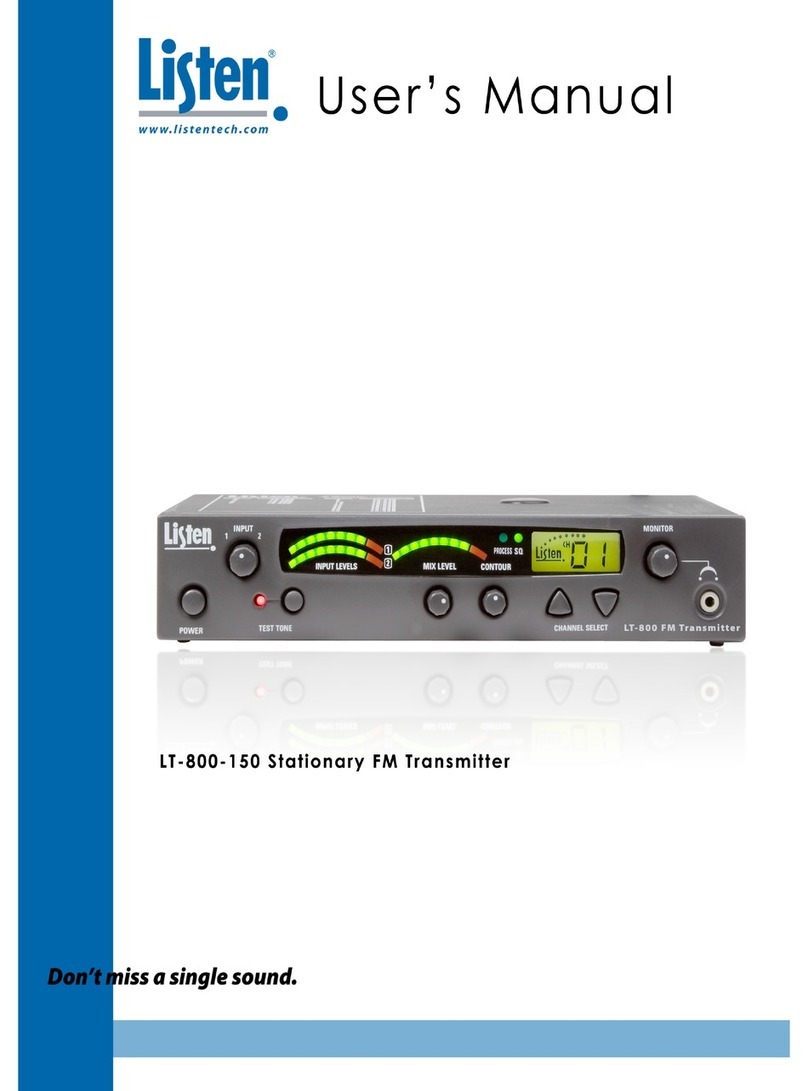
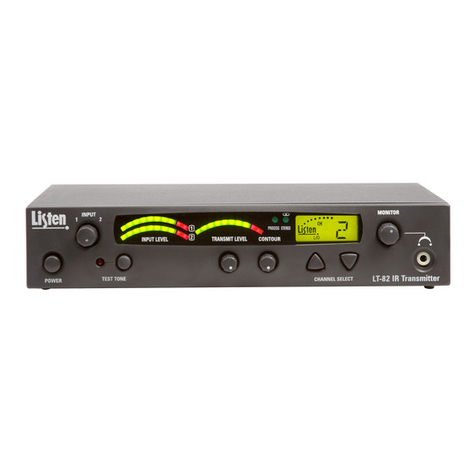
Setup
5
Remove the product
Remove outer packaging and plastic cover. Inspect for
physical damage.
Set SQ Switch
The SQ switch comes in the ON position. This is the
recommended position. Make sure receivers you are
using have SQ on as well (factory default). See page 8
for an explanation of SQ. Remove the rubber plug
from the top of the unit. In a good light, locate the SQ
switch through the antenna opening in the top of the
unit. The switch is located next to the antenna
connector inside the unit. Move the switch toward the
front of the unit to enable SQ; move the switch
toward the back of unit to disable SQ.
For rack mounting
If rack mounting the unit, install the optional rack
mount kit (part# LA-326) according to the
instructions included with the kit, then install the LT-
800 in the rack.
Connect power supply to unit
Plug the power supply into the power connector on
the back panel. Do not connect to AC power yet.
(Only use a Listen approved power supply. The
LA-201, an in-line transformer, is the approved power
supply for this unit.)
Connect antenna
Connect the antenna (not included)
according to the installation
instructions. Only use an antenna
supplied by Listen. If you are connecting
the antenna directly to the top of the
LT-800, you will need to remove the
rubber plug on top of the unit. If you are
using a remote antenna connected to
the rear of the unit, do not connect an
antenna to the top connector. See page
18 for antenna options, or refer to the
Listen website for
remote antenna
options.
Set the RF power
Set the RF POWER switch for FULL, ½ or ¼. (Level
is indicated on the front panel.) The amount of
transmitted RF power that you will need depends on
your application. If you are operating other
transmitters in the same environment and receivers
may be used close to the
antenna, it is best to have the
transmitter’s output power at
its lowest level to reduce the
possibility of interference.
LT-800 Setup Instructions
Note: If you will be using your LT-800 with receivers that do not have SQ
capability, disable the SQ feature.
Rack Mount with dual unit installed
Shown with LR-100 and LT-800
Rack Mount with single unit installed
Shown with LT-800
LT-800 with top mount LA-102-072MHz, LA-106-216MHz
Telescoping Antenna connected through top of unit.
LA-122 Remote Antenna
See RF Reception Maximization Strategies and
Coaxial Cable on pages 10 and 11.
Rear of LT-800 unit