manuals.online logo
Brands
  1. Home
  2. •
  3. Brands
  4. •
  5. Listen
  6. •
  7. Transmitter
  8. •
  9. Listen LT-82 Reference guide

Listen LT-82 Reference guide

Other manuals for LT-82

1

This manual suits for next models

2

Other Listen Transmitter manuals

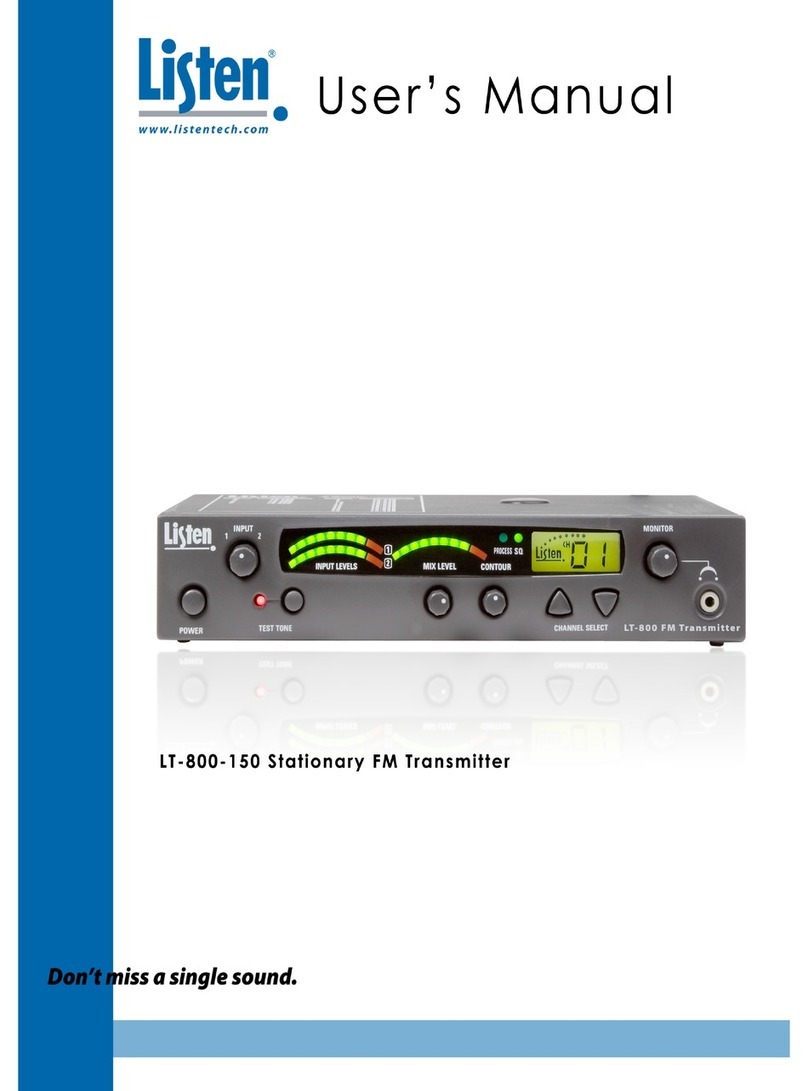
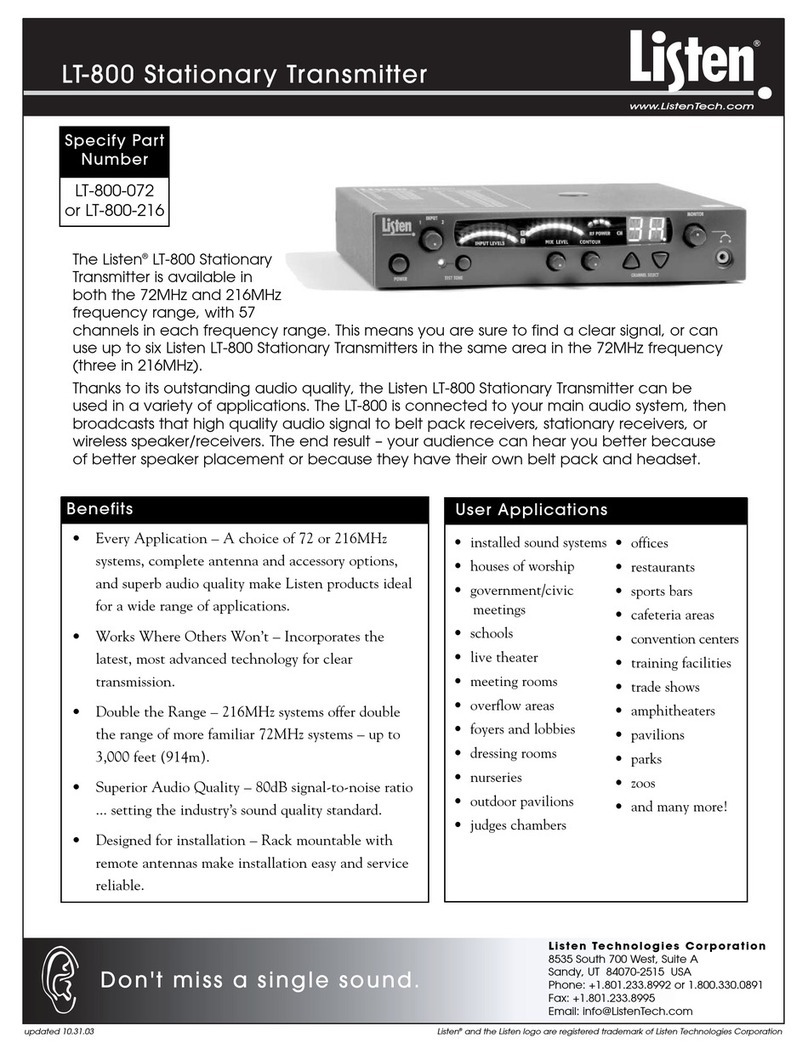
Listen lt-800 User manual

Listen

Listen lt-800 User manual

Listen LT-800-150 User manual

Listen

Listen LT-800-150 User manual
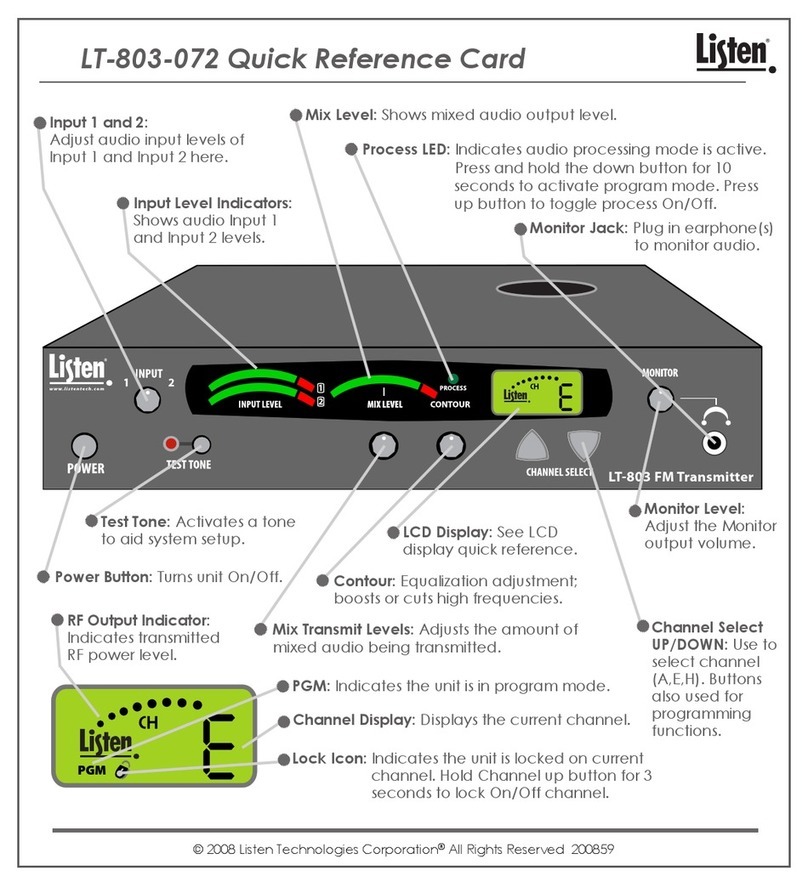
Listen LT-803 Reference guide

Listen

Listen LT-803 Reference guide

Listen LP-3CV-072 User manual

Listen

Listen LP-3CV-072 User manual

Listen lt-800 User manual

Listen

Listen lt-800 User manual

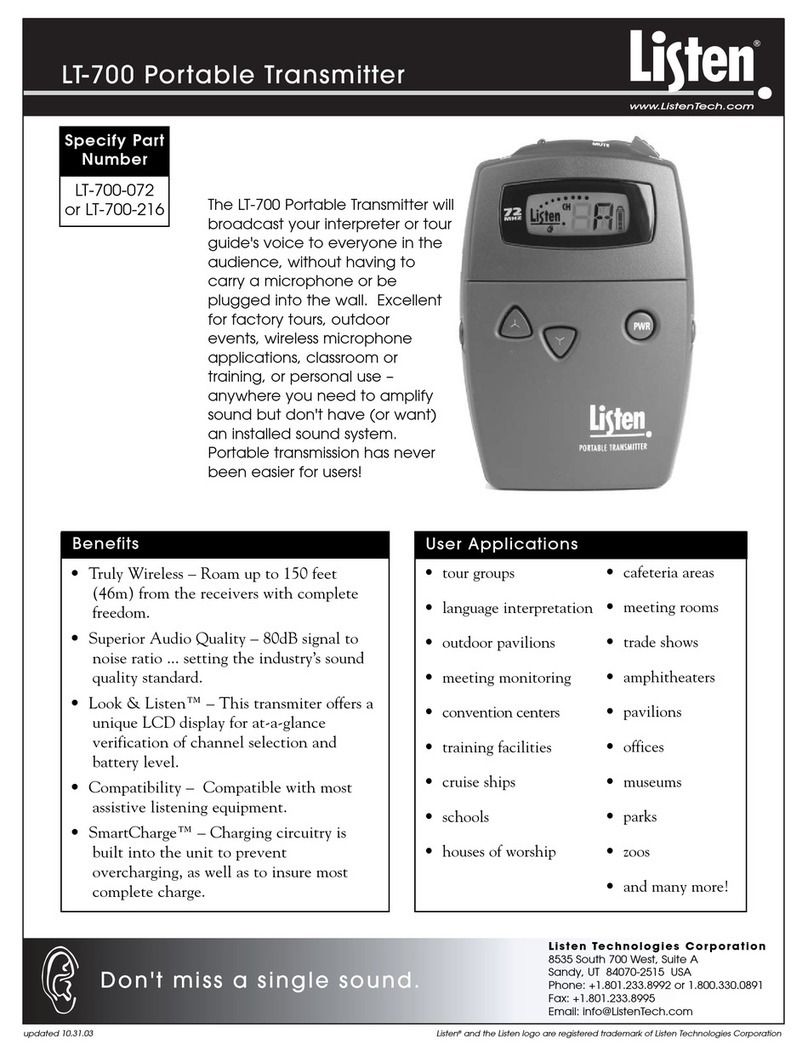
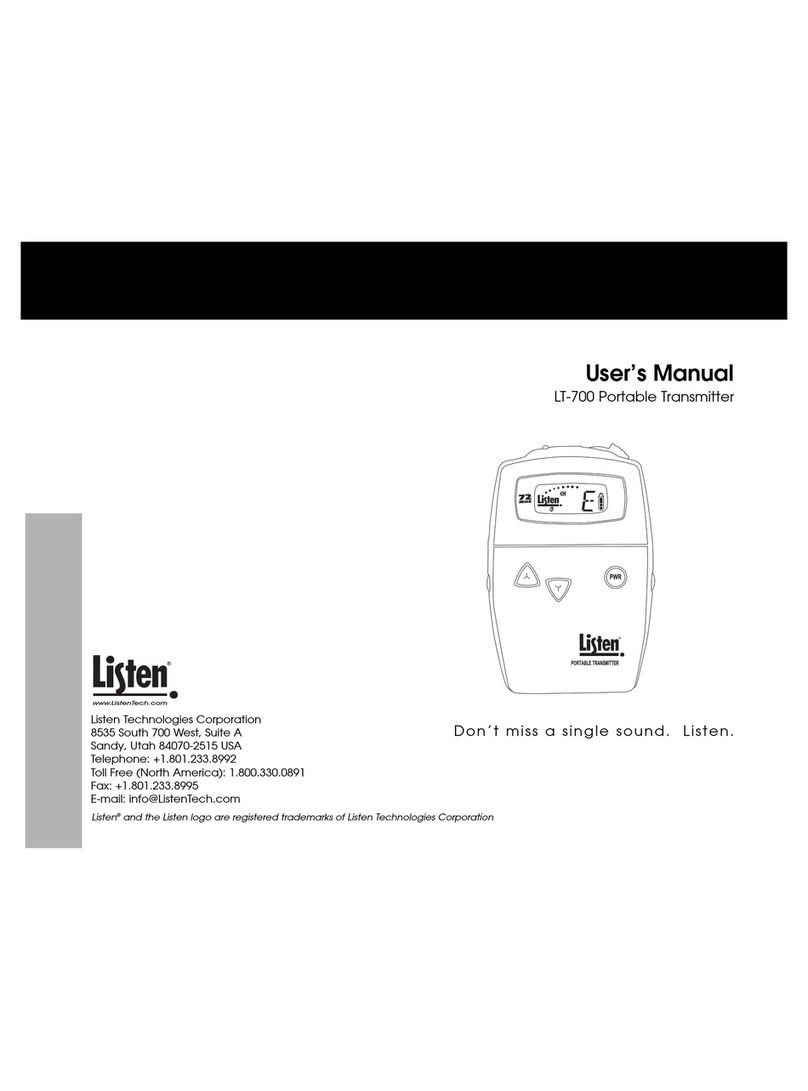
Listen LT-700 User manual

Listen

Listen LT-700 User manual

Listen LT-700-072 Reference guide

Listen

Listen LT-700-072 Reference guide

Listen lt-800 Guide

Listen

Listen lt-800 Guide

Listen LT-700-072 User manual

Listen

Listen LT-700-072 User manual

Listen LA-326 User manual

Listen

Listen LA-326 User manual

Listen LT-82 User manual

Listen

Listen LT-82 User manual

Listen LT-700-072 User manual

Listen

Listen LT-700-072 User manual

Listen LT-700 User manual

Listen

Listen LT-700 User manual

Listen LT-700 User manual

Listen

Listen LT-700 User manual

Popular Transmitter manuals by other brands

Seneca K120RTD installation manual

Seneca

Seneca K120RTD installation manual

Nautel GV40 installation manual

Nautel

Nautel GV40 installation manual

HumanTechnik cm-light operating instructions

HumanTechnik

HumanTechnik cm-light operating instructions

INOR APAQ C130 TC User instructions

INOR

INOR APAQ C130 TC User instructions

Linear DXS-64 operating instructions

Linear

Linear DXS-64 operating instructions

FeinTech ABT00102 instruction manual

FeinTech

FeinTech ABT00102 instruction manual

Geo Web Pack quick start guide

Geo

Geo Web Pack quick start guide

Inovonics EchoStream EN1210W installation instructions

Inovonics

Inovonics EchoStream EN1210W installation instructions

IKONNIK KA-6 quick start guide

IKONNIK

IKONNIK KA-6 quick start guide

Rohde & Schwarz SR8000 Series System manual

Rohde & Schwarz

Rohde & Schwarz SR8000 Series System manual

Audio Technica UniPak ATW-T93 Installation and operation

Audio Technica

Audio Technica UniPak ATW-T93 Installation and operation

NIVELCO EasyTREK SCA-300 Series Programming manual

NIVELCO

NIVELCO EasyTREK SCA-300 Series Programming manual

Honeywell 5816WMBR installation instructions

Honeywell

Honeywell 5816WMBR installation instructions

Kamstrup READy MTU Installation and operation guide

Kamstrup

Kamstrup READy MTU Installation and operation guide

Omega ZW Series user guide

Omega

Omega ZW Series user guide

ABB Field 264H Instructions for installation

ABB

ABB Field 264H Instructions for installation

Dejero EnGo 3x manual

Dejero

Dejero EnGo 3x manual

Rosemount 4600 Reference manual

Rosemount

Rosemount 4600 Reference manual

manuals.online logo
manuals.online logoBrands
  • About & Mission
  • Contact us
  • Privacy Policy
  • Terms and Conditions

Copyright 2025 Manuals.Online. All Rights Reserved.

LT-82 Quick Reference Card
© 2008 Listen Technologies Corporation®All Rights Reserved 031808
Input Level Indicators: Shows audio Input 1 and Input 2 levels.
Input 1 and 2:
Adjust audio input
levels of Input 1 and
Input 2 here.
Power: ON/OFF
Test Tone: Activates a tone
to aid system setup.
Transmit Level Indicator: Shows mixed audio level.
Process LED: Indicates audio processing mode is active.
Stereo LED: Indicates stereo mode is active.
LCD Display:
See LCD Display below.
Monitor Jack:
Plug in a headset to monitor audio.
Transmit Level: Adjusts mixed
audio levels.
Channel Select Up
and Down: Use to
select channel.
Buttons also used
for programming
functions.
Contour: Equalization ad-
justment; boosts or cuts
high frequencies.
RF Output Indicator:
Indicates transmitter is
outputting RF.
Channel Display: Displays what channel the LT-82 is
currently on.
Lock Icon: Indicates the unit is locked on current
channel.
Program Mode: Indicates the unit is in program
mode.
LT-82 Quick Reference Card
© 2008 Listen Technologies Corporation®All Rights Reserved 031808
For further details regarding your Listen products please visit our website at
www.listentech.com Resources/Support/Manuals.
Power Input: Connect power
supply here (included).
Power Outputs: Can be used to
power up to two radiators.
Audio Outputs: Input 1 and Input 2
mixed audio outputs.
Input 2: Audio inputs;
stereo or mono.
Input 2 Level Switch: Set switch
to match the level of your Input
2 source.
RF Input:
Input additional RF signal
here for multi-channel
systems.
RF Outputs: Output RF
signal to radiator(s) and/or
additional LT-82.
Input 1: Balanced input
for connection of a line
level or microphone;
accepts either a XLR or
¼” phono plug.
Input 1 Level Switch: Set
switch for line or mic
level. Phantom power
available in Mic-PH
Power position.