32
ANATOMY OF A BIT™
Learn how you can tell top from bottom.1
BOTTOM
TOP
OPEN HARDWARE SYMBOL
& LITTLEBITS LOGO
COLOR-CODED BY FUNCTION
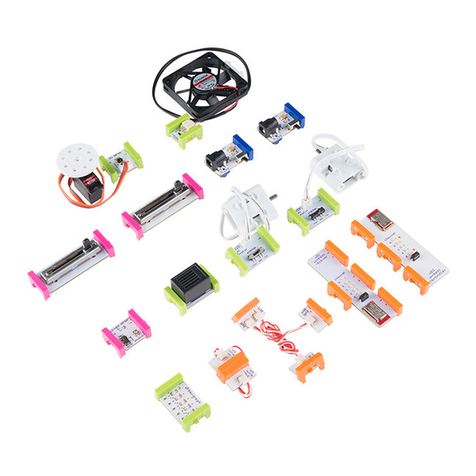
BitsTM are grouped into four dierent
categories, which are color-coded.
2
POWER (BLUE): Power Bits, plus a power
supply, run power through your circuit.
INPUT (PINK): Input Bits accept input
from you or the environment and send
signals that aect the Bits that follow.
OUTPUT (GREEN): Output Bits do some-
thing – light up, buzz, move…
WIRE (ORANGE): Wire Bits connect to
other systems and let you build circuits in
new directions.
BUILD DIRECTION
MAGNET MAGIC!
Bits snap together with magnets. The
magnets are always right – you can’t
snap them together the wrong way.
3
ARROWS SHOULD POINT IN THE SAME DIRECTION
IF THE BITS WON’T SNAP TOGETHER, TRY SPINNING
ONE AROUND AND MAKE SURE THE ARROWS POINT
IN THE SAME DIRECTION
ORDER IS IMPORTANT
POWER BITS always come rst and
INPUT BITS only aect the OUTPUT
BITS that come after them.
4
WITH NO OUTPUT BIT AFTER IT, THE INPUT BIT HAS
NOWHERE TO SEND ITS SIGNAL
THE INPUT BIT AFFECTS THE OUTPUT BITS THAT FOLLOW
BASICS
BUILD & PLAY
WITH THIS
CIRCUIT FIRST
i20
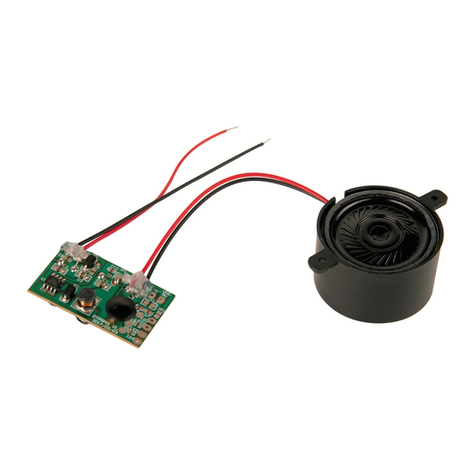
sound trigger
BIT NAME
BIT FEET
LEARN ABOUT THE MAKEY
MAKEY BIT ON PG 12.POWER:
ON TWIST
BITSNAPS
(“X” ICONS)
™
CAUTION: PARENTAL SUPERVISION AND ASSISTANCE MAY
BE REQUIRED FOR SAFE USE OF COMPONENTS