Choosing emergency contacts
As part of our pre-delivery setup we program
your Mobile Alarm with your emergency con-
tacts you provided during the order process.
If you have instructed us that you wished to pro-
gram in the emergency contacts yourself or if
you wish to review these at some stage, here are
some tips to consider when choosing those
emergency contact numbers.
How many emergency contacts to use
The device can call and send help messages to a
maximum of 5 people. The law of averages
means the more contacts you utilise the more
chance someone will be able to help you quickly
when you need help. Remember some contacts
may have their phones turned off, be out of
range or have flat batteries. Or it could be the
middle of the night & they don’t hear the phone.
Consider people with mobile phones in order
to use the GPS location feature fully.
Only mobile phone contacts will receive the help
text messages with your location on Google
Maps. You can include landline numbers, but
these people will not see your location on a map.
Where in the order to include ‘911’
You can include ‘911’ as one of the contact num-
bers. The ‘911’ service will not receive the help
text message and the Google Map location.
Many people place ‘911’ last in the call sequence
as a fallback for when the other contacts do not
answer.
Outgoing call to contact 2
Side talk button feature
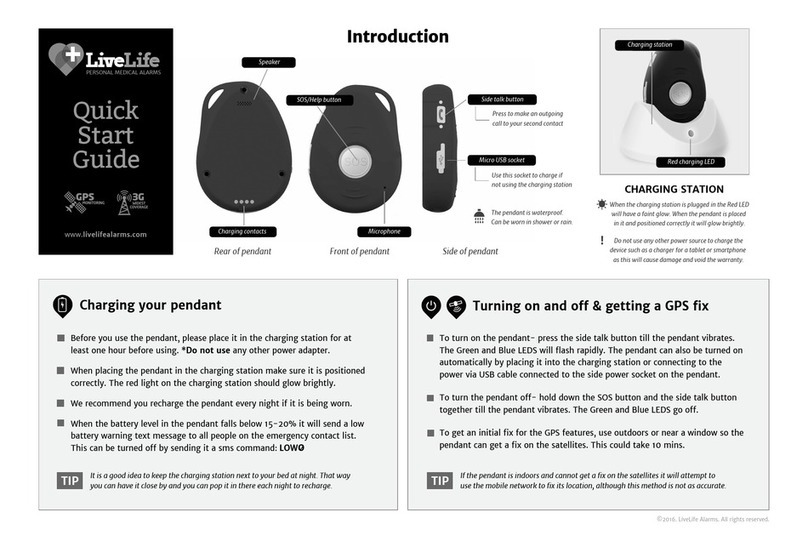
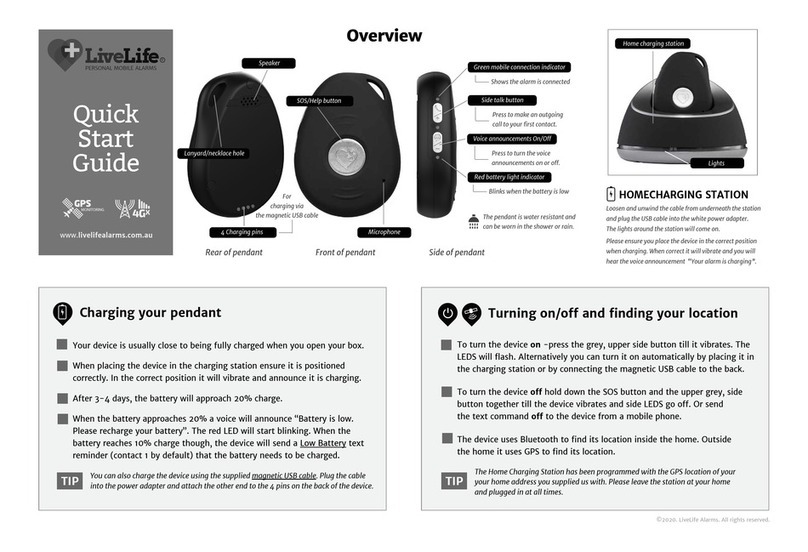
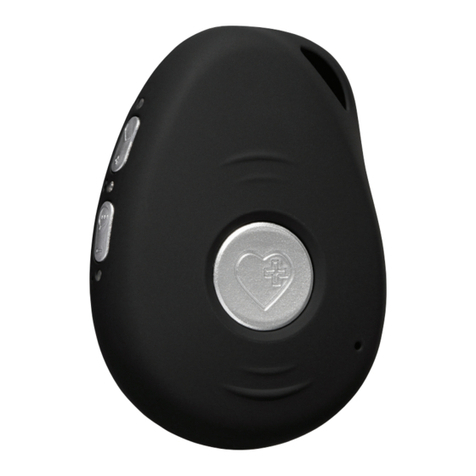
The device has a ‘Side talk button’. When
pressed till it vibrates it makes an outgoing call
to a single emergency contact only. You will
then be able to have a ‘hands-free’ conversa-
tion with that nominated contact person.
Often the ‘sidetalk contact’ is someone well
known to the wearer, who lives close by and is
available to offer assistance at most times of
the day. By default the side talk button calls
contact number 2. This can be changed by
using a simple SMS command: X1 or X2 etc.
See page 12 for more details.
You may wish to consider this feature when
choosing your emergency contacts and the
order you place them in the call sequence.
You can also have 911 as the number the Side
talk button calls.
You can change your chosen contact
numbers at any time by sending simple
SMS commands from a mobile phone to
your device. For more information see the
‘Changing your settings’ section on page 12.
*LiveLife Alarms does not take responsibility for the
contact numbers you have chosen. The choice of numbers
is completely up to the user of the Mobile Alarm.
CHANGING YOUR
EMERGENCY CONTACTS
2
©2016. LiveLife Alarms. All rights reserved.
Preprogramming
How to choose