manuals.online logo
Brands
  1. Home
  2. •
  3. Brands
  4. •
  5. Loos & Co
  6. •
  7. Cutter
  8. •
  9. Loos & Co LocoLoc 0-3-SBHS-R User manual

Loos & Co LocoLoc 0-3-SBHS-R User manual

This manual suits for next models

1

Other Loos & Co Cutter manuals

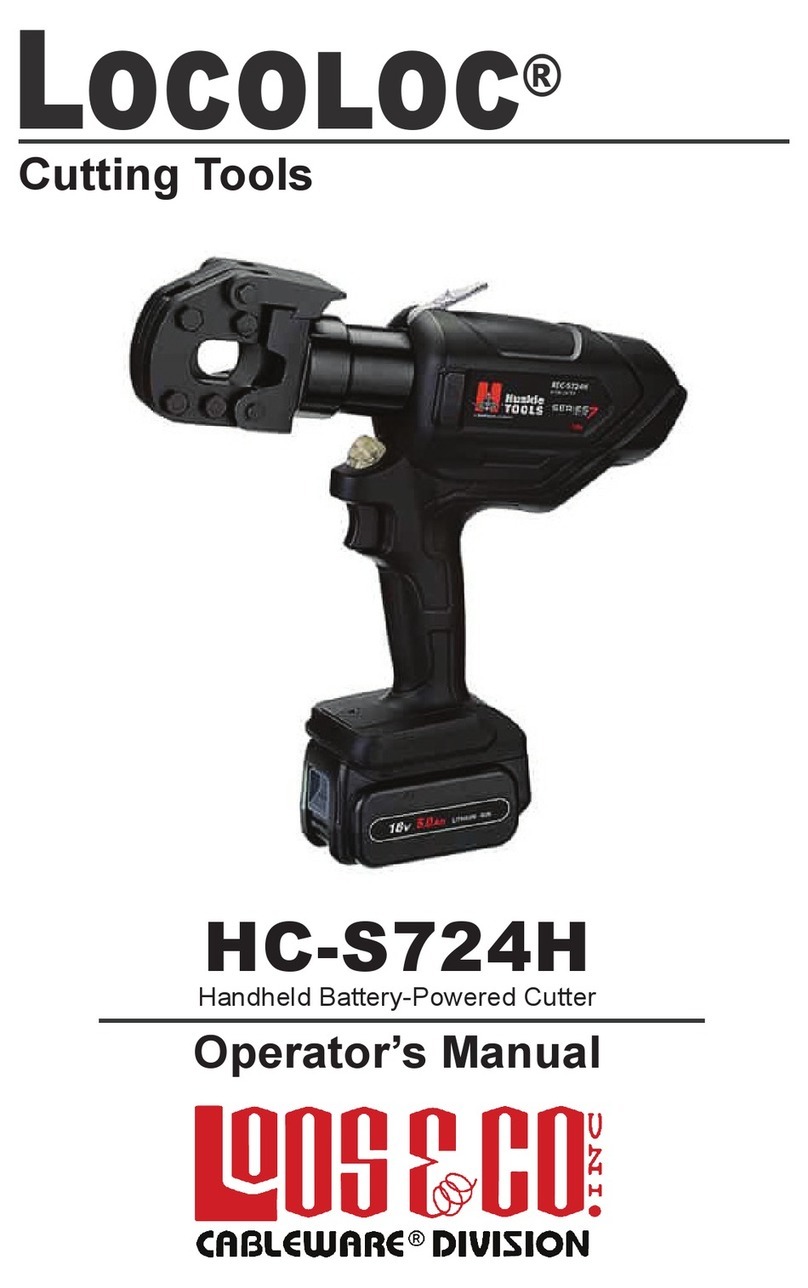
Loos & Co Cableware Locoloc HC-S724H User manual

Loos & Co

Loos & Co Cableware Locoloc HC-S724H User manual

Loos & Co Locoloc HC-16 User manual

Loos & Co

Loos & Co Locoloc HC-16 User manual

Popular Cutter manuals by other brands

Eraser WC600 operating instructions

Eraser

Eraser WC600 operating instructions

Husqvarna K 760 OilGuard Operator's manual

Husqvarna

Husqvarna K 760 OilGuard Operator's manual

Binding Products GuilloMax user manual

Binding Products

Binding Products GuilloMax user manual

Bms Bulut Makina BULUCUT-6 Operational manual

Bms Bulut Makina

Bms Bulut Makina BULUCUT-6 Operational manual

Westfalia 80 02 22 instruction manual

Westfalia

Westfalia 80 02 22 instruction manual

Perfecta 76 UC Service instructions

Perfecta

Perfecta 76 UC Service instructions

Bosch POF 1400 ACE Original instructions

Bosch

Bosch POF 1400 ACE Original instructions

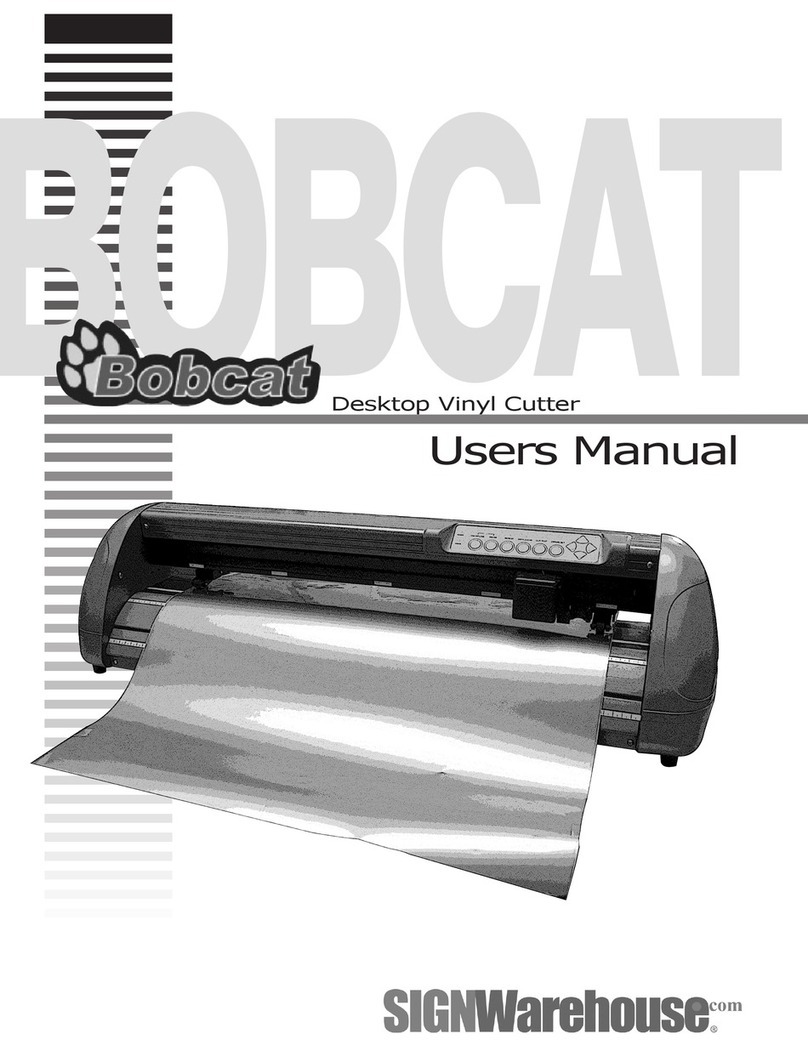
SignWarehouse.com Bobcat BA-60 user manual

SignWarehouse.com

SignWarehouse.com Bobcat BA-60 user manual

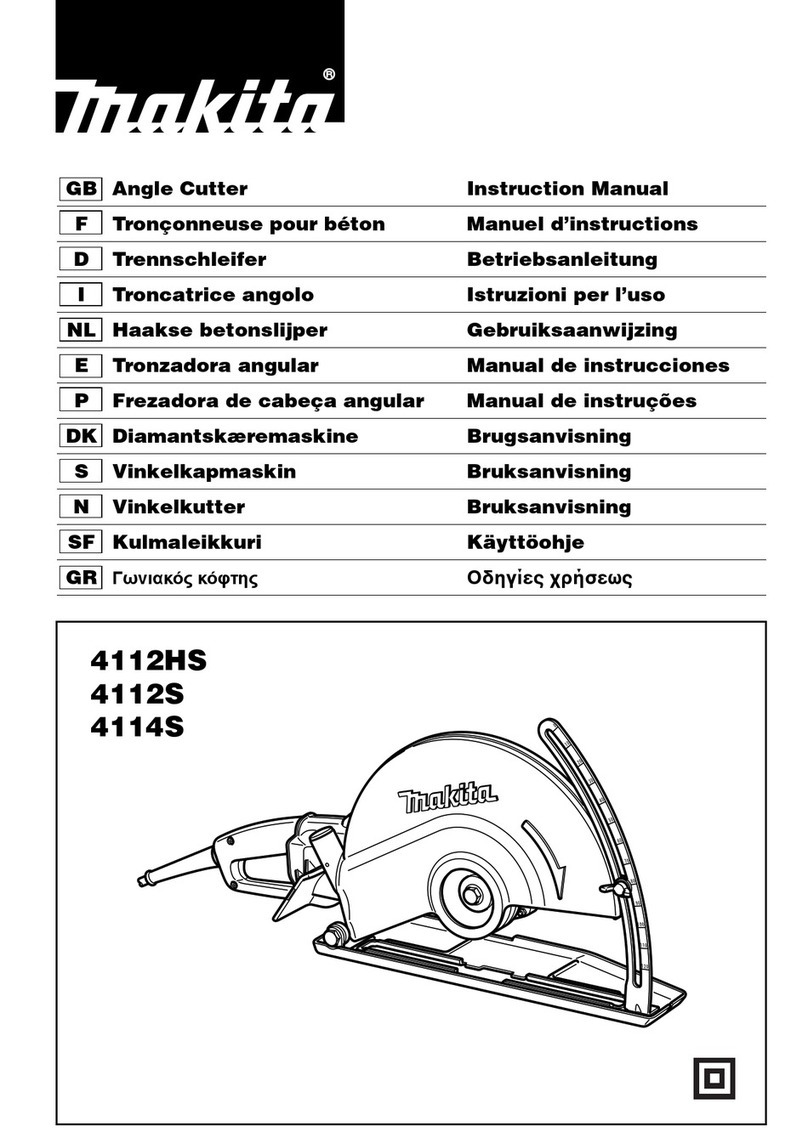
Makita 4112HS instruction manual

Makita

Makita 4112HS instruction manual

GEISMAR STUMEC MTZ 350S manual

GEISMAR STUMEC

GEISMAR STUMEC MTZ 350S manual

Hitachi CM 4SB2 Safety instructions and instruction manual

Hitachi

Hitachi CM 4SB2 Safety instructions and instruction manual

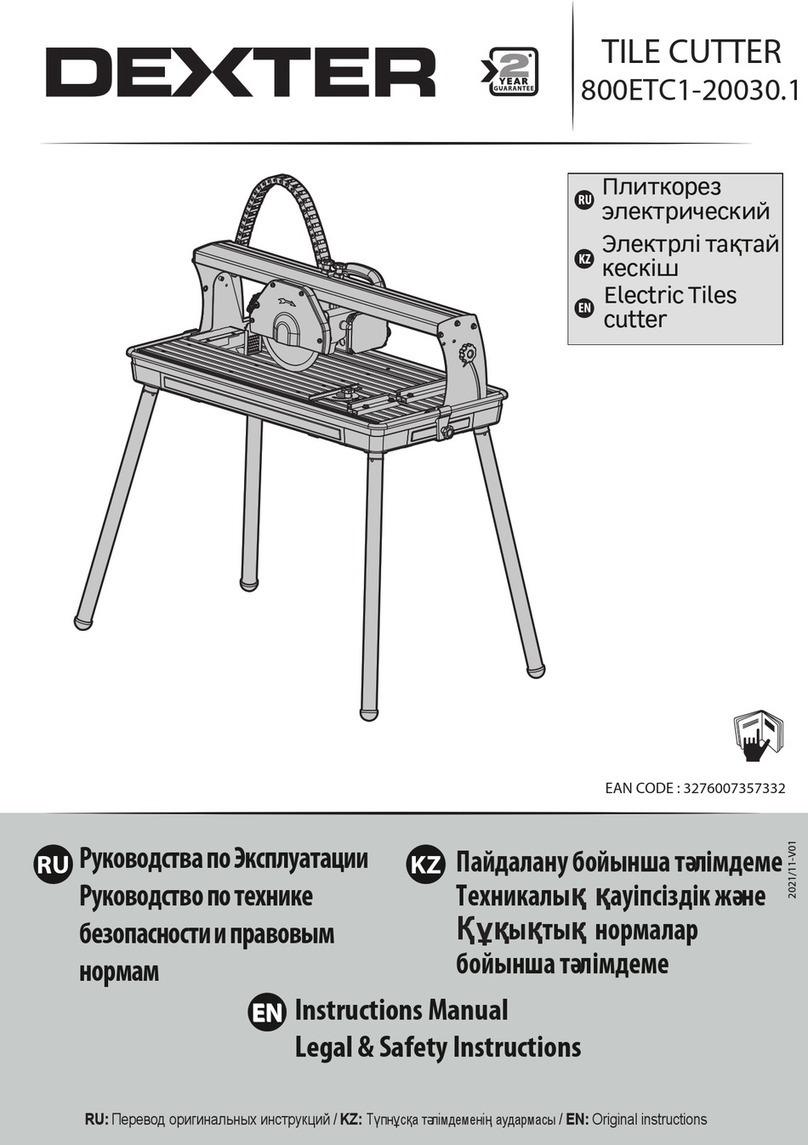
Dexter Laundry 800ETC1-20030.1 instruction manual

Dexter Laundry

Dexter Laundry 800ETC1-20030.1 instruction manual

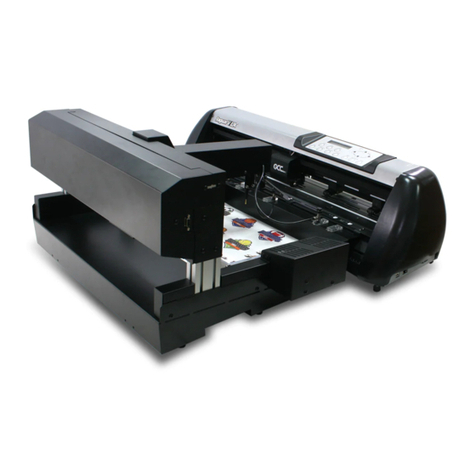
GCC Technologies AFJ-24S user manual

GCC Technologies

GCC Technologies AFJ-24S user manual

ARCBRO Stinger-PRO 5100 Series Install manual

ARCBRO

ARCBRO Stinger-PRO 5100 Series Install manual

DeWalt XR LI-ION DCS350N manual

DeWalt

DeWalt XR LI-ION DCS350N manual

Baudat ES1 instruction manual

Baudat

Baudat ES1 instruction manual

Makita 4100NH instruction manual

Makita

Makita 4100NH instruction manual

CAB PCU400 instructions

CAB

CAB PCU400 instructions

manuals.online logo
manuals.online logoBrands
  • About & Mission
  • Contact us
  • Privacy Policy
  • Terms and Conditions

Copyright 2025 Manuals.Online. All Rights Reserved.

#0-3-SBHS-R
Handheld Swager
Operator’s Manual
®
LocoLoc
®
Cutting Tools
www.loosnaples.com Toll Free: 800-321-LOOS (5667)
Title Page
Specications 1
Operation Instructions 2
Swager Maintenance 3
Detailed Operation Instructions 4-5
CONTENTS
www.loosnaples.com Toll Free: 800-321-LOOS (5667)
SPECIFICATIONS
1
Size 3/32”
Application: Copper Oval Sleeves, Copper Oval Plated Sleeves
and Aluminum Oval Sleeves
(WILL NOT SWAGE STOP SLEEVES)
www.loosnaples.com Toll Free: 800-321-LOOS (5667)
OPERATION INSTRUCTIONS
2
To open tool squeeze handles hard or push release lever (Fig-
ure 1) forward while squeezing handles to relieve tension.
Figure 1
1. Place the sleeve on the cable and make a loop around
the item to which you are securing the cable.
2. Next, insert cable end through the sleeve and at least
1/8" or more beyond (Figure 6).
3. After swaging, excess cable may be cut off with our
FELCO C7 cutters.
4. While holding sleeve in place swage one compression.
Move over and swage (second compression). Two com-
pressions are required. The tool won't release until com-
pression is complete.
5. Check sleeve for proper after swage diameter with
gauge provided (Figure 7). The clamping action of the
ratchet allows the sleeve to be held by the tool before
completing the swage. This allows for the user to adjust
the position of the sleeve on the cable.

www.loosnaples.com Toll Free: 800-321-LOOS (5667)
SWAGER MAINTENANCE AND ADJUSTMENT
3
Your Loos & Co. LOCOLOC® Swager has been designed to
give you years of trouble-free service. To obtain the best pos-
sible performance, we recommend:
1. clean and lubricate all four hinge pins regularly;
2. keep all bolts and screws tight.
Figure 2
Figure 3
Tool adjustment - Use screw driver in slot of nut (Figure 2)
loosen, to adjust slot of bolt (Figure 3) turn counter clock wise
to increase the after swage tension. Re-tighten nut (Figure 2).
www.loosnaples.com Toll Free: 800-321-LOOS (5667)
OPERATION INSTRUCTIONS
4
Place sleeve to be compressed in cavity of swaging tool.
Length of cable equal to the cable diameter should extend
beyond length of sleeve to achieve maximum holding. (See
arrow in Figure 6)
Keep jaws of swaging tool at right angles to the sleeve to
be compressed, making sure the sleeve is aligned in the jaw
cavity. Close tool completely or use the clamping action of the
ratchet to allow the sleeve to be held by the tool before com-
pleting the swage. This allows the user to adjust the position
of the sleeve on the cable. Tool handles will not open until the
handles close completely.
Figure 4
Figure 5
www.loosnaples.com Toll Free: 800-321-LOOS (5667)
Use swaging gauge provided with the tool to check proper
after swage diameter. Compressed sleeve should slide freely
into 3/32 slot of gauge.
OPERATION INSTRUCTIONS
5
Figure 7
Finished sleeve should look like this. Be sure sleeves have
been compressed the proper number of times
Figure 6
Rev. 3/16/16
INST-22
901 Industrial Blvd • Naples, FL 34104
Tel: (239) 643-LOOS • Fax (239) 643-4558
E-mail: [email protected] • Website: www.loosnaples.com