manuals.online logo
Brands
  1. Home
  2. •
  3. Brands
  4. •
  5. LOXONE
  6. •
  7. Lock
  8. •
  9. LOXONE Window Handle Air User manual

LOXONE Window Handle Air User manual

This manual suits for next models

1

Popular Lock manuals by other brands

Magic 105 manual

Magic

Magic 105 manual

Gantner GAT NET.Lock 7020 System Installation, configuration & operation

Gantner

Gantner GAT NET.Lock 7020 System Installation, configuration & operation

Dorma Studio Classic Installation instruction

Dorma

Dorma Studio Classic Installation instruction

Securam ECSL-601 quick start guide

Securam

Securam ECSL-601 quick start guide

Sudhaus 3003 operating manual

Sudhaus

Sudhaus 3003 operating manual

Safety 1st 48517 user guide

Safety 1st

Safety 1st 48517 user guide

Pado FDS-10 user manual

Pado

Pado FDS-10 user manual

Esco systeQ Series installation instructions

Esco

Esco systeQ Series installation instructions

COMPX National D8951 instruction sheet

COMPX

COMPX National D8951 instruction sheet

secureo Key Box instruction manual

secureo

secureo Key Box instruction manual

Stock Loks C8713 instruction sheet

Stock Loks

Stock Loks C8713 instruction sheet

COMPX 1T-058 Information

COMPX

COMPX 1T-058 Information

Auslock T11 user manual

Auslock

Auslock T11 user manual

Stealth SAFES ShadowVault Instructions & Troubleshooting

Stealth SAFES

Stealth SAFES ShadowVault Instructions & Troubleshooting

Knox KeySecure 5 Admin & user guide

Knox

Knox KeySecure 5 Admin & user guide

Kwikset 48334/01 Quick installation guide

Kwikset

Kwikset 48334/01 Quick installation guide

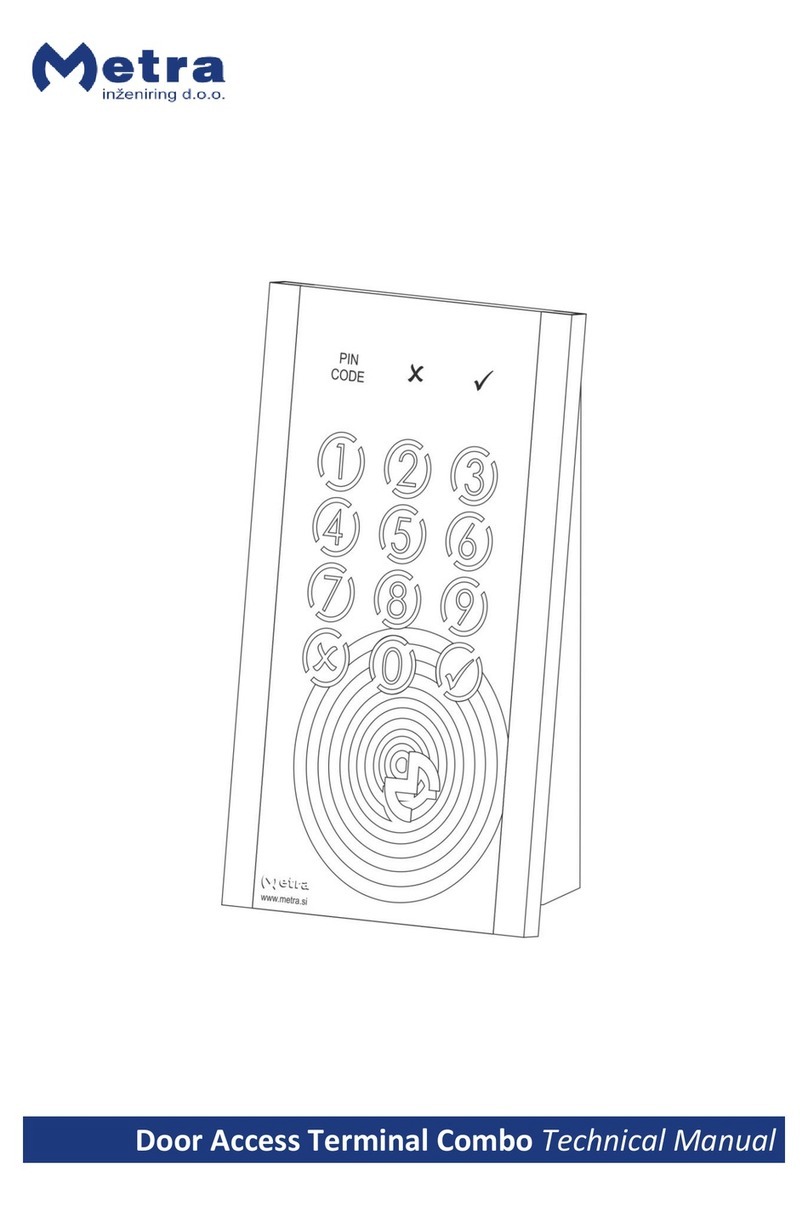
Metra Electronics Door Access Terminal Combo Technical manual

Metra Electronics

Metra Electronics Door Access Terminal Combo Technical manual

Kilitronik miniK10m operating manual

Kilitronik

Kilitronik miniK10m operating manual

manuals.online logo
manuals.online logoBrands
  • About & Mission
  • Contact us
  • Privacy Policy
  • Terms and Conditions

Copyright 2025 Manuals.Online. All Rights Reserved.

www.loxone.com
GET IN TOUCH!
oce@loxone.com
www.loxone.com/contact
NEED HELP?
For further information and documentation please visit:
www.loxone.com/help/Window_Handle_Air
WINDOW
HANDLE AIR
Part No.: 100177
HANDLE AIR
Part No.: 100177
HANDLE AIR
Part No.: 100177
Power Supply
2x 1.5V AA batteries
Battery Lifetime
Approx. 2 years pending
on the use
Indoor Range
Up to 30m
Frequency
868MHz (SRD Band Europe),
915MHz (ISM Band Region 2)
Ambient Temperature
0...50°C
Humidity
95% r.H (non condensing)
Safety Rating
IP20
Maintenance & Cleaning
This device is free of
maintenance and may only be
cleaned with a dry cloth.
Technical Specifi cations
For additional information, visit
www.loxone.com/help/Window_Handle_Air
Contains FCC ID: COR-ZWIR4512AC1
This device complies with part 15 of the FCC Rules. Operation is
subject to the following two conditions:
1. This device may not cause harmful interference
2. This device must accept any interference received, including
interference that may cause undesired operation
Information
Installation
To open the cover hold cover on both sides and gently pull
towards you.
Adjust of the square spindle to the required length and lock in
place by tightening the fi xing screw using the provided hex key.
Next use the, for your square spindle length needed, mounting
screws to secure the handle on the window frame.
Learn Button
Fixing Screw
Status LED
Square Spindle
Mounting
Screws
Top:
50 or 60mm
Bottom:
40 or 50mm
Cover
About the product
The Loxone Window Handle Air detects if a window has been
left unsecured based on the three positions of the handle: clo-
sed, open, tilt. Additionally an internal sensor detects vibrations
and alerts you if the window is forcefully opened whilst you are
not at home. It can be used to control a variety of non-safety
critical functions in your smart home.
Features
• Detects window handle position
• Detects a forceful opening through vibrations
Square Spindle Length

Mounting Screw Length
32 & 37mm

M5 40 & 50mm
43mm

M5 50 & 60mm
Square spindle to mounting screw ratio
Power up your Window Handle Air by using the provided AA
batteries. The Window Handle Air will now go immediately
into learning mode for the pairing with your Miniserver.
To fi nish the installation push the
cover towards the window frame.