14 15
ENEN
E. How to use my Luminette®? Charging the battery
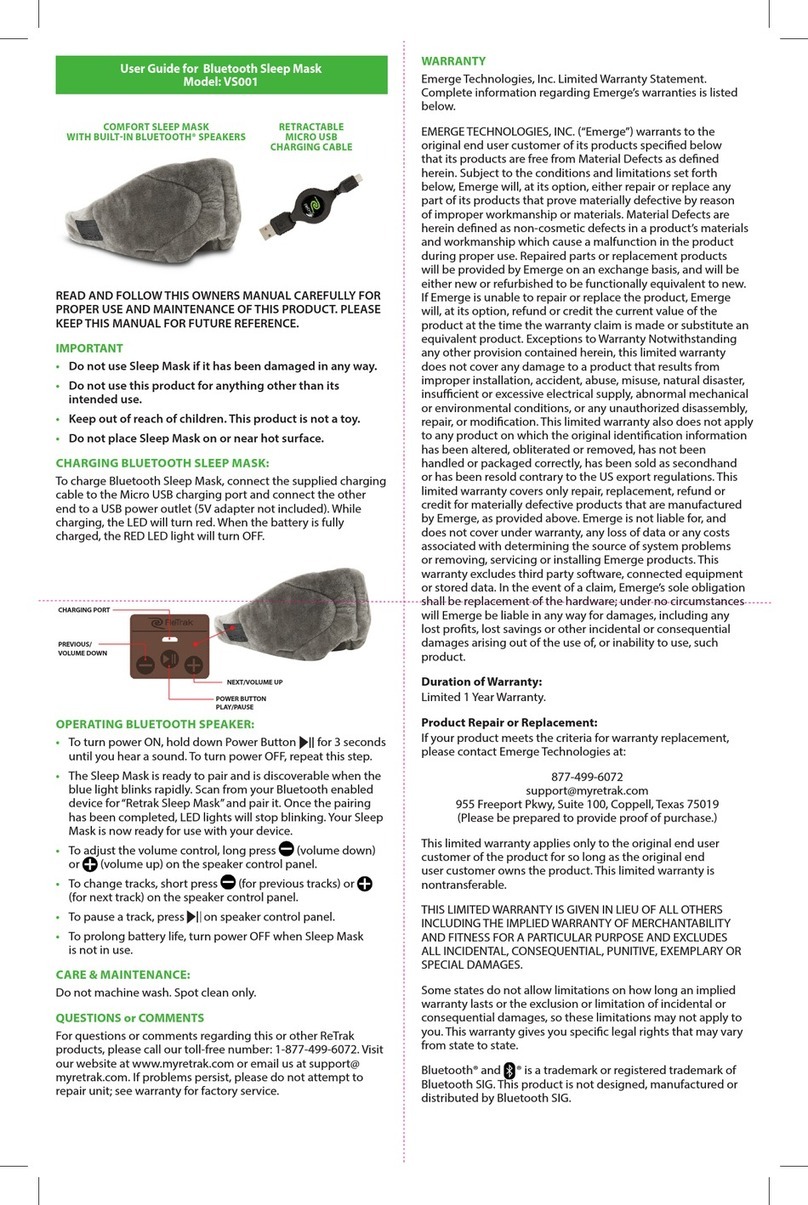
Before using your Luminette®for the first time, we recommend charging
the battery.
To do so:
• Connect the end of the micro-USB cable to the slot in your Lumi-
nette®(see figure 1) and plug the other end (a standard USB) in the
charger.
• Plug the charger into the mains.
• When the battery is completely charged, unplug the charger.
You can also charge your Luminette®by connecting it to your computer using
the USB cable supplied.
Attention: the computer must be certified to Standard EN 60950-1. The
attachment of a PC to the device constitutes an electro-medical system. The
device is only functional once it has charged.
Charge indicator:
• While your Luminette®is charging, a single LED (the one closest to
the micro USB socket) will flash slowly.
• When your Luminette®is fully charged, this LED stops flashing and
remains on.
• If there is an error (battery or circuit failure), this LED flashes rapidly
without interruption.
• The device may not be used when it is charging.
Battery life:
The battery life will depend on the intensity you choose. A correctly charged
Luminette®device should stay lit between 3 and 6 hours.
When you turn off the device, you’ll see between 1 and 4 LEDs light up to give
you an indication of the remaining battery life (4 LEDs = maximum; 3 lit LEDs =
the battery is 3/4 charged; 2 lit LEDs = the battery is 1/2 charged; 1 LED = the
battery is sufficiently charged for one full session, but don’t forget to recharge
the Luminette®afterward; 0 LED = the battery is insufficiently charged
to complete a session).
We recommend recharging your Luminette®when there is only one LED
remaining when you turn the device off.
Attention:
The battery life detector only works correctly if the Luminette®has been com-
pletely charged. We recommend that you charge the Luminette fully
every time.
F. Switching on and off
Attention: before your first use, be sure you take off the protective film over
the hologram.
Ensure that the battery is charged so that your Luminette®will work for the en-
tire session chosen. Press the Start-Stop button briefly to turn your Luminette®
on (see figure 1).
To change the intensity of the light, just press the Start-Stop button briefly.
The intensity will change in a cycle: level 1, then level 2, level 3, and back to
level 1, etc.
To turn off your Luminette®, hold down the On-Off button (for 2 seconds).
G. How to wear your Luminette®
For the best results, you need to wear your Luminette®correctly.
To properly position your Luminette®:
• Set the nosepiece into one of the three slots (see figure 1). A “click”
sound means that your nosepiece is correctly inserted.
• Place the padded part of the nosepiece where your nose and
forehead meet. The lower edge of the holographic visor should be
located just above your line of sight (see figure 2) when you look into
a mirror.
Please note that if you wear glasses, the nose bracket of the Luminette®should
be behind your glasses (see figure 3).
Once the session has begun, keep your eyes open. Carry on with whatever you
are doing. Do not look directly into the LEDs.
H. How to look after your Luminette®
This device is meant exclusively for personal use. Between each use, store the
device in its protective case in a dry place.
To clean your Luminette®, use a soft cloth moistened with a little clean water.