manuals.online logo
Brands
  1. Home
  2. •
  3. Brands
  4. •
  5. Lumineux
  6. •
  7. Floodlight
  8. •
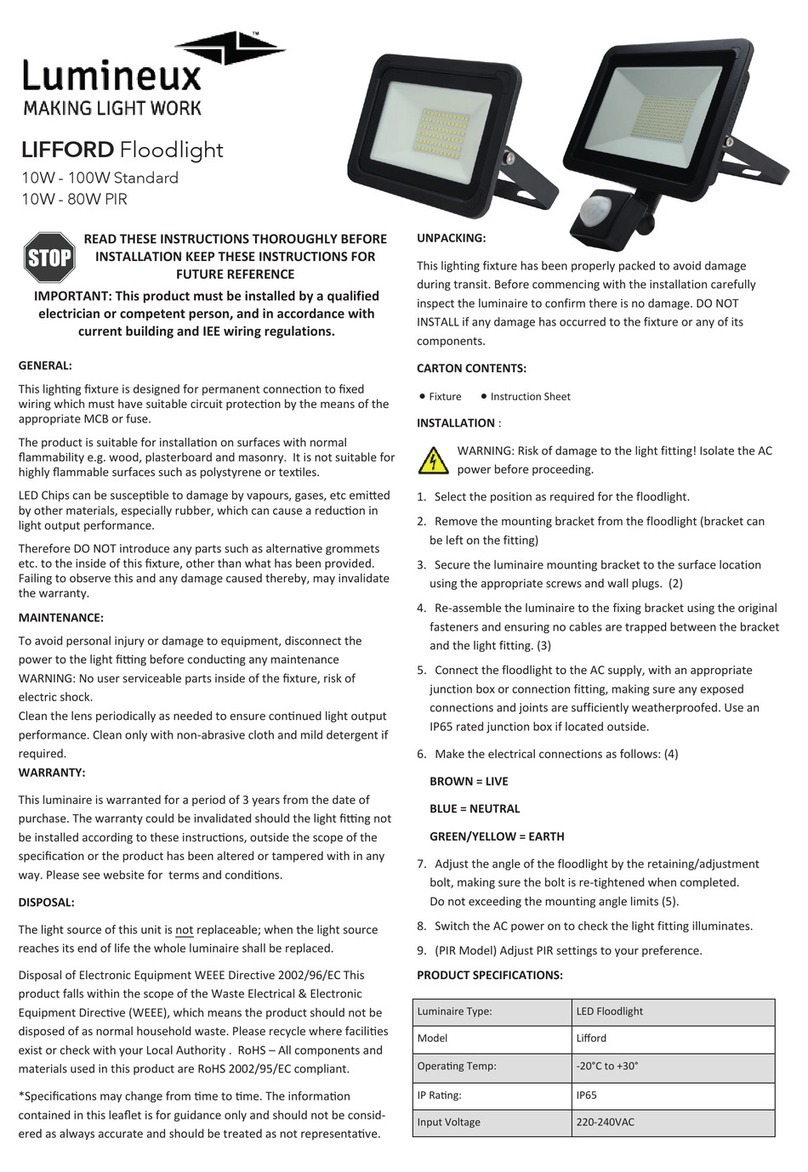
  9. Lumineux Lifford User manual

Lumineux Lifford User manual

This manual suits for next models

12

Other Lumineux Floodlight manuals

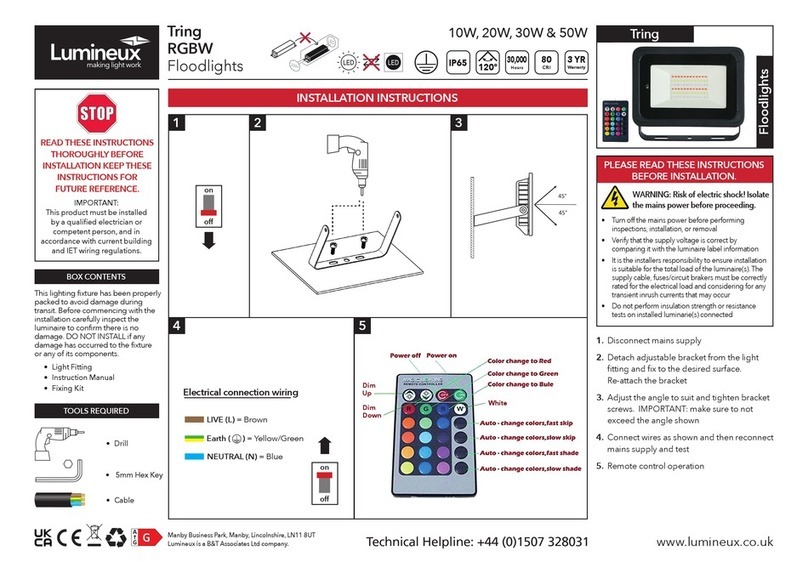
Lumineux Tring RGBW 10W User manual

Lumineux

Lumineux Tring RGBW 10W User manual

Lumineux LIFFORD User manual

Lumineux

Lumineux LIFFORD User manual

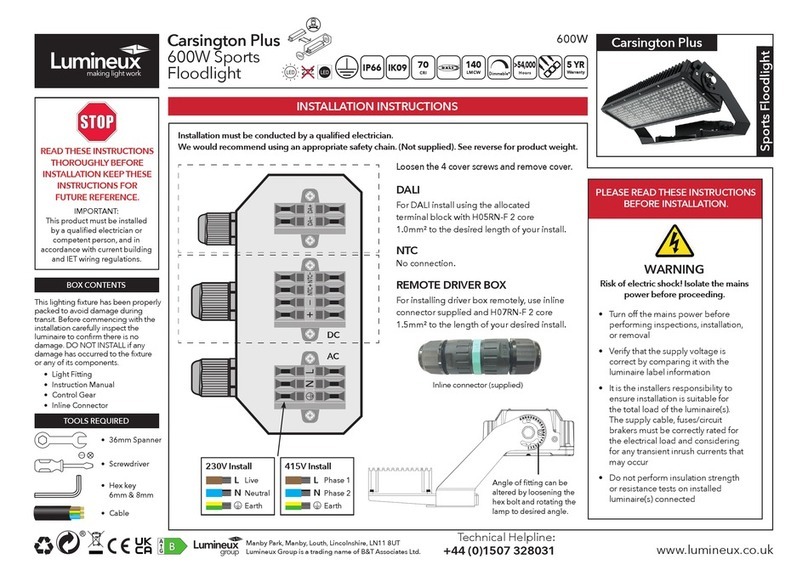
Lumineux Carsington Plus User manual

Lumineux

Lumineux Carsington Plus User manual

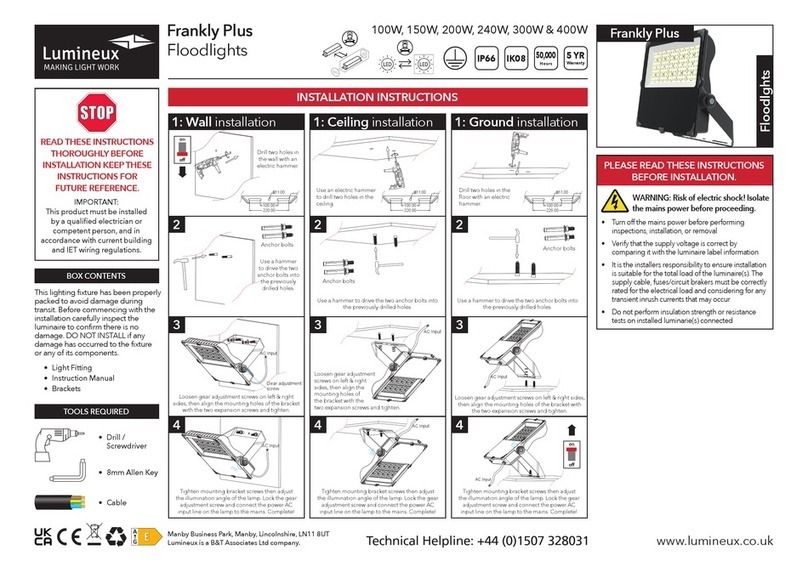
Lumineux Frankly Plus User manual

Lumineux

Lumineux Frankly Plus User manual

Lumineux Carsington Plus User manual

Lumineux

Lumineux Carsington Plus User manual

Lumineux Carsington Plus Sports User manual

Lumineux

Lumineux Carsington Plus Sports User manual

Popular Floodlight manuals by other brands

V-TAC VT-5192S installation instructions

V-TAC

V-TAC VT-5192S installation instructions

Major tech HLF30CW instruction manual

Major tech

Major tech HLF30CW instruction manual

EuroLite LED Cube user manual

EuroLite

EuroLite LED Cube user manual

EuroLite LED IP FL-100 SMD user manual

EuroLite

EuroLite LED IP FL-100 SMD user manual

Cooper Wheelock XB12 specification

Cooper Wheelock

Cooper Wheelock XB12 specification

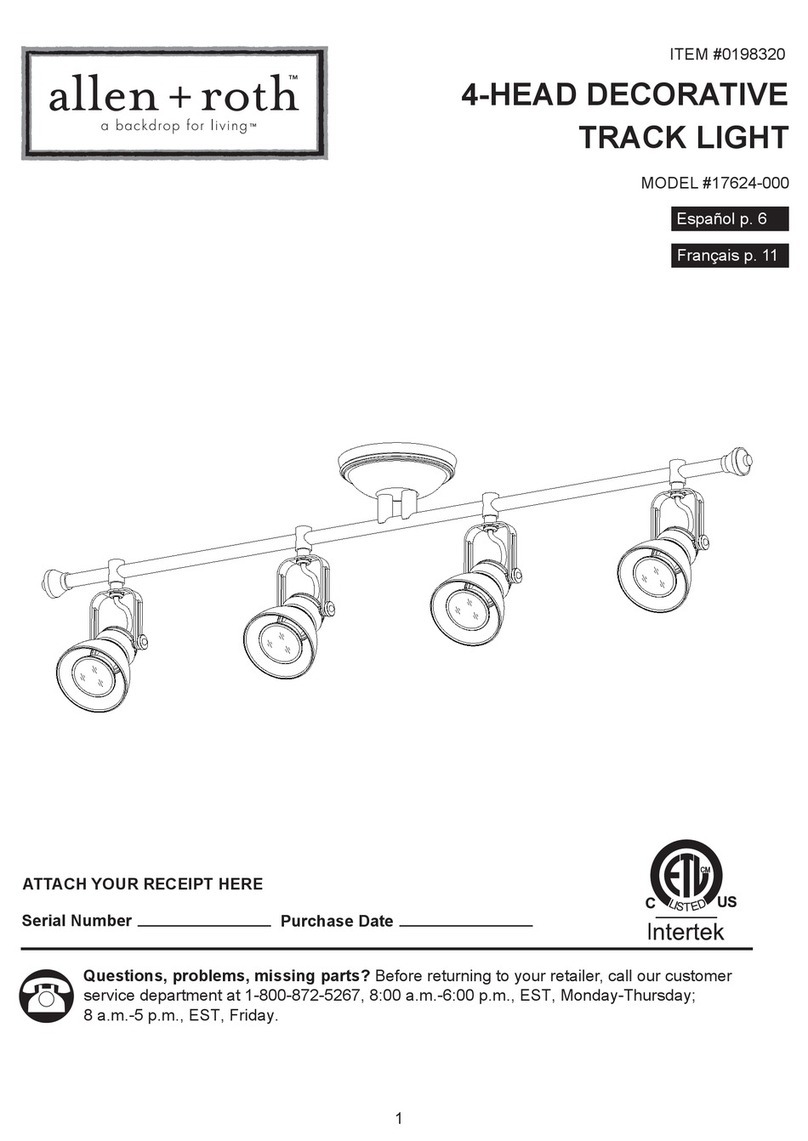
Allen + Roth 17624-000 user manual

Allen + Roth

Allen + Roth 17624-000 user manual

ADJ 4 STAGE PAK User instructions

ADJ

ADJ 4 STAGE PAK User instructions

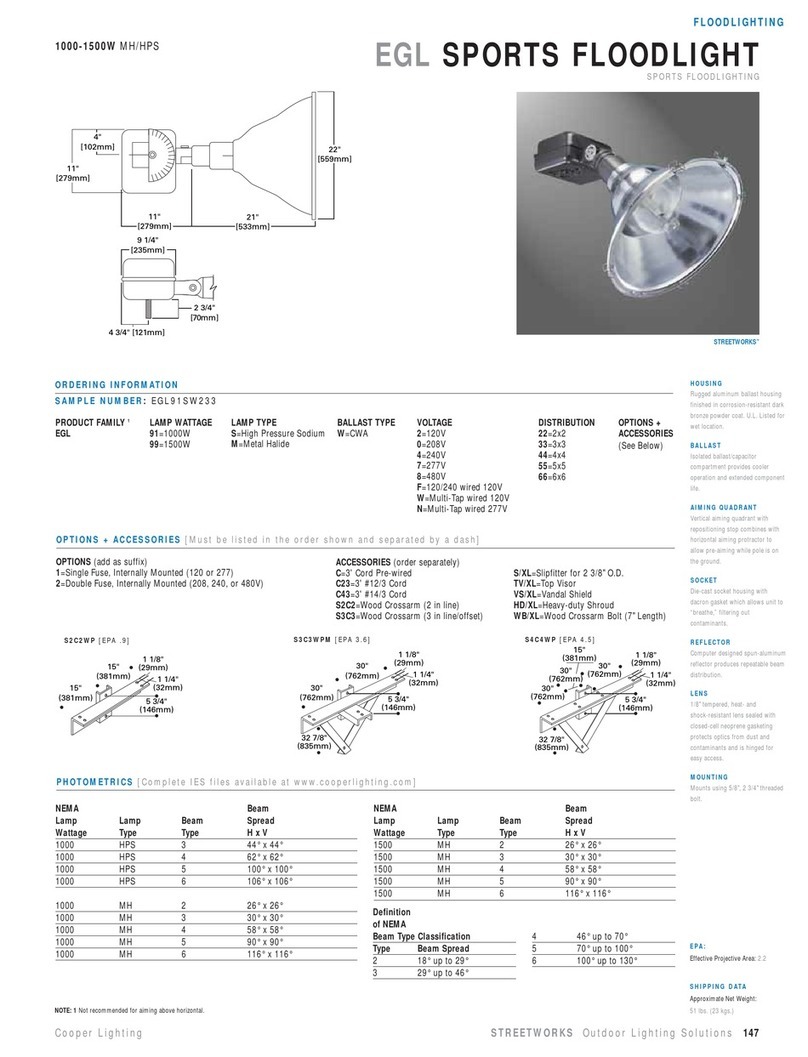
Cooper Lighting EGL91SW233 Specification sheet

Cooper Lighting

Cooper Lighting EGL91SW233 Specification sheet

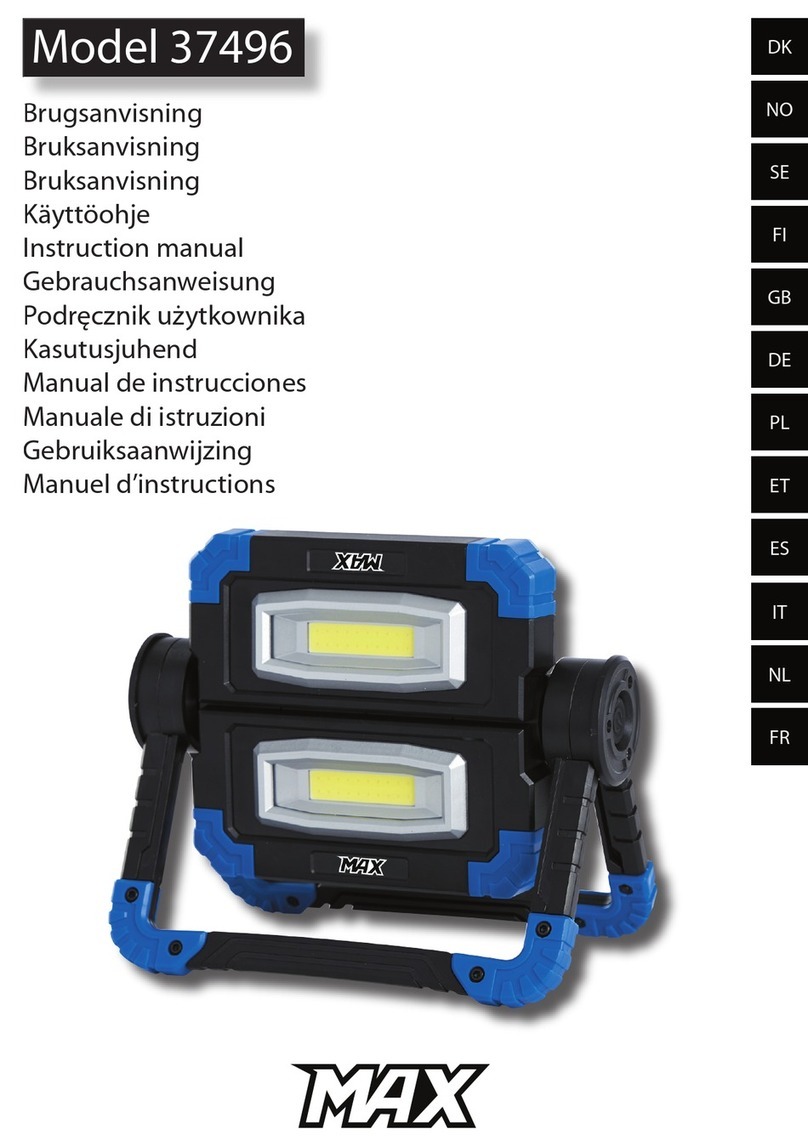
Max 37496 instruction manual

Max

Max 37496 instruction manual

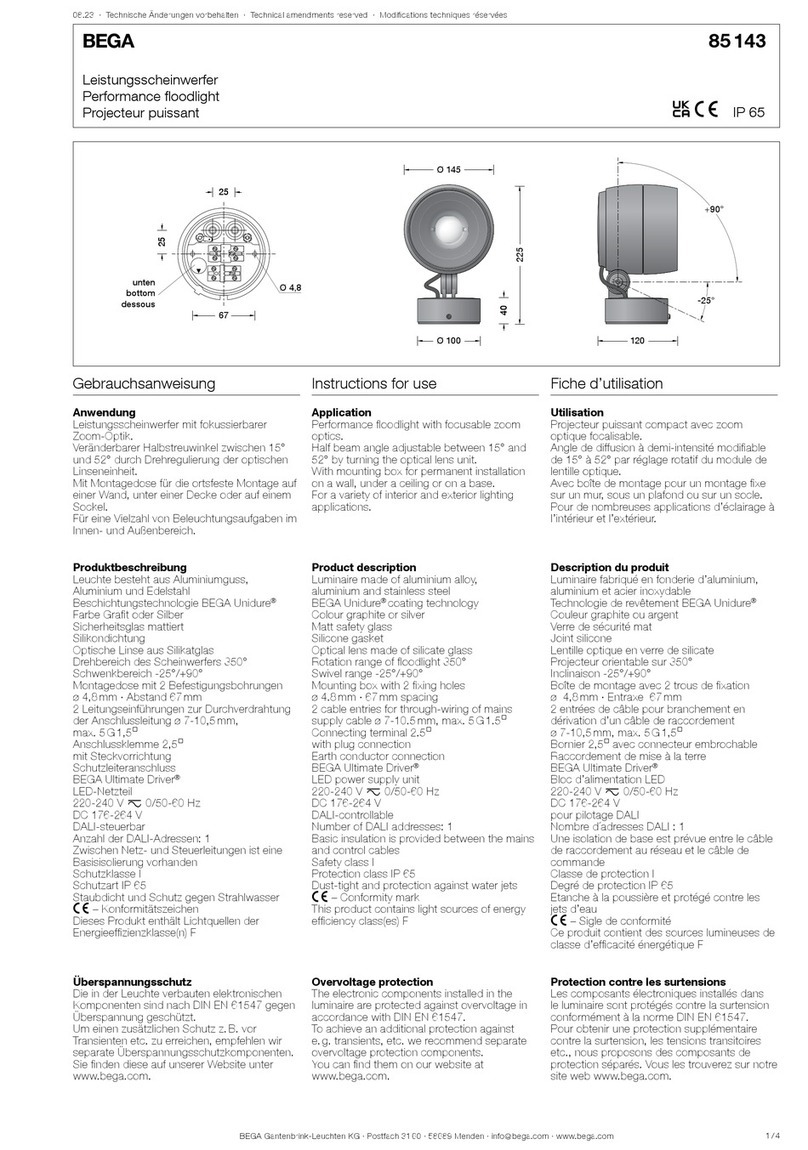
BEGA 85 143 Instructions for use

BEGA

BEGA 85 143 Instructions for use

Cameo CLPST64Q8W user manual

Cameo

Cameo CLPST64Q8W user manual

Beamz 151.226 user manual

Beamz

Beamz 151.226 user manual

EuroLite LED IP FL-8 user manual

EuroLite

EuroLite LED IP FL-8 user manual

Ledj PERFORMER 36 RGB user manual

Ledj

Ledj PERFORMER 36 RGB user manual

Perel ELS3 user manual

Perel

Perel ELS3 user manual

Perel ELS3WD user manual

Perel

Perel ELS3WD user manual

Xtricity 4-80053 instructions

Xtricity

Xtricity 4-80053 instructions

Stahl 6521/4 Series operating instructions

Stahl

Stahl 6521/4 Series operating instructions

manuals.online logo
manuals.online logoBrands
  • About & Mission
  • Contact us
  • Privacy Policy
  • Terms and Conditions

Copyright 2025 Manuals.Online. All Rights Reserved.

READ THESE INSTRUCTIONS THOROUGHLY BEFORE INSTALLATION
KEEP THESE INSTRUCTIONS FOR FUTURE REFERENCE.
IMPORTANT:
This product must be installed by a qualified electrician or competent person,
and in accordance with current building and IET wiring regulations.
Dimensions:
Warranty:
This luminaire is warranted for a period of Years from the date of purchase**. The warranty could be
invalidated should the light tting not be installed according to these instructions, outside the scope of the
specication or the product has been altered or tampered with in any way. Please see website for terms and
conditions.
Manby Park, Manby, Louth, Lincolnshire, LN11 8UT
Lumineux Group is a trading name of B&T Associates Ltd.
Input
Power
Operating Temp
Connection Type
Emergency Option
Control Connection
Light Source Energy Rating
Box Contents:
Tools Required For Installation:
www.lumineux.co.uk Technical Helpline:
+44(0)1507 328031
End Of Life Disposal:
Disassembly instructions for end of life disposal available on website.
Disposal of Electronic Equipment WEEE Directive 2002/96/EC This product falls within the scope of the
Waste Electrical & Electronic Equipment Directive (WEEE), which means the product should not be
disposed of as normal household waste. Please recycle where facilities exist or check with your Local
Authority. RoHS – All components and materials used in this product are RoHS 2002/95/EC compliant.
Specications may change from time to time. The information contained in this leaet is for guidance only
and should not be considered as always accurate and should be treated as not representative.
Installation Instructions
Rev L1.0 431006
220—240V AC 50/60Hz
10W/20W/30W/50W/80W/100W
-20°C—+30°C
Flying Lead
N/A
N/A
F
• Lifford Floodlight
• Hex Key
Scan for more
Information.
Part No. Description L
(mm)
W
(mm)
H
(mm)
Weight EPA
(m²)
430017 Liord Floodlight 10W 115 29 108 0.25Kg 0.0125
430018 Liord Floodlight 20W 150 32 135 0.32Kg 0.0203
430019 Liord Floodlight 30W 180 33 171 0.52Kg 0.03
430020 Liord Floodlight 50W 233 43 206 0.88Kg 0.0483
430021 Liord Floodlight 80W 318 57 280 1.65Kg 0.0889
430022 Liord Floodlight 100W 318 57 280 1.65Kg 0.0889
430017-PIR Liord Floodlight 10W PIR 115 53 142 0.29Kg 0.0125
430018-PIR Liord Floodlight 20W PIR 150 54 166 0.36Kg 0.0203
430019-PIR Liord Floodlight 30W PIR 180 55 186 0.56Kg 0.03
430020-PIR Liord Floodlight 50W PIR 234 61 222 0.92Kg 0.0483
430021-PIR Liord Floodlight 80W PIR 318 71 285 1.69Kg 0.0889
430022-PIR Liord Floodlight 100W PIR 318 71 285 1.69Kg 0.0889
Lifford Floodlight
3

WARNING: Risk of electric shock!
Isolate the mains power before proceeding.
• Turn o the mains power before performing inspections, installation, or removal
• Verify that the supply voltage is correct by comparing it with the luminaire label information
• It is the installers responsibility to ensure installation is suitable for the total load of the luminaire(s). The
supply cable, fuses/circuit brakers must be correctly rated for the electrical load and considering for any
transient inrush currents that may occur.
• Do not perform insulation strength or resistance tests on installed luminaire(s) connected
Installation Procedure:
1. 2.
3. 4.
7. 8.
5. 6.
1. Mark the holes as required and drill using appropriate size drill bit. Using
suitable xings (not provided) secure the unit to the required location.
2. Adjust angle to suit and tighten bracket screws (allowed operating positions
shown).
3. Connect the incoming supply using a suitable terminal and junction box as
required. (Recommended WAGO 222)
4. Reconnect mains supply.
5. PIR Only: Perform sensor set-up (see instruction below)
• SENS:
Adjustable sensivity distance from 2 to 10 metres.
• TIME:
Adjustable delay mer from 10 sec to 10 mins
• LUX:
Adjustable ambient lux.
PIR Sensor set-up:
Step 1:
Turn the SENS control fully anti-clockwise.
Turn the TIME control fully clockwise.
Turn the LUX control fully clockwise.
Step 2:
Switch on the mains supply:
The light will illuminate and stay ON, then after 10 seconds it will switch OFF.
Walk through the detection area:
The lights will turn ON when you move and turn OFF when you stop.
Wait until the light turns off. Move again to test the sensor.
N.B
For smaller coverage zones, point the sensor down to reduce its coverage zone. For a
wider area, point the sensor upwards.
Step 3:
The dials can now be adjusted to your desired settings.
Important Notice:
When conducting tests during daytime, it is crucial to adjust the 'LUX' dial to the 'sun'
position. Failure to do so will result in the light not functioning as intended.