manuals.online logo
Brands
  1. Home
  2. •
  3. Brands
  4. •
  5. LUXE MOBILITY
  6. •
  7. Scooter
  8. •
  9. LUXE MOBILITY X500 Midi Sport User manual

LUXE MOBILITY X500 Midi Sport User manual

Popular Scooter manuals by other brands

Segway Robotics Loomo Product information guide

Segway Robotics

Segway Robotics Loomo Product information guide

HL Corp ESX3 instruction manual

HL Corp

HL Corp ESX3 instruction manual

F-Wheel DYU S1 instructions

F-Wheel

F-Wheel DYU S1 instructions

Handicare Fortress 2000 SERIES owner's manual

Handicare

Handicare Fortress 2000 SERIES owner's manual

HYOSUNG SF 50 B manual

HYOSUNG

HYOSUNG SF 50 B manual

HOMCOM 371-004 Assembly instruction

HOMCOM

HOMCOM 371-004 Assembly instruction

Kinroad XT125T-10 instruction manual

Kinroad

Kinroad XT125T-10 instruction manual

PLAYTIVE AS-2448 Instructions for use

PLAYTIVE

PLAYTIVE AS-2448 Instructions for use

Ebinger DONKEY XL User instructions

Ebinger

Ebinger DONKEY XL User instructions

Flyer Mountain Original instruction manual

Flyer

Flyer Mountain Original instruction manual

BackCountry eBikes Storm owner's manual

BackCountry eBikes

BackCountry eBikes Storm owner's manual

Pride Boxter owner's manual

Pride

Pride Boxter owner's manual

equipmed FreeRoam II user manual

equipmed

equipmed FreeRoam II user manual

WESTHILL BIKES LINK user manual

WESTHILL BIKES

WESTHILL BIKES LINK user manual

BAnff eProdigy series Assembly manual

BAnff

BAnff eProdigy series Assembly manual

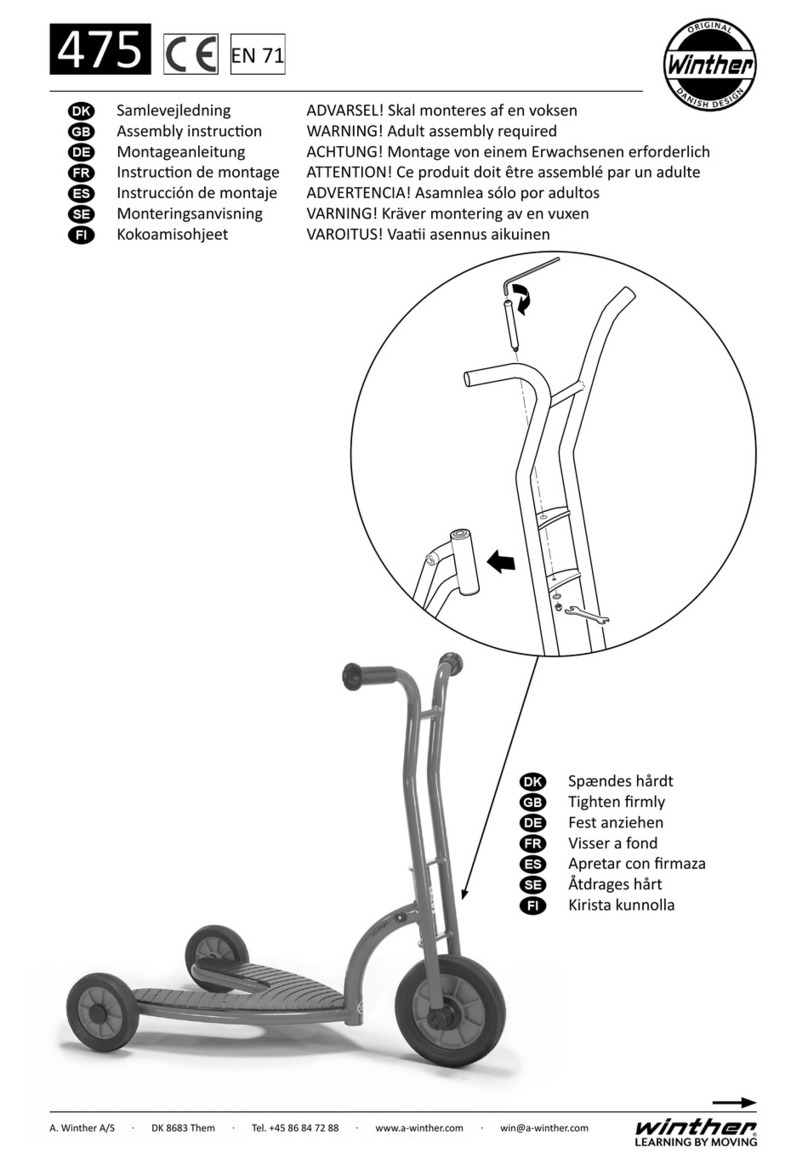
Winther 475 Assembly instruction

Winther

Winther 475 Assembly instruction

Jetson JBZL17 user manual

Jetson

Jetson JBZL17 user manual

Carrera impel manual

Carrera

Carrera impel manual

manuals.online logo
manuals.online logoBrands
  • About & Mission
  • Contact us
  • Privacy Policy
  • Terms and Conditions

Copyright 2025 Manuals.Online. All Rights Reserved.

LuXe Mobility X500 Midi Sport
Owner’s Manual
1
How to use this manual
Your scooter will reach you in excellent condition having been
personally inspected before leaving the factory. By following the guidelines
for maintenance your scooter will maintain its first-class condition and give
you years of complete reliability and satisfaction.
2
Contents
General Warnings p5
Quick Start Guide pp6-7
Features p8
Getting on and off Your Scooter p9
Control Panel pp10-11
Tiller Functions pp12-13
Freewheel Mechanism p14
Seat Removal and Adjustment pp15-16
Tiller, Battery and Charging pp17-19
Transportation pp20-21
Guidance for Safe Usage pp22-26
Battery and Charging Guidance pp27-29
General Warnings pp30-33
EMC (EMI) Warnings pp34-42
Specification p43
Routine Maintenance pp44-46
Service pp47-52
Warranty pp53-54
3
Before using your scooter please read this manual carefully. It will provide
you with all the information you will require. However, if you still have any
queries about the use, maintenance or safety of your scooter, please
contact your local dealer.
The scooter is classified as a category C vehicle under the European
wheelchair standard EN 12184.
It is intended for the use of people of all ages who may have difficulty
walking distances or for periods of time. It is ideal for outdoor use and
suitable for users up to 136 kg (300 lbs). Differing user weights can cause
performance variation.
The scooter is designed to be driven on smooth man made surfaces . It has
been manufactured to comply with the requirements of the Medical Device
Directive 93/42/EEC, the radio interference requirements of EEC Directive
89/336/EEC and the battery charger requirements of EEC Directive
73/23/EEC and 89/336/EEC. Electromagnetic fields, such as those emitted
by shop alarms may be disturbed by use of the scooter. The function of the
scooter may also be disturbed by Electromagnetic fields emitted by shop
alarms.
This scooter’s manufacturer is BS/EN ISO 9001 accredited. This is the
internationally recognized standard for quality management systems. This
accreditation guarantees quality in all areas from development through to
final delivery. Should you require any further assistance then please contact
your local dealer.
4
DO NOT OPERATE THE SCOOTER BEFORE READING AND
UNDERSTANDING THIS INSTRUCTION MANUAL.
IF YOU ARE IN DOUBT ABOUT THE MEANING OF THESE
INSTRUCTIONS, OR ANY OF THE CAUTIONS AND WARNINGS,
PLEASE CONSULT YOUR HEALTHCARE PROFESSIONAL, DEALER
OR RELEVANT TECHNICAL PERSONNEL.
FAILURE TO FULLY UNDERSTAND THE SCOOTER OPERATION MAY
RESULT IN AN UNEXPECTED RESPONSE FROM THE EQUIPMENT
WHICH CAN IN TURN LEAD TO POSSIBLE INJURY OR DAMAGE.
NOTES
Warning and Caution notices used in this manual apply to hazards and
unsafe practices that could result in personal injury or damage to property.
WARNING
We supply an extensive range of mobility scooters to meet the varying
needs of individual users. It is the responsibility of the individual user to
decide which scooter is suitable for the user’s intended purpose.
With regards to restraints, seat positioning straps, posture correction or
other positional aids and accessories, it is the obligation of the dealer to
ensure the suitability of such equipment for the safe operation of the
scooter.
Serious injury can occur in the event of a fall from a mobility scooter. We
DO NOT RECOMMEND that a scooter user is transported in any type of
vehicle when seated in the scooter.
At this time, there are no approved Tie-Down Systems for the
transportation of a user in ANY moving vehicle whilst seated in a scooter.It
is our opinion that users of mobility scooters should be transferred into the
appropriate vehicle seating system and use should be made of the
restraints available to the auto industry.
Intended Users
This mobility scooter is for use by disabled people

5
Assembly
When lifting always keep the back straight, bend the knees and use the
lifting handles provided.
Ensure your freewheel mechanism is fully engaged, so your scooter can
not move while assembling.
Set the tiller by rotating the tiller folding knob while moving the tiller
upwards. Remove the basket from the footboard and place on the bracket
located on the front of the tiller.
Lift the seat onto the seat post and press down to ensure it is fully
engaged.
Battery Charging
The battery MUST be charged for 12 hours before first use. Do not be
tempted to use the scooter unless the battery has been fully charged as
failure to do this will result in battery damage. Connect the battery charger
to the mains supply and the charging socket located on the battery pack.
Switch on the mains supply and then switch on the battery charger.
Battery Display Key
RED light = Power On,
YELLOW Light = Charging
GREEN Light = Charge Complete.
Charge the scooter overnight after each use to maintain battery condition.
Suitable Terrain=This scooter is designed for use on footpaths, for
crossing roads and shopping. It should not be driven through mud, water,
snow, sand, loose gravel, long grass or any other unsound surfaces.
6
Control Functions
Your scooter is equipped with the following features that can be found
on the tiller fascia panel:
On/ Off Switch, Battery Gauge, Speed Control, Headlight, Horn and
Directional Control Levers.
If you have previously used or owned a scooter before you MUST still
read the Owner’s Manual carefully to fully understand the controls and
safety warnings.
If you are in any doubt of their functions then please turn to pages13
and 16 of this manual.
Transporting
Your scooter may be disassembled quickly and simply for transport:
1. Lift off the front basket.
2. Remove the seat, leaving the seat stem in position.
3. Place the basket on the floor mat appropriately.
4. Lower the tiller, using the folding knob, to its lowest setting, locking
in the basket. Make sure that there is at least 30mm between the tiller and
battery pack.
5. using the lifting handles provided carefully lift the scooter safely and
securely into the luggage compartment of the vehicle.
Important:
When reassembling the scooter, remember to insert the battery
locking pin, because failure to do so may result in the batteries
disengaging during use. Always secure your scooter parts before
transportation. Remember to engage the drive unit by pushing the
freewheel lever forwards to stop the scooter from moving.
7
8
Getting on to your scooter
1. Ensure that the key switch is turned to the off position (Photo 5.1).
2. Push forward the seat swivel lever located under the seat on the
right-hand side and rotate the seat to face you (Photo 5.2).
3. Put the armrests into the fully down position and use them to steady
yourself as you gently lower yourself into the seat (Photo 5.3).
4. Push forward the seat swivel lever and gently swivel the seat to face
forward (Photo 5.4).
5. Ensure that both feet are placed firmly on the floorboard of the
scooter and the seat is secure (Photo 5.5).
Getting off your scooter
1. Bring your scooter to a stop and turn the key switch to off.
2. Push forward the seat swivel lever located under the seat on the
right-hand side and rotate the seat 90 degrees to exit (Photo 5.2).
3. Put BOTH feet on the ground and gently leave the seat using the
arm rests to assist you out of the chair (Photo 5.3).
P5.1 P5.2
P5.4 P5.5
P5.3
9
Hand Controls
All of the drive controls for the scooter are to be found on the Tiller
Control Box (Fig 6.1).
The Preset Speed Knob
Turning this knob to the left reduces your available maximum speed.
Turning it to the right increases the available maximum speed.
The Battery Gauge
This gives an approximation of battery charge and is illuminated for
clarity.
The gauge display is “RED” when approaching empty, to “YELLOW”
when charge is required, and “GREEN” when fully charged.
As the scooter moves over differing terrain, the Battery Gauge will dip
up and down, this is normal. For a more accurate indication, stop the
scooter and note the reading. In cold, damp weather the gauge will dip
faster as the capacity and efficiency of all batteries drops in such
conditions.
TIP:
If your battery gauge has gone into the “RED” section you can increase
your remaining range by reducing your maximum speed. Remember you
MUST charge your battery overnight as soon as you can to prevent battery
damage.
Operating the Lights
The lights are operated by pressing the blue button on the front fascia
panel. Press the button once to illuminate the lights, press the button again
to switch the lights off. Switch the lights on to make yourself more visible in
low levels of light
10