
Magtek ExpressCard 3000 Manual


ExpressCard 3000| Instant Issuance Card Personalization System | Preventive Maintenance Procedure
Page 2 of 24 (D998200294-10)
Copyright © 2006 - 2019 MagTek, Inc.
Printed in the United States of America
INFORMATION IN THIS PUBLICATION IS SUBJECT TO CHANGE WITHOUT NOTICE AND
MAY CONTAIN TECHNICAL INACCURACIES OR GRAPHICAL DISCREPANCIES. CHANGES
OR IMPROVEMENTS MADE TO THIS PRODUCT WILL BE UPDATED IN THE NEXT
PUBLICATION RELEASE. NO PART OF THIS DOCUMENT MAY BE REPRODUCED OR
TRANSMITTED IN ANY FORM OR BY ANY MEANS, ELECTRONIC OR MECHANICAL, FOR
ANY PURPOSE, WITHOUT THE EXPRESS WRITTEN PERMISSION OF MAGTEK, INC.
MagTek® is a registered trademark of MagTek, Inc.
MagnePrint® is a registered trademark of MagTek, Inc.
MagneSafe® is a registered trademark of MagTek, Inc.
Magensa™ is a trademark of MagTek, Inc.
ExpressCard 2000and ExpressCard 3000™ are trademarks of MagTek, Inc.
Microsoft® and Windows® are registered trademarks of Microsoft Corporation.
All other system names and product names are the property of their respective owners.

ExpressCard 3000| Instant Issuance Card Personalization System | Preventive Maintenance Procedure
Page 3 of 24 (D998200294-10)
Table 0-1 - Revisions
Rev Number
Date
Notes
10
06/13/2019
Initial Release based on D998200294-90 DRAFT and
D99875651-25.

ExpressCard 3000| Instant Issuance Card Personalization System | Preventive Maintenance Procedure
Page 4 of 24 (D998200294-10)
SAFETY
This product has been evaluated by multiple safety certification agencies, including
Underwriters Laboratories (UL) and the United States Federal Communications
Commission (FCC Class A and Class B), and is designed to protect both the user and the
device. This document is written specifically to work in conjunction with these safety and
integrity features to protect the user and the device. It is very important to follow all steps
in the product documentation carefully, in the order in which they are described, and at
the recommended times. Failure to do so could result in personal injury, and / or cause
damage to the device, and / or void the product warranty.
The information within this manual has been prepared for use by trained professional
service personnel and is not intended for general use. To maintain the safety and integrity
of the machine, follow the procedures described in this manual carefully.
For your personal safety and to prevent damage to the device, disconnect power from the
device before you connect or disconnect any cable, electronic board, or assembly.
SAFETY REQUIREMENTS
Never do any of the following:
DO NOT use a ground adapter plug to connect equipment to a power socket-outlet that lacks a
ground connection terminal.
DO NOT attempt any maintenance function that is not specifically described in this manual or in
other ExpressCard 3000 instructional documents published by MagTek.
DO NOT remove any of the covers or guards that are fastened with screws. There are no user-
serviceable areas within these covers.
DO NOT override or “cheat” electrical or mechanical interlock devices.
DO NOT use EC3000 supplies or cleaning materials for other than their intended purposes.
DO NOT operate the equipment if you or anyone else have noticed unusual noises or odors.
Consider the following before operating the ExpressCard 3000:
Connect the EC3000 to a properly grounded AC power socket-outlet. If in doubt, have the socket-
outlet checked by a qualified electrician. Improper connection of the device’s grounding conductor
creates a risk of electric shock.
Place the EC3000 on a solid surface that can safely support the device’s weight plus the weight of a
person leaning against it (such as a service technician).
Be careful when moving or relocating the device. Use proper lifting techniques.
Use materials and supplies specifically designed for MagTek devices. Using unsuitable
materials may result in poor performance, and in some cases may be hazardous.

0 - Table of Contents
ExpressCard 3000| Instant Issuance Card Personalization System | Preventive Maintenance Procedure
Page 5 of 24 (D998200294-10)
Table of Contents
SAFETY................................................................................................................................................................ 4
Table of Contents .............................................................................................................................................. 5
1Required Tools, Materials, and Documents ......................................................................................... 6
1.1 Required Tools.................................................................................................................................. 6
1.2 Suggested Tools ............................................................................................................................... 6
1.3 Required Materials........................................................................................................................... 6
1.4 Suggested Materials ........................................................................................................................ 6
1.5 Required Software and Documents .............................................................................................. 6
2Introduction ............................................................................................................................................... 8
3Preventive Maintenance Procedure (EC3000)..................................................................................... 9
3.1 Prepare the Device for Preventive Maintenance....................................................................... 11
3.2 Deep Clean the Image Printer......................................................................................................11
3.3 Clean Transport Rollers .................................................................................................................11
3.4 Update the Software......................................................................................................................12
3.5 Update the Firmware .....................................................................................................................13
3.5.1 Check Firmware Revision Numbers.................................................................................... 13
3.5.2 Update the Main Logic Board (Controller) Firmware........................................................ 14
3.5.3 Update the Image Printer Firmware ...................................................................................16
3.6 Service the Hopper Module...........................................................................................................17
3.7 Service the XY Transport Module................................................................................................. 17
3.8 Service the Exit Transport Module ...............................................................................................17
3.9 Cool the Tipper Heater / Power Down the Device..................................................................... 17
3.10 Clean Inside the Device.............................................................................................................18
3.11 Service the Image Printer Module........................................................................................... 18
3.12 Service the Embosser Module.................................................................................................. 19
3.12.1 About Servicing the Embosser Module............................................................................... 19
3.12.2 How to Service the Embosser Module ................................................................................ 20
3.13 Service the Electronics ..............................................................................................................24
3.14 Service the Cover........................................................................................................................ 24
3.15 Perform Final Tests....................................................................................................................24

1 - Required Tools, Materials, and Documents
ExpressCard 3000| Instant Issuance Card Personalization System | Preventive Maintenance Procedure
Page 6 of 24 (D998200294-10)
1Required Tools, Materials, and Documents
1.1 Required Tools
Part Number
Qty
Description
33011008 or equiv.
1 ea.
ASSEMBLY, FIELD SERVICE TOOL KIT, EC2000, EC3000
67800019 or equiv.
1 ea.
Small USB keyboard with touchpad mouse
N/A
1 ea.
Small diagonal side cutters
N/A
1 ea.
USB thumb drive with required software and documentation
1.2 Suggested Tools
Part Number
Qty
Description
N/A
1 ea.
Laptop with available Ethernet port
22350302 or equiv.
1 ea.
CABLE, ETHERNET CAT5E BLACK 10'
N/A
1 ea.
Flashlight
1.3 Required Materials
Part Number
Qty
Description
1000005420
1 ea.
ASSEMBLY, FIELD SERVICE PREVENTIVE MAINTENANCE
KIT, EC3000
1.4 Suggested Materials
Part Number
Qty
Description
33011009
1 ea.
ASSEMBLY, FIELD SERVICE SPARE PARTS STARTER KIT,
EC2000, EC3000
1000002072
1 ea.
PRINTER ACCESSORY, RIBBON, COLOR OVERLAY BLACK
YMCKOK, 200 PRINTS, EC500P, EC3000
33070896
1 ea.
PRINTER ACCESSORY, TIPPER FOIL ROLL, SILVER, EC2000,
EC3000
33070621
1 ea.
ASSEMBLY, REAR INDENT CARTRIDGE, BLACK, EC2000,
EC3000
1.5 Required Software and Documents
MagTek recommends loading the following required software and documents on the USB thumb drive or
service laptop before visiting the customer site.

1 - Required Tools, Materials, and Documents
ExpressCard 3000| Instant Issuance Card Personalization System | Preventive Maintenance Procedure
Page 7 of 24 (D998200294-10)
Part Number
Qty
Description
D998200281
1 ea.
EXPRESSCARD 3000 (EC3000) INSTALLATION AND
OPERATION MANUAL
D99875607
1 ea.
HARDWARE SERVICE MANUAL, EC2000, EC3000
D998200294
1 ea.
PROCEDURE, PREVENTIVE MAINTENANCE, EC3000
D998200295
1 ea.
CHECKLIST, PREVENTIVE MAINTENANCE, EC3000
N/A
1 ea.
Passwords and factory defaults for the device being serviced
Various
0 or more
EC3000 software patch .CAB files provided by MagTek Support
Services, loaded onto USB thumb drive or service laptop

2 - Introduction
ExpressCard 3000| Instant Issuance Card Personalization System | Preventive Maintenance Procedure
Page 8 of 24 (D998200294-10)
2Introduction
This document contains the preventive maintenance procedure for the ExpressCard 3000 (EC3000),
extracted from D99875607 ExpressCard 2000 / ExpressCard 3000 Hardware Service Manual. It
assumes the reader is familiar with basic operation of the ExpressCard 3000’s user and maintenance
functions, so many of the cross-references to deeper “how-to” procedures from that manual have been
removed for brevity. For details about performing any procedure described in this document, see that
manual and D998200281 ExpressCard 3000 Installation and Operation Manual.
The information in this document is intended for use by trained professional service
personnel only. It is not intended for general use. To maintain the safety and integrity of
the device, it is important to follow the procedures laid out in this document as-written
and in the order provided.
For your personal safety, and to prevent damage to the device, disconnect power from the
ExpressCard 3000 before you connect or disconnect any cable, electronic board, or
assembly.

3 - Preventive Maintenance Procedure (EC3000)
ExpressCard 3000| Instant Issuance Card Personalization System | Preventive Maintenance Procedure
Page 9 of 24 (D998200294-10)
3Preventive Maintenance Procedure (EC3000)
EC3000 requires regular preventive maintenance to maintain image quality and reliability. Follow the
steps in each section below to perform preventive maintenance.
The following page shows a flowchart that gives a brief overview of the preventive maintenance
procedure. It should only be used as a guide, not as a substitute for following the detailed steps provided.

3 - Preventive Maintenance Procedure (EC3000)
ExpressCard 3000| Instant Issuance Card Personalization System | Preventive Maintenance Procedure
Page 10 of 24 (D998200294-10)
Other manuals for ExpressCard 3000
1
Table of contents
Other Magtek Printer manuals
Magtek
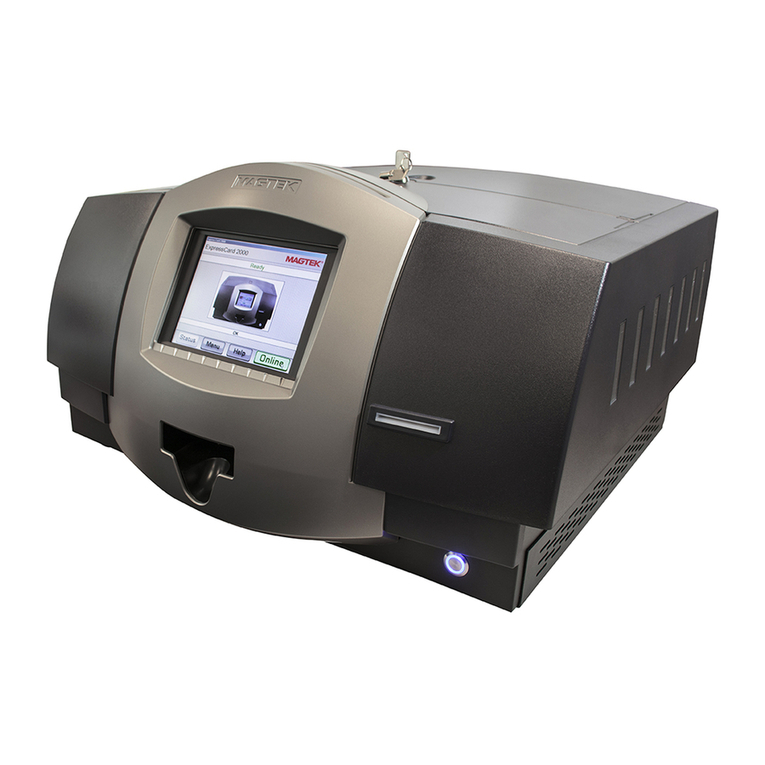
Magtek ExpressCard 2000 Operating instructions
Magtek
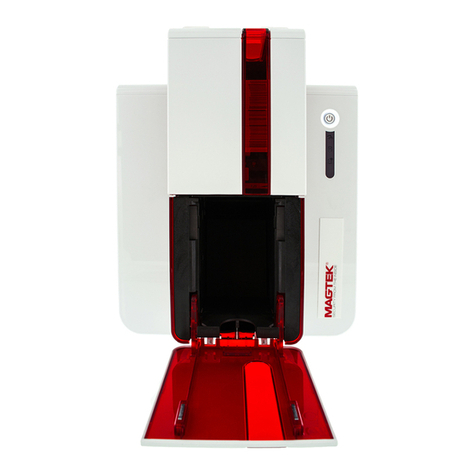
Magtek ExpressCard 500p User manual
Magtek
Magtek ExpressCard 2000 User manual

Magtek
Magtek ExpressCard 3000 User manual
Magtek
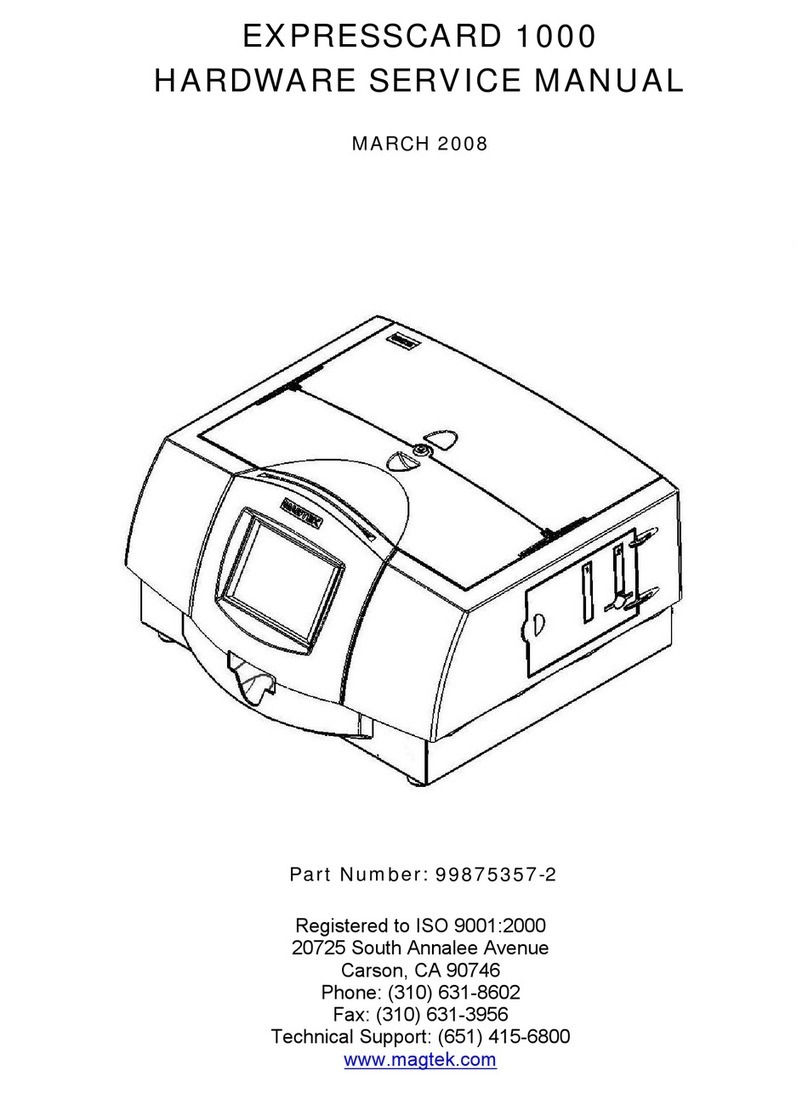
Magtek EXPRESSCARD 1000 User manual

Magtek
Magtek ExpressCard 500 User manual

Magtek
Magtek EXPRESSCARD 1000 User manual

Magtek
Magtek ExpressCard 2000 Manual

Magtek
Magtek ExpressCard 500p User manual
Magtek
Magtek ExpressCard 500p Use and care manual
















