Operation Manual ERO•SCAN
10 Operating Instructions....................................................................................23
10.1 Preparing the Patient for Testing...........................................................23
10.2 Turning On the Instrument ....................................................................23
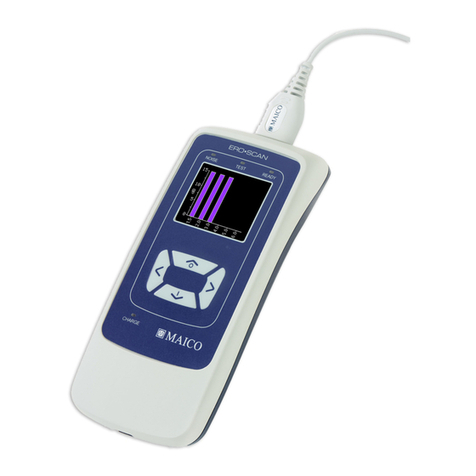
10.3 Control Panel.........................................................................................23
10.4 Main Menu.............................................................................................24
10.5 Selecting the Test Protocol....................................................................24
10.6 Probe Check (Beginning a Test)............................................................25
10.7 Calibration and Test...............................................................................25
10.8 Viewing Results.....................................................................................26
10.9 Test Technique.......................................................................................27
10.10 Noise Sources ........................................................................................27
10.11 TEOAE and Pause Function..................................................................28
10.12 Turning Off the Instrument....................................................................28
11 Managing Results.............................................................................................29
11.1 Saving Results .......................................................................................29
11.2 Deleting Results.....................................................................................30
11.3 Printing to a Thermal Printer.................................................................30
11.4 Connecting to the PC Database Software..............................................31
11.5 Connecting to the Direct-to-Print Software...........................................32
12 MPT-II SANIBEL Mobile thermal mini printer..........................................33
12.1 Operation ...............................................................................................34
13 Interpreting Results.........................................................................................37
13.1 Understanding the Display ....................................................................37
13.2 SNR Graph View...................................................................................38
13.3 Value Graph View.................................................................................38
14 Interpreting Printed Results...........................................................................39
14.1 Understanding the DPOAE Printout .....................................................39
14.2 Understanding the TEOAE Printout......................................................39
15 Rounding Results.............................................................................................41
16 Clock and Date Settings..................................................................................42
16.1 Accessing the Clock Menu....................................................................42
16.2 Changing the Date/Time........................................................................42
17 Instrument Settings .........................................................................................43
17.1 Wireless Device Pairing – Thermal Printer...........................................43
17.2 Clearing Test Results.............................................................................44