9
AUTOMATIC TEST OPTION
Once the unit is powered up it will automatically initiate a self test. The self test will check
the function of the luminaire and indicate its status as follows:
• Every month: Performs a 3 minute duration test.
• Every year: Performs a 3 hour duration test.
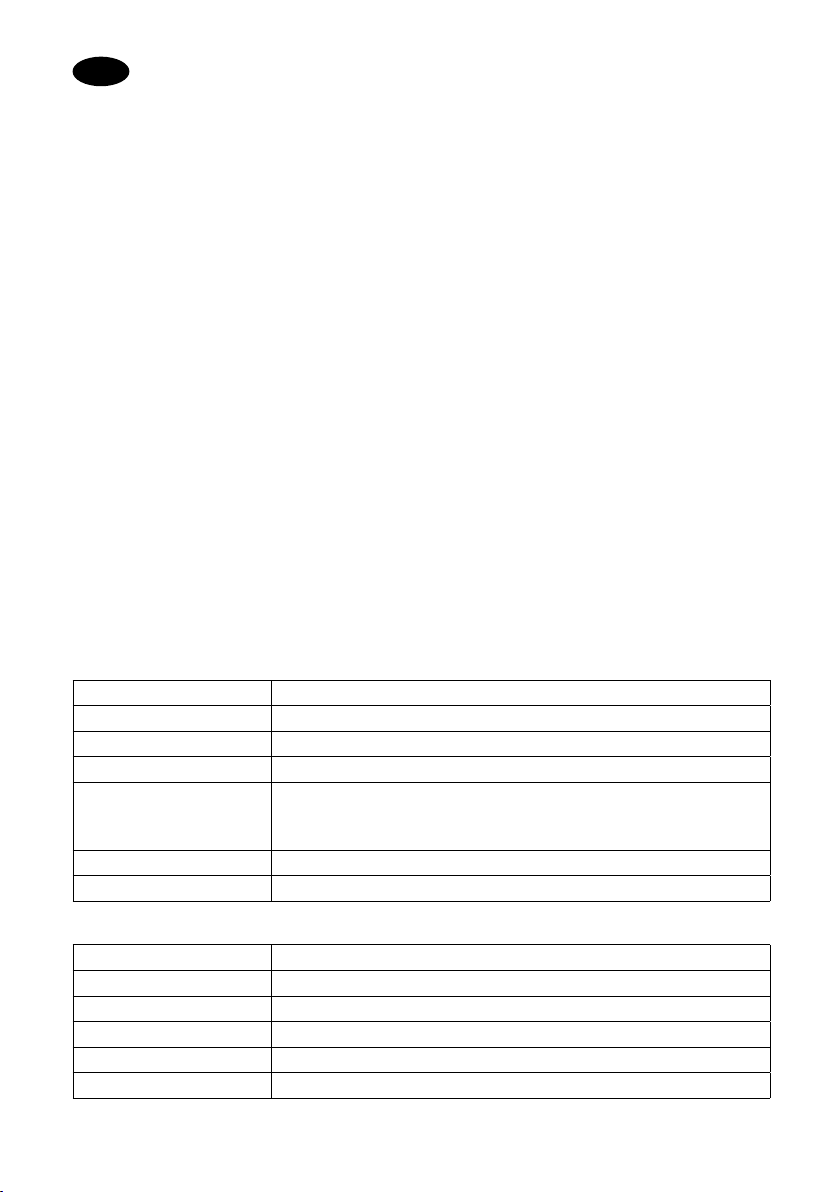
Dual Colour Indicator LED Status Meanings:
Green Solid on Ready/Normal operation
Flashing Testing
Red Flashing Requires service
•One flash, 4 second pause Battery not connected
•• Two flashes, 4 second pause Battery short or low battery voltage
••• Three flashes, 4 second pause Charger board fault
•••• Four flashes, 4 second pause Transformer power fault
NOTE: After repairing a service fault, press and hold the test button for 2 seconds to reset
the flashing indicator light to green (if needed).
MANUAL TESTING
Press test button once 30 seconds duration test
Press test button twice (within 2 seconds) 3 minutes duration test
Press test button 3 times (within 2 seconds) 30 minutes duration test
Press test button 4 times (within 2 seconds) 3 hours duration test
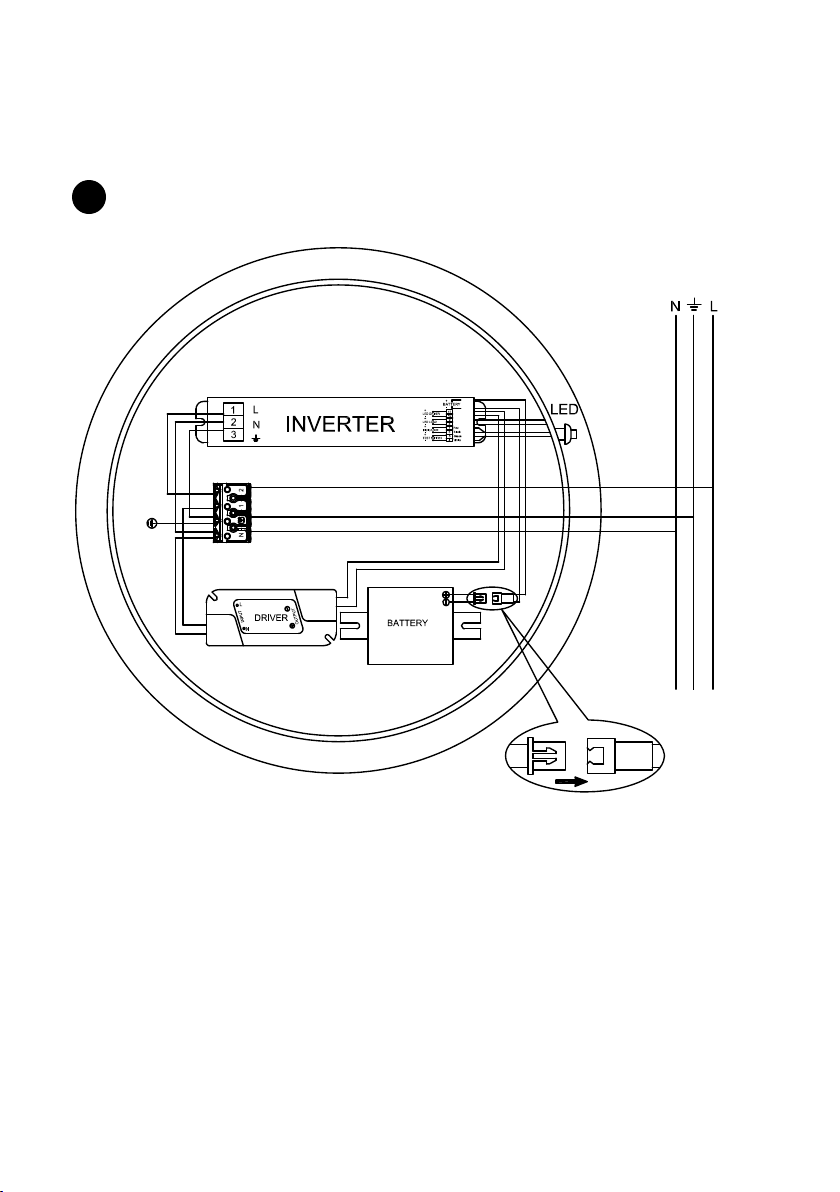
WIRING DIAGRAM
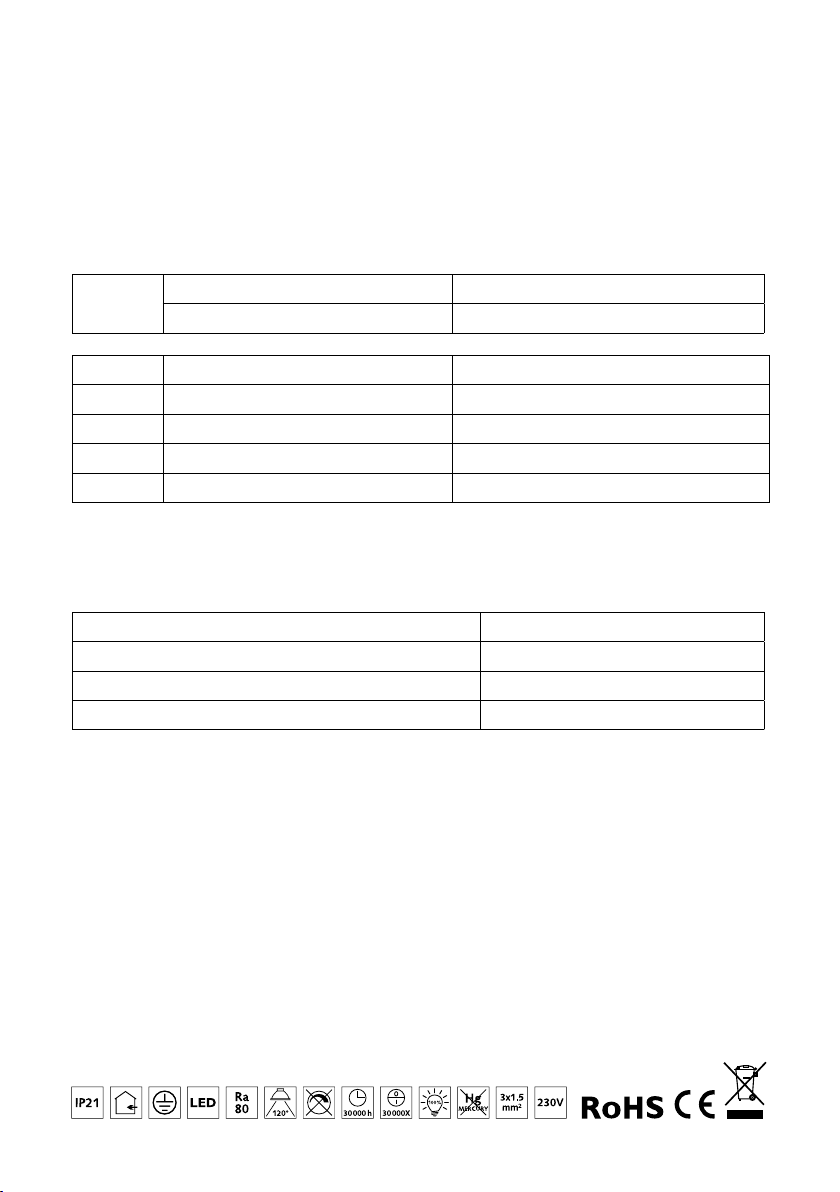
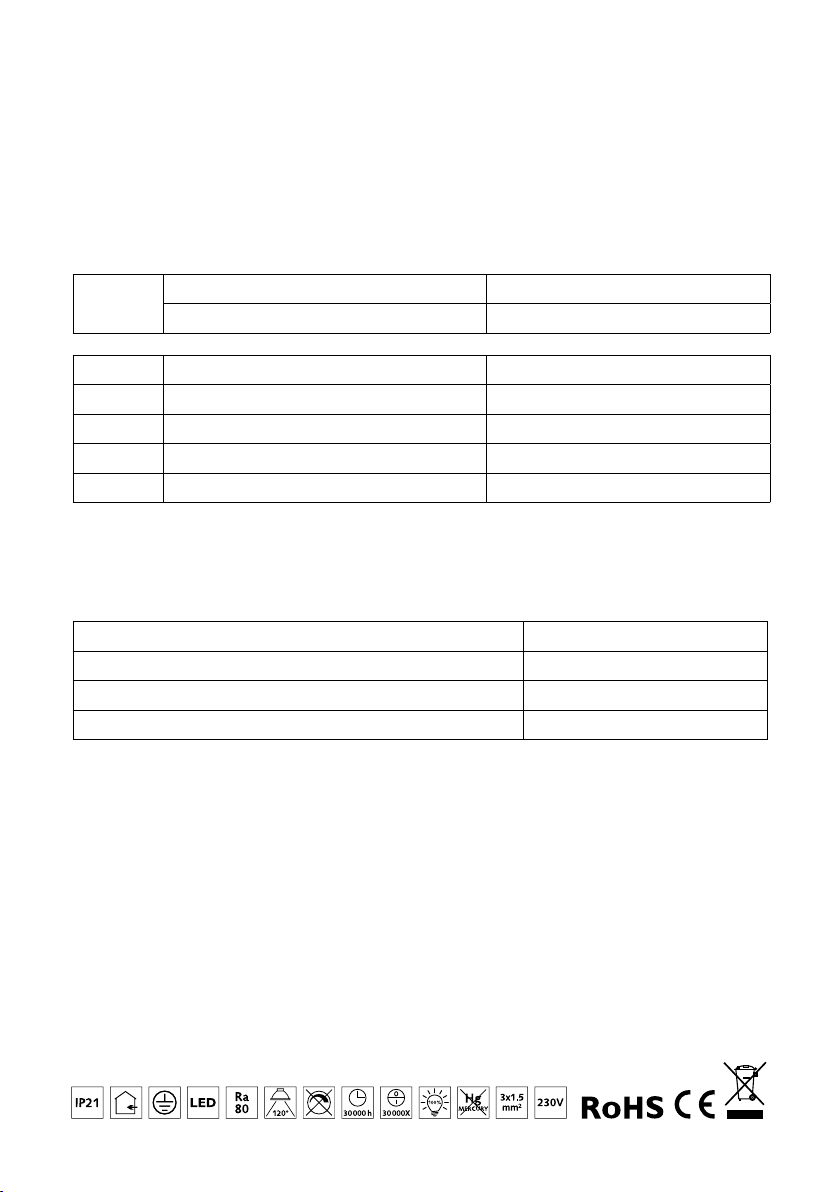
Non-Maintained Operation (fig. 1 page 10-11)
The batteries are charged and the lamp is only lit during power failure (emergency light).
Maintained Operation (fig. 2 page 10-11)
The batteries are charged and the lamp is on both during normal operation (max power)
and during power failure (emergency light). Connect the jumper between 1 and 2.
If you put a switch instead of the jumper, you can turn the light on and off and have
emergency light during power failure.