5
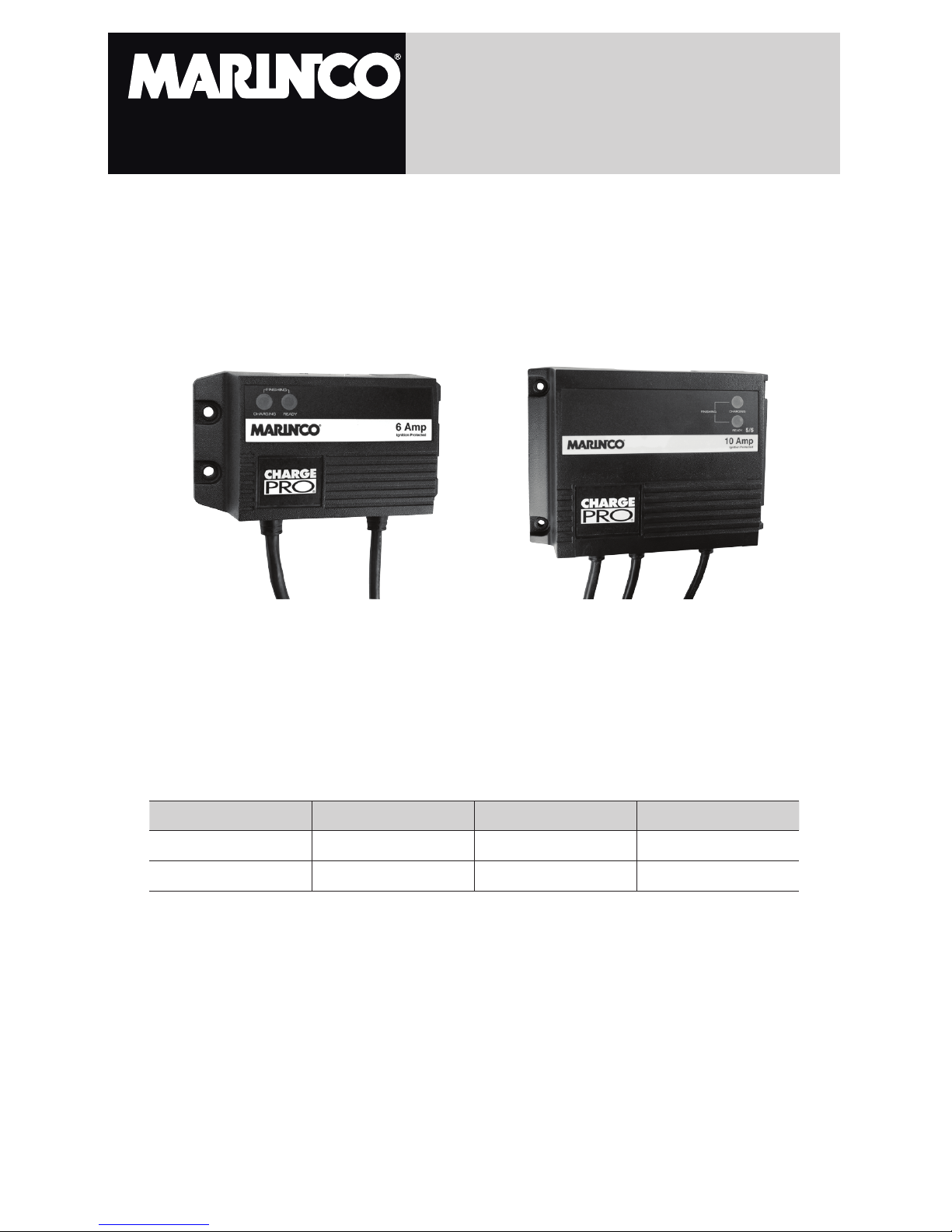
Charge Pro™ Charger Instructions
Choosing Charging Location
A) The charger should have at least eight inches of unobstructed area on all
sides of the unit for effective cooling. The case of this charger will become
warm during operation. Because the charger is convection cooled (airflow
over the back of the charger), the optimum mounting position for the charger
is vertical. Mounting on its back on a horizontal surface may cause the
charger to slightly reduce amperage output dueto the thermal protection built
in. Do not install the charger on carpeted, upholstered, or varnished surfaces.
B) Locate charger as far away from battery as dc cables permit.
C) Never place charger directly above battery being charged; gases from battery
will corrode and damage charger.
D) Never allow battery acid to drip on charger when reading electrolyte specific
gravity or filling battery.
E) Do not operate charger in a closed-in area or restrict ventilation in any way.
F) Do not set a battery on top of charger.
Mounting the Charger
A) Use corrosion resistant 3/16” dia. or # 10 bolts, backed by a flat washer, and
secured to the mounting surface with a split-ring lock washer.
B) Hold the charger to the mounting surface and mark the holes.
C) Remove the charger and drill the mounting holes.
D) Align the charger and assemble the mounting hardware. Secure the charger.
DC Connection Precautions
A) Connect and disconnect dc output clips only after removing ac cord from
electric outlet. Never allow the ring terminals to touch each other
B) Check polarity of the battery posts. The POSITIVE (POS., P, +) battery post
usually has a larger diameter than the NEGATIVE (NEG., N, -) post.
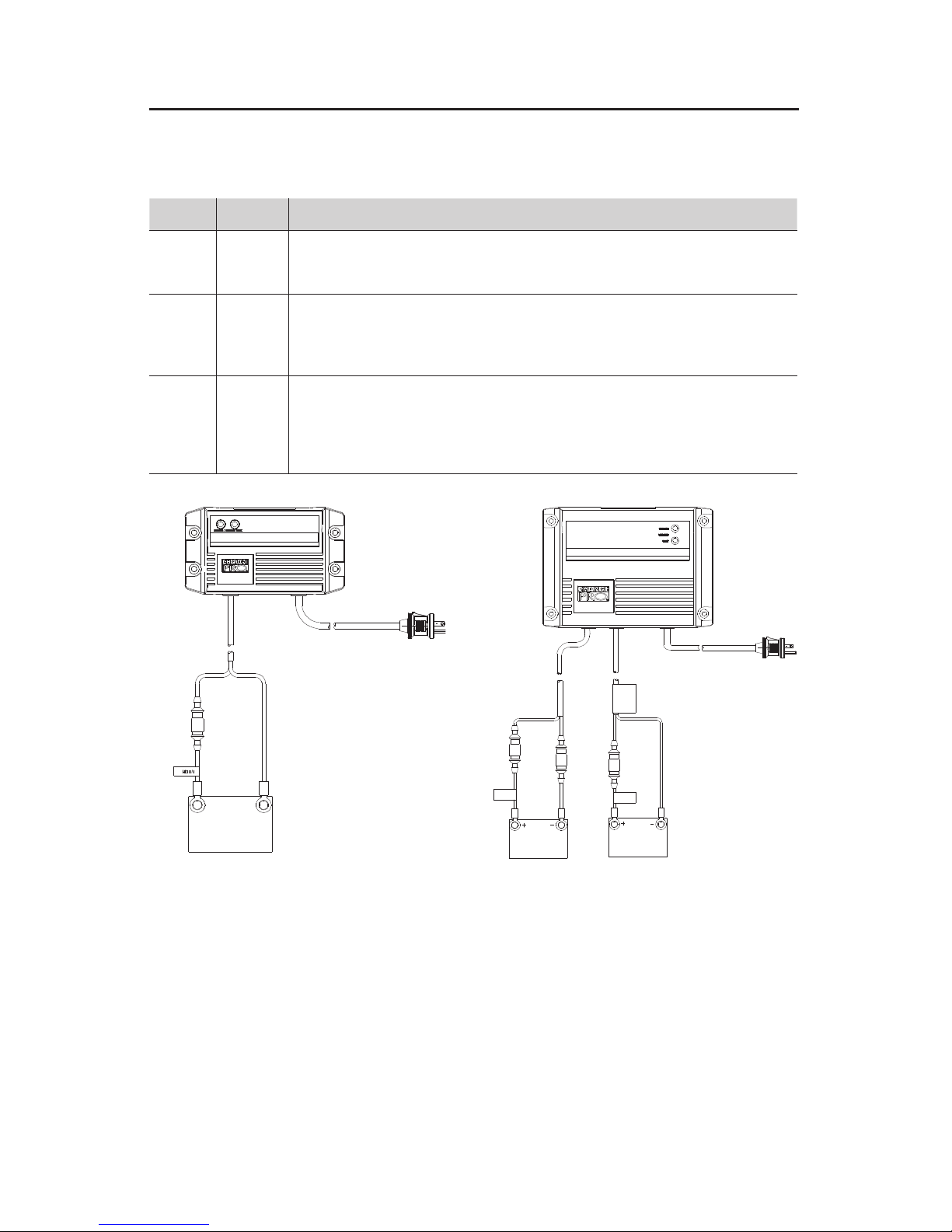
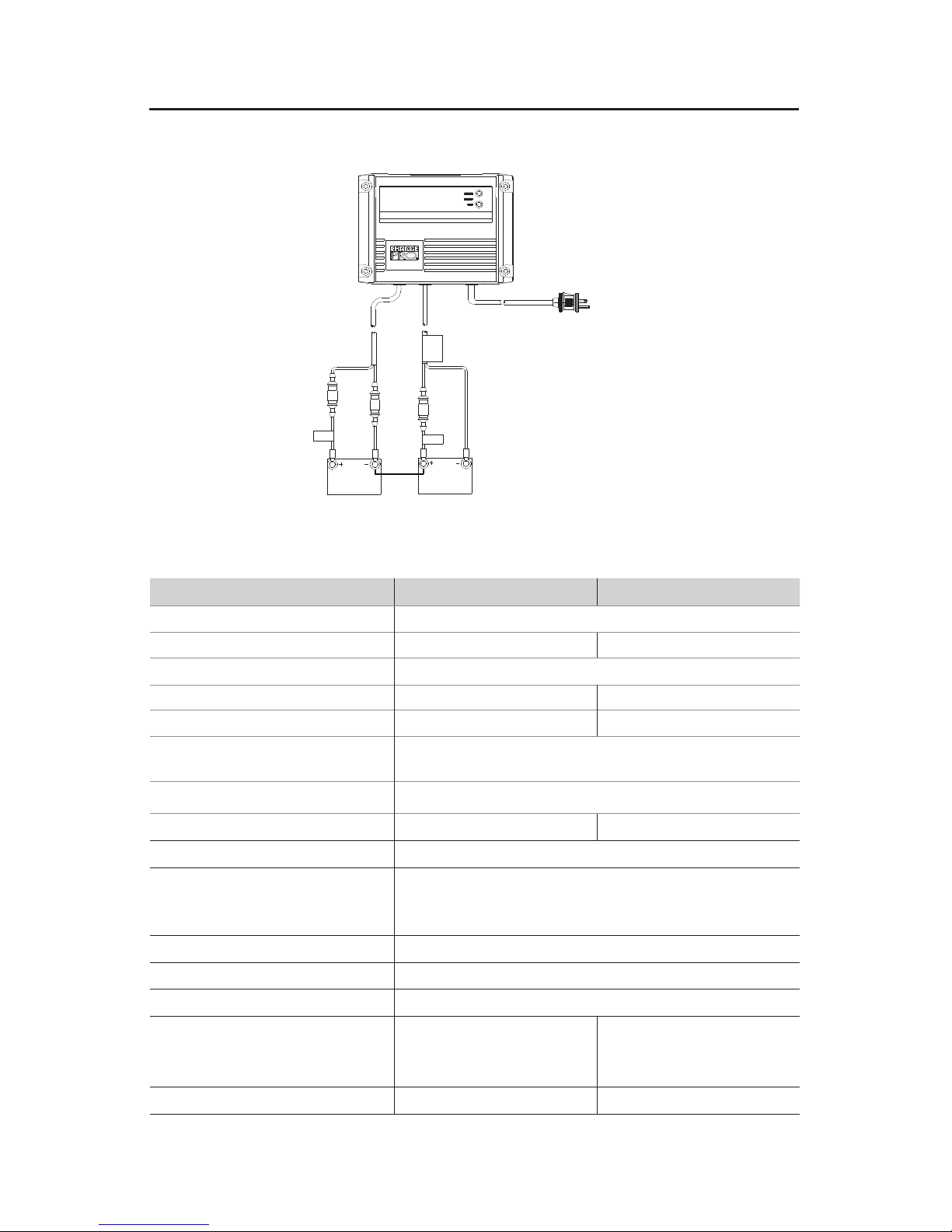
C) Connect Red charger output wire to POSITIVE post, Black charger wire to
NEGATIVE. See below diagrams for more details.
D) Do not face the battery when making the final connection.
E) When disconnecting charger, disconnect AC cord and then remove clips from
battery terminal.