manuals.online logo
Brands
  1. Home
  2. •
  3. Brands
  4. •
  5. Martec
  6. •
  7. Floodlight
  8. •
  9. Martec MLXG345100M User manual

Martec MLXG345100M User manual

Other Martec Floodlight manuals

Martec Fortress PRO Series User manual

Martec

Martec Fortress PRO Series User manual

Martec MLXS524WS User manual

Martec

Martec MLXS524WS User manual

Martec GUARD User manual

Martec

Martec GUARD User manual

Martec Defender MLDXD3451M User manual

Martec

Martec Defender MLDXD3451M User manual

Martec FORTRESS II MLXF3451M User manual

Martec

Martec FORTRESS II MLXF3451M User manual

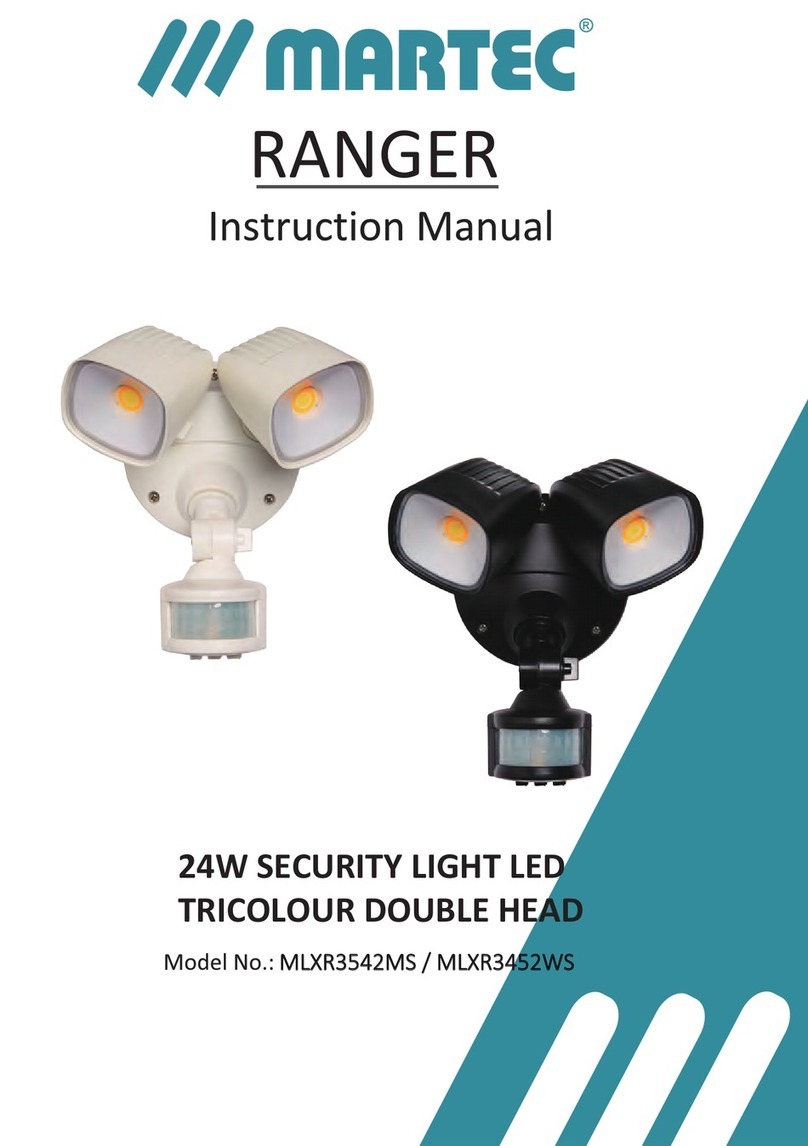
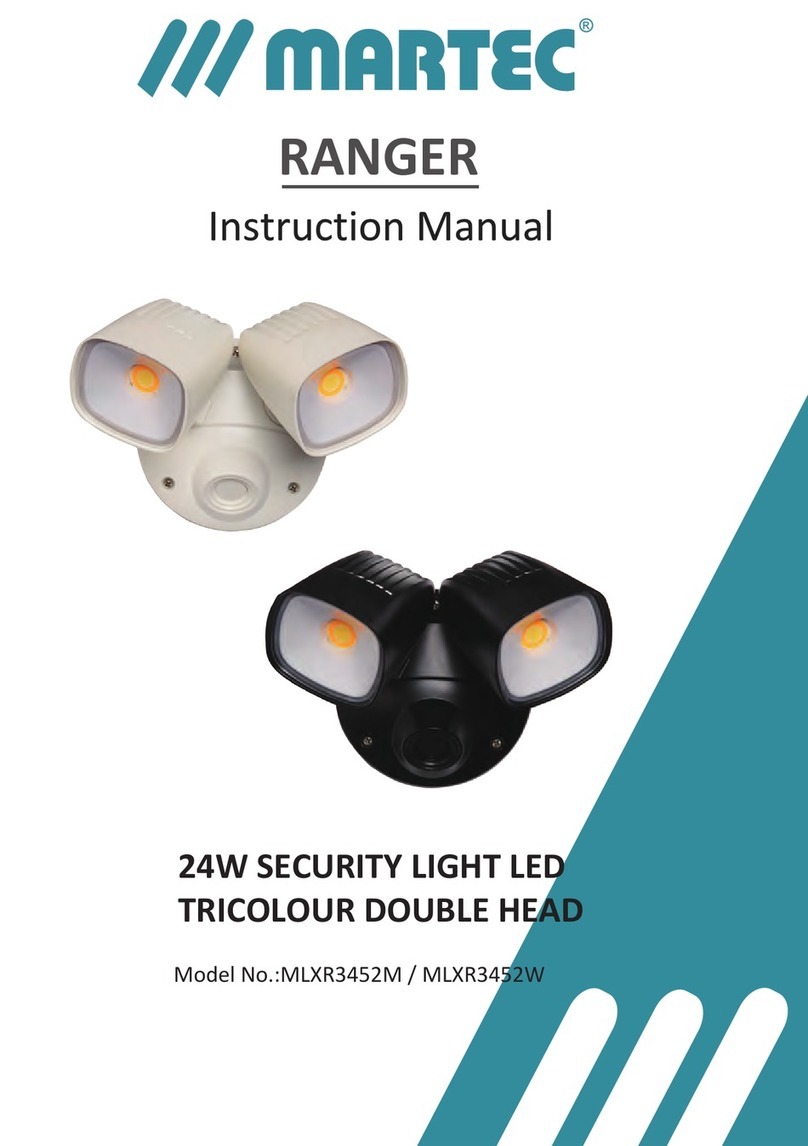
Martec RANGER User manual

Martec

Martec RANGER User manual

Martec GUARD MLXG34520M User manual

Martec

Martec GUARD MLXG34520M User manual

Martec Guard User manual

Martec

Martec Guard User manual

Martec GUARD User manual

Martec

Martec GUARD User manual

Martec MLXG34530M User manual

Martec

Martec MLXG34530M User manual

Martec Patrol MLXP34520MS User manual

Martec

Martec Patrol MLXP34520MS User manual

Martec MLXR3542MS User manual

Martec

Martec MLXR3542MS User manual

Martec OPAL Series User manual

Martec

Martec OPAL Series User manual

Popular Floodlight manuals by other brands

V-TAC VT-5192S installation instructions

V-TAC

V-TAC VT-5192S installation instructions

Major tech HLF30CW instruction manual

Major tech

Major tech HLF30CW instruction manual

EuroLite LED Cube user manual

EuroLite

EuroLite LED Cube user manual

EuroLite LED IP FL-100 SMD user manual

EuroLite

EuroLite LED IP FL-100 SMD user manual

Cooper Wheelock XB12 specification

Cooper Wheelock

Cooper Wheelock XB12 specification

Allen + Roth 17624-000 user manual

Allen + Roth

Allen + Roth 17624-000 user manual

ADJ 4 STAGE PAK User instructions

ADJ

ADJ 4 STAGE PAK User instructions

Cooper Lighting EGL91SW233 Specification sheet

Cooper Lighting

Cooper Lighting EGL91SW233 Specification sheet

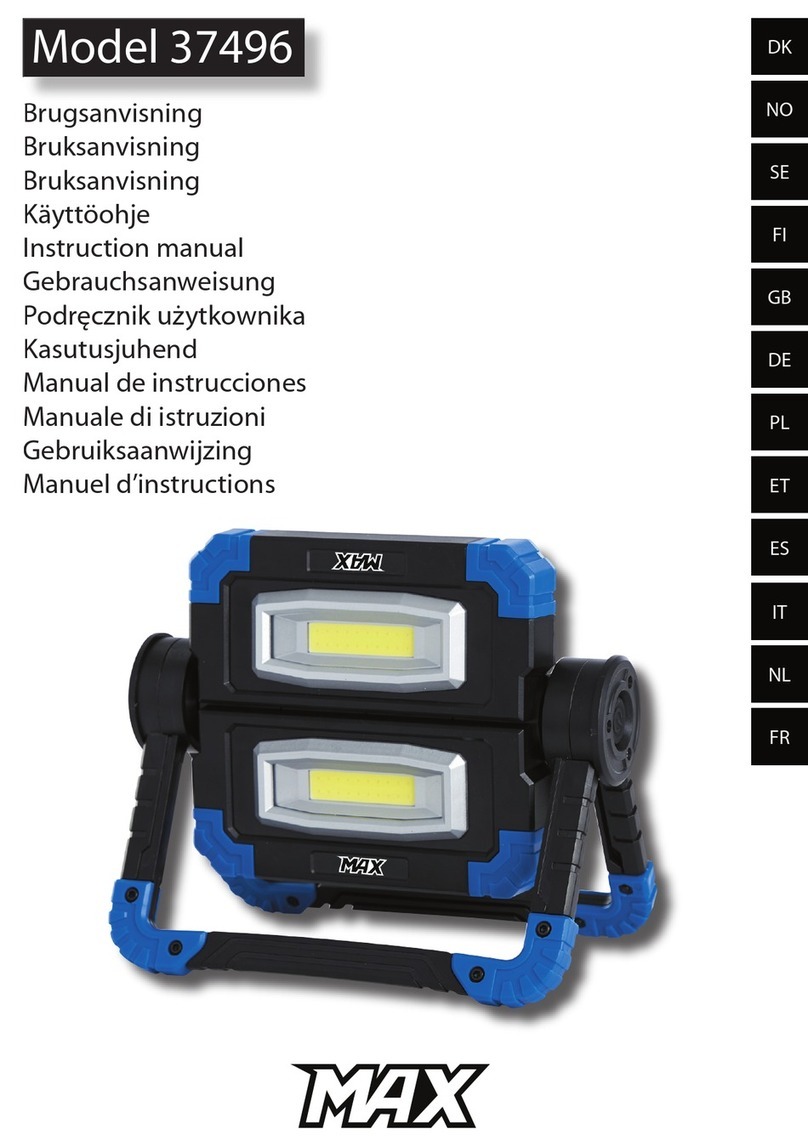
Max 37496 instruction manual

Max

Max 37496 instruction manual

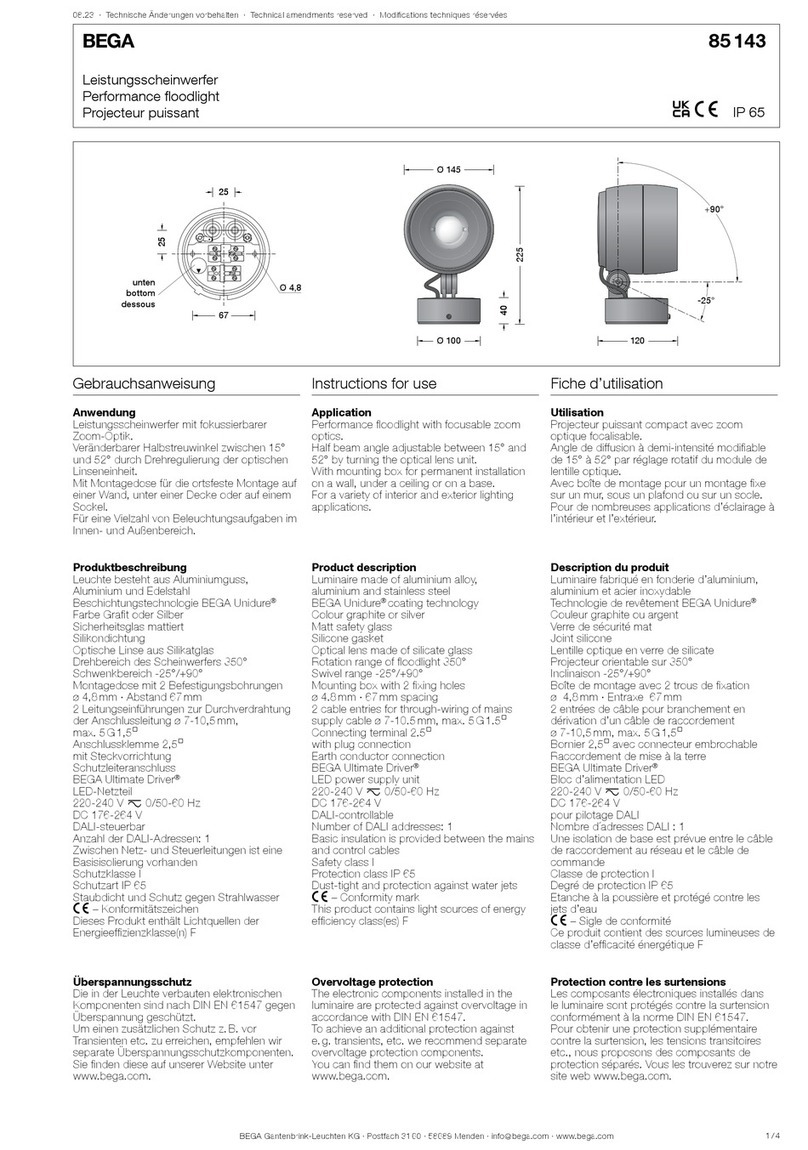
BEGA 85 143 Instructions for use

BEGA

BEGA 85 143 Instructions for use

Cameo CLPST64Q8W user manual

Cameo

Cameo CLPST64Q8W user manual

Beamz 151.226 user manual

Beamz

Beamz 151.226 user manual

EuroLite LED IP FL-8 user manual

EuroLite

EuroLite LED IP FL-8 user manual

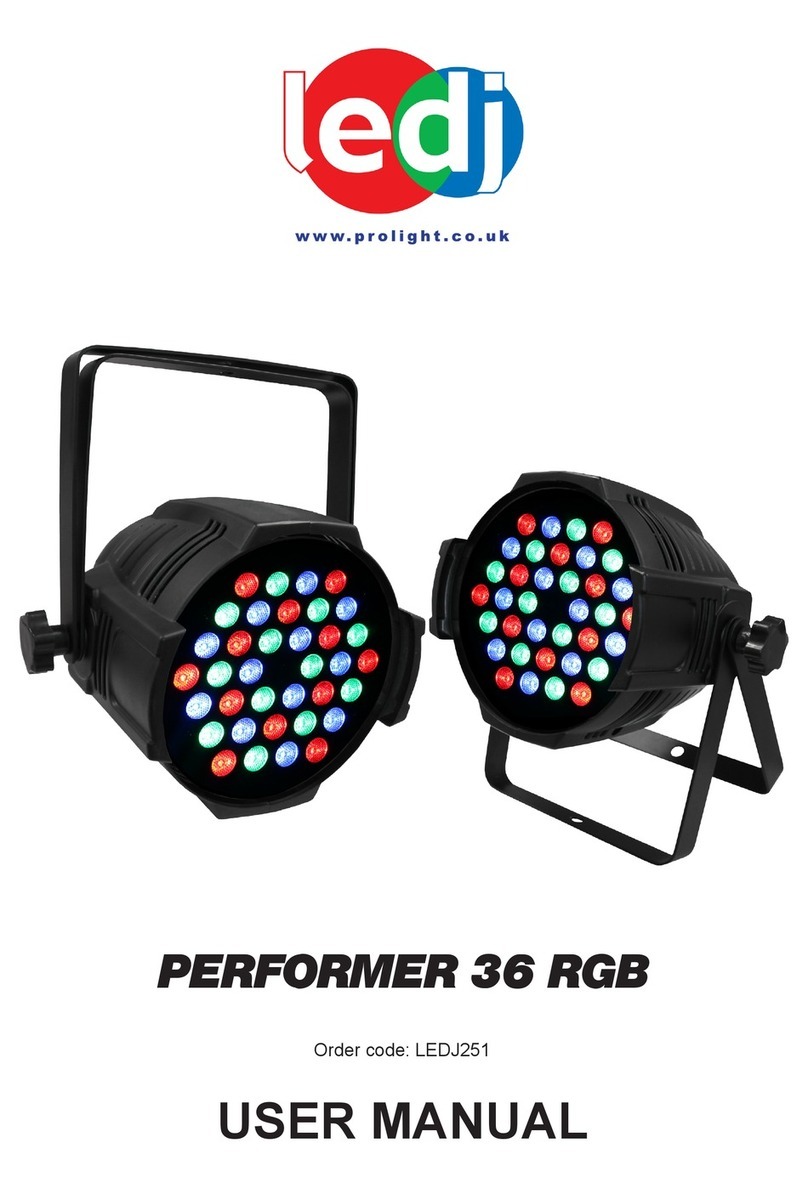
Ledj PERFORMER 36 RGB user manual

Ledj

Ledj PERFORMER 36 RGB user manual

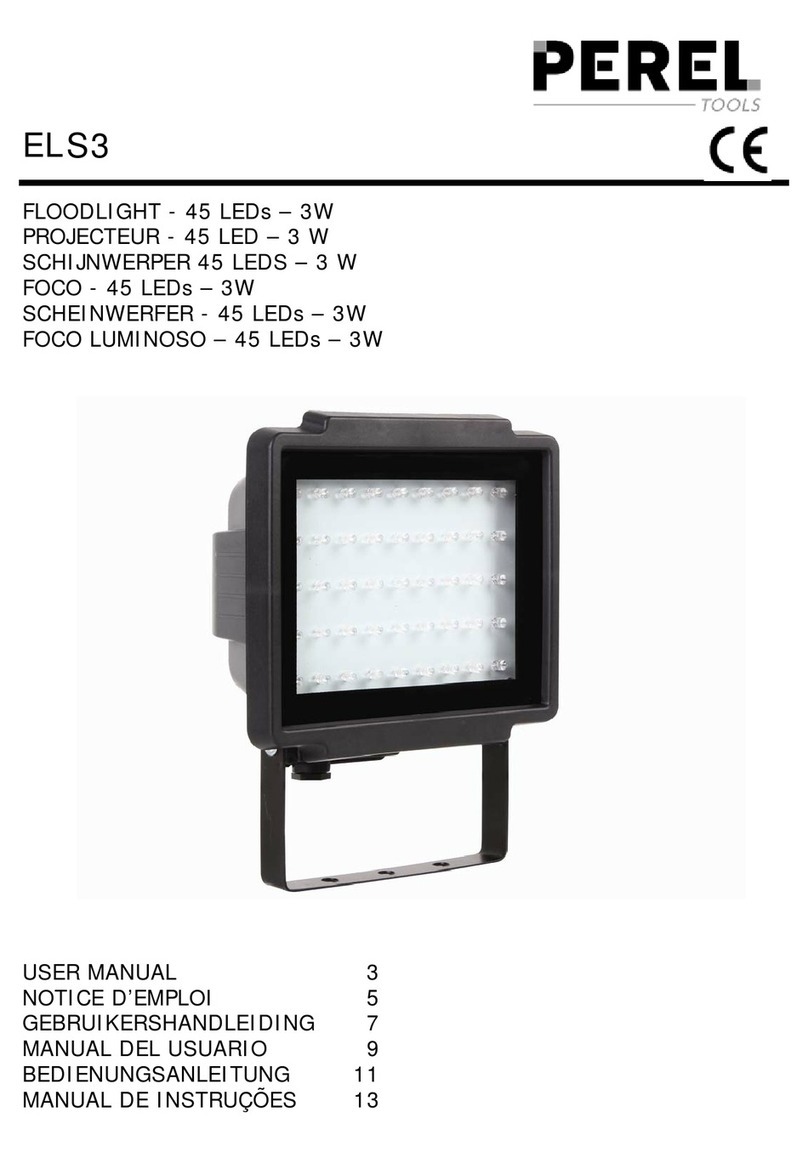
Perel ELS3 user manual

Perel

Perel ELS3 user manual

Perel ELS3WD user manual

Perel

Perel ELS3WD user manual

Xtricity 4-80053 instructions

Xtricity

Xtricity 4-80053 instructions

Stahl 6521/4 Series operating instructions

Stahl

Stahl 6521/4 Series operating instructions

manuals.online logo
manuals.online logoBrands
  • About & Mission
  • Contact us
  • Privacy Policy
  • Terms and Conditions

Copyright 2025 Manuals.Online. All Rights Reserved.

100W WALL MOUNT
TRICOLOUR FLOODLIGHT
IMPORTANT PRODUCT INFORMATION
YEAR REPLACEMENT
WARRANTY
100W WALL MOUNT
TRICOLOUR FLOODLIGHT
GUARD
Model No.: MLXG345100M
2
Parts List
1. Light body
2. Wall mount bracket
3. Tricolour Switch
4. Glass cover
5. Cable entry
6. Cable plug
7. Wall mount screws
7
4
6
1
2
35
Installation Instructions
• Do not direct the head upwards above horizontal.
www.martecaustralia.com.au | 02 8778 7500 | [email protected] Page 4
•
Switching colour temperature
On the back of the LED light body, there is Tricolour switch which allows you to switch the colour
temperature of the light among 30000K (WW), 4000K (NW), 5000K (CW).
with a soft cloth approximately every 3 months.
Do not use chemicals.
Cleaning and Maintenance
(For Warranty Conditions please refer to the Martec Website for Warranty Terms and Conditions)
3
Product Installation
LED Floodlight 100 Watt Tricolour
Material:Die cast + Glass
Color: Black
Voltage: 220-240VAC~50/60Hz
LED: 120x0.83W Everlight LED 3000K;
120x0.83W Everlight LED 5000K;
Color temperature: 3000-5000K;
Lumen: 3000K---7000lm;
4000K---8000lm;
5000K---8000lm;
Cord length: with AU plug; H05RN-F 3Gx1.0mm²; 60cm length;
With Tricolour button switch on the housing, press to change the colour temperature
with LED shield; RA≥80
IP65
NOTE: For best performance install at a height between 2 and 2.5 metres.
1. Ensure the Mains Supply is switched‘OFF’.
2.
wired to its own wall switch.
3. Adjust the wall mount bracket.
4. Drill two holes in the wall using the mounting holes‘B ’ on the wall mount bracket ‘A’ as a template.
Note: exercise caution to avoid drilling into existing electrical wiring.
6. Reconnect the mains supply, set the color temperature to your desire setting using the Tricolour switch ‘C’.
7. Turn on the security light.
use the cable plug‘D’ to plug the light into a wall switch.
,
5. E
E
B
A
D
C
WW NW CW