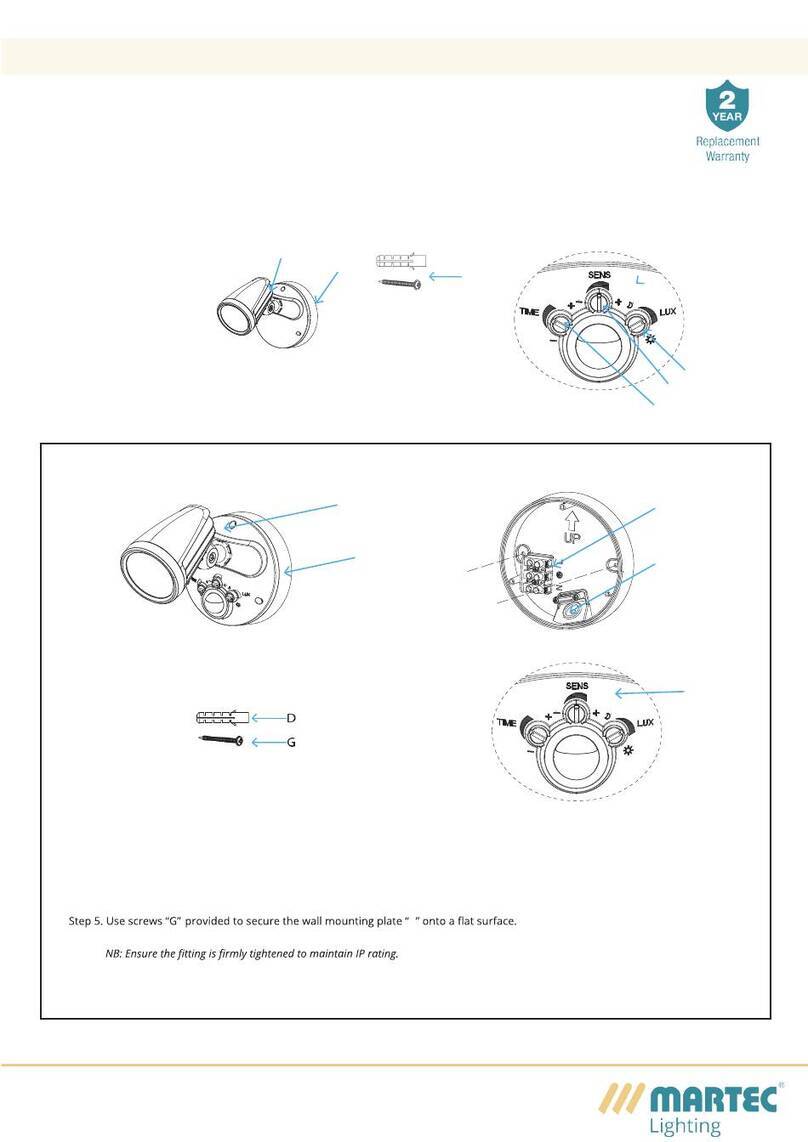
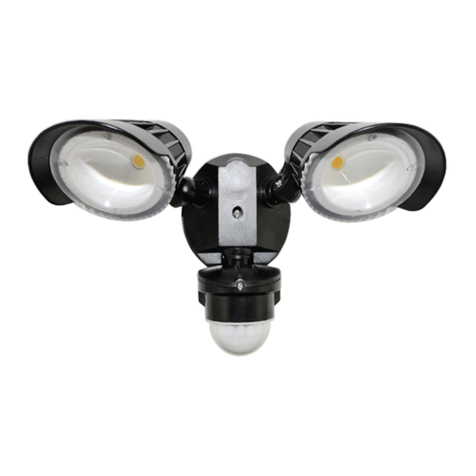
Press button SW4 and hold for 2 seconds - The LED will illuminate and rotate towards the direction of detection. After 3 minutes of walk test the Sentinel Security Light will reset to Night Time operation only. Should further walk test be required press SW4 again for 2 seconds.
On turning the power on the Sentinel Security Light will start a self-calibration program .During this process you will notice a f lashing green LED light rn the detector lens .Once the green light becomes stable and the Sentinel Security Light is ready for normal operation.
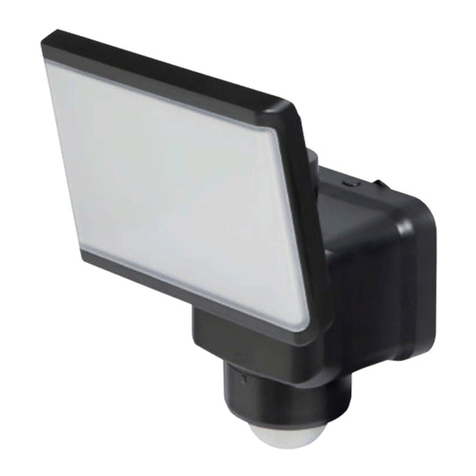
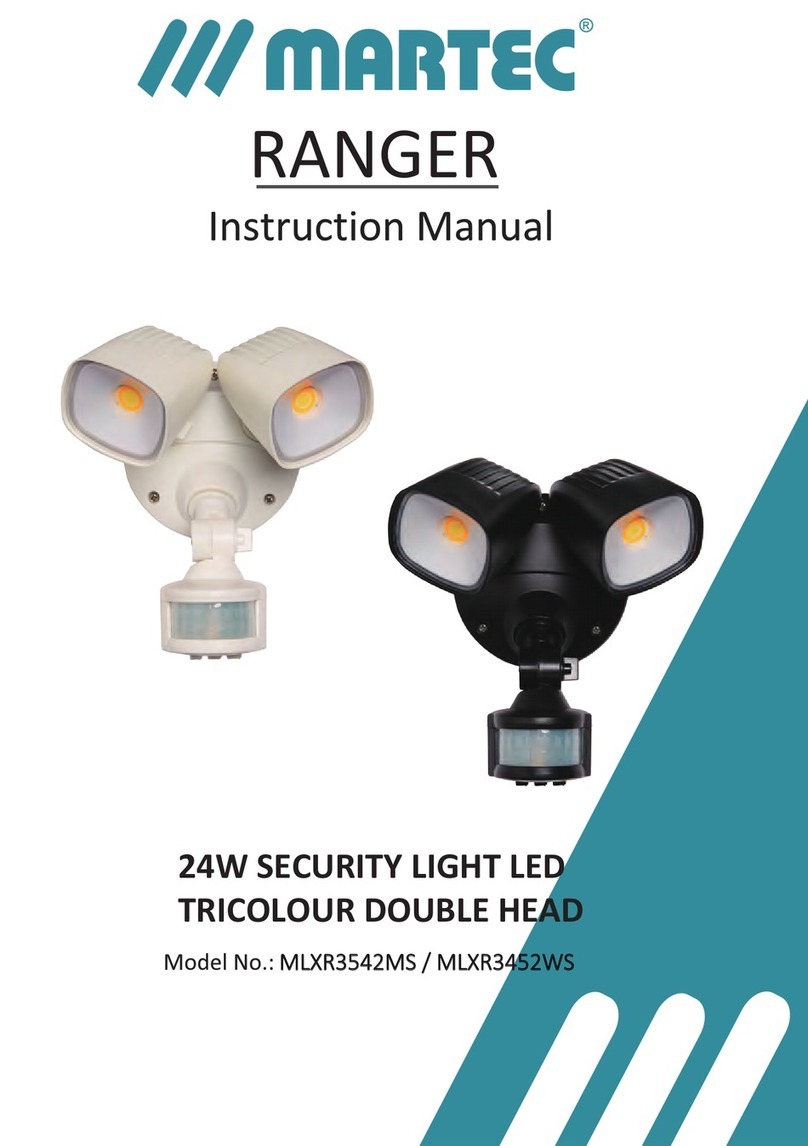
The Sennel Security Light is designed to be "plug and play" most installaons will require lile or no adjustment and can rely on the original default sengs :
Af ter the compleon of the installat ion switch the power back on
R
Press and release the SWI button to start sensitivity setting.The LEDs 1-4 above the buttons will indicate the setting selected・1 - High 12 meters. 2 - Medium 9 meters. 3 - Low 6 meters.Press and hold the SWI button for 2 seconds to conf irm and save the sensitivity choice.Night time mode setting - The f ixture has a built-in photocell that will automatically enable the f ixture functions at sunset and of f at dawn , therefore there is no need for a additional Lux setting function Motorized function to rotate the LED head towards motion detection within 3 sensor zonesSensor sensitivity set at high setting at a maximum distance of 12 meters