manuals.online logo
Brands
  1. Home
  2. •
  3. Brands
  4. •
  5. Matchmaster
  6. •
  7. Antenna
  8. •
  9. Matchmaster DigiMatch 02MM-DG91 User manual

Matchmaster DigiMatch 02MM-DG91 User manual

Other Matchmaster Antenna manuals

Matchmaster 01MM-DG27 User manual

Matchmaster

Matchmaster 01MM-DG27 User manual
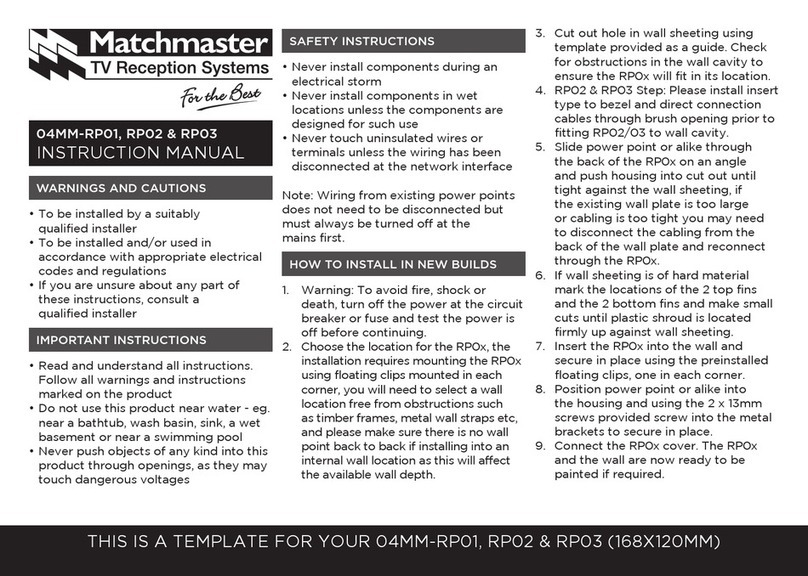
Matchmaster 04MM-RP03 User manual

Matchmaster

Matchmaster 04MM-RP03 User manual
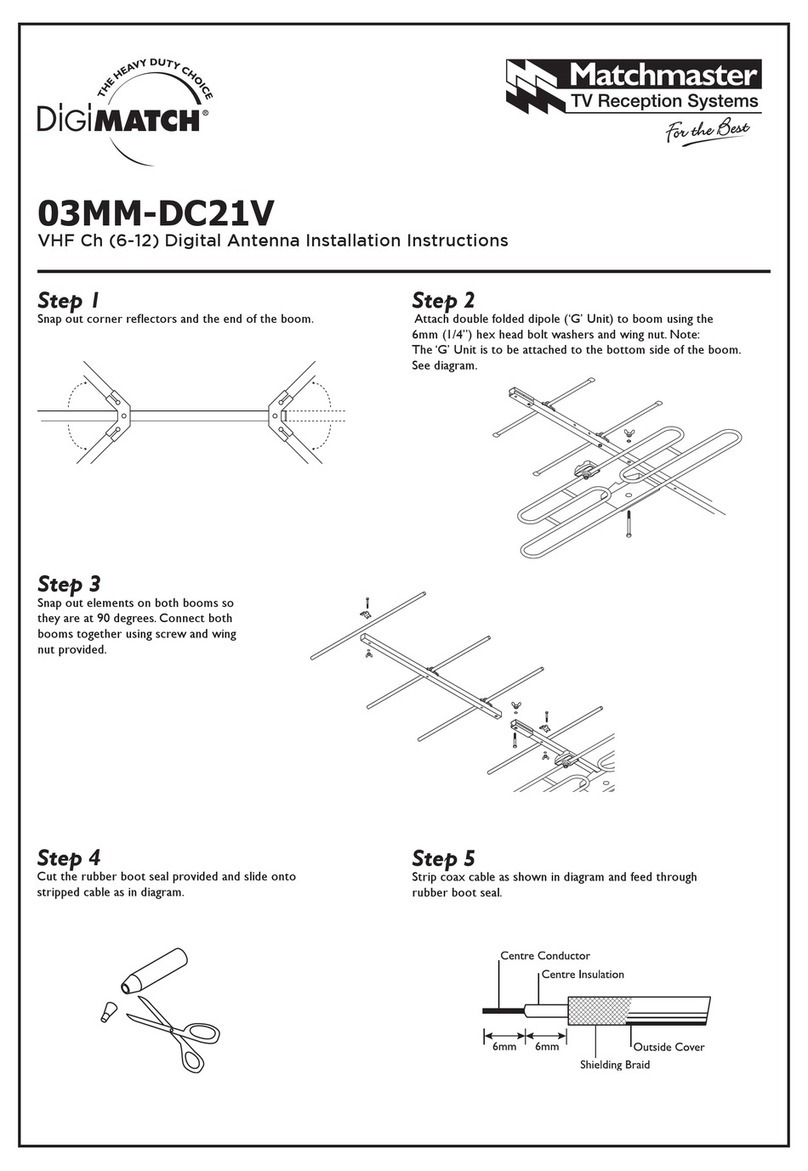
Matchmaster Digimatch 03MM-DC21V User manual
Matchmaster

Matchmaster Digimatch 03MM-DC21V User manual

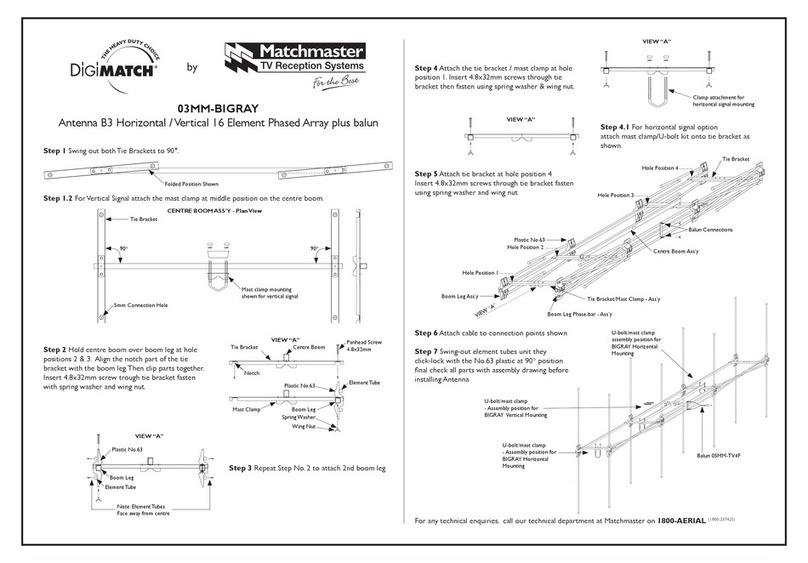
Matchmaster DiGiMATCH 03MM-BIGRAY User manual
Matchmaster

Matchmaster DiGiMATCH 03MM-BIGRAY User manual

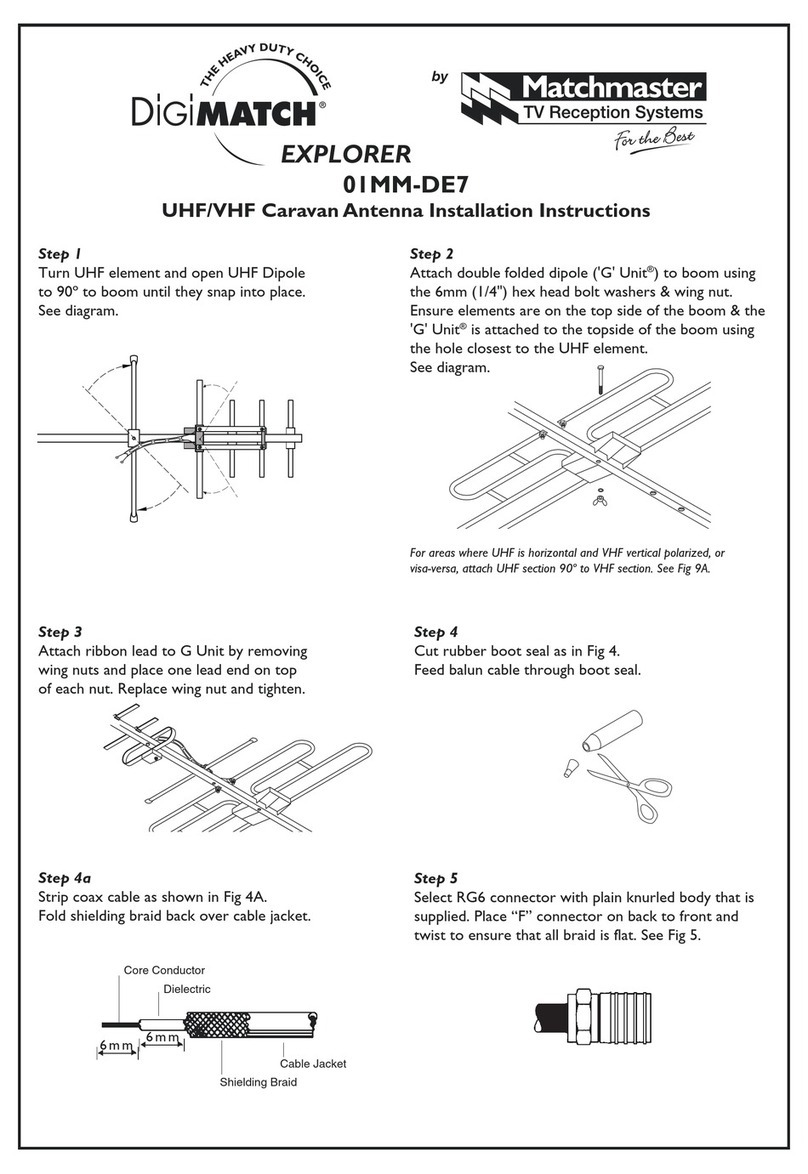
Matchmaster Digimatch Explorer 01MM-DE7 User manual
Matchmaster

Matchmaster Digimatch Explorer 01MM-DE7 User manual

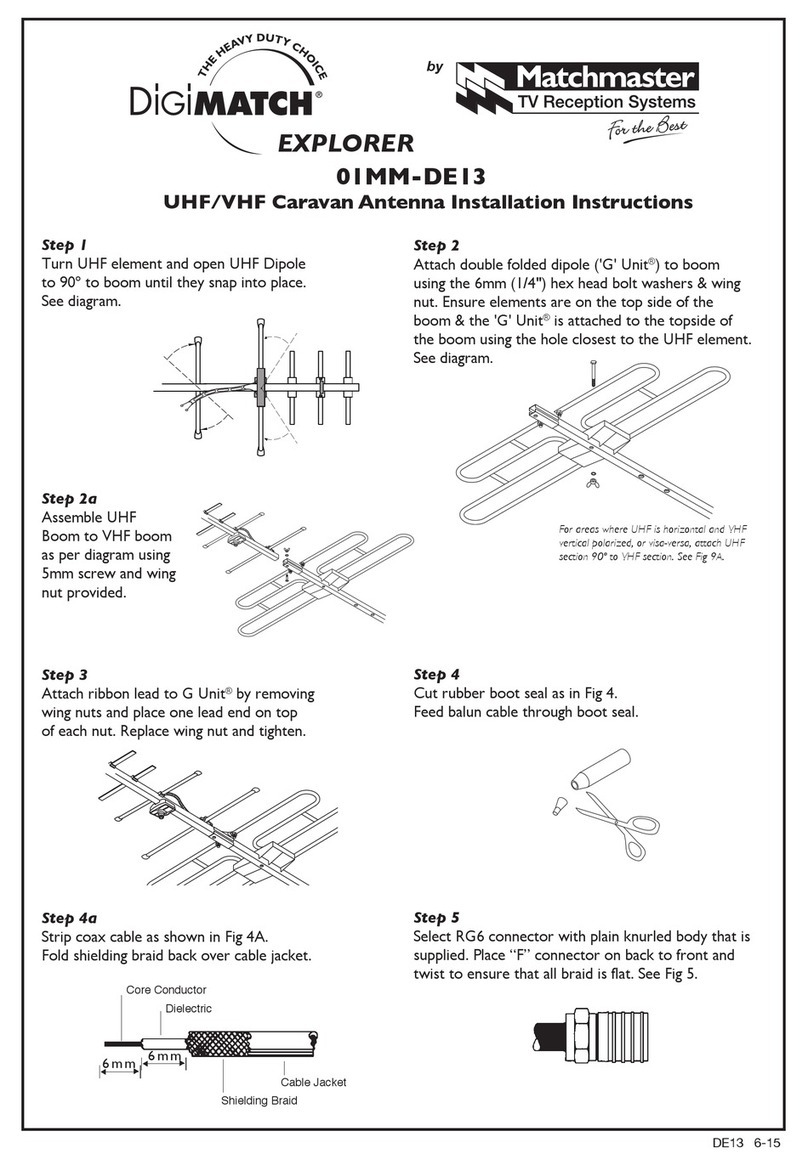
Matchmaster DIGIMATCH 01MM-DE13 User manual

Matchmaster

Matchmaster DIGIMATCH 01MM-DE13 User manual

Matchmaster Digimatch 01MM-DC21A User manual

Matchmaster

Matchmaster Digimatch 01MM-DC21A User manual

Popular Antenna manuals by other brands
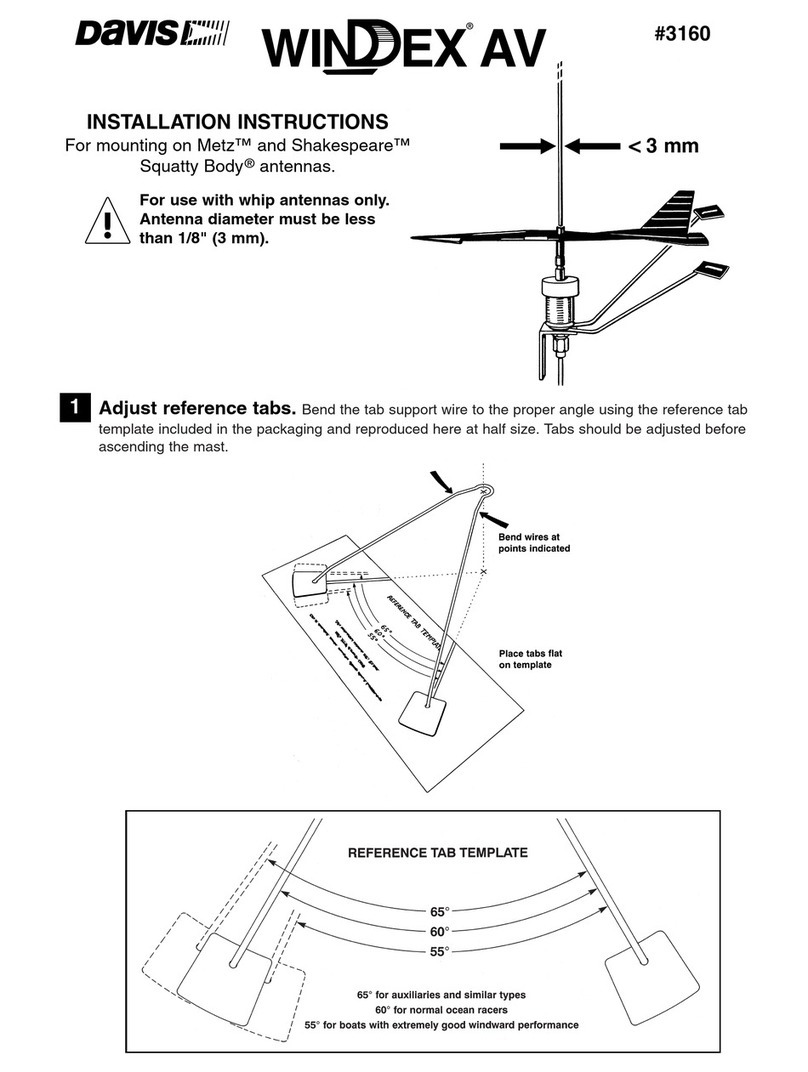
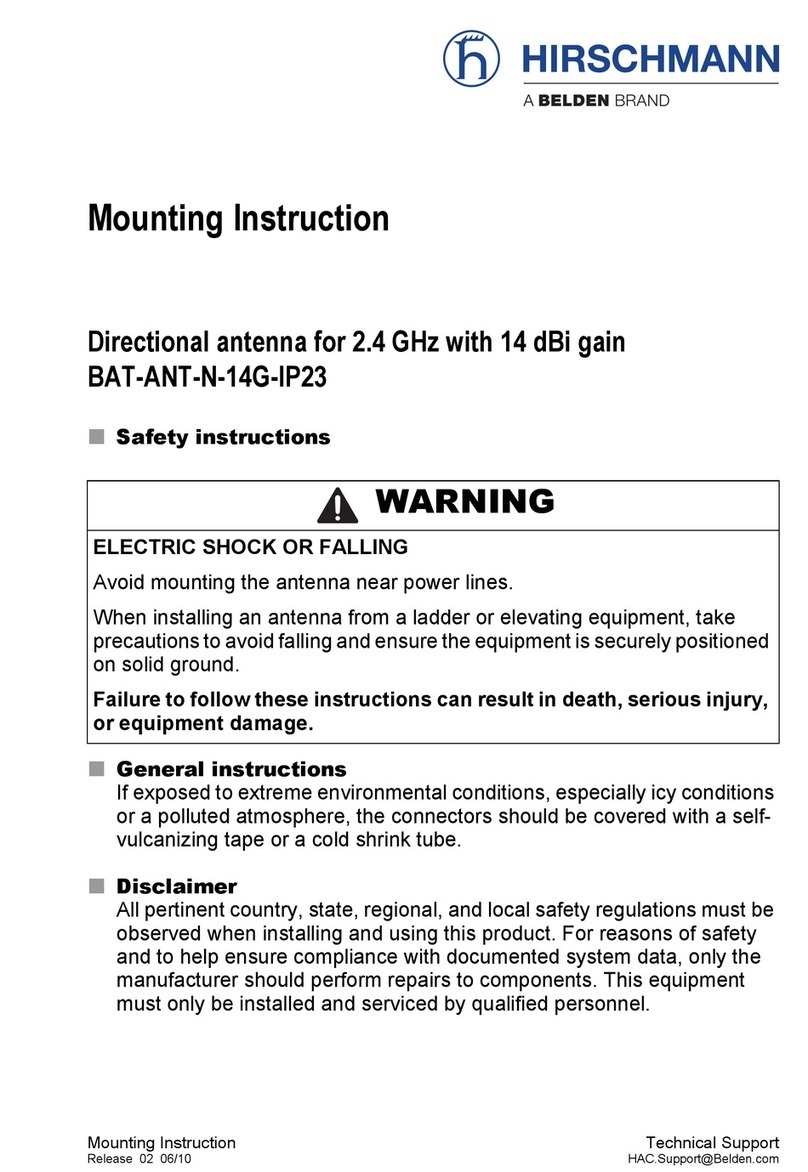
DAVIS Windex AV 3160 installation instructions
DAVIS

DAVIS Windex AV 3160 installation instructions

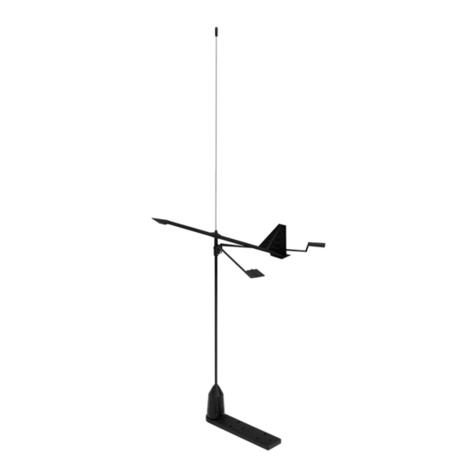
Belden Hirschmann BAT-ANT-N-14G-IP23 Mounting instruction
Belden

Belden Hirschmann BAT-ANT-N-14G-IP23 Mounting instruction

Vtronix YHK Fitting instructions

Vtronix

Vtronix YHK Fitting instructions

KVH Industries TracVision 6 Technical manual

KVH Industries

KVH Industries TracVision 6 Technical manual

Leica Geosystems GS10 user manual

Leica Geosystems

Leica Geosystems GS10 user manual
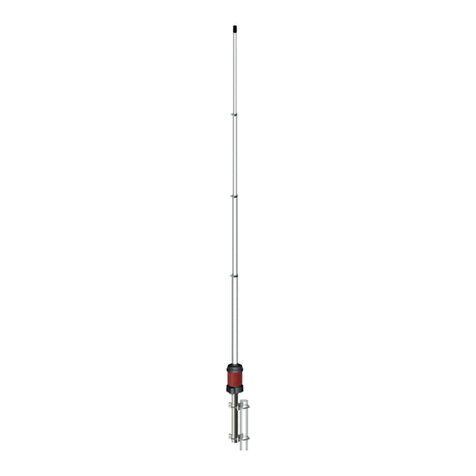
Sirio Antenne Gain-Master manual

Sirio Antenne

Sirio Antenne Gain-Master manual
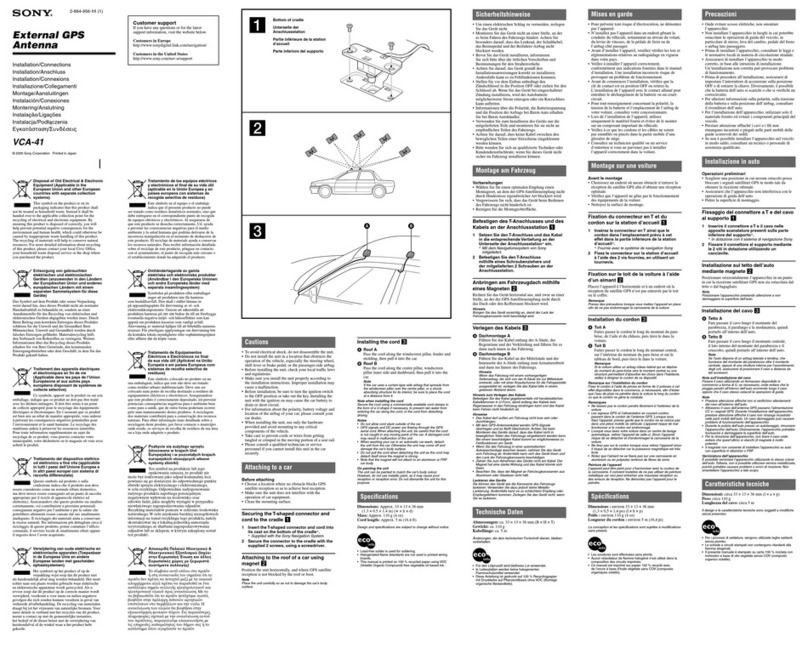
Sony VCA-41 Installation/connections

Sony

Sony VCA-41 Installation/connections

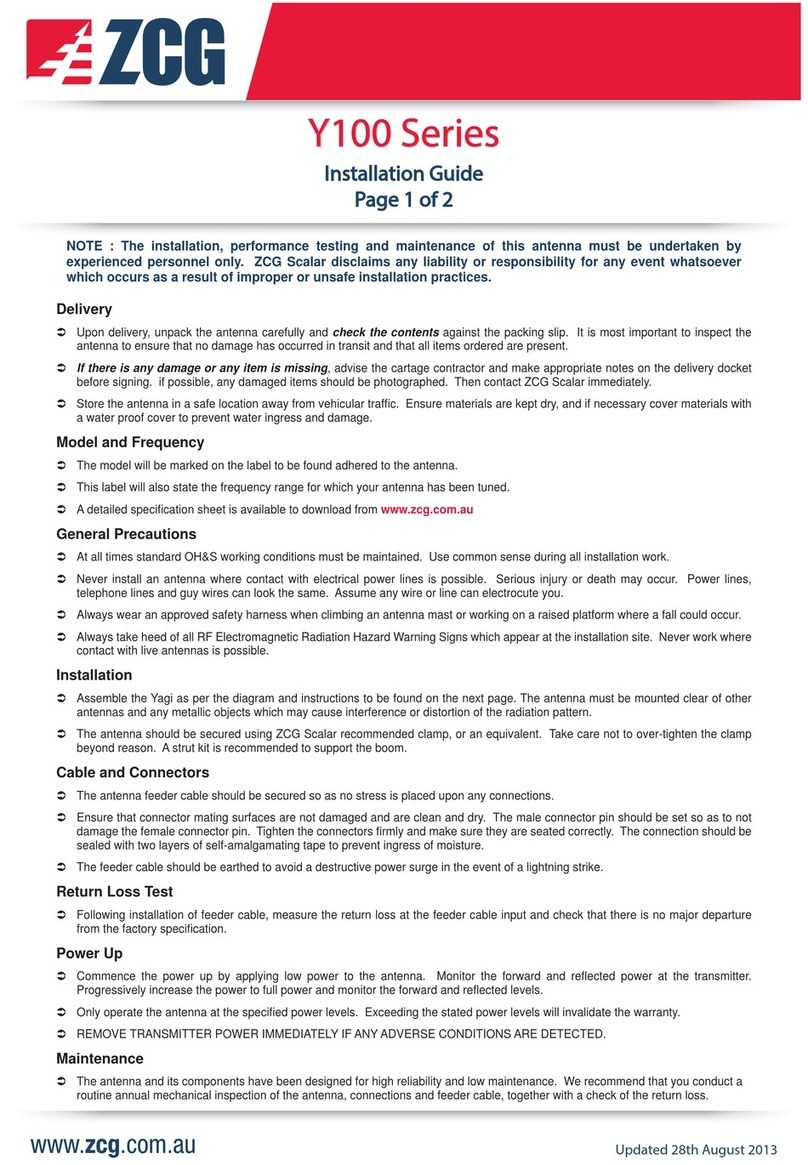
ZCG Y100 Series installation guide

ZCG

ZCG Y100 Series installation guide

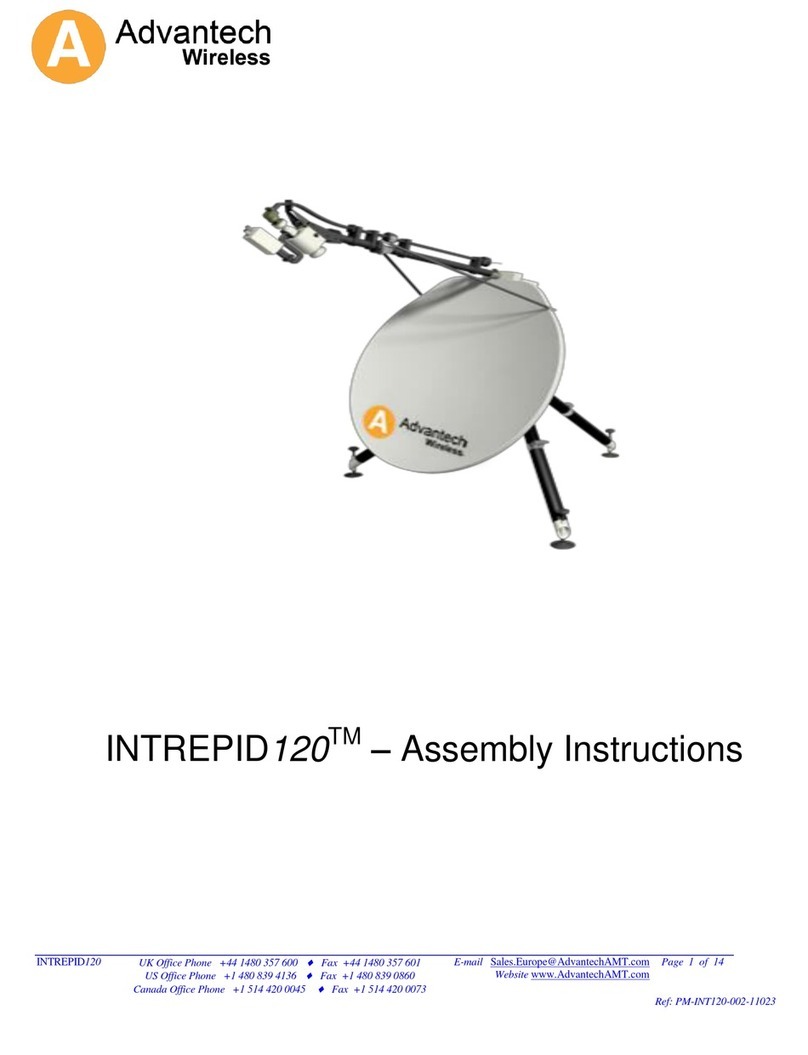
Advantech Wireless INTREPID120 Assembly instructions

Advantech Wireless

Advantech Wireless INTREPID120 Assembly instructions

Cerio ANT-10AO installation guide

Cerio

Cerio ANT-10AO installation guide

Alfa Network APA-L01 Specifications

Alfa Network

Alfa Network APA-L01 Specifications

Naval PR-422CA Operation manual

Naval

Naval PR-422CA Operation manual

Feig Electronic ID ISC.ANTH200/200 Series manual

Feig Electronic

Feig Electronic ID ISC.ANTH200/200 Series manual

TERK Technologies TV44 owner's manual

TERK Technologies

TERK Technologies TV44 owner's manual
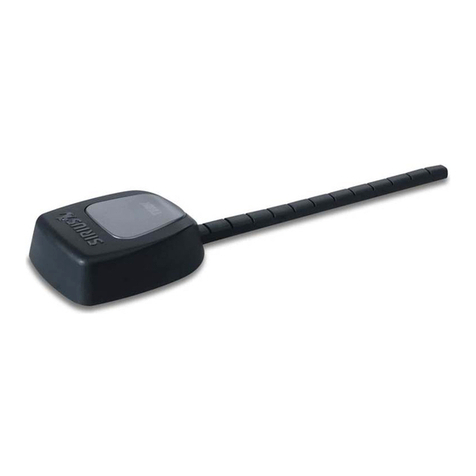
TERK Technologies SIR3 owner's manual

TERK Technologies

TERK Technologies SIR3 owner's manual

Directive Systems & Engineering DSE2324LYRMK quick start guide

Directive Systems & Engineering

Directive Systems & Engineering DSE2324LYRMK quick start guide

HP J8999A instructions

HP

HP J8999A instructions

MobilSat MSP-S Mounting instructions

MobilSat

MobilSat MSP-S Mounting instructions

manuals.online logo
manuals.online logoBrands
  • About & Mission
  • Contact us
  • Privacy Policy
  • Terms and Conditions

Copyright 2025 Manuals.Online. All Rights Reserved.

Step 1
Assemble 2 halves of boom
together. See diagram.
Step 3
Strip coax cable as shown in diagram.
Fold shielding braid back over cable jacket.
Step 4
Select connector provided.
(Suitable for RG6 or semi airspaced cable)
Place “F” connector on back to front
and twist to ensure that all braid is at.
See diagram.
(For other cable types you
will need to purchase
the corresponding connector)
Step 6
Select the UHF balun, then connect the cable
you have just prepared to the
connector on the balun marked
"OUTPUT".
02MM-DG91
91 Element UHF Antenna Installation Instructions
Step 2
Cut rubber boot seal as
in diagram.
Feed cable through
boot seal.
Step 5
Then insert cable into rear of connector and twist
connector clockwise until dielectric is ush with the
bottom nut as in diagram.
Ensure that
2-3mm of centre
core conductor
protrudes
past the nut.
Step 7
Then slide rubber boot seals into
position as per diagram.
by
DG91 7-13
Centre Conductor
Centre Insulation
Outside Cover
Shielding Braid
6mm 6mm
Step 8
Select boom and clip the X type elements onto 'U' shaped
plastic insulators on the boom ensuring the
clips t securely onto insulator on boom.
Step 9
Then attach the Dipole
as per diagram ensuring
that the X dipole is
positioned towards
the front of the
Antenna.
Step 11
Assemble tilt bracket to boom in
centre position.
See diagram.
Step 12
Attach antenna to mast and point to transmitter as
per diagram. Rotate antenna to achieve best results.
Attach cable to mast with UV grade insulation
tape or UV grade cable ties to support
cable weight and avoid damage to
connection from wind whipping
cable from side to side.
Step 13
For digital compatibility terminate cable into suitable “F” type splitter such as 07MM-GM02 or 07MM-GM04
or “F” outlet plates such as 05MM-COF1.
NB RG6 cable alfoil albraid is ideal for digital reception.
N.B.2 If close to transmitter use 07MM-FQ02 Quad shield ylead to avoid interference.
Step 10
Then attach
corner reector
using the two
screws and wing
nuts provided
as per diagram.
To Transmitter
DG91 7-13
For any technical enquiries, please call our technical department
at Matchmaster on 1800-AERIAL (N.Z. 0800-AERIAL).