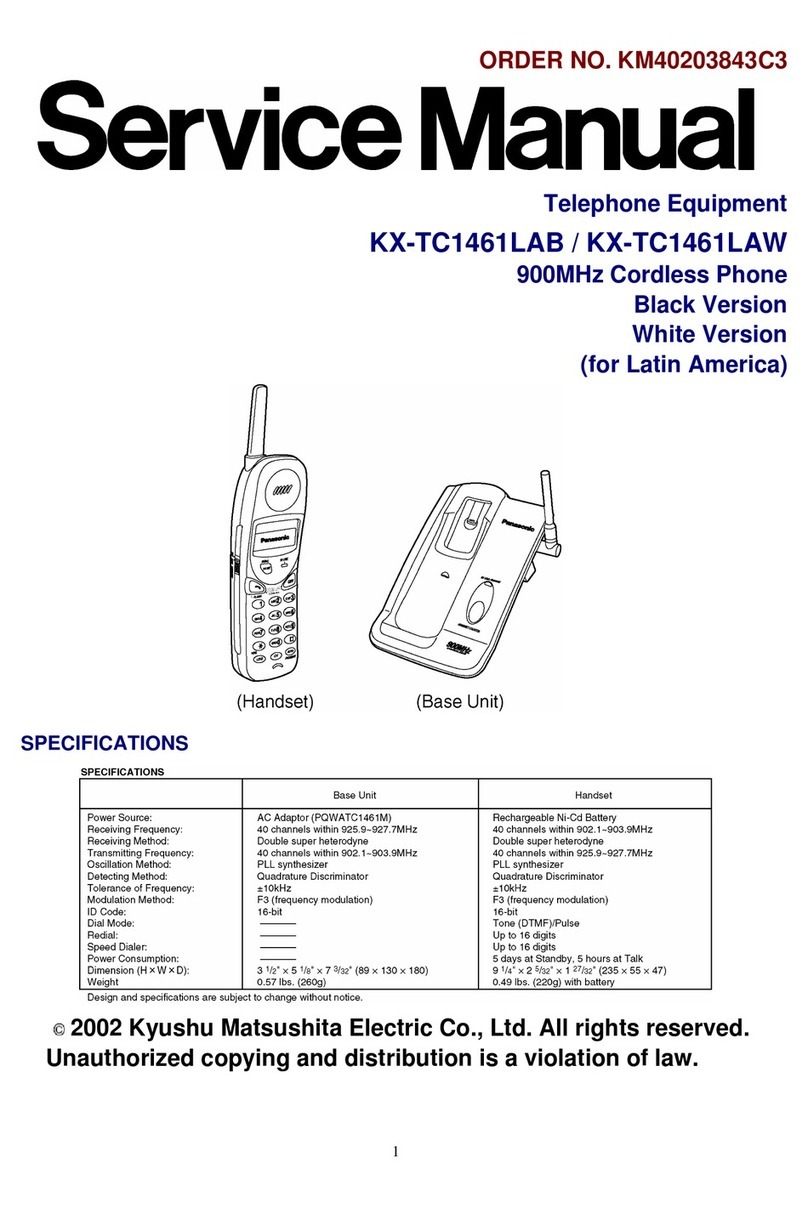
5. HOW TO REPLACE THE RF UNIT OF HANDSET
Whenreplacing the P.C. BoardNo. PQUP10927ZB and PQUP10927YA, the hotmelt removing
and putting operation is required.
1. Cool the P.C. Board inthe freezer for 10 minutes, then remove the
hotmeltof the hatched parts inFig. 16 with the tipof minus
screwdriver.
2. Remove the solder of each pinon RFunit, then remove the RF
unitfrom the P.C. Board.
3. After soldering the new RFuniton the P.C. Board surely, put the
hotmelton the hatched part inthe Fig. 16.
4. Note: / Above-mentioned hotmeltremoving and putting operation
isonlyfor the P.C. Board No. PQUP10927ZBand PQUP10927YA.
5. There isno need of the hotmeltremoving and putting operation
for the PCBoard No. PQUP10927ZC.
10