Evaluates: MAX86140 and MAX86141
MAX86140/MAX86141
Evaluation System
General Description
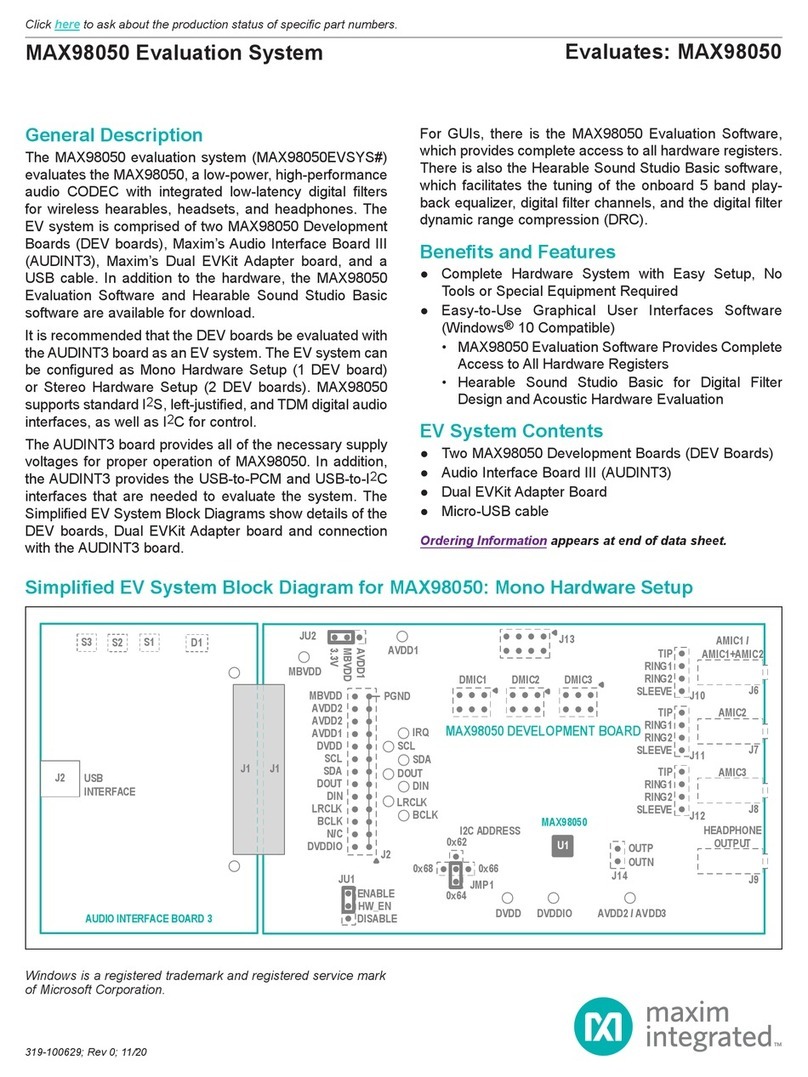
The MAX86140/MAX86141 Evaluation System (EVSYS)
allows for the quick evaluation of the MAX86140 and
MAX86141 optical AFE for applications at various sites
on the body, particularly the wrist. Both MAX86140 and
MAX86141 supports standard SPI compatible interface.
MAX86140 consists of a single optical readout channels,
while MAX86141 has two optical readout channels that
operate simultaneously. The EVSYS allows exible
congurations to optimize measurement signal quality
at minimal power consumption. The EVSYS helps the
user quickly learn about how to congure and use the
MAX86140 and MAX86141.
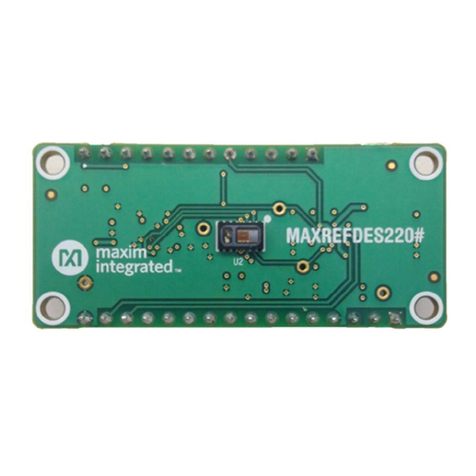
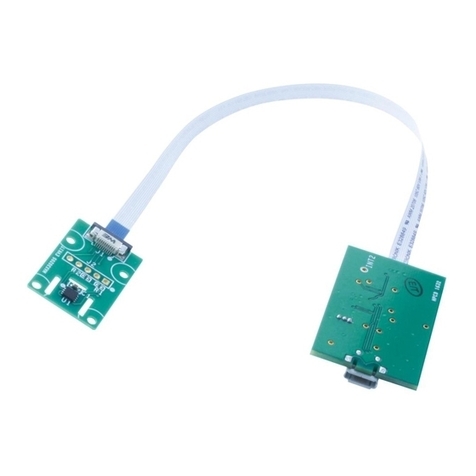
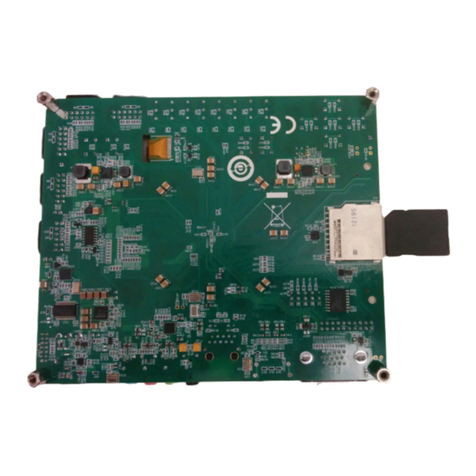
The EVSYS consists of three boards. MAXSensor
BLEEK# is the main data acquisition board while
MAX86140OSBEK# and MAX86141OSBEK# are the
sensor daughter boards for MAX86140 and MAX86141
respectively. The EVSYS can be powered using the
USB-C supply or LiPo Battery.
The EVSYS comes with a MAX86140ENP+/MAX86141-ENP+
in a 24-bump wafer-level package (WLP).
Features
●Quick Evaluation of the MAX86140/MAX86141
● Supports Optimization of Configurations
●Facilitates Understanding MAX86140/MAX86141
Architecture and Solution Strategy
●Real-time Monitoring
●Data Logging Capabilities
●On-Board Accelerometer
●Bluetooth LE
319-100050; Rev 1; 10/18
Ordering Information appears at end of data sheet.
Quick Start
Required Equipment
●MAX86140 EVSYS
●Data Acquisition EVSYS Micro-PCB
(MAXSensorBLEEK#)
●MAX86140 EVSYS Sensor PCB
(MAX86140OSBEK#)
●MAX86141 EVSYS Sensor PCB
(MAX86141OSBEK#)
● Flex cable
●USB-C cable
●MAX86140 EVSYS GUI Software
●MAX86140 Parser and User guide (included in
MAX86140GUISetupVxxx.ZIP)
●Windows PC
●Required Bluetooth LE Dongle CY5677 or CY5670
(not shipped with EVSYS)
●Optional LiPo Battery (LP-401230 suggested, not
shipped with EVSYS)
Note: If you do not already have one of the listed BLE dongles
above, purchasing one is recommended.
Procedure
1) The EVSYS is fully assembled and tested. Follow
the steps below to verify board operation:
Visit www.maximintegrated.com/evkit-software
to download the most recent version of the EVSYS
software, MAX86140GUISetupVxxx_Web.ZIP. Save
the EVSYS software to a temporary folder and
decompress the ZIP le.
2) Plugged in the BLE dongle to one of the USB port on
the PC.
3) Open up MAX86140GUISetupVxxx.exe and follow
the instructions from the pop-up windows, as shown
in Figure 1 to Figure 7.
4) The BLE Dongle driver installation will also be completed
after the GUI installation, as shown in Figure 8.
5) If the MAX86140 EVSYS ex cable is not already
connecting the Data Acquisition EVSYS Micro PCB
to the MAX86140 or MAX86141 Sensor PCB, then
please connect the two PCBs with the cable as
shown in Figure 9 and Figure 10 or Figure 11 and
Figure 12.
Click here for production status of specic part numbers.