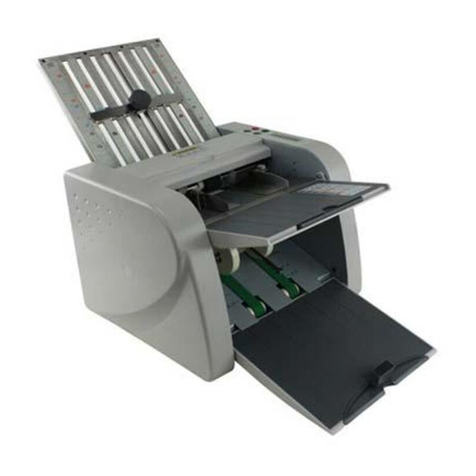
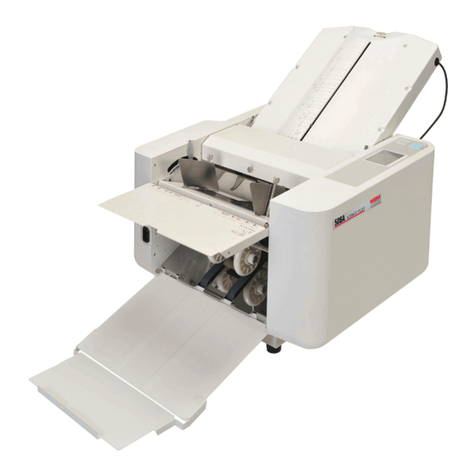
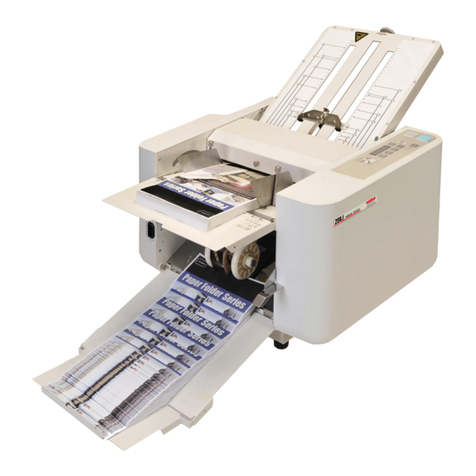
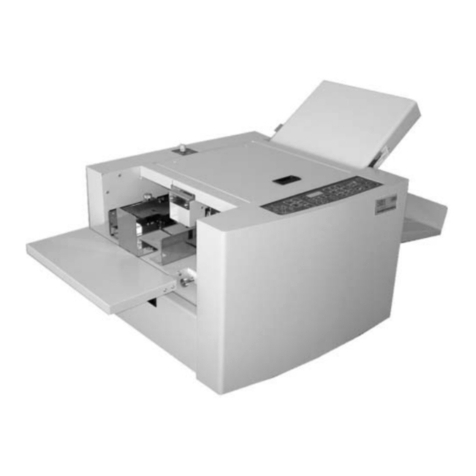
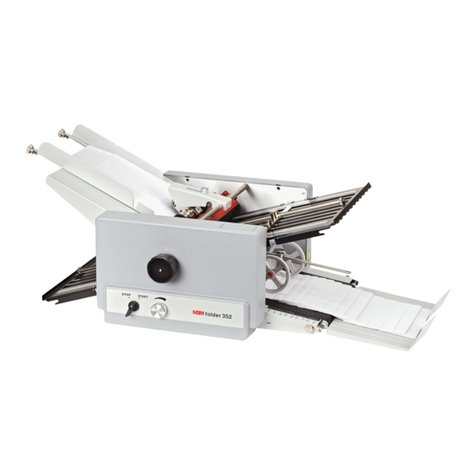
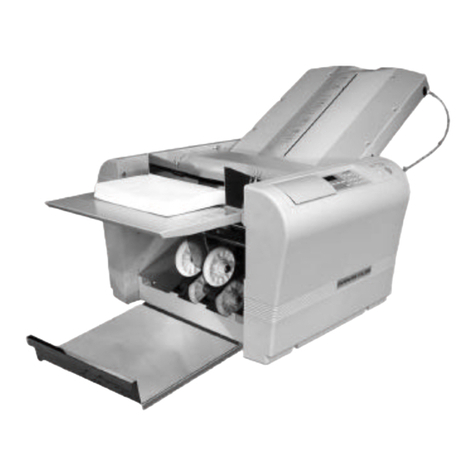
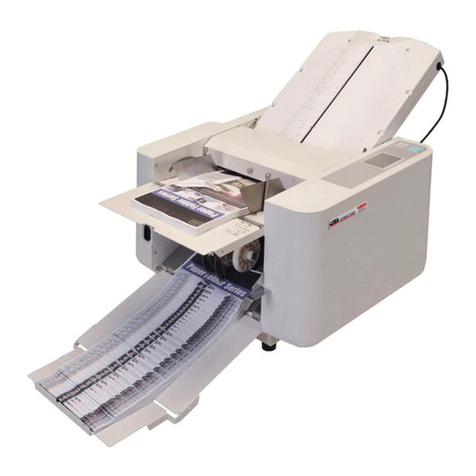
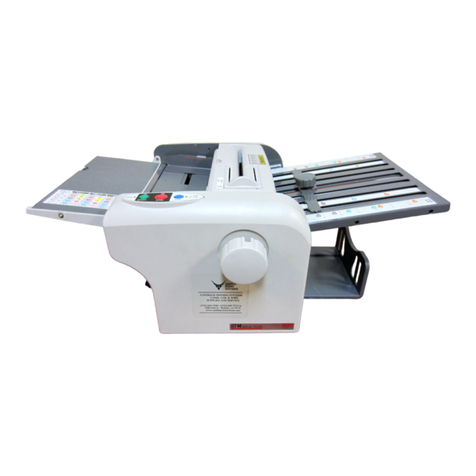
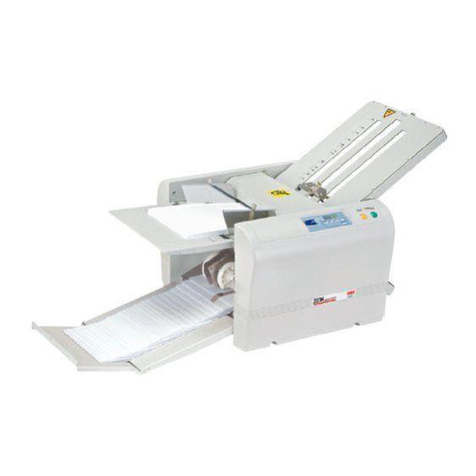
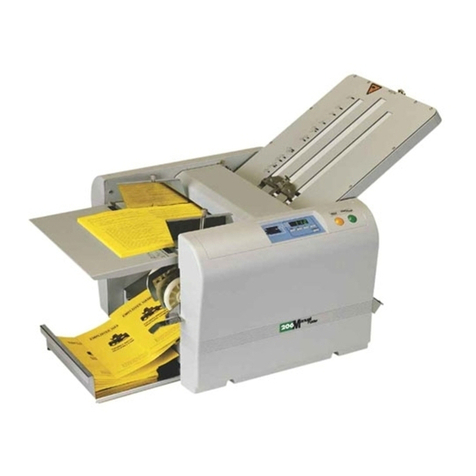
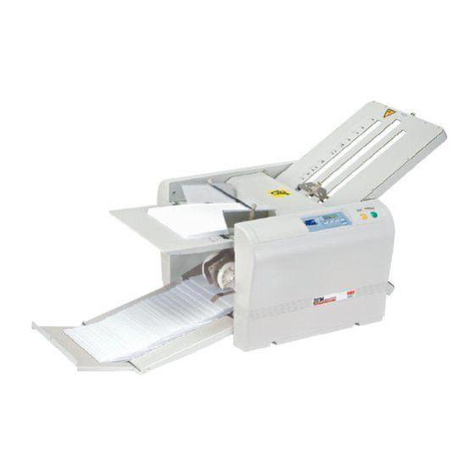
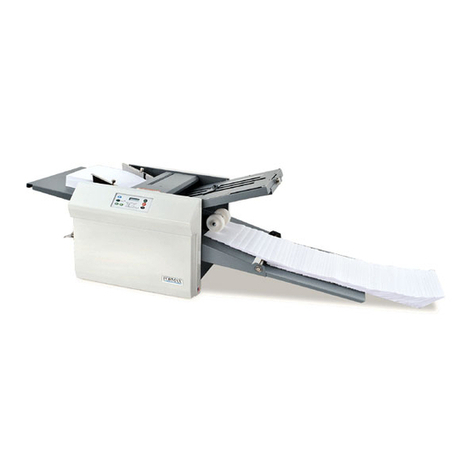
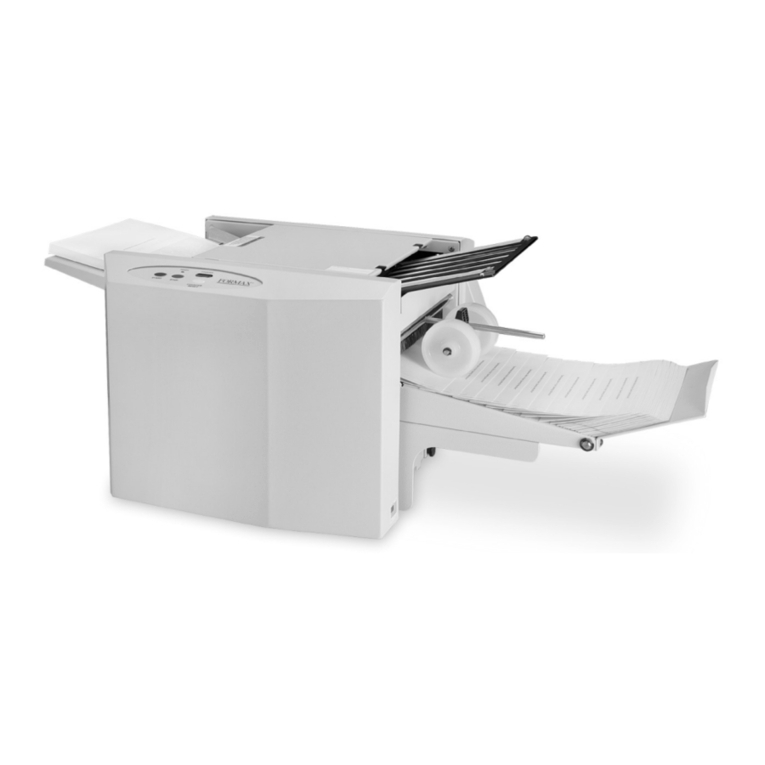
MBM FO0601 User manual

OPERATION MANUAL
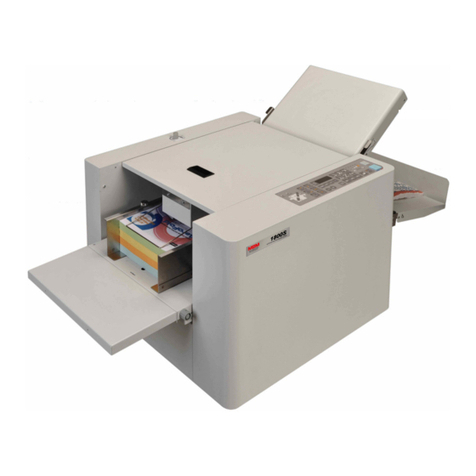
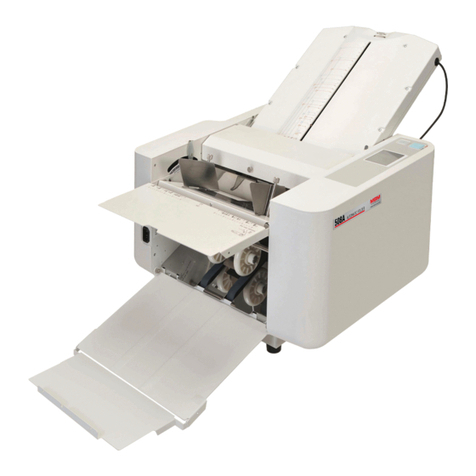
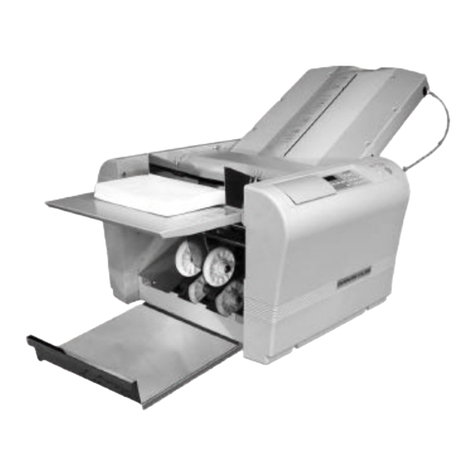
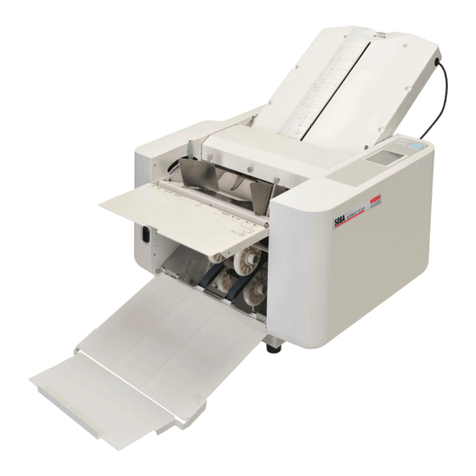
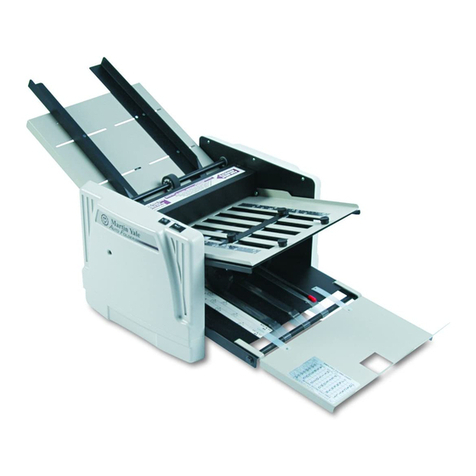
MBM 208J
MANUAL FOLDER
1-800-223-2508
www.mbmcorp.com Rev. 1.01

1

2
Safety Instructions
Definition of Symbols and Notes
The following names and signs stand for possible dangers:
Danger
This symbol stands for immediate danger. Disregarding these instructions may
cause severe injury.
Caution
This symbol stands for a potentially dangerous situation. Disregarding these
instructions may lead to injuries or damage to property.
Danger
Make sure that the machine is electrically grounded to prevent electrical shock.
Use the machine at 100-240 VAC with a frequency of 50-60Hz. There is a risk of electrical
shock or fire if a higher or lower voltage is used, or if an electric current is utilized with a
frequency not within the range stated above.
Do not place any object on top of this machine. There is a risk of electrical shock or fire if water
or any foreign object enters the machine.
Handle the power cord with care. There is a risk of electrical shock or fire if the cord is
damaged, broken, or placed under a heavy object.
Do not insert or remove the power plug when water is present.
Do not remove the cover of this machine. There is a risk of an electrical shock.
Do not reconfigure the electronics of this machine. There is a risk of an electrical shock or fire.
Do not operate the machine if it is emitting smoke or a strange odor. Turn off the machine,
unplug from the outlet and contact your dealer.
Do not operate the machine if the power cord is generating heat or emits a strange smell. Turn
off the machine, unplug from the outlet and contact your dealer.
If a foreign object enters into the machine, turn off the power switch and remove the power
plug, then consult your dealer.
In the event of a thunderstorm, unplug the machine.
Caution
Keep hair, clothing, and jewelry away from the machine while operating. Serious injury may
result.
Do not put the machine on an unstable or slanted surface. Doing so may cause the machine to
drop or fall, causing damage and possible injury.
Store and operate the machine in a clean, dust-free environment with low humidity.Avoid areas
with high moisture, extreme temperatures and excessive dust, as these conditions may cause
machine failure or electrical shock.
Be sure to grasp the power cord by the plug when removing from the electrical outlet. Not doing
so may cause damage to the cord and possible electrical shock or fire.
Be sure to pull the power plug out of the electric outlet before moving the machine. Not doing so
may cause damage to the cord and possible electrical shock or fire.
Remove the power plug from the electrical outlet when this machine is not in use.

2
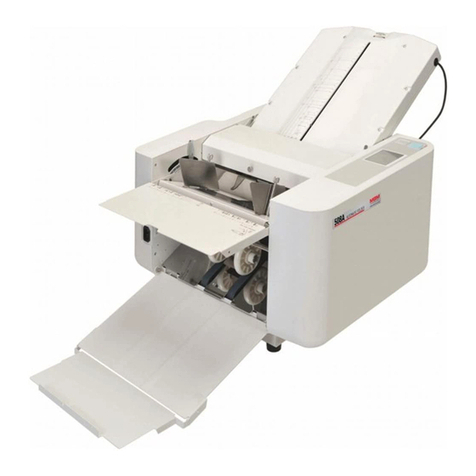
①Moving Parts
②Warning Label
①
②
Warning

3
Introduction
Thank you for purchasing the EZF-200 Manual Paper Folder. You should receive many years of
reliable service from this machine. Compact and easy to use, the EZF-200 Paper Folder is sure to
streamline your paper folding tasks, saving you valuable time. Please read the Operation Manual
thoroughly before using this machine.
Contents
Introduction..................................................................................................................................... 3
Contents .......................................................................................................................................... 3
1. Accessories.................................................................................................................................. 4
2. Description of Parts..................................................................................................................... 5
3. Designation and Functions of Operation Panel ........................................................................ 6
4. Preparations................................................................................................................................. 7
5. Operation Procedure ................................................................................................................... 8
5.1 Switching the Power ON........................................................................................... 8
5.2 Setting Fold Plate Position......................................................................................... 8
5.3 Test Folding ............................................................................................................... 8
5.4 Fold Feed Angle / SkewAdjustment ......................................................................... 9
5.5 Continuous Folding ................................................................................................... 9
5.6 Subtraction Counting................................................................................................. 9
5.7 Cross Folding........................................................................................................... 10
5.8 Fine Adjustments for Table 1....................................................................................11
5.9 Fine Adjustments for Table 2................................................................................... 12
5.10 Speed adjustment..................................................................................................... 13
5.11 Functions that can be set.......................................................................................... 14
5.12 Interval function (batch processing) ........................................................................ 15
5.13 Error indications, situations, and measures.................................................. 16
6. Maintenance (Cleaning and replacement of consumable items) .............................................. 17
7. Trouble shooting ....................................................................................................................... 18
8. Specifications............................................................................................................................ 19

4
1. Accessories
After un-boxing the EZF-200, make sure that the following accessories are present. Please contact your local
dealer immediately if anything is missing.
Accessories Qty
Table 1 1
Table 2 1
Power source cable 1
Paper support guides
(right and left) 2
Machine cover 1
Operation Manual
(this booklet) 1

5
① ③
② ④ ⑤
⑨
⑩
⑥
⑪
⑦
⑫
⑧
⑭
⑬
⑮ ⑦
2. Description of Parts
Stopper plate
Number Name Number Name
① Auxiliary feed table ⑨ Paper feed table lever
② Paper guide ⑩ Paper discharge roller
③ Left side cover ⑪ Paper stacking table
④ Paper feed roller ⑫ Control panel
⑤ Roller cover ⑬ Right side cover
⑥ Table 1 ⑭ Table 2
⑦ Fold position adjustment knob ⑮ Power source switch
⑧ Paper feed table

6
②
③
④
⑤
⑥
①
⑦
⑧
3. Designation and Functions of Operation Panel
No. Designation/Indication Function
① TEST key Performs test folding of two sheets.
② START/STOP key Starts and stops machine.
③ CLEAR/RESET key Clears the counter / resets after an error.
④ Numerical key Used for Subtraction counting.
⑤ Counter Indicates the number of sheets folded.
⑥ Check lamp Comes on when paper stock is depleted, or indicates the
location of a miss-feed.
⑦ Speed key Adjust the speed using the “+” and “-” keys.
⑧ Mode key Enters SPECIAL mode.

7
4. Preparation
Install Table 1 and 2:
Insert Table 1 on the studs indicated by (a) and (b) as shown in
picture.
Insert Table 2 on the studs indicated by (c) and (d) as shown in
picture.
Note:
When setting Table 1, be sure to put its stopper plate at the center position.
Caution:
Be sure that both Table 1 and 2 fit correctly on the
studs (a), (b), (c) and (d). If they are improperly set, it may
cause an incorrect collation, or the tables may fall out of the machine.
Setting Paper:
Lift the auxiliary table and insert the paper.
Raise the paper feed table lever.
Set the paper guide for the appropriate paper size.
Neatly stack the paper on the feed table with the printed
side facing up. (printed side down in case of fold-out)
Lower the paper feed table lever.
Note:
If the paper does not come in contact with the paper feed roller, remove and reinsert.
Curled or wrinkled paper may not feed correctly.
When using printed paper, insure that the ink is completely dry, otherwise marking may occur.

8
Roller position indication label
TEST Key
Setting the paper exit roller:
The exit roller should be moved to the proper position according
to the paper size. Refer to the “Roller Position Indication” label.
If ejection is not performed properly, try a different position.
Example:
Set the roller to position ONE when using A3 paper.
5. Operation Procedure
5.1 Switch the Power to ON
Insert power plug into a proper outlet.
Set the POWER switch to the ON position.
Note:
Remove the power plug from the outlet after use.
5.2 Setting Fold Plate Table Position
Pull the half-nut lever to move the stopper plate to the
desired position on Table 1 and 2. Align the arrow on the
stopper plate with the corresponding fold marks on the
tables and release the half-nut. This locks the stopper plate
into position.
5.3 Test Folding
Press the TEST key to feed two sheets of paper.
Check to see if the paper has been folded correctly by inspecting
the second sheet of the two folded.
If the fold position is not correct:
1) Fold Position Adjustment (Fold Length)
Refer page 13 & 14 “Fine Adjustment for table 1 and 2”.
2) Skew Adjustment (Slant or Paper is not square)
Refer page 10 “Fold Feed Angle / Skew Adjustment”.
This manual suits for next models
2
Table of contents
Other MBM Folding Machine manuals
Popular Folding Machine manuals by other brands

Mathias Bauerle
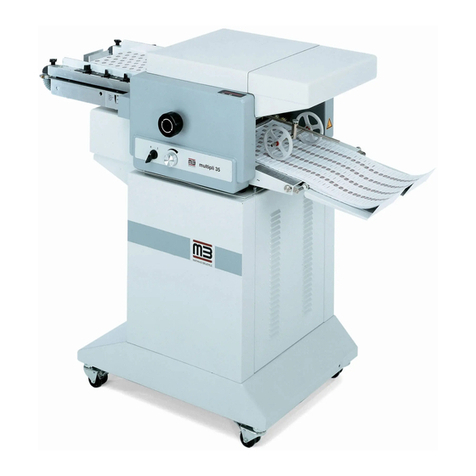
Mathias Bauerle Multipli 35 Operator's manual

Intelli-Fold
Intelli-Fold DF-304C user manual

Pitney Bowes
Pitney Bowes DI425 FastPac Operator's guide

Hwasung
Hwasung COMPODIS HMK-830 Series Technical manual

KRUG+PRIESTER
KRUG+PRIESTER IDEAL 8306 operating instructions

XPOtool
XPOtool 61574 Operation manual