manuals.online logo
Brands
  1. Home
  2. •
  3. Brands
  4. •
  5. mcmurdo
  6. •
  7. Safety Equipment
  8. •
  9. mcmurdo CREWFIT 180N PRO User manual

mcmurdo CREWFIT 180N PRO User manual

This manual suits for next models

1

Popular Safety Equipment manuals by other brands
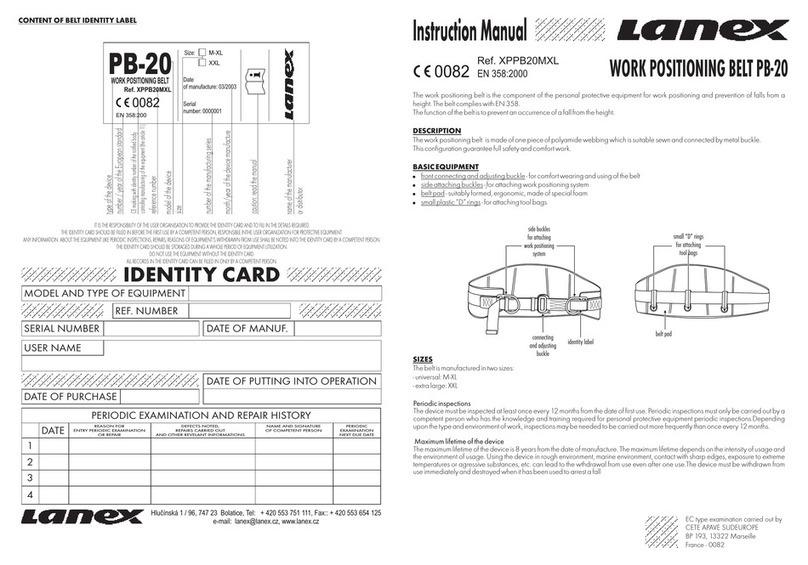
Lanex PB-20 instruction manual

Lanex

Lanex PB-20 instruction manual

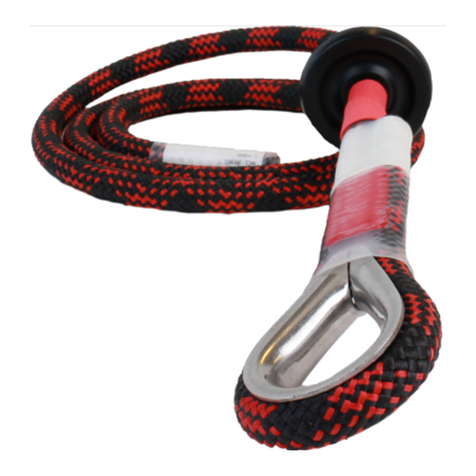
SKYLOTEC ANCHOR ROPES Instructions for use

SKYLOTEC

SKYLOTEC ANCHOR ROPES Instructions for use

Besto Buoyancy Aid 50N Instructions for use

Besto

Besto Buoyancy Aid 50N Instructions for use

TEUFELBERGER NODUS Manufacturer's information and instructions for use

TEUFELBERGER

TEUFELBERGER NODUS Manufacturer's information and instructions for use

Troy Lee Designs Tbone Product owners manual

Troy Lee Designs

Troy Lee Designs Tbone Product owners manual

Innova Xtirpa Instruction and safety manual

Innova

Innova Xtirpa Instruction and safety manual

bolle SAFETY B810 quick start guide

bolle SAFETY

bolle SAFETY B810 quick start guide
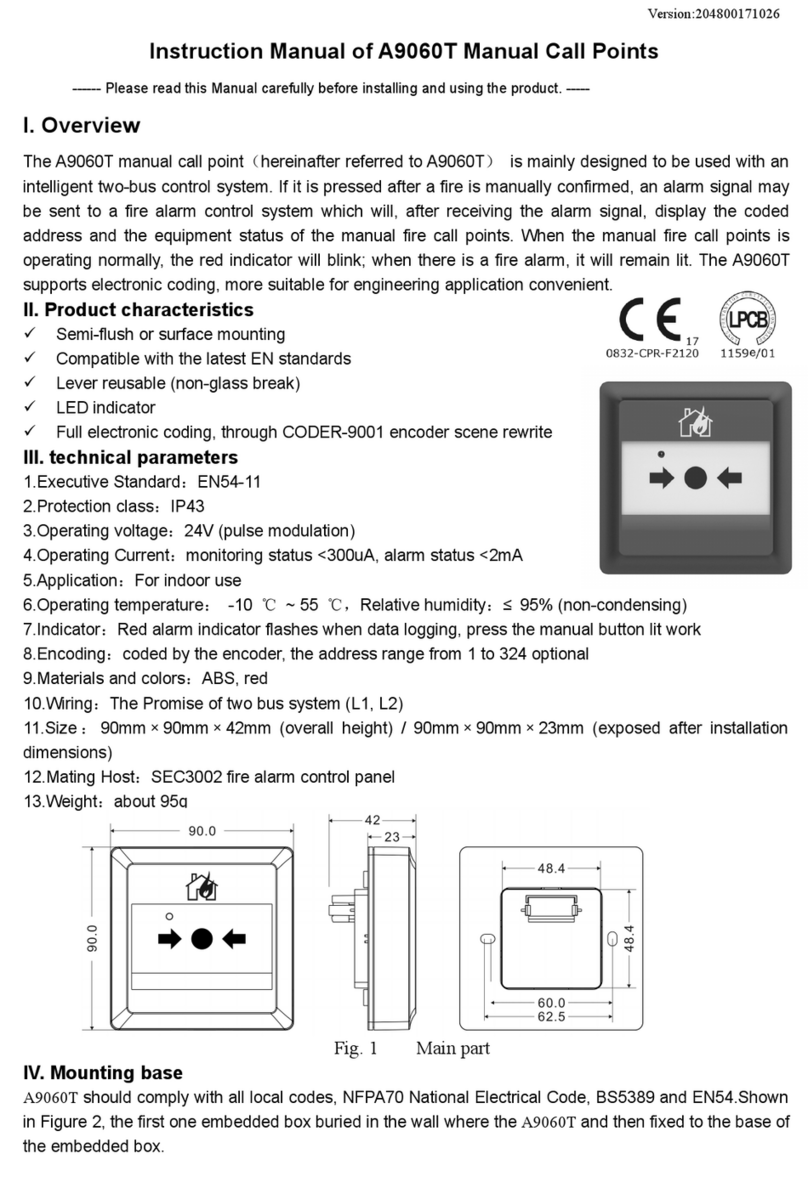
SHENZHEN FANHAI SANJIANG ELECTRONICS A9060T instruction manual

SHENZHEN FANHAI SANJIANG ELECTRONICS

SHENZHEN FANHAI SANJIANG ELECTRONICS A9060T instruction manual
Hiltron security POWER8E Installation and use manual

Hiltron security

Hiltron security POWER8E Installation and use manual

Salewa MTN SPIKE user manual

Salewa

Salewa MTN SPIKE user manual
Hatco B-950P installation guide

Hatco

Hatco B-950P installation guide

Sitec TX MATIC operating manual

Sitec

Sitec TX MATIC operating manual
TEUFELBERGER GRIP 12 Manufacturer's information and instructions for use

TEUFELBERGER

TEUFELBERGER GRIP 12 Manufacturer's information and instructions for use

MSA PremAire System Operation and instructions

MSA

MSA PremAire System Operation and instructions

AMC 1022M Series instruction manual

AMC

AMC 1022M Series instruction manual

Trinity CASS S3 Assembly manual

Trinity

Trinity CASS S3 Assembly manual

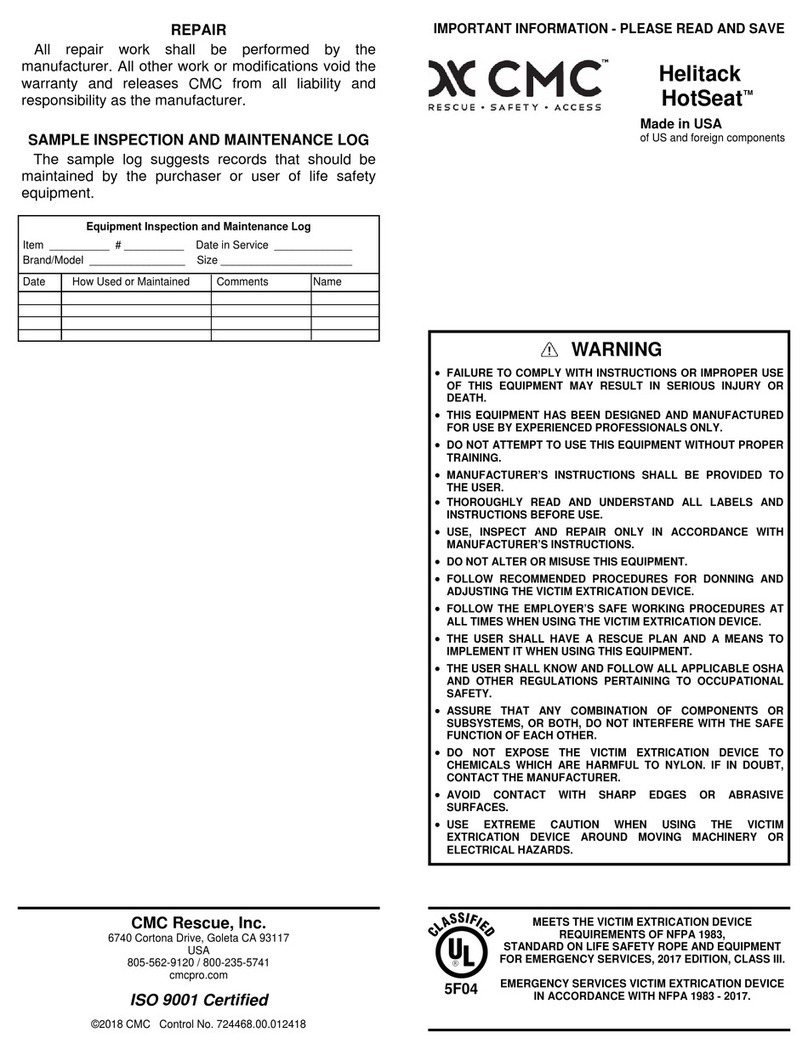
CMC Helitack HotSeat quick guide

CMC

CMC Helitack HotSeat quick guide

ACM SAFETY D200 Instructions and warnings

ACM

ACM SAFETY D200 Instructions and warnings

manuals.online logo
manuals.online logoBrands
  • About & Mission
  • Contact us
  • Privacy Policy
  • Terms and Conditions

Copyright 2025 Manuals.Online. All Rights Reserved.

Contents of box:
1. S20 unit 2. Information card
3. Warranty information 4. Oral tube bracket
5. Oral tube to unit adapter 6. S20 pouch
7. Crocodile clip 8. User manual.
To fit the S20 unit to your lifejacket you will need the
Information card, Crocodile clip, and user manual.
Attaching crocodile clip. Attach the crocodile clip
(a) to the integrated PLB/Light bracket (b) as shown
above.
Attaching S20 unit. Attach the S20 unit (a) to the
crocodile clip (b) by sliding it down the recess until
an audible click is heard.
Tie the lanyard. Once the unit is attached to the
lifejacket tie the orange lanyard to the bladder retainer
using a bowline. Tie off as short as possible, taking
up all the slack without distorting the shape of the
lifejacket.
Untie lanyard. The S20 is supplied with an orange
lanyard loosely tied onto the white section of the
S20. Undo this knot, so there is a short lanyard to
the orange tab and a long loose lanyard.
Open lifejacket. Open up the left side of the lifejacket to
reveal the integrated PLB/Light bracket.
SMARTFIND S20 AIS FITTING INSTRUCTIONS FOR THE CREWFIT 180N PRO
345
12
1. 3.
2.
5.
4.
7.
6.
8.
Secure with bowline. Secure the end of the excess
cord to the white section with a bowline.
Arming the S20. To arm the S20 unit remove the orange
tab from the unit. Lift the right side slightly & push left with
your finger.
Re-packing the lifejacket. Lay the excess lanyard and the
orange tab to the side of the unit when packing the lifejacket.
Follow the packing procedure as outlined in the user manual.
Your S20 unit is now fitted and armed inside your lifejacket, on
inflation you S20 will automatically activate and a signal will be
transmitted.
67
8
SMARTFIND S20 AIS FITTING INSTRUCTIONS FOR THE CREWFIT 180N PRO
Note: If the unit is accidentally activated during assembly please follow
S20 instructions in user manual.
DEACTIVATION NOTICE!