After Sales Support TEL: 1 300 884 987 WEB Support: www.medion.com.au
2
Contents:
Safety and service ...................................................................................................3
Safety notes ...................................................................................................................................... 3
Battery Handling............................................................................................................................. 5
Repairs ................................................................................................................................................ 6
Cleaning............................................................................................................................................. 6
Recycling and Disposal................................................................................................................. 6
Introduction.............................................................................................................7
Notes on these instructions........................................................................................................ 7
Box contents..................................................................................................................................... 8
System requirements.................................................................................................................... 8
Technical data.................................................................................................................................. 8
Views ........................................................................................................................9
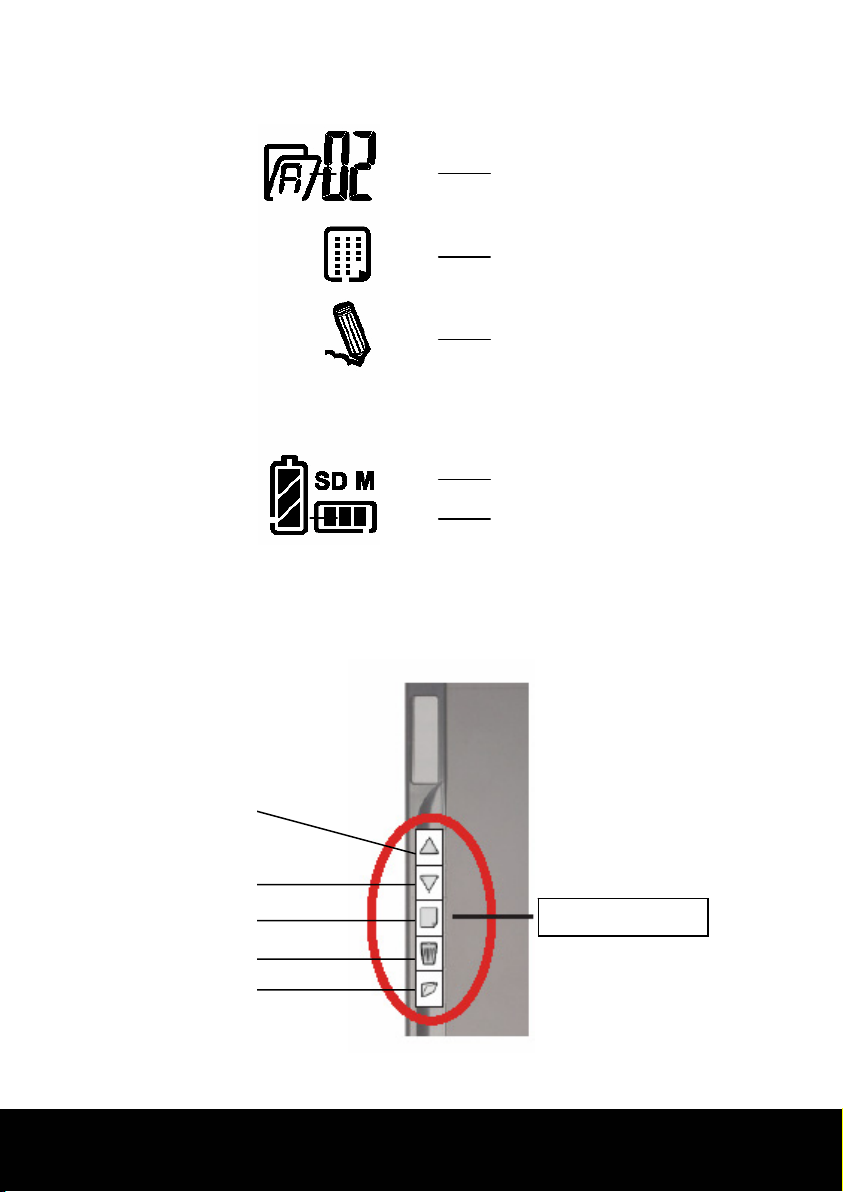
Symbols in the LCD display.......................................................................................................10
Function keys.................................................................................................................................10
Starting the device................................................................................................11
Inserting or changing batteries...............................................................................................11
Inserting paper ..............................................................................................................................13
Attaching the digital pen...........................................................................................................13
Installation of software...............................................................................................................14
Operation...............................................................................................................15
Switching the device on and off .............................................................................................15
Making notes..................................................................................................................................15
Using the memory and memory cards.................................................................................16
Administrating documents.......................................................................................................17
Moving between the pages .................................................................................................17
Moving between the files ..................................................................................................... 17
Creating new pages ................................................................................................................17
Creating new files ....................................................................................................................17
Deleting files and pages........................................................................................................18
Replacing the pen refills.............................................................................................................19
Removing refill..........................................................................................................................19
Putting in a refill .......................................................................................................................19
Connecting to your computer.................................................................................................20
Use as a digitizer tablet ..............................................................................................................20
Customer service...................................................................................................21
Errors and possible causes.................................................................................................... 21
Is Further Assistance Necessary? ........................................................................................22